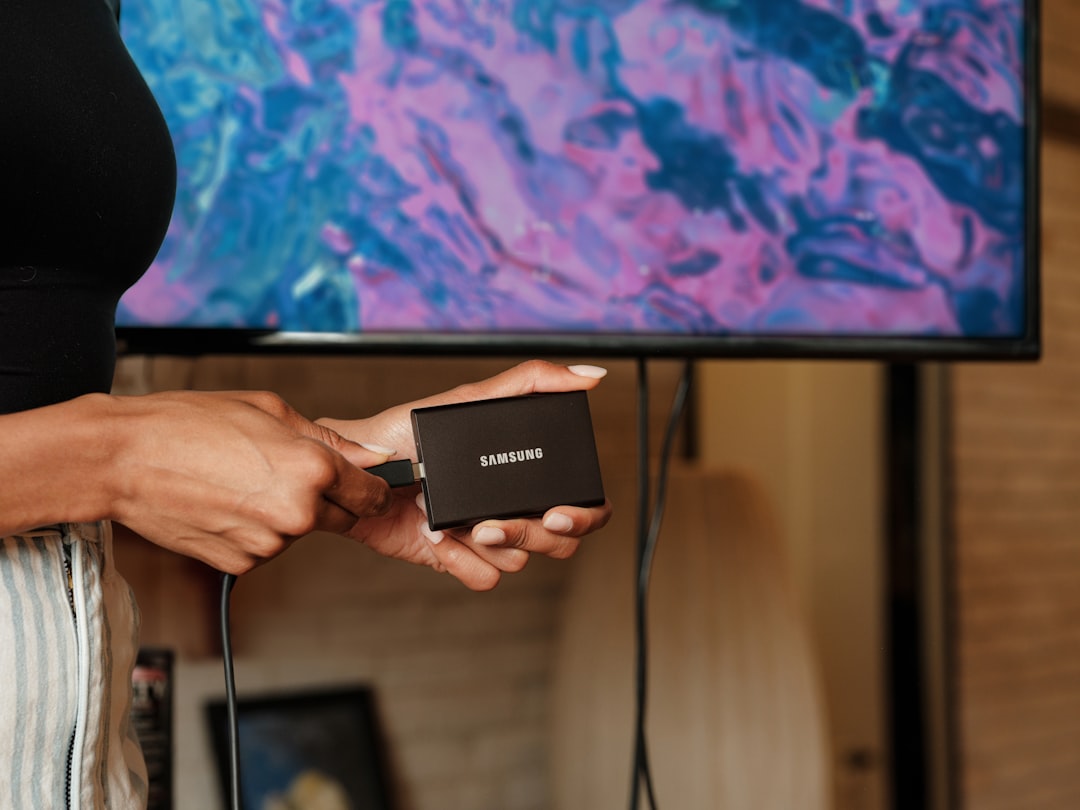
Audio video splitters are essential devices in homes, schools, offices, control rooms, retail spaces, and entertainment venues where one source signal must be displayed or distributed to multiple screens, speakers, projectors, or recording systems. While the basic idea is simple—one input, multiple outputs—the right splitter depends heavily on the signal type, resolution, cable distance, copy protection requirements, and whether audio and video need to be separated or transmitted together.
TLDR: Audio video splitters come in several types, including HDMI, DisplayPort, VGA, RCA, component, coaxial, optical audio, and network based AV over IP splitters. The best choice depends on the connection standard, required resolution, number of displays, and distance between devices. For modern setups, HDMI splitters are the most common, while professional installations may require HDBaseT or AV over IP systems. Always check compatibility with formats such as 4K, HDR, HDCP, surround sound, and cable length before buying.
Understanding What an Audio Video Splitter Does
An audio video splitter takes a single signal from a source device and sends it to two or more output devices. For example, a media player may feed the same video to several televisions, or a computer may send its display to multiple monitors. In some cases, the splitter carries both audio and video together; in others, it separates the audio from the video so each can be routed to different equipment.
It is important not to confuse a splitter with a switch. A splitter sends one source to multiple destinations. A switch allows multiple sources to be selected for one destination. Some advanced devices combine both functions, but they are designed for different purposes.
The reliability of an AV splitter depends on signal quality, power handling, format support, and build quality. Cheap or poorly matched devices may cause flickering, signal dropouts, low resolution output, audio sync issues, or complete failure to display protected content.
HDMI Splitters
HDMI splitters are the most widely used AV splitters today because HDMI carries both high definition video and digital audio through one cable. They are commonly used with televisions, projectors, streaming devices, Blu ray players, game consoles, digital signage players, and conference room equipment.
HDMI splitters are available in common configurations such as:
- 1×2 HDMI splitter: One HDMI source to two displays.
- 1×4 HDMI splitter: One source to four displays.
- 1×8 HDMI splitter: One source to eight displays, often used in commercial environments.
- 1×16 or larger: Used for video walls, retail displays, training centers, and venues.
When choosing an HDMI splitter, it is critical to check supported features. Not every HDMI splitter supports 4K resolution, HDR, Dolby Atmos, DTS HD, or HDCP copy protection. If the source is a streaming box, gaming console, or Blu ray player, HDCP compatibility is especially important. Without it, the display may show a blank screen or an error message.
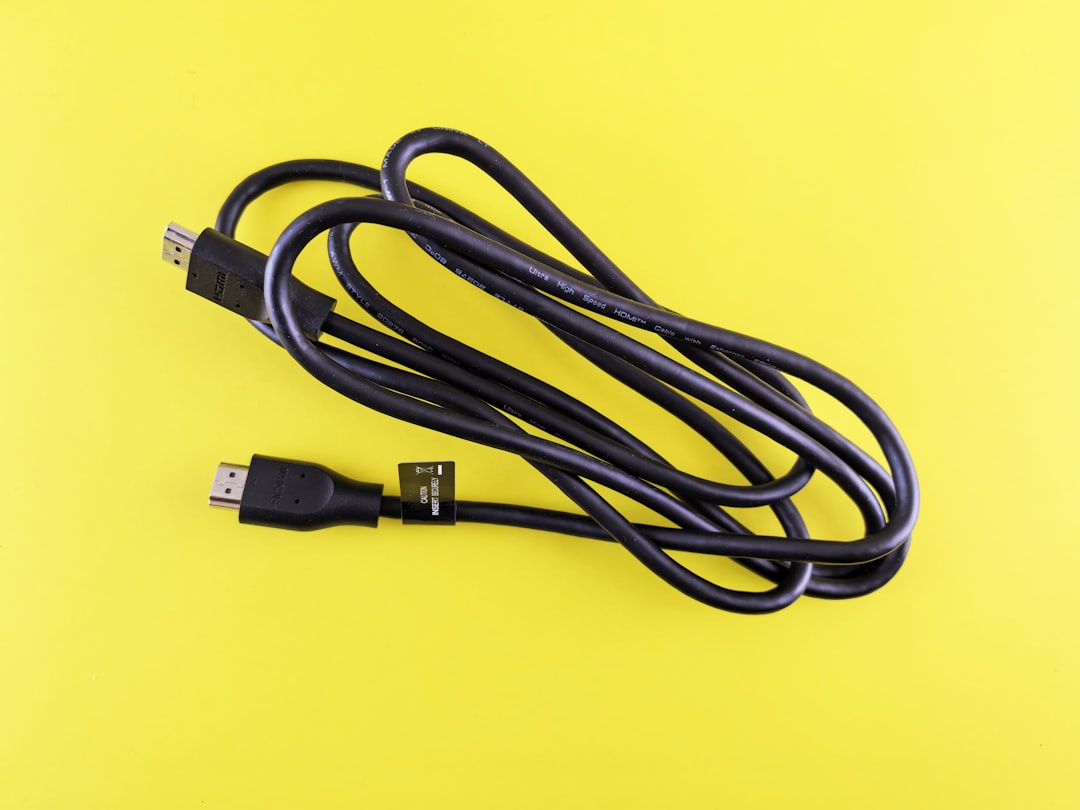
HDMI splitters can be passive or powered, although powered models are generally more reliable. A passive splitter may work only over short distances and with limited equipment. A powered splitter actively amplifies and manages the signal, making it better for multiple outputs and longer cable runs.
DisplayPort Splitters
DisplayPort splitters are commonly used with computers, workstations, and professional monitors. They are especially useful in office, trading, design, engineering, and gaming environments. DisplayPort supports high resolutions and high refresh rates, making it suitable for demanding visual applications.
There are two main types of DisplayPort splitting:
- Mirroring: The same image is shown on multiple displays.
- Extended desktop: Multiple monitors work together as separate screen space, often using Multi Stream Transport, or MST.
A DisplayPort MST hub is not always the same as a basic splitter. MST allows one DisplayPort connection to drive multiple independent monitors, provided the graphics card and operating system support it. This is especially useful for productivity setups where users need several screens from one computer output.
Before buying a DisplayPort splitter, confirm the version supported by the source and monitors. DisplayPort 1.2, 1.4, and 2.0 offer different bandwidth levels. Higher resolutions, such as 4K at high refresh rates, require more bandwidth and may limit how many monitors can be connected at once.
VGA Splitters
VGA splitters are older analog video devices, but they are still used in classrooms, legacy conference rooms, industrial systems, and older projector installations. VGA carries video only, so audio must be handled separately through a 3.5 mm cable, RCA audio cable, or another audio system.
VGA splitters are available as simple Y cable adapters or powered distribution amplifiers. For serious use, a powered VGA splitter is strongly recommended because analog signals degrade quickly over distance and with each added display. Poor quality VGA splitting can result in ghosting, blurry images, color shifts, or reduced brightness.
Although VGA is no longer the standard for new systems, it remains practical when working with legacy equipment. However, it does not support modern digital features such as HDCP, HDR, or digital surround sound.
RCA Composite AV Splitters
RCA composite splitters use the familiar yellow, red, and white connectors. The yellow connector carries video, while red and white carry right and left stereo audio. These splitters are typically used with older DVD players, VCRs, retro gaming consoles, surveillance equipment, and older televisions.
Composite video is standard definition, so it is not suitable for high resolution modern displays if image quality is a priority. However, it remains useful for legacy systems and simple analog distribution. For short distances and basic setups, RCA Y adapters may be enough. For longer runs or multiple outputs, a powered composite AV distribution amplifier is a better choice.
Composite AV splitting is simple and inexpensive, but it should be used only when high definition video is not required.
Component Video Splitters
Component video splitters use three video connectors, typically red, green, and blue, and are often paired with separate red and white audio connectors. Component video offers better quality than composite and can support high definition analog video in many systems.
These splitters are found in older home theater systems, professional AV racks, and installations where analog HD equipment is still in use. Like VGA and composite, component video is analog, so signal amplification matters. A powered component distribution amplifier is preferable for multiple displays or longer cable runs.
One limitation is that component video does not carry audio in the same cable group unless separate audio cables are included. It also does not support the same digital copy protection standards as HDMI, which can matter when connecting newer consumer devices.
Coaxial Cable Splitters
Coaxial splitters are used for cable television, antenna signals, satellite distribution in certain systems, and RF video applications. They are common in residential and commercial buildings where one incoming signal must feed multiple rooms or receivers.
Coaxial splitters are usually rated by frequency range and number of outputs. A two way splitter divides the signal between two outputs, while four way or eight way models distribute it further. However, each split reduces signal strength. If too many devices are connected, the system may need a signal amplifier.
Important considerations include:
- Frequency rating: Must match cable TV, antenna, or satellite requirements.
- Signal loss: Measured in decibels and increases with more outputs.
- Return path support: Needed for some cable internet and interactive TV services.
- Build quality: Shielding helps prevent interference and signal leakage.
Optical Audio Splitters
Optical audio splitters, also called Toslink splitters, are used to distribute digital audio from one source to multiple audio devices. For example, a television’s optical audio output may be split between a soundbar and an audio receiver.
Optical audio does not carry video, so it is not a complete AV splitter by itself. However, it is extremely useful in systems where audio needs to be routed separately from HDMI or other video connections. Optical splitters may be passive or powered, but powered models are more dependable when connecting multiple devices.
Optical audio supports common digital formats such as stereo PCM and compressed surround sound, depending on the equipment. It generally does not support advanced lossless audio formats such as Dolby TrueHD or DTS HD Master Audio, which typically require HDMI.
3.5 mm and Analog Audio Splitters
3.5 mm audio splitters are simple, inexpensive devices used to send one analog audio signal to two headphones, speakers, recorders, or input devices. They are common for personal listening, small offices, classrooms, and portable audio setups.
While convenient, analog audio splitters can reduce volume and may introduce noise if used with low quality cables or too many devices. For professional audio distribution, a powered audio distribution amplifier is a better option. This ensures consistent levels and avoids overloading the source device.
HDBaseT Splitters and Extenders
HDBaseT splitters are used in professional AV installations where HDMI signals must travel long distances over network style cabling, typically Cat5e, Cat6, or Cat6a. HDBaseT can carry video, audio, control signals, Ethernet, and sometimes power over a single cable, depending on the equipment.
This type of splitter is valuable in conference centers, lecture halls, houses of worship, hotels, and large homes. Instead of running long HDMI cables, installers can use structured cabling to transmit high quality AV signals over greater distances.
HDBaseT systems often cost more than standard HDMI splitters, but they are more robust for permanent installations. They reduce cable clutter, support centralized equipment racks, and often provide better reliability over long runs.
AV Over IP Splitters
AV over IP systems distribute audio and video over a network. Instead of a traditional splitter with fixed outputs, AV over IP uses encoders, decoders, and network switches. A source device connects to an encoder, the signal travels over the network, and decoders deliver it to displays or speakers.
This approach is highly scalable. A business can send one video source to two displays or to hundreds, depending on network capacity and system design. AV over IP is used in command centers, campuses, airports, stadiums, universities, corporate buildings, and digital signage networks.
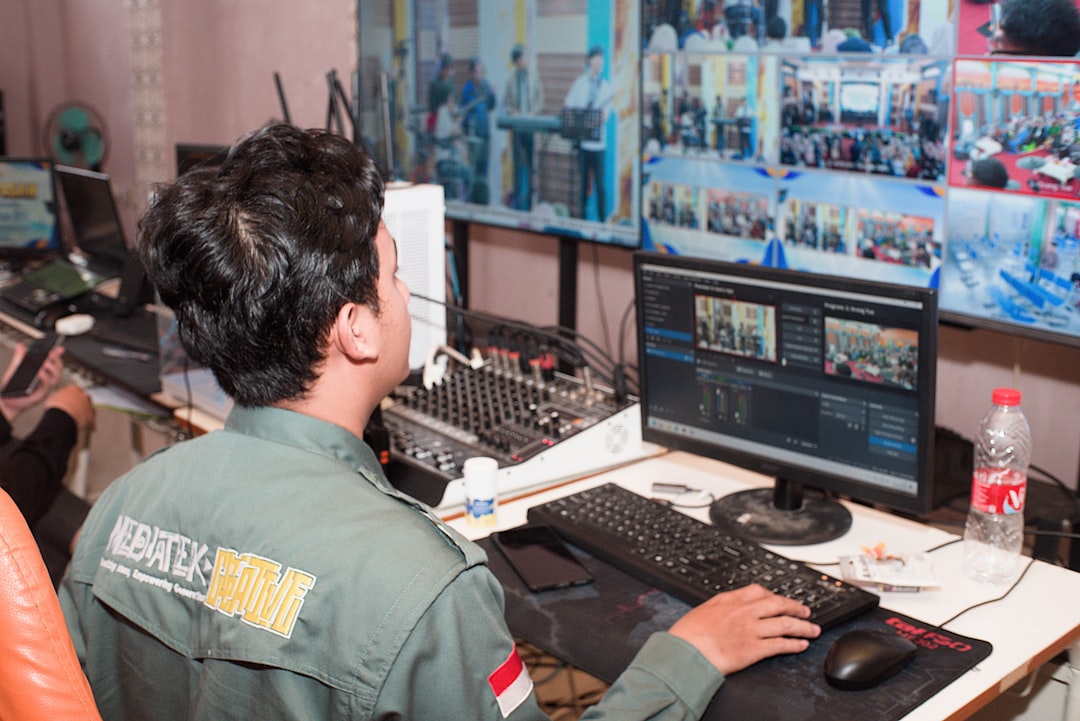
The main advantages include flexibility, centralized control, and easy expansion. The main challenges are cost, network configuration, latency, and the need for proper bandwidth planning. For mission critical installations, AV over IP should be designed carefully by qualified professionals.
Audio Extractor Splitters
An HDMI audio extractor is a specialized splitter that separates audio from an HDMI signal. It sends video onward to a display while outputting audio through optical, RCA, or 3.5 mm connections. This is useful when a display does not have suitable audio outputs or when connecting modern HDMI sources to older sound systems.
Some audio extractors also function as HDMI splitters, offering one HDMI input and multiple output options. When selecting one, check whether it supports the same resolution and audio formats as the source. A low quality extractor may limit video to 1080p or fail to pass HDR or surround sound correctly.
Matrix Splitters
Matrix splitters, often called HDMI matrix switches, combine splitting and switching. For example, a 4×4 HDMI matrix allows four source devices to be routed independently to four displays. One screen may show a media player while another shows a computer, or all displays may show the same source.
Matrix systems are common in commercial AV, smart homes, sports bars, training rooms, and multi room entertainment systems. They provide far more flexibility than a basic splitter, but they are also more complex. Features such as remote control, EDID management, scaling, and app based control may be included.
Key Factors When Choosing an Audio Video Splitter
Before purchasing an AV splitter, evaluate the installation carefully. The wrong device may appear to work at first but fail under real use conditions.
- Connection type: Match HDMI, DisplayPort, VGA, RCA, optical, coaxial, or network based formats.
- Resolution and refresh rate: Confirm support for 1080p, 4K, 8K, 60 Hz, 120 Hz, or other requirements.
- Audio format: Check stereo, surround sound, Dolby, DTS, or lossless audio compatibility.
- Number of outputs: Choose enough outputs for current needs and possible future expansion.
- Cable length: Longer runs may require powered splitters, extenders, HDBaseT, or AV over IP.
- Copy protection: HDMI systems often require HDCP support for protected content.
- Power requirements: Powered splitters are generally more stable than passive adapters.
- EDID management: Important when displays have different resolutions or audio capabilities.
Final Thoughts
The different types of audio video splitters serve very different purposes. HDMI splitters are best for most modern home and office systems, while DisplayPort splitters are ideal for computer monitor setups. VGA, RCA, and component splitters remain useful for older equipment, and coaxial splitters are still standard for television and antenna distribution.
For advanced or large scale installations, HDBaseT, AV over IP, and matrix systems provide greater distance, flexibility, and control. The most trustworthy approach is to begin with the source device, identify the required signal format, and then choose a splitter that supports the correct resolution, audio standard, cable distance, and number of outputs. A properly selected splitter will deliver stable performance, preserve signal quality, and make the entire AV system easier to manage.