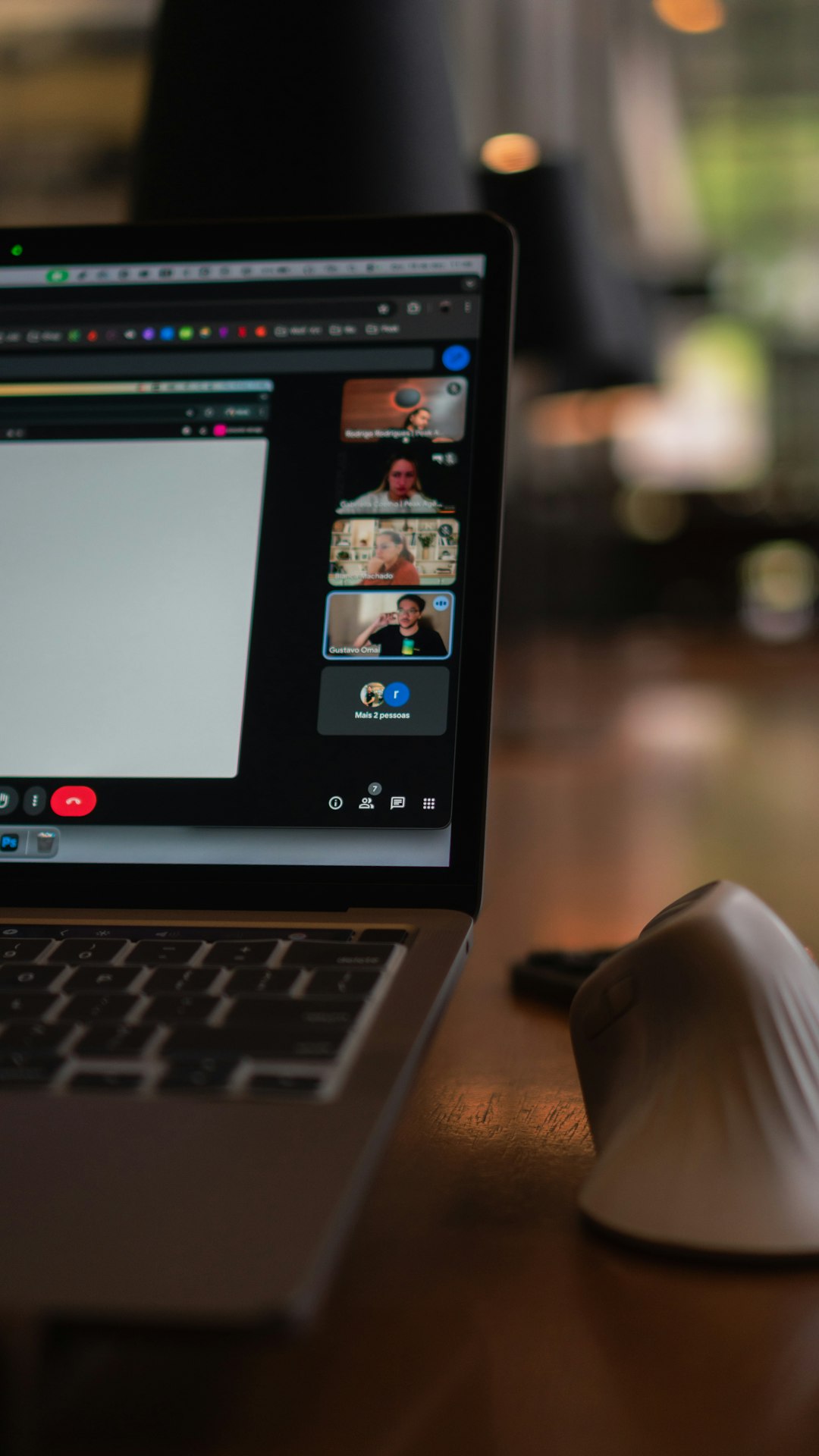
Asynchronous video communication has become one of the most practical ways for teams, educators, creators, and clients to stay connected without demanding everyone’s time at the same moment. Instead of scheduling another meeting, you record a short video message, share it, and let others watch and respond when it suits them. In a world of hybrid work, global teams, and overflowing calendars, this simple shift can make communication clearer, faster, and far less stressful.
TLDR: Asynchronous video communication lets people record and share video messages that others can watch later, making it ideal for remote collaboration, training, feedback, and updates. It reduces unnecessary meetings while preserving the human tone and visual clarity of face-to-face communication. To use it well, keep videos concise, structure your message, add context, and choose the right tool for your workflow.
What Is Asynchronous Video Communication?
Asynchronous video communication means sending a video message that does not require the sender and receiver to be present at the same time. Unlike a live video call, an asynchronous video can be recorded, paused, replayed, shared, commented on, and archived.
Common examples include:
- A manager recording a weekly team update instead of hosting a live meeting
- A designer walking through a new interface and requesting feedback
- A teacher explaining an assignment for students to watch later
- A sales representative sending a personalized product demonstration
- A developer recording a bug explanation with screen capture
The format combines the richness of video with the flexibility of email or chat. You see facial expressions, hear tone of voice, and often view a screen demonstration, but you are not forced into a shared time slot.
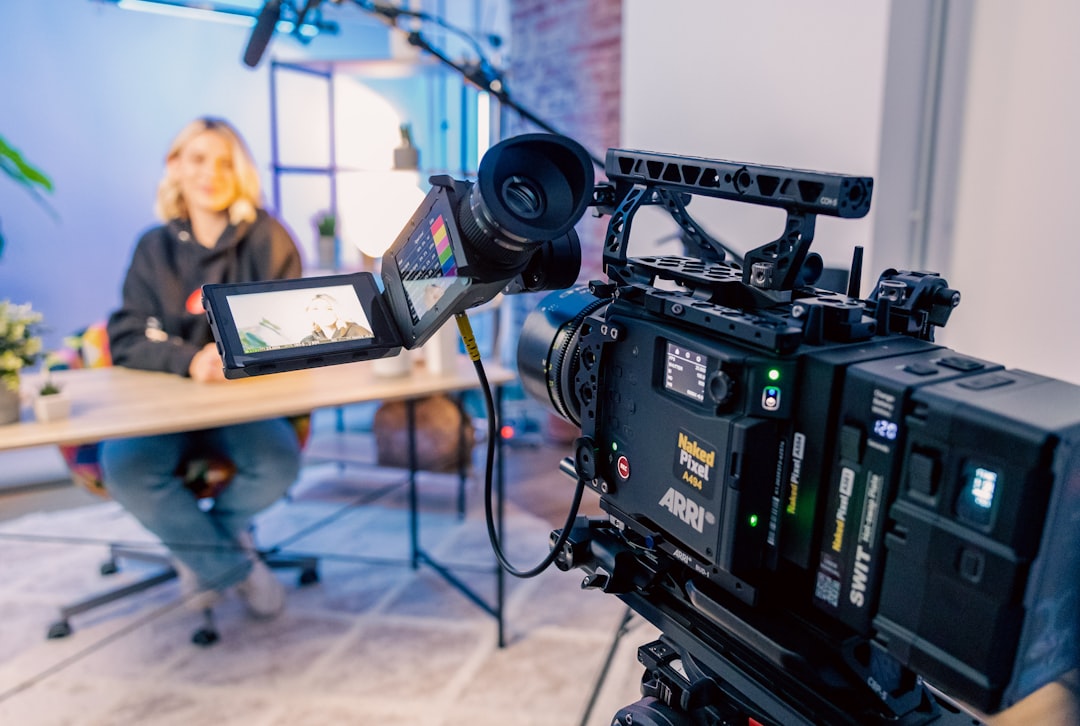
Key Benefits of Asynchronous Video Communication
1. Fewer Meetings, Better Focus
One of the biggest advantages is the ability to replace routine meetings with concise video updates. Many meetings exist simply to transfer information, not to make decisions. A five-minute video can often replace a thirty-minute calendar event.
This gives people more uninterrupted time for deep work. Instead of breaking concentration to attend a status call, team members can watch updates when they are ready and respond thoughtfully.
2. More Human Than Text
Email and chat are efficient, but they can be easy to misread. Tone, intent, and nuance often disappear in written messages. Video restores much of that context. A friendly expression, a calm explanation, or a quick screen walkthrough can prevent confusion and reduce back-and-forth clarification.
This is especially useful for complex or sensitive topics. Explaining feedback, sharing company news, or walking through a complicated process can feel more personal and easier to understand on video.
3. Better for Global and Flexible Teams
When teams are spread across time zones, live meetings can become inconvenient or unfair. Someone is always joining early in the morning or late at night. Asynchronous video helps create a more inclusive rhythm by allowing everyone to participate during their own working hours.
It also supports flexible schedules. Parents, freelancers, distributed teams, and hybrid employees can stay aligned without being constantly tethered to a calendar.
4. Easy to Revisit and Share
Live meetings disappear unless they are recorded, and even then, long recordings are often hard to search through. Short asynchronous videos are easier to organize by topic, project, or date. New team members can watch previous explanations, clients can revisit instructions, and stakeholders can review decisions without asking for the same information repeatedly.
5. Clearer Demonstrations
Some things are simply easier to show than to describe. Screen recordings are perfect for software tutorials, product demos, design reviews, technical troubleshooting, and onboarding. Instead of writing a long set of steps, you can show the exact process in real time.
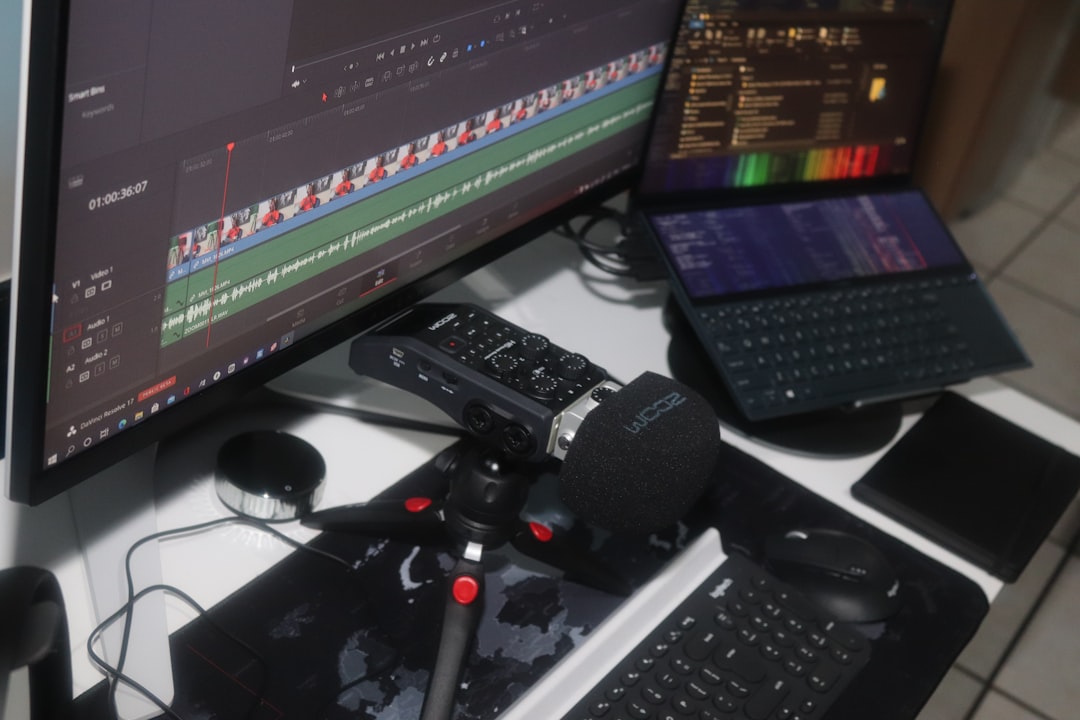
Best Practices for Effective Asynchronous Videos
Keep It Short and Focused
The best asynchronous videos are usually between one and five minutes. If the topic requires more time, consider splitting it into multiple shorter videos. Viewers are more likely to watch and respond when the message is concise.
Before recording, ask yourself: What is the one thing I need the viewer to understand or do? A clear purpose keeps the video from becoming a rambling mini-meeting.
Use a Simple Structure
A useful structure is:
- Context: Explain why you are recording.
- Main point: Share the update, idea, walkthrough, or question.
- Action: Tell viewers what you need from them next.
For example: “I’m recording this to show the latest homepage changes. I’ll walk through the three sections we updated. Please leave comments by Friday about the headline and call-to-action.”
Make the First 10 Seconds Count
People decide quickly whether a video is relevant. Start by stating the topic, audience, and expected action. Avoid long introductions. A strong opening might be: “This video is for the marketing team, and I need feedback on the campaign timeline before tomorrow afternoon.”
Pay Attention to Audio Quality
Clear audio matters more than perfect visuals. Use a decent microphone or headset, record in a quiet space, and avoid background noise when possible. If viewers struggle to hear you, the message loses impact.
Add Captions or Transcripts
Captions make videos more accessible and easier to consume in quiet environments. They also help non-native speakers and people who prefer to skim before watching. Many video tools now generate captions automatically, which can save time and improve clarity.
Do Not Use Video for Everything
Asynchronous video is powerful, but it should not replace every form of communication. Use it when tone, visuals, or explanation matter. For quick confirmations, simple links, or short facts, text may still be faster. The goal is not to create more content; it is to communicate better.
Common Use Cases
- Team updates: Weekly summaries, leadership messages, project progress reports
- Training and onboarding: Process walkthroughs, welcome messages, tool tutorials
- Customer support: Personalized troubleshooting or feature explanations
- Sales outreach: Custom demos and proposal walkthroughs
- Creative feedback: Design reviews, content edits, website critiques
- Education: Lesson explanations, assignment instructions, student feedback

Top Tools for Asynchronous Video Communication
Loom
Loom is one of the most popular tools for quick video messages and screen recordings. It is widely used by remote teams, educators, product managers, and support professionals. Users can record their camera, screen, or both, then instantly share a link. Features such as comments, reactions, viewer insights, and transcripts make it especially useful for workplace communication.
Vidyard
Vidyard is a strong option for sales, marketing, and customer-facing teams. It supports personalized video messages, video analytics, and easy sharing. Sales teams often use it to send tailored demos or proposal explanations that feel more engaging than plain email.
Microsoft Stream
Microsoft Stream works well for organizations already using Microsoft 365. It integrates with Teams, SharePoint, and other Microsoft tools, making it practical for internal updates, training libraries, and company-wide announcements. It is particularly useful for enterprises that need centralized video management and permissions.
Slack Clips
Slack Clips allows users to record short audio, video, or screen messages directly inside Slack. This is convenient for teams that already rely on Slack for daily communication. Instead of typing a long message in a channel, you can record a quick explanation and keep the conversation in context.
Zoom Clips
Zoom Clips extends Zoom beyond live meetings by allowing users to record and share video messages. It is useful for teams already familiar with Zoom who want to reduce meeting load while keeping video communication simple.
Dropbox Capture
Dropbox Capture is designed for screenshots, screen recordings, and visual explanations. It is a good fit for creative teams, technical support, and anyone who needs to share visual feedback quickly. Its integration with Dropbox makes file storage and sharing straightforward.
How to Choose the Right Tool
When selecting an asynchronous video platform, consider the way your team already works. The best tool is usually the one that fits naturally into your existing workflow.
- Ease of use: Can people record and share without training?
- Screen recording: Do you need to show software, documents, or designs?
- Captions and transcripts: Are accessibility and searchability important?
- Analytics: Do you need to know who watched and when?
- Integrations: Does it connect with Slack, Teams, email, or project management tools?
- Security: Can you control permissions and protect sensitive content?
Final Thoughts
Asynchronous video communication is not just a remote work trend; it is a smarter way to share information when real-time discussion is not necessary. It reduces meeting fatigue, supports flexible schedules, and makes messages more personal than text alone.
The most successful teams use it intentionally. They keep videos short, make requests clear, and choose tools that match their habits. When used well, asynchronous video helps people communicate with more clarity, more context, and less pressure to be constantly available.