
Patch exposed SharePoint servers fast. If you cannot patch today, restrict access, take backups, and hunt for odd activity right now. A SharePoint zero-day can turn a boring document portal into a front door for attackers. That is not dramatic. It is just how much trust SharePoint often has inside a company.
TLDR: A SharePoint zero-day is a security bug attackers can use before a fix is ready, or before most teams have installed it. For example, a company with 1,200 users and one exposed on-prem SharePoint server could see stolen documents, fake admin accounts, or malware staging within hours. If logs show a sudden jump in failed requests, new .aspx files, or PowerShell launched by IIS, treat it as suspicious. Patch, limit exposure, check logs, and rotate secrets if compromise is possible.
What Is a SharePoint Zero-Day?
A zero-day vulnerability is a flaw with no public fix at the time attackers start using it. The “zero” means defenders have had zero days to prepare. Fun name. Not fun at 2:13 a.m.
SharePoint is a big target because it stores valuable stuff. Contracts. HR files. Invoices. Project plans. Password spreadsheets that someone swore were “temporary.” It also connects to Microsoft 365, Active Directory, SQL Server, workflows, and file storage.
That means one bug can have a large blast radius.
Zero-days can affect SharePoint Server, especially on-premises versions exposed to the internet. SharePoint Online is managed by Microsoft, so customers do not install server patches there. But identity settings, permissions, guest access, and app grants still matter.

Why Attackers Like SharePoint
Attackers like SharePoint for the same reason end users do. It is central. It is trusted. It is always on.
A single SharePoint server may have access to:
- Sensitive documents, such as finance reports and legal files.
- Domain accounts, including service accounts with broad access.
- Internal sites that are not meant for public eyes.
- Workflows and integrations connected to email, SQL, and storage.
- Authentication tokens that may help attackers move sideways.
Honestly, it feels like SharePoint often becomes the office junk drawer. Everything ends up there. That makes security harder. It also makes attackers smile.
Common SharePoint Zero-Day Attack Paths
Every zero-day is different. Still, many attacks follow a familiar pattern. Think of it like a break-in movie, but with more logs and fewer cool jackets.
1. Internet-Facing Server Abuse
The attacker scans for SharePoint servers on the internet. Old versions are juicy. Unpatched servers are even better. If a zero-day works without valid login details, the risk jumps fast.
The attacker sends crafted requests to trigger the flaw. This may lead to remote code execution, authentication bypass, or access to sensitive data.
2. Web Shell Upload
A web shell is a small malicious file that gives remote control through the web server. Attackers may try to place one on the SharePoint server after exploiting a bug.
Once that happens, they can run commands, browse files, and stage more tools. Expect to waste time sorting real SharePoint files from strange ones with boring names. Attackers love boring names.
3. Privilege Escalation
Some bugs do not give full control at first. They may only give low-level access. So attackers look for a second step.
They may steal tokens. They may abuse weak service accounts. They may search configuration files. They may try to become a site collection admin, then a server admin, then a domain problem.
4. Data Theft
Not every attack ends with ransomware. Some stay quiet. Attackers may download documents slowly over days. This can look like normal traffic unless you measure it.
A user who downloads 40 MB per day suddenly pulling 9 GB after midnight is worth checking.
5. Lateral Movement
After SharePoint, attackers may go after Active Directory, SQL Server, file shares, backup systems, or admin workstations. SharePoint can become the kickoff point, not the final goal.

Signs of a Possible SharePoint Zero-Day Attack
Detection is messy. Sorry. There is no magic “zero-day found” button. But there are strong clues.
Watch for these signs:
- Unexpected files in web directories, especially new .aspx files.
- IIS worker process activity that spawns PowerShell, cmd, certutil, or rundll32.
- Odd POST requests to SharePoint pages that rarely receive them.
- Spikes in 401, 403, or 500 errors from a small set of IP addresses.
- New admin accounts or sudden permission changes.
- Large downloads from unusual users, devices, or countries.
- Antivirus alerts on SharePoint servers, even if they look “low risk.”
- Scheduled tasks or services created without a change ticket.
- Outbound traffic from SharePoint to unknown IP addresses.
Check these log sources first:
- IIS logs for strange requests, user agents, and source IPs.
- SharePoint ULS logs for errors, stack traces, and odd feature calls.
- Windows Event Logs for process starts, logons, and service changes.
- EDR alerts for suspicious command execution.
- Firewall and proxy logs for strange outbound traffic.
- Microsoft Defender logs if available.
How to Patch Without Creating Chaos
Patching SharePoint can be annoying. Nobody enjoys staring at a progress screen that sits at 10% for 37 minutes. Still, delaying patches is worse.
Use a simple plan:
- Confirm your version. Know the SharePoint edition, build number, and farm layout.
- Read Microsoft guidance. Check the security update notes and known issues.
- Back up first. Back up databases, web apps, custom solutions, and configuration.
- Test if possible. Use a staging farm that matches production.
- Patch all servers in the farm. Do not leave one server behind.
- Run required SharePoint config steps. Security updates may need farm upgrade actions.
- Reboot where needed. Yes, even if it is annoying.
- Validate services. Test search, workflows, authentication, uploads, and key sites.
- Watch logs after patching. Attackers may already be inside.
If you cannot patch right away, reduce exposure. Restrict access by VPN or trusted IPs. Disable risky features if Microsoft recommends it. Block suspicious paths at the web application firewall when guidance exists. Snapshot systems only as part of a real recovery plan. Do not treat snapshots as backups.
Risk Reduction That Actually Helps
Good security is layered. One control will fail. That is normal. Plan for it.
- Keep SharePoint patched with a monthly routine.
- Remove internet exposure if users can access it through VPN or safer access tools.
- Use least privilege for service accounts and admins.
- Turn on strong logging before an incident happens.
- Use EDR on SharePoint servers.
- Block direct server admin access from normal user networks.
- Review custom code, old web parts, and third-party add-ons.
- Segment SQL Server from general network access.
- Rotate secrets after suspected compromise.
- Test restores, not just backups.
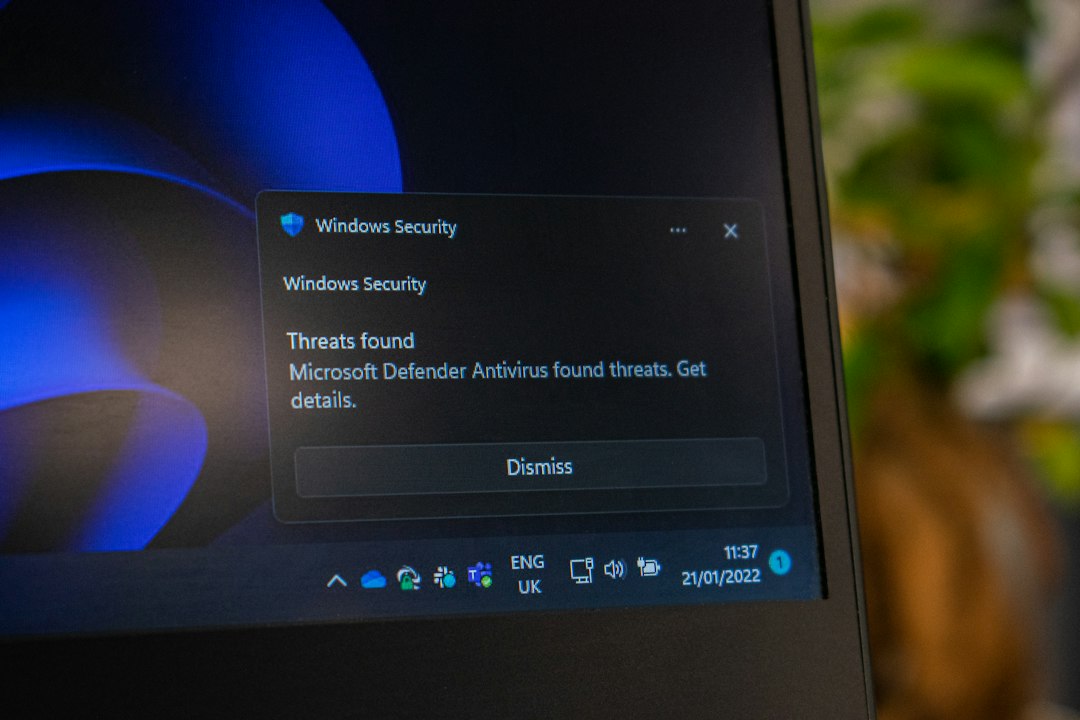
What to Do If You Think You Were Hit
Move fast, but do not panic-click everything.
- Preserve evidence. Copy logs before they roll over.
- Isolate the server if active compromise is likely.
- Check for web shells and strange process activity.
- Review admin changes in SharePoint and Active Directory.
- Hunt for data theft using download volume and access patterns.
- Patch clean systems and rebuild compromised ones when needed.
- Reset credentials tied to SharePoint, SQL, and service accounts.
- Notify legal, privacy, and leadership if sensitive data may be involved.
Do not only remove the malware file and call it done. That is like mopping the floor while the pipe is still leaking.
The Simple Mental Model
SharePoint zero-days are dangerous because SharePoint is trusted, data-rich, and often exposed. Attackers may use a bug to get in, plant a web shell, steal files, and move deeper into the network.
Your best defense is boring but strong. Patch quickly. Reduce exposure. Watch logs. Limit privileges. Test backups. Practice incident response.
Make SharePoint less like an unlocked filing cabinet in the lobby. Make it more like a guarded vault with cameras, badges, and someone checking the guest list.