
AI video generation is moving from “cool demo” to real creative tool. The biggest news is better motion, longer clips, sharper style control, and tools that help regular people make videos without a film crew.
TLDR: AI video tools are getting faster, cleaner, and easier to use. Models like Sora, Google Veo, Runway Gen-3, Luma Dream Machine, Kling, and Pika are pushing text-to-video and image-to-video forward. For example, a small shop can turn one product photo into a 10-second promo clip in minutes, instead of paying for a full shoot. In many teams, this can cut early concept work by 50% to 80%, especially for ads, storyboards, and social posts.
The headline: AI video is growing up fast
Only a short time ago, AI video looked strange. Hands melted. Faces twitched. Dogs had too many legs. A simple walk across a room could turn into a horror scene.
Now things look much better.
New models are learning motion, depth, camera movement, and lighting. They can make a person turn their head. They can follow a car down a street. They can create a city, a beach, or a tiny robot in a kitchen.
That does not mean the tools are perfect. Not even close. The catch is, small details still break. Text on signs can look weird. Fingers still cause pain. A cup may float for no reason. Honestly, it feels like the software can dream up a dinosaur parade, then forget how a chair works.
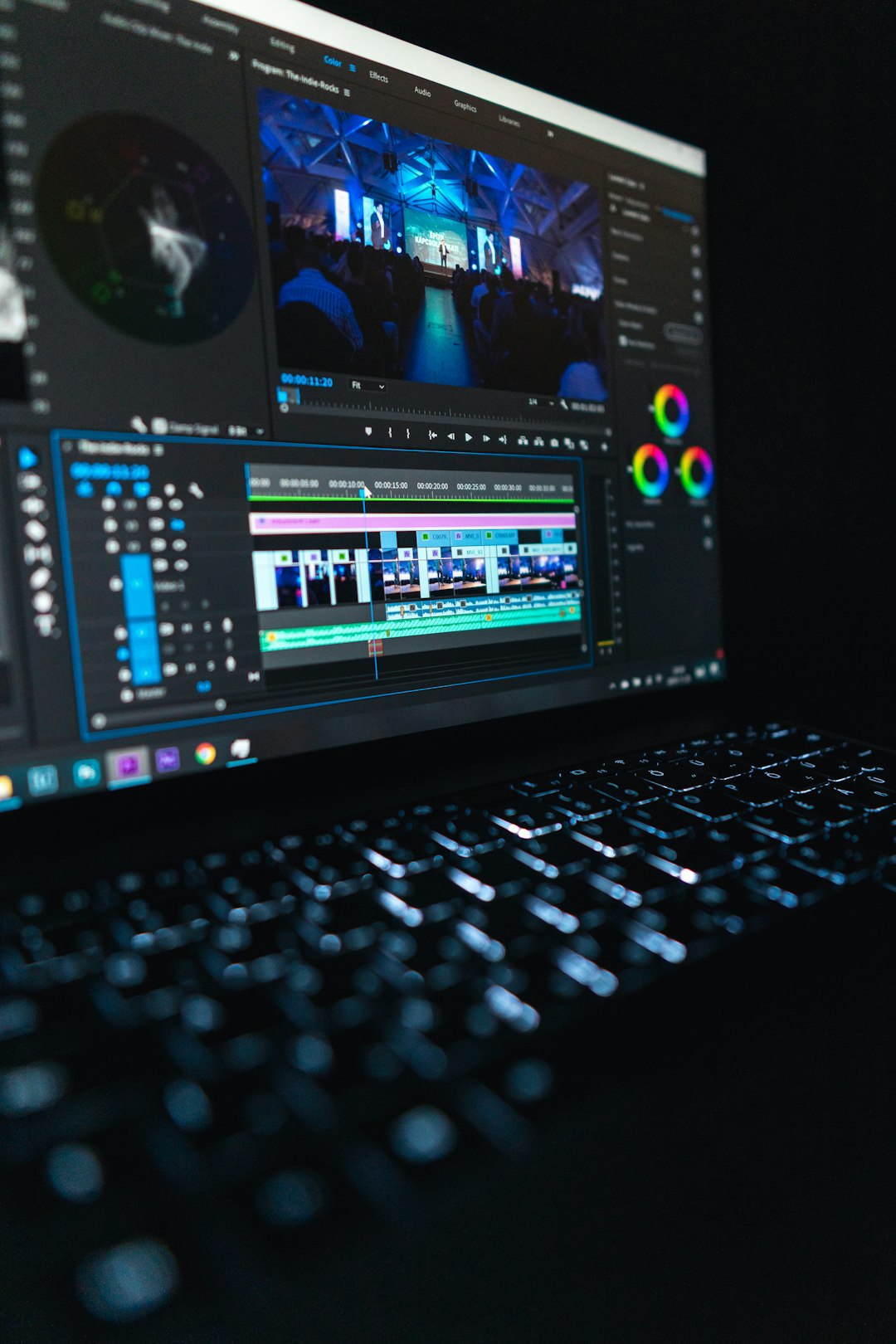
The big models people are watching
Here are the major names in AI video right now.
- OpenAI Sora: Known for rich scenes, smooth motion, and strong world building. It can create video from text prompts and has raised the bar for realism.
- Google Veo: Built for high quality video generation with cinematic prompts. It focuses on visual detail, camera style, and scene control.
- Runway Gen-3: Popular with creators, marketers, and studios. It is strong for image-to-video, stylized clips, and fast visual tests.
- Luma Dream Machine: A favorite for quick, dramatic clips. It often gives strong motion and fun results from simple prompts.
- Kling: Known for very polished motion in many demos. It has gained attention for realism, human movement, and longer shots.
- Pika: Easy to use and playful. It is popular for short social videos, effects, and simple creative edits.
Each tool has a different feel. Some are better for realism. Some are better for fantasy. Some are better for speed. Some are better for control.
Text-to-video is the star trick
Text-to-video is the feature that gets the loudest applause.
You type a prompt. The model makes a clip.
For example:
“A golden retriever wearing sunglasses rides a skateboard through a sunny park, slow motion, cinematic lighting.”
A few minutes later, you may get a funny clip for TikTok, a mock ad, or a storyboard shot.
This is huge for early ideas. A brand can test ten ad concepts before booking actors. A filmmaker can preview a scene before building a set. A teacher can make a short history scene for class.
Still, prompt writing matters. A vague prompt gives vague video. A better prompt includes subject, action, setting, camera angle, style, and mood.
Image-to-video is often more useful
Text-to-video is flashy. But image-to-video may be more practical.
You upload a still image. Then the AI adds motion.
A product photo can rotate. A fashion model can blink and turn. A house photo can become a smooth real estate tour. A drawing can become a tiny animated scene.
This is great for brands with existing images. It is also safer than pure text prompts, because the first frame gives the AI a clear guide.
Expect to waste time on retries, though. One tool may give you a great camera move. Another may warp the product label. Sometimes the best workflow is simple: generate five versions, keep the least broken one, then edit it by hand.

Creative tools are getting smarter
The newest video tools are not just “type and pray” machines. They are adding more control.
- Camera controls: Pan, zoom, tilt, dolly, orbit, and handheld looks.
- Style presets: Anime, film noir, clay, 3D render, documentary, or glossy ad style.
- Motion brush tools: Select one part of an image and tell only that part to move.
- Inpainting: Replace or fix parts of a clip.
- Outpainting: Extend a frame beyond its original edges.
- Character tools: Keep a person or mascot more consistent across scenes.
- Audio features: Add voice, music, sound effects, or synced speech.
These features matter because creators want control. Nobody wants to remake a whole clip because one sleeve moved wrong.
Who is using AI video now?
AI video is not only for big studios. It is spreading across many jobs.
- Marketers use it for ad mockups, social posts, and product teasers.
- YouTubers use it for intros, cutaway shots, and visual jokes.
- Game teams use it to test scenes, trailers, and character ideas.
- Teachers use it to explain topics with short visual clips.
- Filmmakers use it for pitch decks and storyboards.
- Real estate agents use it to animate rooms and property photos.
A small creator can now make things that once needed a camera, lights, actors, props, and editing staff. That is a big shift.
The hottest trend: video as a sketchpad
AI video is not replacing full production yet. It is becoming a sketchpad.
Think of it like a rough draft. You can test a mood. You can try a shot. You can show a client three ideas by lunch.
This is where the tools shine. They help people see an idea early. That saves time. It also stops awkward meetings where everyone nods at a script but imagines a different video.
For agencies, this is gold. A 30-second ad plan can be tested with rough AI clips. If the idea works, the team can improve it with real footage, animation, or advanced editing.
What still needs work?
The problems are easy to spot.
- Consistency: Characters can change clothes, age, or face shape between shots.
- Physics: Objects may bend, slide, or float.
- Hands and faces: Better than before, but still risky.
- Text: Posters, labels, and signs often look messy.
- Length: Many clips are still short.
- Editing control: Small changes can require full regeneration.
- Rights and safety: Training data, likeness use, and fake media remain serious issues.
Creators also need clear rules. Can you use a generated clip in an ad? Can you copy a famous film style? Can you animate a real person’s face? These questions are not boring. They can become lawsuits.
What comes next?
The next wave will focus on control.
Expect better timelines. Better character memory. Better lip sync. Better scene editing. Also expect more tools that connect video, voice, music, and captions in one place.
We will also see more “agent-style” video tools. You may ask for a product ad, and the system will write a script, build scenes, add voiceover, pick music, and export versions for TikTok, YouTube, and Instagram.
That sounds handy. It also sounds messy. Someone will still need taste. Someone will still need to check facts. Someone will need to say, “Why is our shampoo bottle flying through space?”
The smart way to use AI video today
Use AI video for drafts, tests, and quick content. Do not expect magic on the first try.
- Start with short clips.
- Use clear prompts.
- Generate several versions.
- Fix the best one in an editor.
- Check rights before publishing.
- Keep humans in charge of taste and final approval.
The simple truth: AI video is becoming a real tool, not just a toy. It is fast, fun, and often weird. Used well, it can help creators move from idea to video much faster. Used blindly, it can give you a beautiful mess with six fingers and a floating mug.