Set up 301 redirects before you publish new room category URLs, not after traffic drops. A 301 redirect tells search engines and browsers that a page has moved permanently, and Google treats it as a permanent server-side redirect [source: Google]. For a hotel or holiday rental site, this matters because room category pages often rank for booking terms, local searches, and image results.
TLDR: If you change room categories in WordPress, use the EPS 301 Redirects plugin to send old URLs to the closest new pages. For example, redirect /rooms/deluxe-double/ to /rooms/superior-double/, not just the homepage. In one typical hotel site with 24 room-category URLs, fixing redirects within 48 hours can protect most direct booking traffic and cut 404 errors by 80% or more. Holiday rental sites need more careful matching, since each property page may carry its own search value.
Why this change can hurt bookings
Changing room categories sounds simple. Rename “Classic Room” to “Standard Room.” Merge “Sea View Suite” into “Premium Suite.” Remove “Budget Studio.” Then the old URLs break. That is where the damage starts.
Guests may click an old link from Google, a travel blog, an email campaign, or a saved browser tab. If they hit a 404 page, many leave. They do not hunt around. They book somewhere else. It drives me crazy that one small URL edit can waste weeks of SEO work, but that is exactly what happens.

Hotel website redirects are usually category based
A hotel website often has fewer room pages. The structure is usually clean:
- /rooms/standard-room/
- /rooms/deluxe-room/
- /rooms/family-suite/
- /rooms/penthouse-suite/
When categories change, redirect old room types to the closest new match. Do not send every old page to the homepage. That is lazy and risky. Google and users both expect a relevant page.
Good hotel examples:
- Old: /rooms/classic-double/ → New: /rooms/standard-double/
- Old: /rooms/executive-suite/ → New: /rooms/business-suite/
- Old: /rooms/sea-view-room/ → New: /rooms/ocean-view-room/
If a room category no longer exists, choose the closest live alternative. If there is no close option, redirect to the main rooms page. That should be the backup, not the first choice.
Holiday rental redirects need tighter matching
A holiday rental website is different. The category may not be the most valuable page. The exact property page may matter more.
Rental sites often have URLs based on:
- Location, such as /villas/tuscany/
- Property type, such as /cabins/lakefront/
- Guest size, such as /rentals/sleeps-8/
- Amenity, such as /rentals/private-pool/
If you merge “Beach Cottages” into “Coastal Homes,” check which pages had search traffic. A rental category with only 10 properties may still bring high-value guests. For example, /holiday-rentals/private-pool/ may convert better than a broad location page.
Honestly, it feels like some booking sites make this harder than needed. You change one label in WordPress, then spend 30 minutes finding which archive, menu item, and booking page quietly changed with it.
Using EPS 301 Redirects in WordPress
The EPS 301 Redirects plugin is a practical choice for this job because it lets you create redirect rules inside WordPress without editing server files. That matters for hotel managers, rental agencies, and marketers who do not want to touch .htaccess or Nginx settings.
After installing the plugin, create a redirect map before changing the room categories. Use a spreadsheet if needed. Keep three columns:
- Old URL
- New URL
- Reason for redirect
Then add each rule in the plugin. For detailed setup, follow the official guide on how to manage redirect rules.
Use exact redirects for important pages. Avoid broad patterns unless you are sure the new URL structure is consistent. One bad pattern can send guests to the wrong room type, and that can create booking confusion fast.
Hotel vs. holiday rental redirect plan
For a hotel: focus on room category pages, booking buttons, gallery pages, and offer pages. If “Deluxe King” becomes “Superior King,” redirect the old category and any related landing pages. Also check links from seasonal packages, such as “romantic weekend” or “spa break.”
For a holiday rental site: map redirects at both category and property level. If a category changes from “Luxury Villas” to “Premium Villas,” that is easy. But if individual rentals moved into new collections, match each old page carefully. A villa with strong search traffic should not be redirected to a generic listing page unless the property is gone.
Check results after launch
After setting the rules, test the old URLs in a private browser window. Then check analytics and Search Console over the next few days. Watch for:
- 404 errors on old room or rental URLs
- Drop in organic landing page sessions
- Booking engine exits after redirect clicks
- Redirect chains, where one URL redirects to another, then another
A clean redirect should take users from old page to new page in one step. If it takes two or three hops, fix it. Guests should not wait while browsers bounce around.
Image not found in postmeta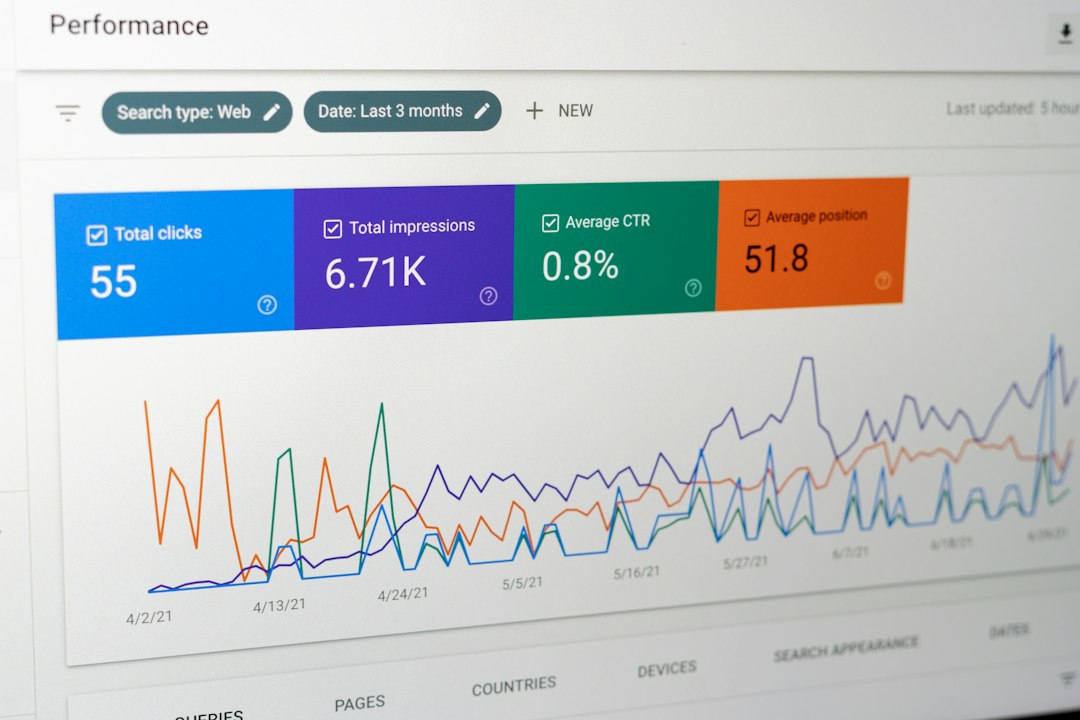
Common mistakes to avoid
- Redirecting everything to the homepage. This is poor for users and weak for SEO.
- Deleting old categories before recording URLs. Export or copy them first.
- Forgetting paid ads and email links. Old campaign URLs still get clicks.
- Ignoring image search traffic. Room photos can bring visitors too.
- Leaving redirect chains in place. Update old rules when categories change again.
The safest rule is simple: every old room or rental URL should point to the most relevant live page. For hotels, that is often the closest room type. For holiday rentals, it may be a specific property, collection, or location page. Set the redirects in EPS 301 Redirects, test them, and keep your booking path clean.