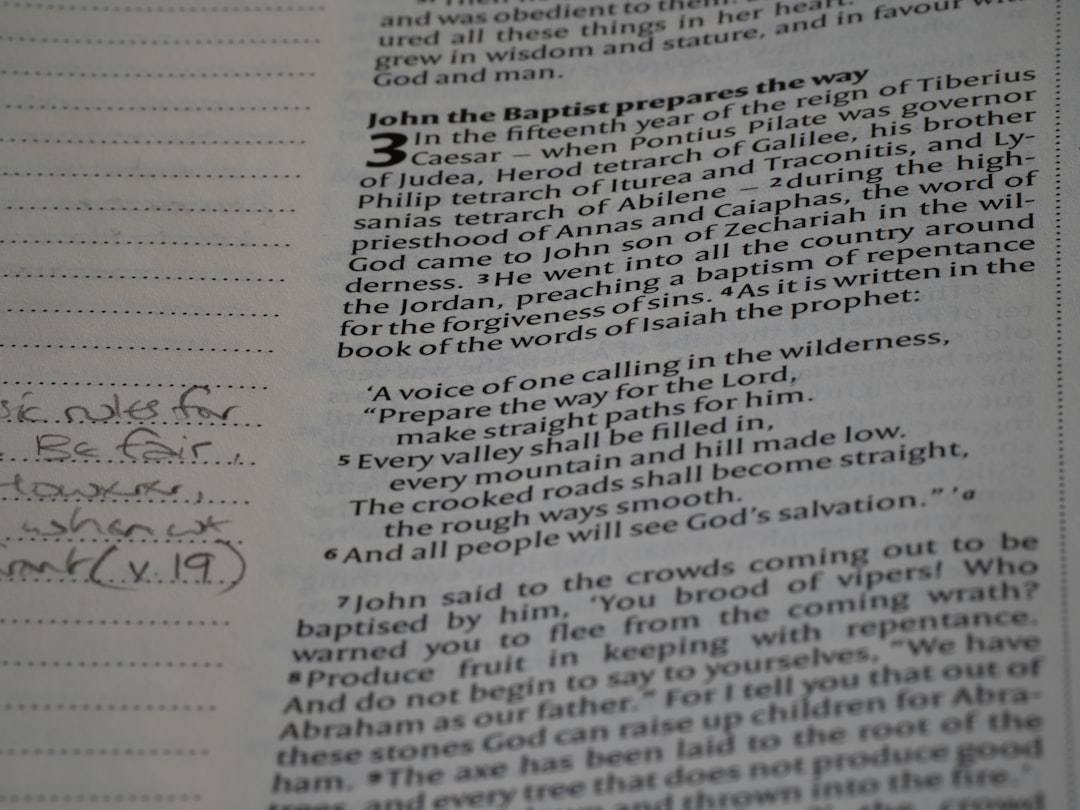
Handwriting OCR (Optical Character Recognition) software has evolved rapidly in recent years, transforming handwritten notes into searchable, editable digital text with impressive precision. From students digitizing lecture notes to enterprises processing handwritten forms at scale, the demand for accurate handwriting recognition continues to grow. However, not all OCR tools are created equal, and choosing the best one depends on accuracy, language support, integration capabilities, and intended use.
TL;DR: The best handwriting OCR software depends on the user’s needs, but leading options include Google Cloud Vision, Microsoft Azure Computer Vision, ABBYY FineReader, and specialized note apps like MyScript. Cloud-based AI models generally provide the highest accuracy, especially for diverse handwriting styles. For business-scale document processing, enterprise-grade tools outperform consumer apps. Individual users may prefer mobile or tablet-based apps optimized for personal note-taking.
Handwriting recognition presents unique challenges compared to printed text OCR. Printed fonts follow predictable patterns, while handwriting varies widely in spacing, slant, pressure, and character formation. Modern AI-driven OCR systems rely on deep learning models that analyze massive datasets of handwritten samples to improve recognition accuracy.
What Makes Handwriting OCR Software Accurate?
The accuracy of handwriting OCR depends on several core factors:
- AI training models: Deep neural networks trained on diverse handwriting datasets.
- Language support: Ability to recognize multiple languages and special characters.
- Contextual recognition: Software that interprets words based on surrounding text.
- Image preprocessing: Automatic enhancement for contrast, skew correction, and noise reduction.
- Integration: Seamless export to document management and workflow systems.
Modern platforms incorporate machine learning algorithms that continuously improve over time. Enterprise-grade solutions also provide confidence scores that highlight uncertain words for manual review.
Top Handwriting OCR Software Options
1. Google Cloud Vision API
Best for: Developers and enterprises requiring scalable, AI-driven recognition.
Google Cloud Vision is widely regarded as one of the most advanced OCR solutions available. Powered by Google’s deep learning infrastructure, it supports both printed and handwritten text recognition. Its handwriting capabilities perform especially well with clean, legible scripts and forms.
Pros:
- Highly accurate neural network models
- Supports multiple languages
- Cloud scalability
- API integration with existing systems
Cons:
- Requires technical implementation
- Pricing scales with usage
For businesses processing thousands of handwritten documents daily, Google Cloud Vision delivers exceptional performance and reliability.
2. Microsoft Azure Computer Vision
Best for: Enterprise environments and structured document workflows.
Microsoft’s Azure OCR solution offers advanced handwriting recognition through its Read API. It excels at extracting text from forms, notes, and mixed printed-handwritten documents. Integration with Microsoft 365 and Azure cloud ecosystems makes it attractive for businesses already operating within those environments.
Notably, Azure’s contextual AI often improves accuracy by predicting words based on sentence structure.
Pros:
- Strong integration with business tools
- High accuracy on structured documents
- Continuous learning improvements
Cons:
- Technical setup required
- Cost may increase with volume
3. ABBYY FineReader PDF
Best for: Professional document management and desktop users.
ABBYY has long been a leader in OCR technology. FineReader PDF includes powerful recognition capabilities for both printed and handwritten text. While it performs exceptionally well on semi-cursive or block handwriting, it may struggle with highly stylized scripts.
Its strength lies in document editing and conversion features, making it ideal for legal offices, academic institutions, and administrative environments.
Pros:
- Advanced PDF editing tools
- High accuracy on clean handwriting
- Strong desktop capabilities
Cons:
- Less scalable for cloud deployments
- Premium pricing
4. MyScript Nebo
Best for: Students and tablet users.
Unlike enterprise OCR systems, MyScript Nebo specializes in real-time handwriting recognition for tablets and styluses. It converts handwritten notes directly into editable digital text. The software is known for its ability to interpret cursive writing and mathematical equations.
Its advantage lies in personalization. Over time, the AI adapts to a user’s writing style, improving recognition accuracy.
Pros:
- Real-time conversion
- Excellent stylus support
- Great for math and diagrams
Cons:
- Not designed for bulk document scanning
- Limited enterprise workflow features
5. Adobe Acrobat OCR
Best for: Occasional users needing integrated PDF tools.
Adobe Acrobat includes OCR functionality capable of recognizing some handwritten text. While strong with printed documents, it generally trails dedicated AI platforms in advanced handwriting accuracy. However, for users already working within the Adobe ecosystem, it offers convenience.
Cloud-Based vs Desktop Handwriting OCR
One of the biggest decisions when selecting OCR software involves choosing between cloud-based and desktop solutions.
- Cloud-based tools offer superior AI capabilities, continuous updates, and large-scale processing.
- Desktop software provides greater control, data privacy, and one-time purchase options.
For businesses concerned about compliance or sensitive documentation, on-premise solutions like ABBYY may be preferred. However, organizations seeking cutting-edge AI performance generally lean toward cloud APIs from Microsoft or Google.
How to Choose the Best Handwriting OCR Software
Determining the best solution depends heavily on context. Key considerations include:
- Volume: Are hundreds or thousands of documents processed daily?
- Handwriting complexity: Is it neat block writing or difficult cursive?
- Languages required: Does the software support multilingual content?
- Integration needs: Must it connect to CRM, ERP, or document systems?
- Security requirements: Are HIPAA, GDPR, or data compliance standards involved?
For developers and tech-driven enterprises, API-first OCR platforms often provide the best long-term scalability. For educators, students, and professionals digitizing notes, intuitive apps like Nebo may provide greater ease of use.
Which Handwriting OCR Software Is the Most Accurate?
In controlled performance comparisons, Google Cloud Vision and Microsoft Azure Computer Vision frequently rank among the most accurate handwriting OCR solutions. Their deep learning architectures and ongoing AI training give them a significant advantage over older rule-based systems.
That said, accuracy can vary depending on handwriting style and image quality. Clean, high-resolution scans with good lighting dramatically improve results across all platforms.
Ultimately, the best choice balances raw recognition accuracy with usability, integration, and cost efficiency.
Conclusion
The field of handwriting OCR has reached remarkable levels of sophistication. AI-powered platforms now achieve recognition rates that were nearly impossible a decade ago. For enterprise-scale operations, cloud-based solutions like Google Cloud Vision and Microsoft Azure offer superior accuracy and scalability. For document-centric professionals, ABBYY FineReader remains a strong contender. Meanwhile, students and individuals benefit from adaptive tools like MyScript Nebo.
No single platform is universally “best.” Instead, the ideal solution aligns with the specific needs, budget, and workflow of the user. Evaluating trial versions and conducting small-scale performance tests is often the smartest way to identify the right fit.
Frequently Asked Questions (FAQ)
1. What is handwriting OCR?
Handwriting OCR is technology that converts handwritten text from scanned documents or images into editable and searchable digital text using artificial intelligence and pattern recognition.
2. Is handwriting OCR as accurate as printed text OCR?
No, handwriting OCR is generally less accurate than printed text OCR because handwriting varies significantly between individuals. However, modern AI systems have significantly narrowed this gap.
3. What factors improve OCR accuracy?
High-resolution scans, good lighting, minimal background noise, clear handwriting, and proper document alignment all improve recognition accuracy.
4. Can OCR recognize cursive handwriting?
Yes, advanced AI-driven OCR systems can recognize cursive writing, though accuracy depends on legibility and consistency.
5. Is cloud-based OCR secure?
Major cloud providers implement strong encryption and compliance protocols. However, organizations handling sensitive data should verify regulatory compliance before processing documents in the cloud.
6. What is the best OCR software for students?
Students often benefit most from apps like MyScript Nebo or tablet-based note-taking solutions that provide real-time handwriting conversion.
7. Does OCR software learn individual handwriting styles?
Some personal note-taking apps adapt to an individual’s writing style over time, improving recognition accuracy with repeated use.
8. Are there free handwriting OCR tools?
Some platforms offer limited free tiers or built-in OCR capabilities, but high-accuracy handwriting recognition is typically part of paid or enterprise-level solutions.