The best StreamFab alternatives for media organization are Plex, Jellyfin, Emby, Kodi, and PlayOn. They suit users who want cleaner streaming hubs, better offline libraries, and supported ways to manage personal video collections. Plex is the easiest pick for most homes, with access to 600+ free live TV channels and tools for local libraries [source: Plex].
TLDR: Plex is best for mixed streaming and offline media, while Jellyfin is best for private home servers. Emby sits in the middle, Kodi is great for local playback, and PlayOn helps record supported streaming content for later viewing where its service is available. For example, a family with 2 TB of movies, old DVD rips, and free streaming channels could use Plex to sort titles by actor, genre, watch status, and device access in one afternoon.
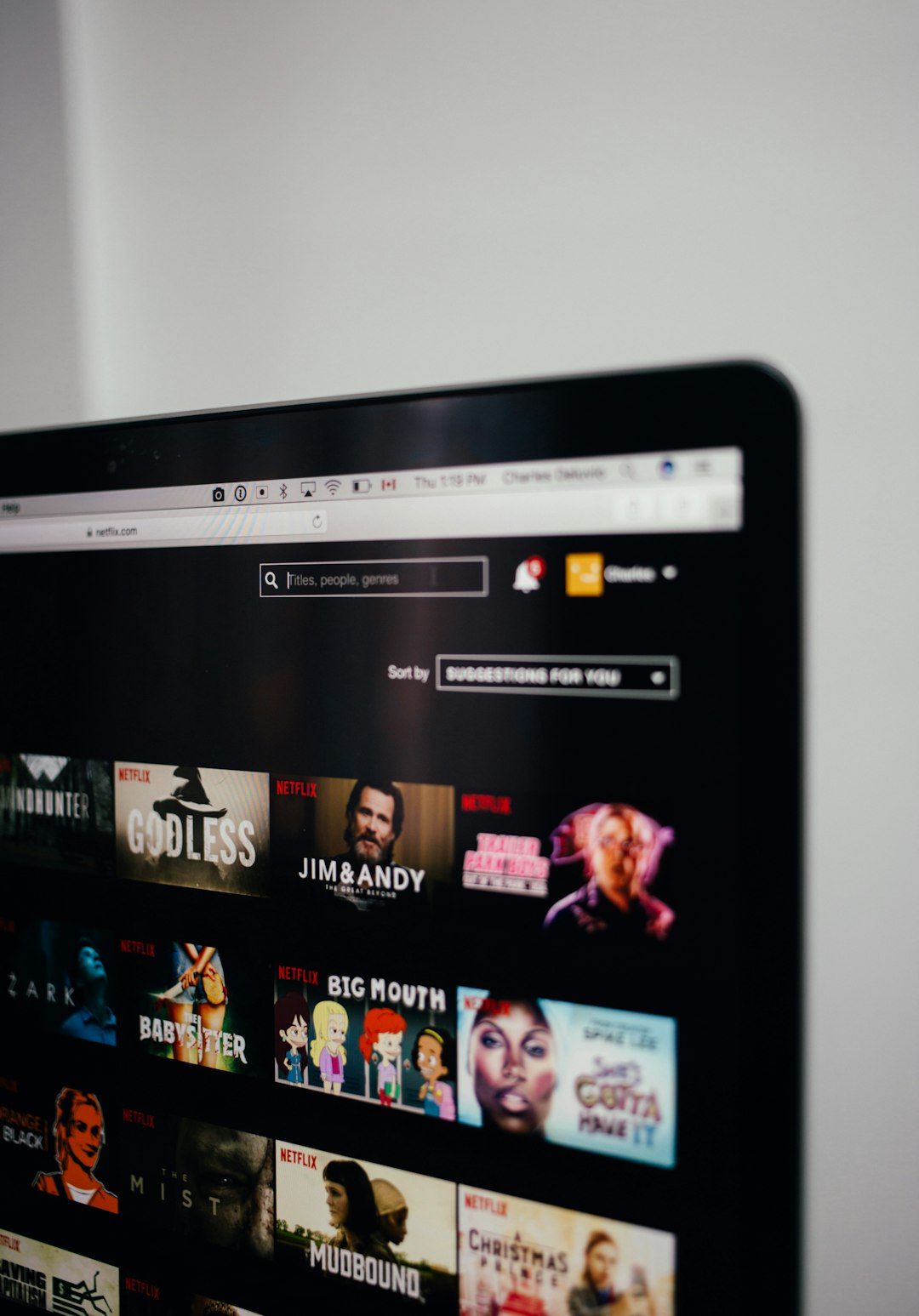
Why users seek StreamFab alternatives
StreamFab is often linked with downloading online video. That is not what every viewer needs. Many people simply want a sane way to manage files, supported streams, recorded content, and watchlists. Honestly, it feels like half the battle is not watching the movie. It is finding where the file went.
These tools focus on organization, playback, discovery, and offline access. They work best when the user owns the files, has rights to the media, or uses supported recording and streaming features. They are not magic buttons for every subscription service. That matters.
1. Plex: Best all round replacement for mixed libraries
Plex is the strongest option for users who want one polished hub. It organizes movies, shows, music, photos, and live channels. It also works across smart TVs, phones, tablets, game consoles, and web browsers.
- Best for: Families, casual users, and mixed local plus online viewing.
- Offline support: Downloads are available with Plex Pass on supported devices.
- Main annoyance: Some features sit behind Plex Pass, so the free version can feel boxed in.
Plex shines because it reads metadata well. Posters, cast lists, seasons, ratings, and episode info usually appear without much work. When it fails, though, fixing a wrong match can take longer than expected. It drives users crazy when a 1998 film gets matched as a random documentary.
2. Jellyfin: Best free open source media server
Jellyfin is ideal for users who want full control without subscriptions. It is free, open source, and self hosted. That makes it popular with privacy focused users and home server fans.
- Best for: Tech friendly users, private servers, and local collections.
- Offline support: Depends on client apps and setup.
- Main annoyance: Setup may feel rough for beginners.
Jellyfin is not as glossy as Plex. Yet it gives users control over their own server, metadata, users, and remote access. For a household that stores movies on a NAS, Jellyfin can be a clean answer with no monthly fee.

3. Emby: Best middle ground between Plex and Jellyfin
Emby sits between Plex and Jellyfin. It offers a smoother interface than many open source tools, yet still appeals to users who like hosting their own files. It supports live TV, DVR features, user profiles, parental controls, and media streaming to many devices.
- Best for: Homes that want server control with a friendly interface.
- Offline support: Available through Emby Premiere.
- Main annoyance: The best features need a paid plan.
Emby is useful when a family has different viewing needs. Parents can set controls. Kids can have their own profiles. A media collector can keep the main library tidy. It is less famous than Plex, but it is strong.
4. Kodi: Best local media player for offline libraries
Kodi is a classic choice for offline video collections. It works well on PCs, Android boxes, Raspberry Pi devices, and home theater setups. It plays many file types and handles large local folders with ease.
- Best for: Local playback, home theaters, USB drives, and media PCs.
- Offline support: Excellent, since local playback is its core strength.
- Main annoyance: Add ons vary in quality, and messy setups can slow things down.
Kodi is not the most polished choice for remote streaming. It is also easy to overload it with add ons. Still, for a living room box loaded with legal files, it remains one of the most flexible options.
5. PlayOn: Best for supported recording and later viewing
PlayOn is different from the others. It focuses on recording supported streaming content for later viewing, depending on region, service support, and account access. It works best for users who want a DVR style tool rather than a full media server.
- Best for: Supported streaming recordings and travel viewing.
- Offline support: Strong, when recordings are allowed and completed.
- Main annoyance: Recording takes time because it often works in real time.
Expect to waste time on queues if a full season needs saving. A 45 minute episode may take about 45 minutes to record. That can feel slow, but the result is easier to manage later.

Which one should users choose?
- Choose Plex for the easiest all purpose setup.
- Choose Jellyfin for a free private server.
- Choose Emby for server control with paid polish.
- Choose Kodi for offline local playback.
- Choose PlayOn for supported recording and later viewing.
For most users, Plex is the safest first pick. Jellyfin is better for privacy and budget. Kodi is best when the internet is not part of the plan. PlayOn is useful, but only if the supported services match the user’s subscriptions.
FAQ
Are these tools direct StreamFab replacements?
Not exactly. They are better seen as media management alternatives. They help organize, stream, play, or record supported content rather than bypass service limits.
Which option is best for beginners?
Plex is usually the easiest. Its apps are simple, and setup is faster than most server based tools.
Which tool is completely free?
Jellyfin is free and open source. Kodi is also free, though it is more of a player than a server.
Can these tools manage offline movie files?
Yes. Plex, Jellyfin, Emby, and Kodi are strong choices for offline libraries. They can sort files by title, season, genre, poster art, and watched status.
Do these tools work with Netflix or other paid services?
Some may connect to supported services in limited ways, or record through supported features. The exact options depend on the tool, region, subscription, and service rules.