The best SoundCloud 320 convert alternative is to download the highest available original file, then convert it with FFmpeg, Audacity, XLD, or MediaHuman Audio Converter. A 320 kbps MP3 can be useful for DJ prep, offline listening, or car audio, but it cannot restore quality that was never in the source. SoundCloud says its high quality streaming option uses 256 kbps AAC, which it describes as roughly equal to 320 kbps MP3 quality [source: SoundCloud]. That matters because converting a lower quality stream into 320 kbps MP3 may only create a bigger file, not better sound.
TLDR: For most users, FFmpeg gives the cleanest control, Audacity is easiest for visual editing, and MediaHuman Audio Converter is the friendliest batch tool. For example, a podcaster with 50 approved SoundCloud WAV downloads could batch convert them to 320 kbps MP3 in about 10 to 20 minutes on a modern laptop, while manual export could take twice as long. If the source is a 128 kbps rip, though, the “320” label is mostly cosmetic. The smartest workflow is simple: get permission, download the best source, then convert once.
What “SoundCloud 320 Convert” Really Means
“SoundCloud 320 convert” usually means turning audio from SoundCloud into a 320 kbps MP3. That sounds simple. The annoying part is that many tools act as if bitrate alone equals quality. It does not.
A 320 kbps MP3 is a compressed file. It can sound very good, especially from a WAV, AIFF, FLAC, or high quality AAC source. But if the input is already compressed, each extra conversion can add artifacts. Cymbals smear. Bass gets softer. Vocals may sound grainy.
There is also a rights issue. SoundCloud tracks belong to their creators or rights holders. Users should only convert files they own, files they have permission to use, or tracks made available for download by the artist. That keeps the workflow clean and avoids headaches later.
Quick Comparison of the Best Alternatives
- FFmpeg: Best for power users, batch jobs, scripts, and exact export settings.
- Audacity: Best for users who want to cut, normalize, fade, and export in one place.
- XLD: Best for Mac users who care about precise audio conversion and CD style workflows.
- MediaHuman Audio Converter: Best for simple drag and drop batch conversion.
- Freemake or similar desktop converters: Best for casual users, though installers and upsells can be irritating.
- Online converters: Best for one small file, but weak for privacy, reliability, and large batches.
1. FFmpeg: Best Overall for Clean 320 kbps MP3 Output
FFmpeg is the strongest option for users who want control. It is free, open source, and trusted by many audio and video tools. It can convert WAV, FLAC, AAC, M4A, AIFF, and many other formats into 320 kbps MP3.
The basic command is simple:
ffmpeg -i input.wav -b:a 320k output.mp3
It can also batch convert folders with short scripts. That saves time when handling DJ edits, podcast clips, sample packs, or archived downloads. The catch is the command line. Some users hate it, and fair enough. A single typo can throw an error that looks scarier than it is.
Best for: technical users, producers, audio archivists, and anyone handling many files.
Main flaw: no beginner friendly interface unless paired with a separate front end.
2. Audacity: Best for Editing Before Conversion
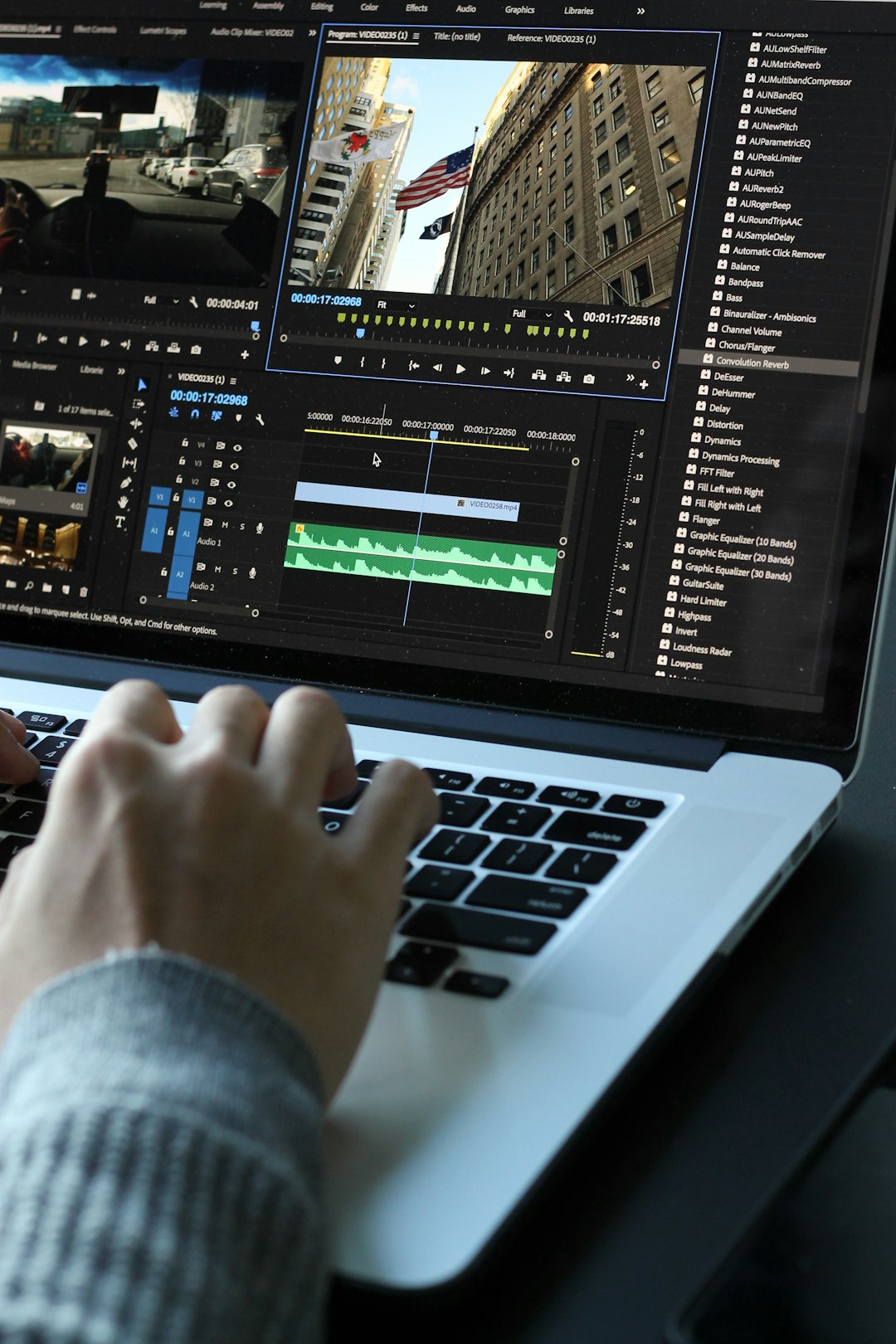
Audacity is a great pick when the file needs a trim before export. It lets users remove silence, apply fades, adjust loudness, and export a 320 kbps MP3 from the same project.
This helps when a SoundCloud creator provides a WAV download with extra silence at the start or end. Instead of converting first and editing later, Audacity does both in one session. That avoids repeat compression.
Honestly, it feels like Audacity hides a few simple export options one menu too deep. Still, once set up, it works well. Users can choose constant bitrate, select 320 kbps, and save metadata such as artist, title, album, and year.
Best for: creators, editors, podcasters, and anyone who wants visual control.
Main flaw: slower than a pure batch converter when many files need the same settings.
3. XLD: Best Mac Alternative for Audio Purists
XLD, short for X Lossless Decoder, is a favorite among Mac users who care about accurate audio handling. It is not flashy. That is part of the appeal. It focuses on conversion quality, metadata, and format support.
XLD is a strong choice when converting from FLAC, ALAC, WAV, or AIFF into 320 kbps MP3. It is also useful for users who keep a lossless archive and export MP3 copies for phones, USB sticks, or DJ software.
The interface feels old. No one will call it pretty. But it gets the job done without much fuss.
Best for: Mac users, collectors, and people converting from lossless libraries.
Main flaw: less friendly for casual users than drag and drop converters.
4. MediaHuman Audio Converter: Best Batch Converter for Most People
MediaHuman Audio Converter hits a sweet spot. Users can drag in a folder, choose MP3, set 320 kbps, and start. That is why it works well for people with many approved downloads from artists, labels, or podcast guests.
The interface is cleaner than many free converters. Batch conversion is simple. Metadata usually carries over well. For everyday use, it may be faster than learning FFmpeg.
Expect to waste time on small setting checks the first time, though. The output folder, naming pattern, and bitrate should be checked before converting a full folder. One wrong preset can create a pile of files that need to be redone.
Best for: beginners, music managers, DJs, and users with large folders.
Main flaw: not as flexible as FFmpeg for custom workflows.
5. Online Converters: Convenient, but Risky
Online conversion tools are tempting. They usually ask for a file upload, then return an MP3. For one short clip, that may be fine. For private files, unreleased music, client audio, or large batches, they are less appealing.
The problems are familiar. Uploads fail. Queue times vary. Some sites add aggressive ads. Others limit file size or hide faster processing behind paid plans. It drives users crazy when a 200 MB WAV reaches 96 percent, then fails without a clear reason.
Best for: one off, non sensitive files.
Main flaw: weaker privacy and less control.
Which Option Should Different Users Pick?
- For DJs: Use FFmpeg or MediaHuman. Keep original WAV or FLAC files when possible. Export 320 kbps MP3 copies for software that needs smaller files.
- For podcasters: Use Audacity if speech needs cleanup. Use FFmpeg for repeat episodes with the same settings.
- For musicians: Keep a lossless master. Export MP3 only as a sharing copy.
- For casual listeners: MediaHuman is usually enough. Avoid shady browser tools that promise “HD” from poor sources.
Recommended Settings for 320 kbps MP3
- Bitrate: 320 kbps, constant bitrate if compatibility matters.
- Sample rate: Keep the original rate, often 44.1 kHz or 48 kHz.
- Channels: Stereo for music, mono only for speech if file size matters.
- Source format: WAV, AIFF, FLAC, or the original artist download when available.
- Conversion count: Convert once. Repeated MP3 exports reduce quality.
Final Verdict
FFmpeg is the best SoundCloud 320 convert alternative for quality and control. MediaHuman is best for users who want speed without commands. Audacity wins when editing is needed before export. XLD is the quiet favorite for Mac users with lossless files.
The best result still depends on the source. A true high quality download converted to 320 kbps MP3 can sound excellent. A low bitrate stream converted to 320 kbps only becomes a larger low quality file. That is the part many converter sites gloss over, and it causes plenty of wasted time.
FAQ
Can SoundCloud tracks really be converted to 320 kbps MP3?
Yes, but only if the user has a downloadable file or a permitted source. The final MP3 can be set to 320 kbps, but the sound quality depends on the original audio.
Does converting to 320 kbps improve low quality audio?
No. It may make the file larger, but it cannot restore lost detail. A 128 kbps source converted to 320 kbps is still limited by the original source.
What is the best free converter for 320 kbps MP3?
FFmpeg is the best free choice for control. Audacity is better for users who also need editing tools.
Is an online SoundCloud 320 converter safe?
Some are usable for basic files, but many have ads, limits, or unclear privacy rules. Desktop tools are safer for private or professional audio.
Should DJs use 320 kbps MP3 or WAV?
WAV or AIFF is better for maximum quality. A 320 kbps MP3 is still practical for storage, older players, and large libraries.