Cancel Apple Music from the Subscriptions menu on the device or service that manages your billing. Deleting the Music app will not cancel the plan, and signing out usually will not stop charges either. Apple Music is sold as a paid subscription, and Apple says the service includes over 100 million songs [source: Apple].
TLDR: On iPhone, open Settings, tap your name, choose Subscriptions, select Apple Music, then tap Cancel Subscription. If your renewal is on the 20th and you cancel on the 10th, you can usually keep listening until the 20th. A user paying $10.99 per month saves about $131.88 per year by canceling before the next billing cycle. If you do not see Apple Music in Apple subscriptions, check your carrier, Google Play, or the website where you first signed up.
Before You Cancel Apple Music
Check three things before you tap the cancel button. They can save you from wasting time or losing access sooner than expected.
- Billing source: Apple, Google Play, a mobile carrier, or another partner may handle the subscription.
- Renewal date: You normally keep access until the end of the paid period.
- Family plan status: If you are the organizer, canceling may remove Apple Music access for everyone in the family group.
The annoying part is that Apple Music can appear in more than one place depending on how you joined. If you subscribed through an iPhone, the iPhone method is usually the right one. If you joined on Android, a carrier bundle, or a student offer, the cancellation path may be different.
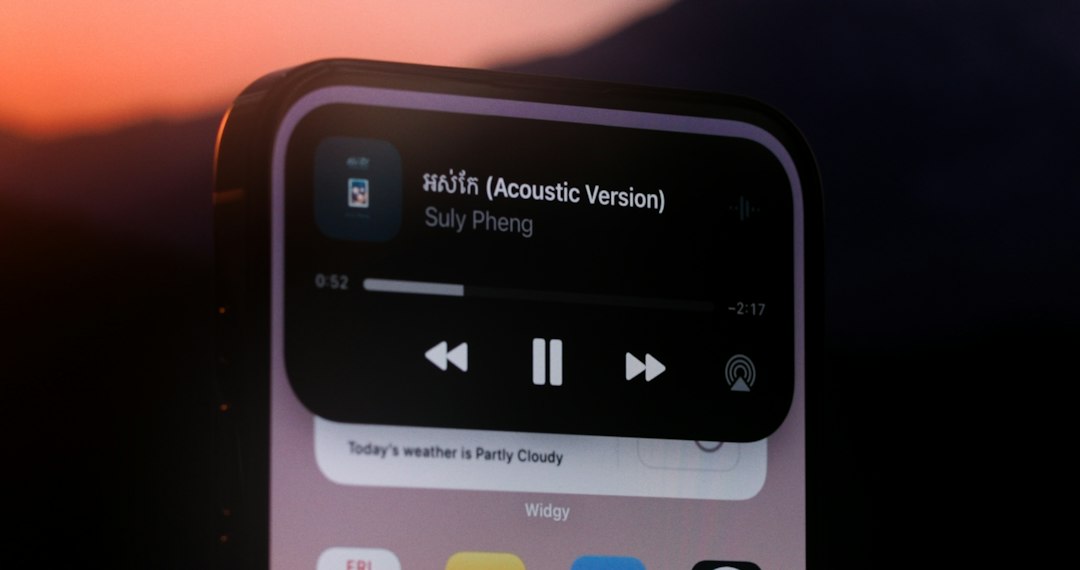
How to Cancel Apple Music on iPhone or iPad
This is the most common method. It works if Apple bills you directly through your Apple ID.
- Open the Settings app.
- Tap your name at the top of the screen.
- Tap Subscriptions.
- Select Apple Music.
- Tap Cancel Subscription or Cancel Free Trial.
- Confirm the cancellation when prompted.
If you do not see Cancel Subscription, the subscription may already be canceled. Look for an expiration date instead. That means Apple Music should stop renewing after that date.
Expect to waste a few extra seconds if your iPhone asks for Face ID, your passcode, or Apple Account verification. That is normal. Do not close Settings until you see confirmation or an expiration date.
How to Cancel Apple Music on Mac
If you use a Mac, you can cancel through the App Store account settings.
- Open the App Store.
- Click your name in the lower-left corner.
- Click Account Settings.
- Sign in if asked.
- Scroll to Subscriptions.
- Click Manage.
- Find Apple Music.
- Click Edit, then choose Cancel Subscription.
Apple also provides a direct support page for canceling subscriptions if your menus look different after an update [source: Apple Support].
How to Cancel Apple Music on Windows
Windows users may manage Apple Music through the Apple Music app, Apple Devices app, iTunes, or their Apple Account. The exact path depends on which software is installed.
- Open Apple Music or iTunes on Windows.
- Sign in with the Apple Account used for the subscription.
- Open Account settings.
- Find Subscriptions.
- Select Manage.
- Choose Apple Music.
- Click Cancel Subscription.
If the desktop app feels slow or outdated, you are not imagining it. Account pages can take longer to load than the music library itself. Be patient and confirm the final step before closing the window.
How to Cancel Apple Music on Android
If you use Apple Music on Android, start inside the Apple Music app. This applies when your Apple Account handles the subscription.
- Open the Apple Music app.
- Tap the three dots or profile icon.
- Tap Account.
- Select Manage Subscription.
- Tap Cancel Subscription.
- Confirm the cancellation.
If you subscribed through Google Play, cancel in Google Play instead:
- Open the Google Play Store.
- Tap your profile icon.
- Tap Payments and subscriptions.
- Choose Subscriptions.
- Select Apple Music.
- Tap Cancel subscription.
How to Cancel Apple Music from the Web
You may be able to manage your subscription through Apple’s web account pages. This can help if your phone is lost, broken, or signed out.
- Go to music.apple.com in a browser.
- Sign in with your Apple Account.
- Open your account profile.
- Look for Settings or Subscriptions.
- Select Apple Music.
- Choose Cancel Subscription.
If the web page does not show a cancellation option, return to the device where you first subscribed. Web access is useful, but it does not always expose every billing route.
What Happens After You Cancel?
Your music access usually continues until the end of the current billing period. After that, songs from the Apple Music catalog will stop playing unless you buy them separately or restart the subscription.
You may lose access to:
- Downloaded Apple Music tracks for offline listening.
- Streaming catalog songs added to your library.
- Apple Music playlists that depend on subscription access.
- Lossless and spatial audio streaming, if tied to your plan.
Your purchased iTunes music should remain available. Your personal files may also remain if they were not dependent on Apple Music syncing. Still, back up anything valuable before canceling. It is easier than trying to rebuild a library later.
If You Cannot Find the Cancel Button
If Apple Music is missing from your Apple subscriptions list, the plan may be billed somewhere else. Check these common places:
- Your mobile carrier: Some phone plans include Apple Music as a perk or add-on.
- Google Play: Common for Android users.
- Family Sharing: Another family member may control the plan.
- A different Apple Account: You may have subscribed with another email address.
- Expired trial: The subscription may already be inactive.
If you see charges but cannot locate the plan, compare the billing descriptor on your bank statement. A charge from Apple will usually point back to your Apple Account purchase history. A charge from a carrier or Google must be canceled there.
Can You Get a Refund?
Canceling stops future renewals. It does not automatically refund past charges. If you were billed by mistake, forgot to cancel a trial, or were charged after canceling, request a refund through Apple’s refund page or the company that billed you.
Be precise. Include the charge date, amount, Apple Account email, and the reason for the request. Refund approval is not guaranteed, but clear details help.
Quick Checklist
- Cancel before the renewal date.
- Use the same account used to subscribe.
- Look for an expiration date after canceling.
- Do not rely on deleting the app.
- Check Google Play or your carrier if Apple does not show the plan.
Bottom line: the safest method is to cancel from the billing source, then verify that Apple Music shows an expiration date instead of a renewal date. Take a screenshot of the confirmation. It gives you proof if another charge appears later.