QR codes are everywhere. On menus. On posters. On product boxes. But not all QR codes are created equal. Some are plain and boring. Others are powerful, colorful, and fully branded. If you want to stand out, you need a QR code platform that offers maximum customization.
TLDR: The best QR code platforms let you fully customize colors, shapes, logos, and landing pages. They also offer dynamic codes, tracking, and design flexibility. Platforms like Beaconstac, Flowcode, QR Code Generator Pro, and The QR Code Generator stand out. Choose one based on your design needs, analytics features, and budget.
Let’s explore the most flexible QR code platforms available today. We’ll keep it simple. And fun.
What Does “Maximum Customization” Really Mean?
Before jumping into tools, let’s be clear.
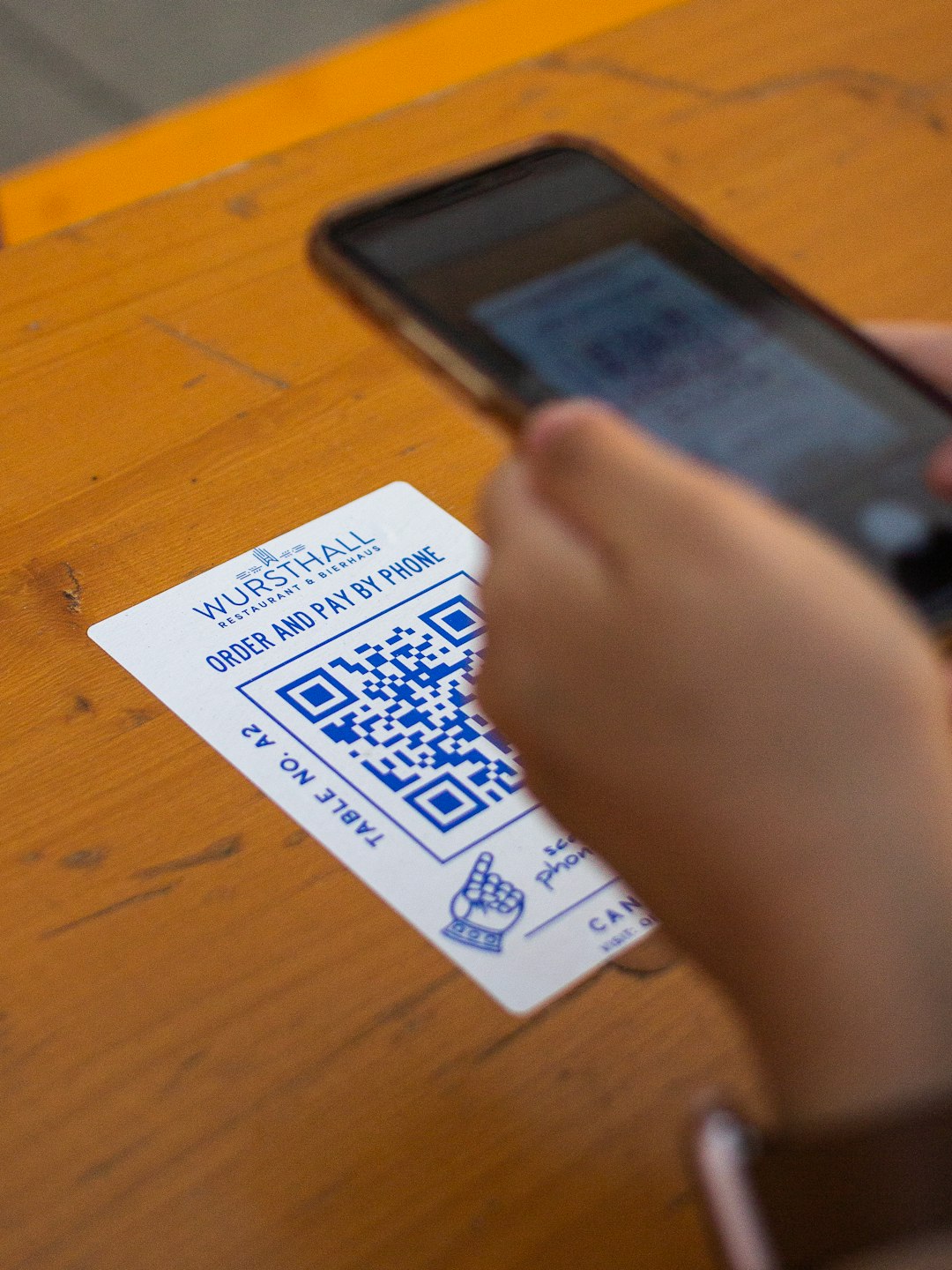
A customizable QR code platform should let you:
- Change colors (not just black and white)
- Edit shapes of dots and corners
- Add a logo in the center
- Adjust frames and CTAs (“Scan Me!” etc.)
- Create custom landing pages
- Edit the destination URL after printing (dynamic QR codes)
- Track analytics
If a platform gives you all of this, you’re in the right place.
1. Beaconstac
Beaconstac is a favorite among marketers. And for good reason.
Why it stands out
- Full color customization
- Custom dot patterns
- Eye and frame style changes
- Logo upload
- Dynamic QR codes
- Advanced analytics dashboard
- Bulk QR code creation
You can even create QR codes with gradients. That’s rare. And beautiful.
It’s perfect for:
- Businesses
- Agencies
- Large marketing campaigns
Bonus: It includes strong security features and password protection.
Downside? It’s more business-focused. Pricing may feel heavy for hobby users.
2. Flowcode
Flowcode is clean. Simple. Modern.
But don’t let the simplicity fool you. It’s powerful.
Customization Features
- Custom colors
- Pattern style adjustments
- Logo embedding
- Custom frames and calls to action
- Shape refinement for corners
Where Flowcode shines is design flexibility combined with ease of use.
You don’t feel lost. The interface is intuitive.
It also includes:
- Real-time scan tracking
- Location data
- Device data
- Easy editing of dynamic codes
It’s excellent for creators, influencers, and small businesses.
If you care about aesthetic + functionality, Flowcode is strong.
3. QR Code Generator Pro
This is one of the oldest players. And it shows.
In a good way.
What You Can Customize
- Dot styles (rounded, square, unique shapes)
- Eye frame styles
- Custom background colors
- Logo upload
- Frames and CTA text
Where it gets powerful is business functionality.
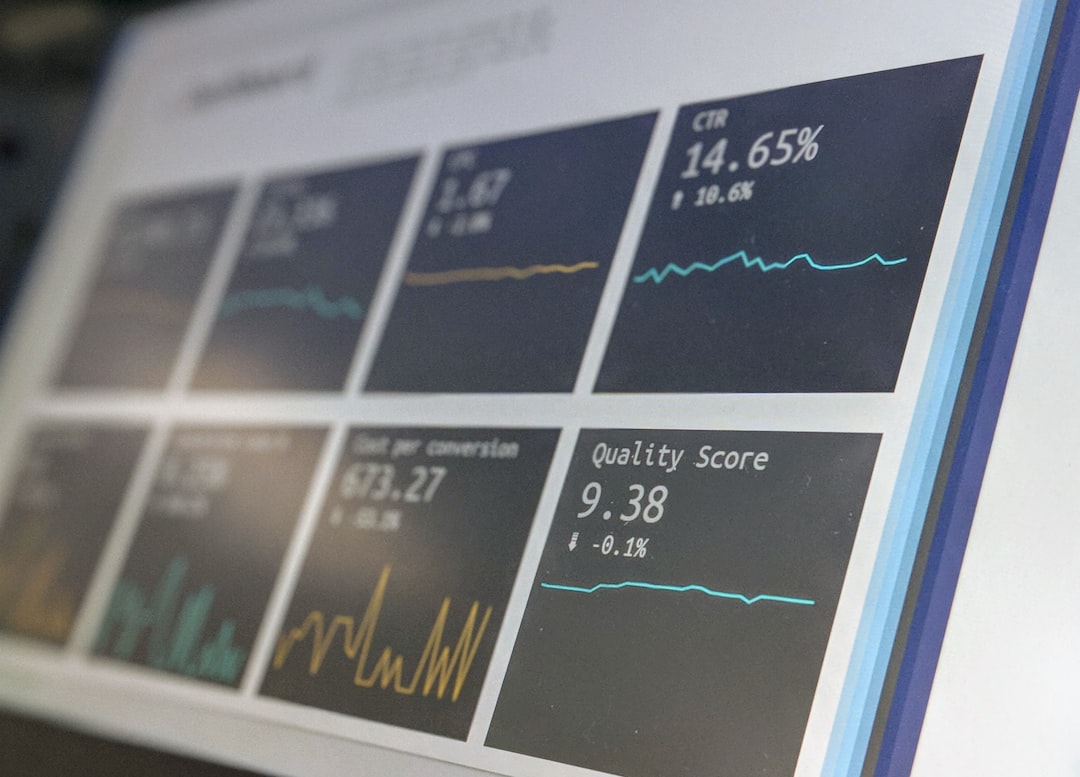
- Campaign management tools
- Team access
- Filtering and segmentation
- Scan statistics and reports
This makes it ideal for:
- Retail
- Restaurants
- Enterprises
Best part: High scan reliability, even when heavily customized.
Watch out for: Subscription required for advanced features.
4. The QR Code Generator (by Egoditor)
The name is simple. The features are not.
This platform gives serious design freedom.
Why Designers Like It
- Color gradients
- Custom alignment patterns
- Different data patterns
- Logo placement options
- High-resolution downloads (print ready)
It’s great for:
- Print marketing
- Packaging
- Event materials
It also offers editable dynamic codes and analytics tracking.
If you want your QR code to look less like a robot made it, this tool helps.
5. QR Tiger
QR Tiger focuses heavily on flexibility.
And it gets creative.
Customization Options
- Wide color spectrum
- Gradient support
- Multiple pattern shapes
- Custom corner styles
- Logo insertion
- Frame design
But here’s something unique.
It offers QR code retargeting.
This means you can connect QR scanners to Facebook Pixel and Google Tag Manager.
That’s powerful for advertisers.
Image not found in postmetaIf you run paid ads and offline campaigns together, this is gold.
Comparison Chart
| Platform | Color & Shape Customization | Logo Support | Dynamic QR Codes | Analytics | Best For |
|---|---|---|---|---|---|
| Beaconstac | Advanced | Yes | Yes | Advanced | Enterprises |
| Flowcode | Strong | Yes | Yes | Strong | Creators & Small Biz |
| QR Code Generator Pro | Strong | Yes | Yes | Advanced | Retail & Corporate |
| The QR Code Generator | Very Advanced | Yes | Yes | Moderate | Design Focused Brands |
| QR Tiger | Advanced + Gradients | Yes | Yes | Advanced + Retargeting | Advertisers |
How to Choose the Right One
Not everyone needs enterprise software.
Ask yourself:
- Do I need detailed analytics?
- Will I print thousands of codes?
- Do I need retargeting?
- Is design my top priority?
- Do I need team collaboration?
If design is everything → The QR Code Generator or Beaconstac.
If ease of use matters most → Flowcode.
If marketing tracking is critical → QR Tiger or Beaconstac.
If you manage large campaigns → QR Code Generator Pro.
Pro Tips for Maximum Custom QR Code Performance
Customization is fun. But don’t break functionality.
Keep These Rules in Mind
- Contrast matters. Dark code on light background works best.
- Don’t overdo gradients. Subtle is better.
- Test before printing. Always scan with multiple devices.
- Leave quiet space. The white border is important.
- Use high resolution files. Especially for print.
A beautiful code that won’t scan is useless.
Balance is everything.
Why Custom QR Codes Matter More Than Ever
Consumers scan what they trust.
A branded QR code feels official. Intentional. Professional.
A plain black-and-white square?
It looks generic.
Custom QR codes:
- Increase scan rates
- Boost brand recognition
- Improve campaign tracking
- Create better engagement
In crowded marketing spaces, small details win.
Final Thoughts
QR codes are no longer just tech tools.
They’re branding tools.
The best platforms don’t just generate a code. They give you control. Over look. Over behavior. Over data.
If you want maximum customization, choose a platform that gives you:
- Full visual editing
- Dynamic editing power
- Strong analytics
- High-resolution exports
Then test. Adjust. Improve.
Because a great QR code doesn’t just get scanned.
It gets remembered.