Use My Energy Center for patterns, planning, and household energy insight; use your utility provider app for payments, outages, and official account actions. That is the simplest split. For context, the average U.S. residential customer used about 899 kWh of electricity per month in 2022, so even a small usage shift can show up on the bill [source: EIA].
TLDR: My Energy Center is usually better for understanding why your bill changed, while utility apps are better for handling the bill itself. If your monthly electric bill jumps from $145 to $168, My Energy Center may help you spot that cooling use rose 18%, while the utility app will help you pay, set autopay, or report a meter issue. The best setup is not either-or. Use both, but for different jobs.
What My Energy Center Usually Does Better
My Energy Center is built around energy awareness. It helps you see usage trends, compare months, and spot habits that quietly cost money. That is useful because bills are not always easy to read. A utility bill can tell you what you owe. It may not explain why your usage spiked after a heat wave, a guest visit, or a new appliance.
Common features include:
- Usage charts by day, week, or month
- Bill estimates before the billing cycle ends
- Home energy tips based on your usage
- Comparisons with similar homes
- Alerts when usage is higher than normal
This makes it helpful for people who ask, “Why is my bill so high?” instead of only “How do I pay it?” That difference matters.

The catch is that these tools can feel a bit detached from the official account side. You might see a useful usage graph, then still need to open your utility app to change a payment method or check a due date. That extra step gets old fast.
Where Utility Provider Apps Win
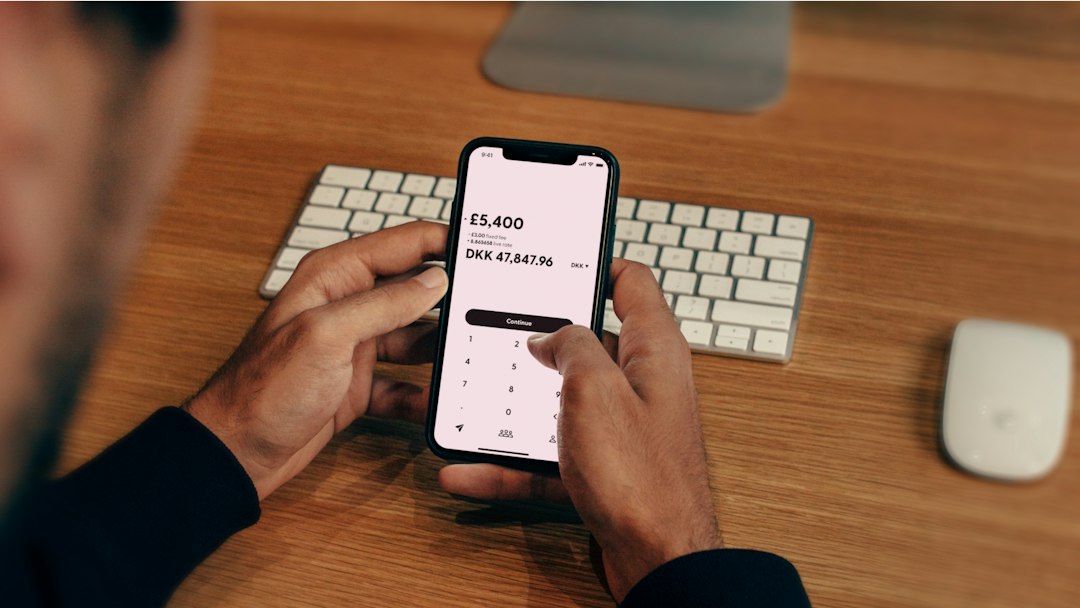
Utility provider apps are the official channel. That gives them one big advantage: they handle real account actions. If you need to pay your bill, see your balance, request service, report an outage, or update account details, the utility app is usually the right place.
Most utility apps focus on:
- Bill payment with card, bank, or autopay
- Due date reminders
- Outage maps and restoration updates
- Account history
- Paperless billing
- Budget billing or payment plans
That is boring but valuable. Nobody wants a pretty graph when the payment deadline is tomorrow. You want the button that says “Pay Now,” and you want it to work the first time.
Still, utility apps can be clunky. Honestly, it feels like some were built to check a box, not save users time. A password reset might take 90 seconds longer than it should. A usage chart may load slowly or hide the details you actually need. Some apps are great. Others make you tap through three screens just to find last month’s bill.
Which Tool Makes Bill Management Easier?
For paying and managing the account, the utility app wins. It has the official balance. It processes payments. It sends shutoff warnings. It also confirms outages and service requests.
For reducing future bills, My Energy Center is often stronger. It can show whether your heating, cooling, lighting, or appliance use is driving costs. That helps you act before the bill lands in your inbox.
Think of it like this:
- Utility app: “Your bill is $162.38 and due Friday.”
- My Energy Center: “Your usage rose 14% after temperatures hit 90°F.”
Both are useful. They just answer different questions.
Best Use Case: The Monthly Bill Check
Here is a simple routine that works well:
- Week 1: Open My Energy Center and check your current usage trend.
- Week 2: Look for spikes. Pay attention to heating, cooling, or laundry patterns.
- Week 3: Adjust habits. Raise the thermostat a degree. Shift laundry. Turn off standby devices.
- Bill week: Use the utility app to review charges and pay.
This routine takes about 10 minutes a month. If it helps trim even 5% from a $180 bill, that is $9 saved. Over a year, that is $108. Not life-changing, but useful. And small home fixes often stack up.
What to Watch Out For
Not every energy tool is accurate in the same way. My Energy Center may use estimates, smart meter data, or delayed usage feeds. Your utility app may show official billing data, but not detailed appliance-level insight. If the numbers do not match, trust the utility bill for payment. Use My Energy Center for clues.
Privacy also matters. Energy data can reveal patterns, like when someone is usually home. Before connecting any tool, check what data it collects and how it shares it. It is not fun reading privacy settings, but it beats being surprised later.
Who Should Use My Energy Center?
My Energy Center is best for:
- Households with high seasonal bills
- People trying to cut energy waste
- Renters who want usage insight without major upgrades
- Homeowners testing new habits or appliances
- Anyone confused by sudden bill jumps
Who Should Stick Mostly With the Utility App?
The utility app is enough if you mostly want to:
- Pay bills quickly
- Track due dates
- Manage autopay
- Report outages
- Download official statements
The Better Choice
The best bill management setup is both tools together. Use the utility provider app as your official billing hub. Use My Energy Center as your early warning system. One helps you avoid late fees. The other helps you understand what is pushing the bill up.
If you only want one app, pick the utility app. It handles the money side. But if you are tired of being surprised by your bill, add My Energy Center too. That is where the real savings work starts.