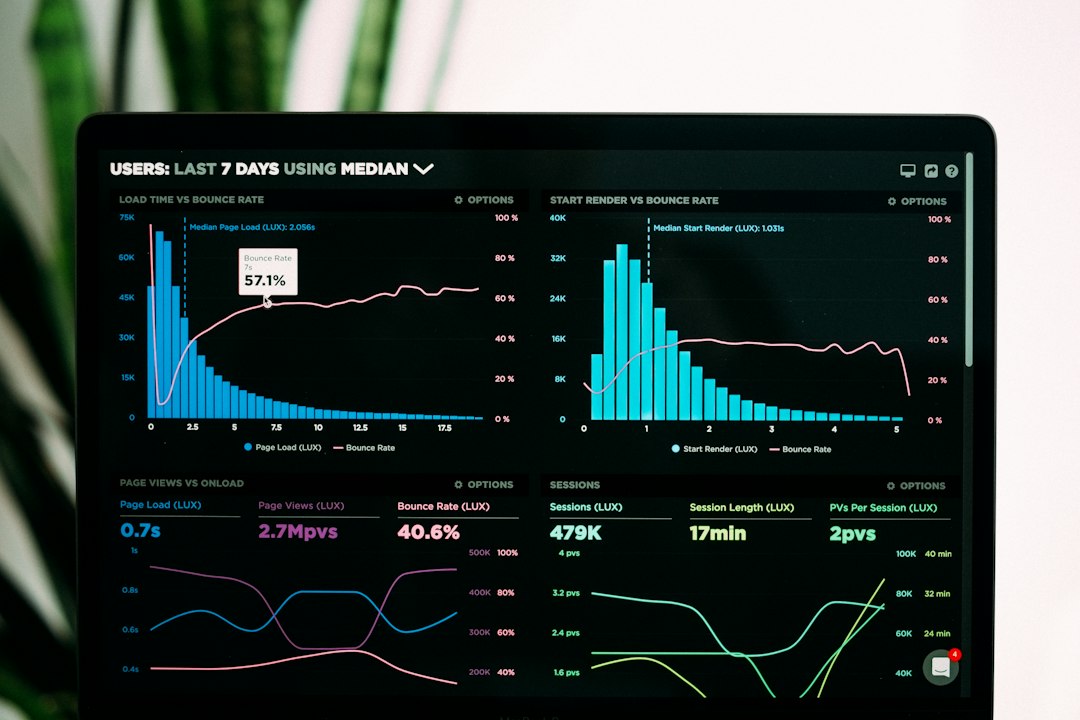
Use Google Analytics for website behavior and HubSpot for lead and revenue tracking. That is the cleanest answer. Google Analytics tells you what people do on your site. HubSpot tells you who they are, how they became a lead, and whether they turned into money.
TLDR: Google Analytics is best for traffic, pages, events, and conversion paths. HubSpot is best for contacts, campaigns, email, CRM activity, and sales impact. For example, Google Analytics may show that paid search brought 5,000 visits and a 3.2% conversion rate, while HubSpot may show that only 40 of those leads became sales opportunities worth $28,000. Use both if you can, because each one sees a different part of the story.
Why marketing measurement gets messy
Marketing looks simple from far away.
You run ads. You post on social. You send emails. People click. Sales happen. Everyone claps.
Then Monday morning arrives.
Your boss asks, “Which campaign made us money?”
Suddenly, your dashboard feels like spaghetti.
Google Analytics says organic traffic is up. HubSpot says leads are flat. Your ad tool says conversions are amazing. Sales says the leads are not great.
Fun, right?
This is why picking the right measurement tool matters. You need to know what each tool is actually good at. You also need to know where each one gets a bit weird.
What Google Analytics is great at
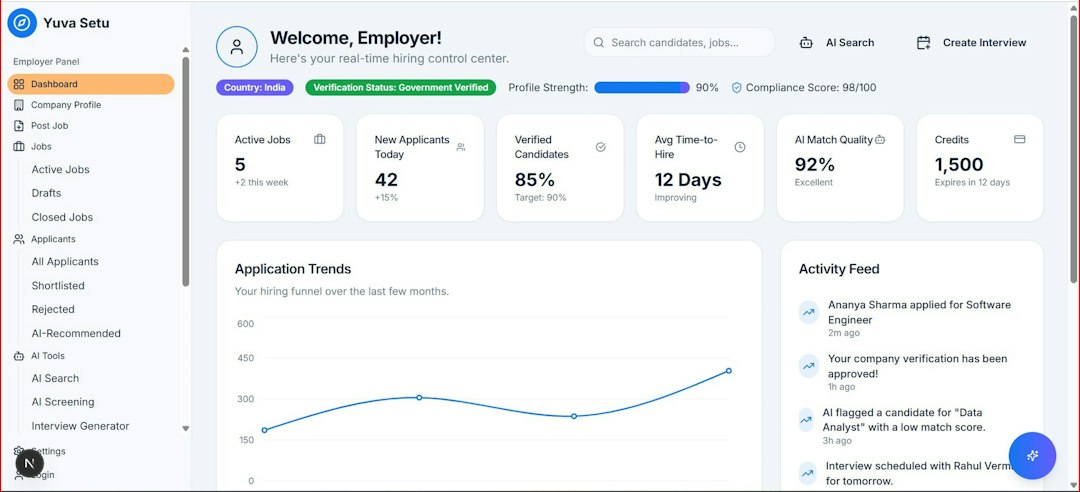
Google Analytics, especially GA4, is built to measure website and app behavior.
It answers questions like:
- How many people visited the site?
- Where did they come from?
- Which pages did they view?
- Which buttons did they click?
- Did they fill out a form?
- Did they buy something?
Think of Google Analytics as your website security camera. It watches movement. It spots patterns. It tells you where people entered and where they gave up.
It is strong for traffic analysis. You can compare organic search, paid search, social, email, referral, and direct visits. You can also track events, like downloads or video plays.
It is also free, which helps. Free is a lovely price.
But GA4 can feel rough. Honestly, it feels like some reports were hidden just to test your patience. Something that took two clicks in older versions can now take six clicks, a sigh, and a snack.
Where Google Analytics falls short
Google Analytics is not a CRM. It does not naturally care about individual people in the same way HubSpot does.
It can show that a form was submitted. But it usually will not tell you that the person was Maria from Acme Co., that she opened three emails, talked to sales, and bought a $12,000 package two weeks later.
That is a big gap.
Google Analytics also struggles when privacy rules, cookie limits, consent banners, and ad blockers get involved. Some users vanish from the data. Some conversions are modeled. Some traffic gets dumped into strange buckets.
My personal favorite annoyance is “Unassigned” traffic. Very helpful. Very mysterious. Very “thanks, I hate it.”
What HubSpot is great at
HubSpot is built around contacts.
That changes everything.
Instead of only asking, “What happened on the site?”, HubSpot asks, “Who did it, and what happened next?”
HubSpot is strong for tracking:
- Lead sources
- Contact activity
- Email performance
- Landing page results
- Form submissions
- Campaign performance
- Deals and revenue
- Sales follow-up
If your marketing goal is lead generation, HubSpot can feel much more useful than Google Analytics.
Example time.
You run a webinar campaign. Google Analytics says the landing page got 1,200 sessions. Nice.
HubSpot says 180 people registered. Better.
Then HubSpot says 65 became marketing qualified leads, 18 became sales opportunities, and 4 closed as customers for $46,000 in revenue.
Now you have a real answer. Not just traffic. Not just clicks. Actual business impact.
Image not found in postmeta
Where HubSpot falls short
HubSpot is powerful, but it is not magic.
Its website analytics are not as deep as Google Analytics. If you want detailed behavior reports, GA4 usually wins. Google Analytics gives you more room to study sessions, events, paths, devices, and traffic channels.
HubSpot can also get expensive. Fast.
The free tools are useful. Starter plans are friendly enough. But the advanced reporting that many teams want often lives in higher tiers. That can sting.
It also depends on clean data. If your forms are messy, your deal stages are sloppy, or your sales team forgets to update records, HubSpot reports can become a shiny pile of confusion.
Bad inputs make bad reports. Classic.
Google Analytics vs HubSpot: the simple comparison
| Question | Better Tool | Why |
|---|---|---|
| How many people visited our site? | Google Analytics | It is built for traffic data. |
| Which pages perform best? | Google Analytics | It gives stronger behavior reports. |
| Which campaign created leads? | HubSpot | It connects forms, contacts, and campaigns. |
| Which leads became customers? | HubSpot | It connects marketing to sales data. |
| Which channel has the best ROI? | Both | GA shows traffic. HubSpot shows revenue. |
Use Google Analytics when you care about behavior
Pick Google Analytics when you want to improve your website.
It helps with questions like:
- Are visitors bouncing?
- Do mobile users convert worse than desktop users?
- Which blog posts bring traffic?
- Which pages slow people down?
- Which channels bring the most sessions?
This is great for SEO teams, content teams, paid media teams, and ecommerce teams.
If you run an online store, Google Analytics is especially useful. You can track product views, cart activity, checkout steps, and purchases. You can see where shoppers quit.
That hurts a little. But it helps.
Use HubSpot when you care about leads and revenue
Pick HubSpot when you need to prove marketing value to sales and finance.
It helps with questions like:
- Which campaign created qualified leads?
- Which email helped move a deal forward?
- How many leads became customers?
- What is our cost per lead?
- What is our marketing influenced revenue?
This is where HubSpot shines.
It connects marketing touches to real people. Then it connects those people to sales activity. Then it connects sales activity to deals.
That is the chain most leaders want to see.
The best setup is usually both
You do not need to turn this into a cage fight.
Google Analytics and HubSpot work best together.
Use Google Analytics to study what happens before conversion. Use HubSpot to study what happens after conversion.
Here is a simple setup:
- Add UTM tags to every campaign link.
- Track key events in Google Analytics.
- Use HubSpot forms or connect forms to HubSpot.
- Match campaign names across both tools.
- Review traffic in GA4 and lead quality in HubSpot.
- Report revenue from HubSpot, not just clicks.
Do this, and your reports get much calmer.
Image not found in postmeta
A simple example
Say you spend $3,000 on LinkedIn ads.
Google Analytics shows:
- 2,400 sessions
- 4.5% landing page conversion rate
- 108 form submissions
- Average engagement time of 52 seconds
That sounds good.
HubSpot shows:
- 92 new contacts
- 31 qualified leads
- 9 sales opportunities
- 2 closed deals
- $18,500 in revenue
Now you know the campaign was not just “good.” It made money.
You spent $3,000. You earned $18,500. That is a 516% return before other costs.
That is the kind of report people remember.
Which one should you choose?
If you can only choose one, pick based on your main goal.
- Choose Google Analytics if your main goal is website traffic, SEO, content, ecommerce, or behavior tracking.
- Choose HubSpot if your main goal is lead generation, CRM reporting, sales tracking, email marketing, or revenue proof.
- Choose both if you need the full story from click to customer.
For many growing teams, the best answer is both. Google Analytics tells you where attention came from. HubSpot tells you what that attention was worth.
Final verdict: Google Analytics measures the crowd. HubSpot measures the customer journey after someone raises their hand. Use Google Analytics to fix your website. Use HubSpot to prove marketing helped sales. Use both if you want fewer awkward reporting meetings.