Ethernet cables are the quiet heroes of home networks. They sit behind desks. They get stepped on. They somehow collect dust like tiny snakes. But one special cable has a little plot twist inside: the Ethernet crossover cable.
TLDR: An Ethernet crossover cable is a network cable that swaps the send and receive wires inside the plug. You may need one when connecting two older devices directly, like PC to PC or switch to switch, without a router between them. Today, about 90% or more of modern Ethernet devices support auto-sensing, so a normal cable usually works. Example: if two old laptops from 2005 will not talk to each other with a regular cable, a crossover cable may save the day.
What Is an Ethernet Crossover Cable?
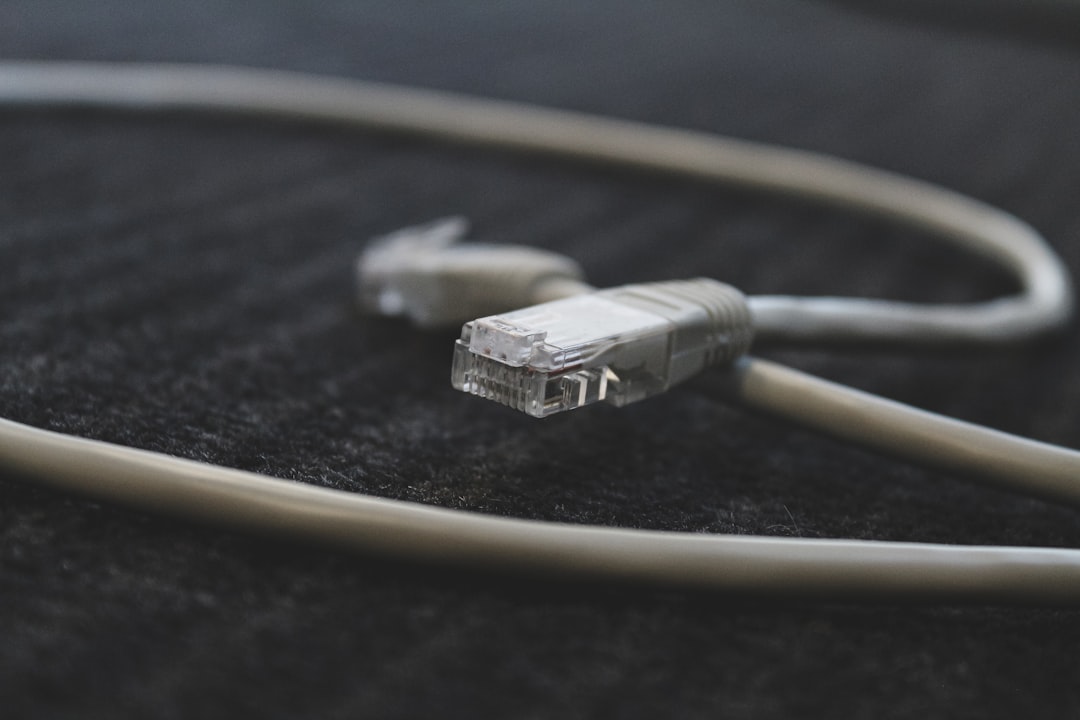
An Ethernet crossover cable looks like a normal Ethernet cable. Same plastic plugs. Same clicky tab. Same “why is this tangled?” energy.
But inside, it is wired differently.
A normal Ethernet cable is called a straight-through cable. The wires go from pin to pin in the same order. Pin 1 goes to pin 1. Pin 2 goes to pin 2. Nice and boring.
A crossover cable is more playful. It crosses some wires inside. The wires used for sending data on one end connect to the wires used for receiving data on the other end.
In simple words:
- Straight-through cable: “I send from here to the same spot there.”
- Crossover cable: “I send from here to your listening spot.”
This matters because older network devices did not always know how to switch roles. They needed the cable to do the thinking.
Why Does It “Cross Over”?
Ethernet communication is like a phone call. One side talks. The other side listens. Then they switch. If both sides talk into the talk wire, nobody hears anything. It is like two people shouting into two separate cans with no string between them.
Older Ethernet devices had fixed ports. Some ports were made to send on certain pins. Other ports were made to receive on certain pins. A crossover cable connected the correct pins together.
For older 10 Mbps and 100 Mbps Ethernet, the important wire pairs were usually:
- Pins 1 and 2: one data pair
- Pins 3 and 6: another data pair
A crossover cable swaps these pairs. That is the magic trick.
In many cases, one end of the cable uses the T568A wiring pattern. The other end uses the T568B pattern. You do not need to memorize these names. Just know this: same pattern on both ends means straight-through. Different pattern on each end usually means crossover.
When Do You Need a Crossover Cable?
Here is the funny part. You probably do not need one most of the time.
Modern Ethernet ports are smart. They often support a feature called Auto MDI-X. Fancy name. Simple job. It lets the device detect the cable type and adjust by itself.
So if you plug in a normal Ethernet cable, the device says, “No problem, buddy. I’ll handle it.”
Still, crossover cables are useful in some cases. You may need one when connecting:
- Two older desktop computers directly
- Two older laptops directly
- An old switch to another old switch
- An old hub to another old hub
- An old router to an old computer
- Lab gear or industrial equipment from the early 2000s
The keyword is older. If the device is newer, a regular cable will usually work.
A Tiny Home Example
Imagine you find two old PCs in a closet. One has photos from 2006. The other has a working DVD drive. You want to move files between them. You do not want to set up Wi-Fi. You do not want to find a router. You just want the files.
You plug a normal Ethernet cable between the two PCs. Nothing happens. Sad trombone.
Then you try a crossover cable. The network lights blink. The computers see each other. You copy the photos. Victory. You are now the family IT wizard.
Crossover Cable vs Straight-Through Cable
Let’s make it very simple.
- Straight-through cable: Best for connecting different types of devices.
- Crossover cable: Best for connecting similar older devices directly.
Different types means things like:
- Computer to router
- Computer to switch
- Router to switch
Similar types means things like:
- Computer to computer
- Switch to switch
- Router to router
That was the old rule. A handy rule. A clean rule.
But modern networking loves to ruin clean rules. Because of Auto MDI-X, many devices can use either cable. So today the real rule is:
Try a normal Ethernet cable first. If it fails on older equipment, try a crossover cable.
How Can You Tell If a Cable Is Crossover?
Sometimes the cable jacket says crossover. That is the easy mode.
If it does not, you can look at the plugs. Hold both clear plastic ends side by side. Make sure the clips face the same direction. Now compare the tiny colored wires.
If the color order is the same on both ends, it is likely a straight-through cable.
If the color order is different, it may be a crossover cable.
Common signs of a crossover cable include one end using T568A and the other using T568B. That means the green and orange pairs swap places.
If that sounds annoying, use a cheap cable tester. It is faster. It also makes you feel like a network detective.
Can a Crossover Cable Improve Speed?
Nope.
A crossover cable is not a turbo button. It does not make Netflix load faster. It does not turn your 100 Mbps port into a 1 Gbps port. It does not summon the internet fairy.
Speed depends on other things, such as:
- Your Ethernet port speed
- Your router or switch
- Your cable category, like Cat5e or Cat6
- Your internet plan
- The device you are connecting to
A crossover cable only changes the wiring path. It helps the devices talk. It does not make them talk faster than they can.
Can You Buy One Today?
Yes. You can still buy crossover cables. They are not as common as regular Ethernet cables, but they exist.
You can also make one if you enjoy tiny wires and mild frustration. You need bulk Ethernet cable, RJ45 plugs, and a crimping tool. One end must be wired as T568A. The other end must be wired as T568B.
But for most people, buying one is easier. It is also less likely to end with you yelling at eight tiny colored wires.
Quick Checklist
Use this simple checklist before buying a crossover cable:
- Are the devices modern? Use a normal Ethernet cable.
- Are the devices old? A crossover cable may help.
- Are you connecting two similar devices directly? Crossover may be needed.
- Are you using a router or switch between them? Usually use straight-through.
- Do link lights turn on? If yes, the cable is probably fine.
- No link lights on old gear? Try crossover.
Final Thoughts
An Ethernet crossover cable is a special cable for a special job. It swaps send and receive wires so two devices can talk directly. It was once very important. Today, it is more like a trusty old tool in the bottom drawer.
You may not need it often. But when you do, it feels magical. One cable. Two old devices. Blinking lights. Problem solved.
So keep the idea in your networking toolbox. If a direct Ethernet connection refuses to work, especially with older gear, remember the crossover cable. It might be the tiny twist your network needs.