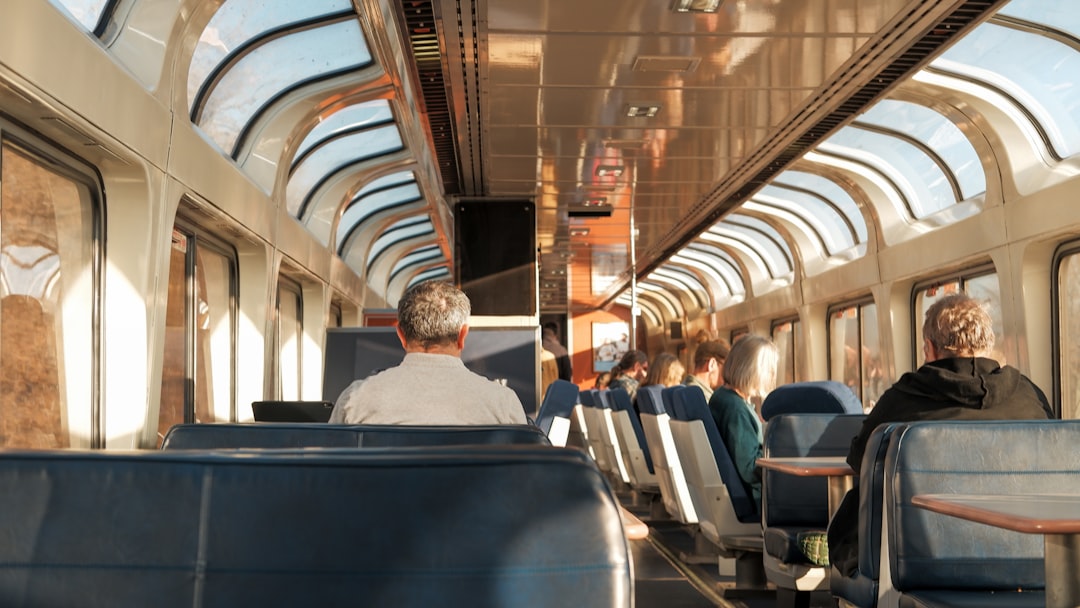
Planning a train trip and wondering if you can scroll, stream, or send emails along the way? You are not alone. One of the most common questions travelers ask is simple: Does Amtrak have WiFi? The short answer is yes — but there is more to know before you count on it for your next Zoom call.
TLDR: Yes, most Amtrak trains offer free WiFi. It works well for basic browsing, email, and social media. It is not great for streaming, gaming, or big downloads. Speed and reliability depend on the route and location.
Does Amtrak Have WiFi?
Yes, many Amtrak trains provide free onboard WiFi. This includes popular routes like:
- Acela
- Northeast Regional
- Pacific Surfliner
- Empire Service
- Many long distance routes
But here is the catch. Not all trains have the same quality of connection. And some routes may not offer WiFi at all, especially in remote areas.
So while the answer is yes, the experience can vary.
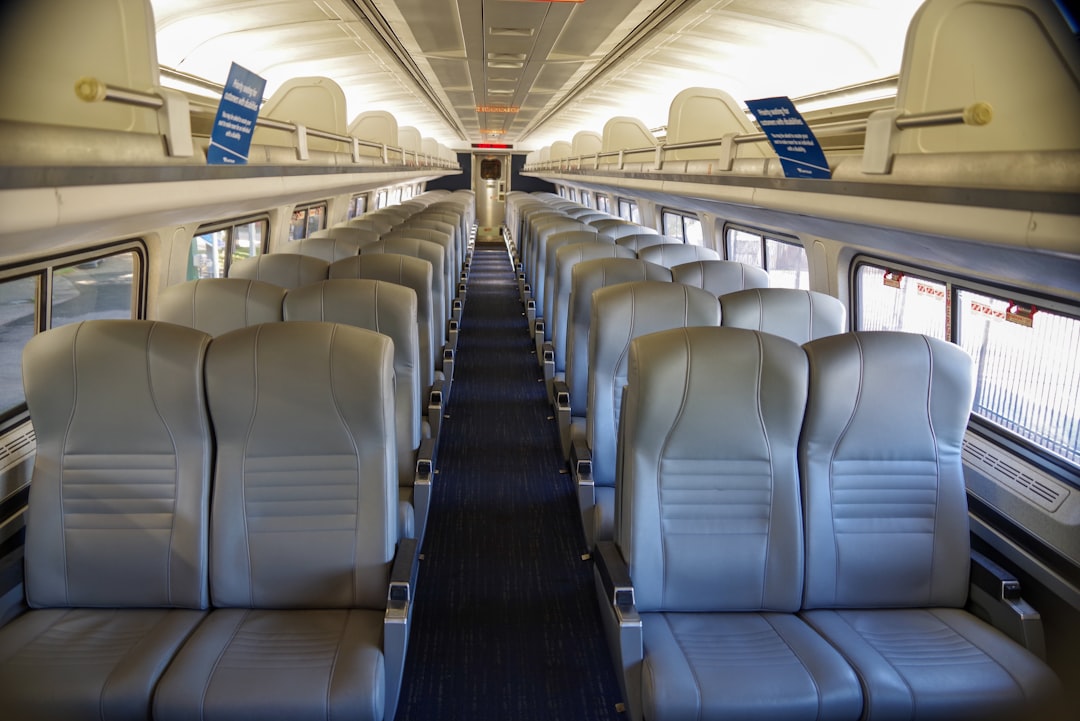
How Does Amtrak WiFi Work?
Amtrak WiFi does not work like your home internet.
The train connects to nearby cell towers. It combines signals from different carriers. Then it shares that connection with everyone onboard.
This means:
- If the train goes through areas with weak cell service, the WiFi may slow down.
- If many passengers are online at the same time, speeds can drop.
- Tunnels can interrupt the signal.
It is basically like using a mobile hotspot. But shared with an entire train car.
Is Amtrak WiFi Free?
Yes. It is completely free.
You do not have to pay extra. There are no data packages to buy. No premium plans. Just connect and use it.
This is great news for budget travelers. And even better for people who need to work on the go.
What Can You Do With Amtrak WiFi?
Think of Amtrak WiFi as “basic internet.” It works best for simple tasks.
You can usually:
- Check email
- Browse websites
- Use social media
- Send messages
- Light online shopping
- Basic work tasks in Google Docs
It is perfect for staying connected. It is not perfect for heavy internet use.
What Can’t You Do?
Amtrak actually blocks certain activities to keep the network usable for everyone.
Streaming services like:
- Netflix
- Hulu
- YouTube TV
- Large video platforms
are often restricted or very limited.
You may also struggle with:
- Video calls like Zoom or Teams
- Online gaming
- Large file uploads or downloads
If you absolutely need strong internet for work meetings, Amtrak WiFi alone may not be enough.
WiFi Quality by Route
Not all routes are equal. Here is a simple comparison:
| Route Type | WiFi Availability | Speed | Reliability |
|---|---|---|---|
| Acela (Northeast) | Yes | Moderate | Good |
| Northeast Regional | Yes | Moderate | Good |
| Short Distance State Supported Routes | Usually | Low to Moderate | Fair |
| Long Distance Routes | Some | Low | Inconsistent |
Urban routes tend to have better coverage. Rural routes may lose signal more often.
Image not found in postmetaHow to Connect to Amtrak WiFi
Connecting is easy. Just follow these steps:
- Turn on WiFi on your device.
- Select the Amtrak network from the list.
- Open your browser.
- Accept the terms on the splash page.
That’s it. No password required.
If the page does not pop up automatically, try typing in a simple website like example.com to trigger the login screen.
Tips to Make Your Internet Experience Better
You can improve your odds of good internet with a few smart tricks.
1. Download Before You Board
Download movies, shows, podcasts, and documents before your trip. Do not rely on streaming.
2. Travel with a Backup
If you really need internet, use your phone’s hotspot as a backup. Sometimes your personal carrier may be faster.
3. Sit Near the Middle of the Car
This can sometimes help with signal consistency. Though results vary.
4. Avoid Peak Usage Times
If everyone is online, speeds drop. Early mornings and late evenings can be better.
5. Keep Expectations Realistic
Remember, you are on a moving train. Not in a tech office building.
Is Amtrak WiFi Safe?
Public WiFi always comes with some risk.
Here are basic safety tips:
- Avoid logging into sensitive financial accounts.
- Use websites with HTTPS encryption.
- Consider using a VPN for extra security.
- Do not share personal information on unsecured sites.
Think of train WiFi like airport WiFi. Convenient, but not private.
What About Business Class and First Class?
You might think that upgrading your seat gives you better WiFi.
In most cases, it does not.
The WiFi network is usually shared across the entire train. However, Business Class on some routes may feel faster simply because there are fewer people using it nearby.
Acela First Class passengers sometimes report slightly more stable connections. But it is not a guaranteed difference.

WiFi vs Hotspot: Which Is Better?
Here is a quick comparison:
| Feature | Amtrak WiFi | Personal Hotspot |
|---|---|---|
| Cost | Free | Depends on your phone plan |
| Speed | Shared, moderate to low | Can be faster |
| Data Limits | Managed and restricted | Based on your data plan |
| Streaming | Often blocked | Usually allowed |
| Security | Public network | More private |
If your mobile signal is strong, your hotspot may give you better performance. If not, the train’s WiFi might actually be more stable because it combines multiple carriers.
What If There Is No WiFi?
Some long distance trains may not offer WiFi at all. Or it may not work for parts of the journey.
This is common in:
- Mountain regions
- Desert areas
- Remote countryside
If staying connected is critical, check your specific route on Amtrak’s official site before booking.
And always have offline entertainment ready. A train ride is also a great chance to unplug.
The Bottom Line
Does Amtrak have WiFi? Yes.
Is it fast and perfect? Not always.
Amtrak WiFi is ideal for light browsing and staying in touch. It is not built for heavy streaming or nonstop video calls.
If you prepare ahead, download what you need, and manage expectations, you can have a smooth and connected ride.
And sometimes, the best part of train travel is looking out the window instead of at your screen. The scenery does not need WiFi. It just needs your attention.