The best Ukebuddy alternatives are Yousician, Fender Tune, Kala Ukulele, and Tunable because each one handles a different part of ukulele practice better than a basic chord-and-tuner site. Ukebuddy is useful for quick chord checks, chord naming, and simple tuning help, which is why many beginners start there [source: Ukebuddy]. But once you need guided lessons, better pitch feedback, cleaner practice tools, or a phone-friendly tuner, these four apps are stronger picks.
TLDR: If you want one app for lessons, start with Yousician. If you mainly need tuning, use Fender Tune or Tunable. For example, a beginner practicing 15 minutes a day, 5 days a week can use Fender Tune for 2 minutes, then spend 13 minutes on Yousician chord drills. That is about 65 minutes of focused practice per week, which is enough to build early muscle memory without burning out.

How we picked these Ukebuddy alternatives
We focused on apps that solve real beginner problems. A good ukulele app should help you tune fast, learn common chords, keep rhythm, and practice without guesswork. Fancy screens do not matter much if the tuner jumps around or the lessons feel thin.
We looked for four things:
- Accurate tuning: The app should hear standard ukulele tuning clearly, especially G, C, E, and A.
- Beginner-friendly lessons: The first session should make sense without music theory knowledge.
- Useful practice tools: Chord charts, metronomes, ear training, or feedback all count.
- Low friction: You should not need seven taps just to tune one string. That gets old fast.
1. Yousician: Best for structured ukulele lessons
Yousician is the most complete learning app on this list. It listens while you play and gives feedback when notes or timing are off. That makes it more useful than a static chord chart for people who need correction, not just information.
The lessons start with simple picking, basic chords, and rhythm work. You can follow short exercises, then move into songs. This works well for players who keep asking, “Am I doing this right?” The app gives an answer quickly.
The catch is that Yousician can feel a bit heavy if you only want to tune and play one song. It also pushes subscriptions hard. Still, for real progress, it is the strongest pick here.
- Best for: Beginners who want a lesson path.
- Weak point: Some key features sit behind a paid plan.
- Ukebuddy replacement value: Better for learning, weaker for quick chord lookup.
2. Fender Tune: Best free tuner with extra learning tools
Fender Tune is a clean choice if tuning is your main need. It supports ukulele tunings and gives a simple visual readout. Open the app, pick ukulele, tune each string, and move on. That sounds basic, but basic is good when your A string is sharp and you just want to fix it.
It also includes chord diagrams, scales, and rhythm tools. These extras make it more useful than many one-purpose tuner apps. It drives me crazy that Fender still feels more guitar-first in some areas, but the ukulele support is good enough for daily use.
For beginners, Fender Tune is a safe install. Even if you later pay for lessons elsewhere, you may keep this app for fast tuning.
- Best for: Fast, no-nonsense tuning.
- Weak point: The learning side is not as deep as Yousician.
- Ukebuddy replacement value: Strong for tuning, decent for chord reference.
3. Kala Ukulele: Best ukulele-first experience
Kala Ukulele feels built for the instrument, not adapted from guitar software. That matters. Ukulele players deal with different chord shapes, tuning habits, and song styles. A focused app removes some confusion.
The app offers tuning, lessons, and songs. It is friendly for beginners who bought their first soprano or concert uke and want a simple start. You do not need to sort through guitar tabs or wonder whether a chord chart is meant for another instrument.
Its biggest strength is clarity. The app does not try to be a full music school. It gives you a practical ukulele space. That said, advanced players may outgrow it sooner than Yousician or Tunable.
- Best for: New ukulele owners who want a focused app.
- Weak point: Less depth for advanced technique.
- Ukebuddy replacement value: Strong for beginners who prefer an app over a website.
4. Tunable: Best for serious tuning and timing
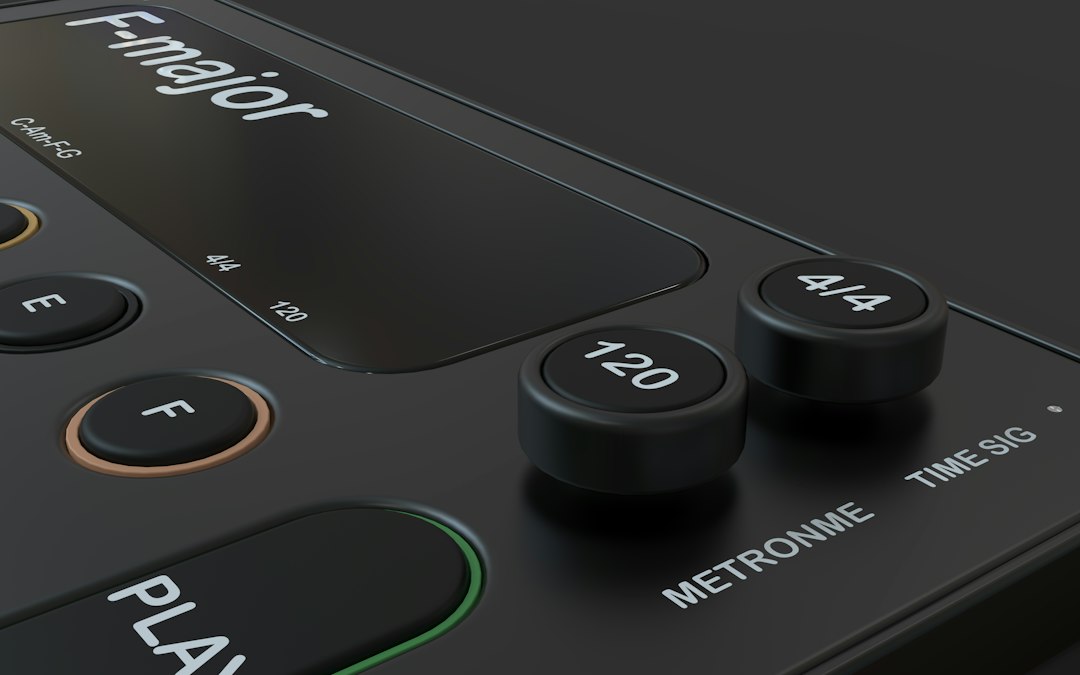
Tunable is the least flashy app here, but serious players may like it most. It combines a tuner, tone generator, metronome, and recorder. That makes it useful beyond the first month of practice.
The tuner is precise and clear. The metronome is also valuable because ukulele beginners often change speed without noticing. Recording yourself is even more useful. You may think a chord change sounds clean, then the recording proves otherwise. Annoying, yes. Helpful, also yes.
Tunable is not a lesson app. It will not teach you a song step by step. Use it when you already have material to practice and want better pitch and timing.
- Best for: Players who care about accurate tuning and steady rhythm.
- Weak point: No full lesson path.
- Ukebuddy replacement value: Excellent for tuning practice, limited for chord discovery.
Which app should you choose?
Pick based on your main problem. If you do not know what to practice next, choose Yousician. If your biggest issue is staying in tune, choose Fender Tune. If you want a ukulele-only feel, choose Kala Ukulele. If you already practice regularly and want cleaner sound, choose Tunable.
A smart setup is to use two apps, not four. For most beginners, Yousician plus Fender Tune is enough. Tune first, then practice lessons. Keep Ukebuddy bookmarked for quick chord checks when you need a simple reference.
The best app is the one you will open every day. A perfect tool that sits unused does nothing. Start small, tune before every session, and practice one chord change until it stops feeling awkward.