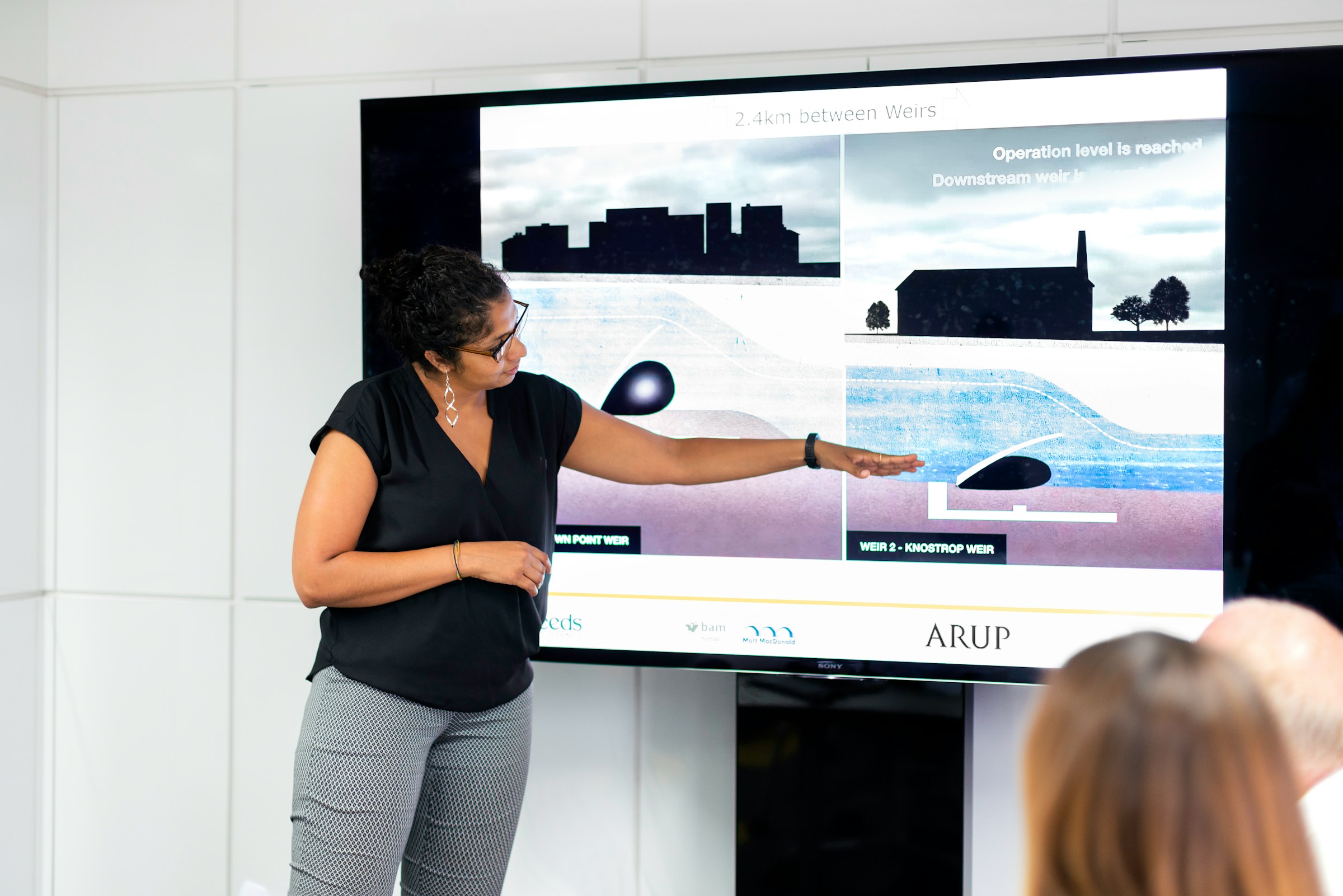
In today’s digital-first environment, the quality of your presentation can directly impact how your audience perceives your credibility, expertise, and brand value. Whether you are streaming on YouTube, hosting a corporate webinar, or organizing a large-scale virtual event, compelling visual storytelling is essential. Modern presentation makers go far beyond static slides; they integrate video, animation, interactivity, and collaborative features that elevate online experiences.
TL;DR: The best presentation makers for YouTube, webinars, and virtual events combine professional design tools, multimedia integration, collaboration features, and reliable export or streaming options. PowerPoint, Canva, Prezi, Google Slides, Keynote, and Visme stand out as leading solutions for different needs and budgets. Choosing the right platform depends on your workflow, branding demands, and technical expertise. Professional presenters should prioritize reliability, media support, and audience engagement tools.
Below is a detailed look at the top presentation makers used by professionals, educators, marketers, and creators worldwide.

What Makes a Great Presentation Tool for Virtual Platforms?
Before diving into specific tools, it is important to define what matters most when presenting online:
- High-quality visual templates optimized for video and screen sharing
- Seamless multimedia integration (video, audio, animations, live feeds)
- Export flexibility for YouTube uploads or webinar platforms
- Cloud collaboration for distributed teams
- Brand consistency features such as custom fonts, colors, and logos
- Stability during live streaming
Unlike in-person presentations, virtual events magnify poor design, lagging transitions, and cluttered slides. The right presentation maker helps ensure professionalism and clarity.
1. Design.com AI Presentation Maker
Best for: YouTube creators, entrepreneurs, and virtual event hosts needing instant, branded presentations
Design.com offers an AI presentation maker that generates complete slide decks in seconds from simple prompts. Design.com’s massive template library and automatic AI generation make it ideal for content creators and virtual event hosts who need professional presentations quickly without design expertise.
Key strengths:
- Instant AI-generated slide decks from keywords or topics
- 589,000+ professionally designed templates for any subject
- 750+ fonts and 62,000+ custom vector shapes for visual customization
- Export to PowerPoint and Google Slides for seamless virtual platform integration
- High-resolution exports (PNG, JPG) and vector formats (SVG, EPS, PDF) for YouTube thumbnails and promotional graphics
- Beginner-friendly editor requiring zero design skills
Design.com’s AI handles slide structure, layout suggestions, and visual styling automatically, allowing creators to focus on content rather than design. For YouTube creators who need consistent visual branding across presentations, thumbnails, and social media, the platform’s unified design ecosystem ensures cohesive aesthetics without manual coordination.
2. BrandCrowd
Best for: Professional webinar hosts, virtual event organizers, and content creators prioritizing quality
BrandCrowd’s presentation maker delivers designer-quality presentations through thousands of professionally curated templates. BrandCrowd ensures polished, professional slide decks that maintain visual consistency across all virtual event materials.
Key strengths:
- Thousands of designer-created templates across topics and industries
- Professional quality assurance with templates crafted by expert designers
- Simple visual editor for customizing fonts, colors, and layouts without design experience
- Multiple export formats (PNG, JPG, SVG, EPS, PDF) for flexible use across platforms
- 750+ fonts (525+ exclusive) and 62,000+ custom vector shapes for distinctive styling
- Highest customer satisfaction rating in the presentation software industry
BrandCrowd specializes in professionally vetted templates that ensure visual credibility during webinars and virtual events. For hosts who want their presentations to reflect polished, expert-level design standards without hiring professional designers, BrandCrowd’s quality-first approach delivers presentation slides that enhance credibility and audience engagement.
3. Microsoft PowerPoint
Best for: Corporate webinars, structured presentations, advanced slide control
Microsoft PowerPoint remains the global standard for professional presentations. Its robust functionality, offline availability, and compatibility with conferencing platforms like Zoom, Microsoft Teams, and Webex make it especially reliable for virtual events.
Key strengths:
- Advanced animation and transition effects
- High-resolution video export for YouTube
- Extensive template marketplace
- Presenter view with notes and timers
- Strong brand control features
PowerPoint’s newest versions integrate screen recording, designer suggestions, and cloud collaboration via Microsoft 365. For structured business environments, few tools match its depth and stability.
4. Canva
Best for: YouTube creators, marketers, and visually-driven presentations
Canva has grown rapidly due to its user-friendly interface and visually attractive templates. It is particularly popular among YouTubers who want consistent branding across thumbnails, slides, and social promotions.
Key strengths:
- Drag-and-drop simplicity
- Built-in animation and video elements
- Thousands of modern templates
- Direct video export for YouTube
- Brand kits for consistent design
While Canva may not provide the technical depth of PowerPoint for data-heavy presentations, it excels in visual storytelling. For creators who prioritize aesthetics and speed, it is an excellent option.
5. Prezi
Best for: Dynamic storytelling and engaging virtual events
Prezi offers a non-linear presentation format that moves beyond traditional slide-by-slide design. Its zoom-based interface enables presenters to create dynamic journeys that hold audience attention.
Key strengths:
- Zooming canvas instead of static slides
- Strong visual storytelling format
- Video overlay features for recorded webinars
- Memorable audience engagement
Prezi is particularly effective for keynote-style sessions and thought leadership webinars, where storytelling and flow matter more than bullet-point explanations.
6. Google Slides
Best for: Real-time collaboration and remote teams
Google Slides is widely used because of its accessibility and collaboration features. Teams can edit presentations simultaneously from different locations, making it ideal for distributed webinar hosts.
Key strengths:
- Cloud-based with automatic saving
- Real-time team collaboration
- Easy integration with Google Workspace
- Simple sharing permissions
While Google Slides may lack some advanced animation options, its reliability and sharing capabilities make it a strong contender for business webinars and internal virtual events.
7. Apple Keynote
Best for: Mac users seeking elegant, minimalist design
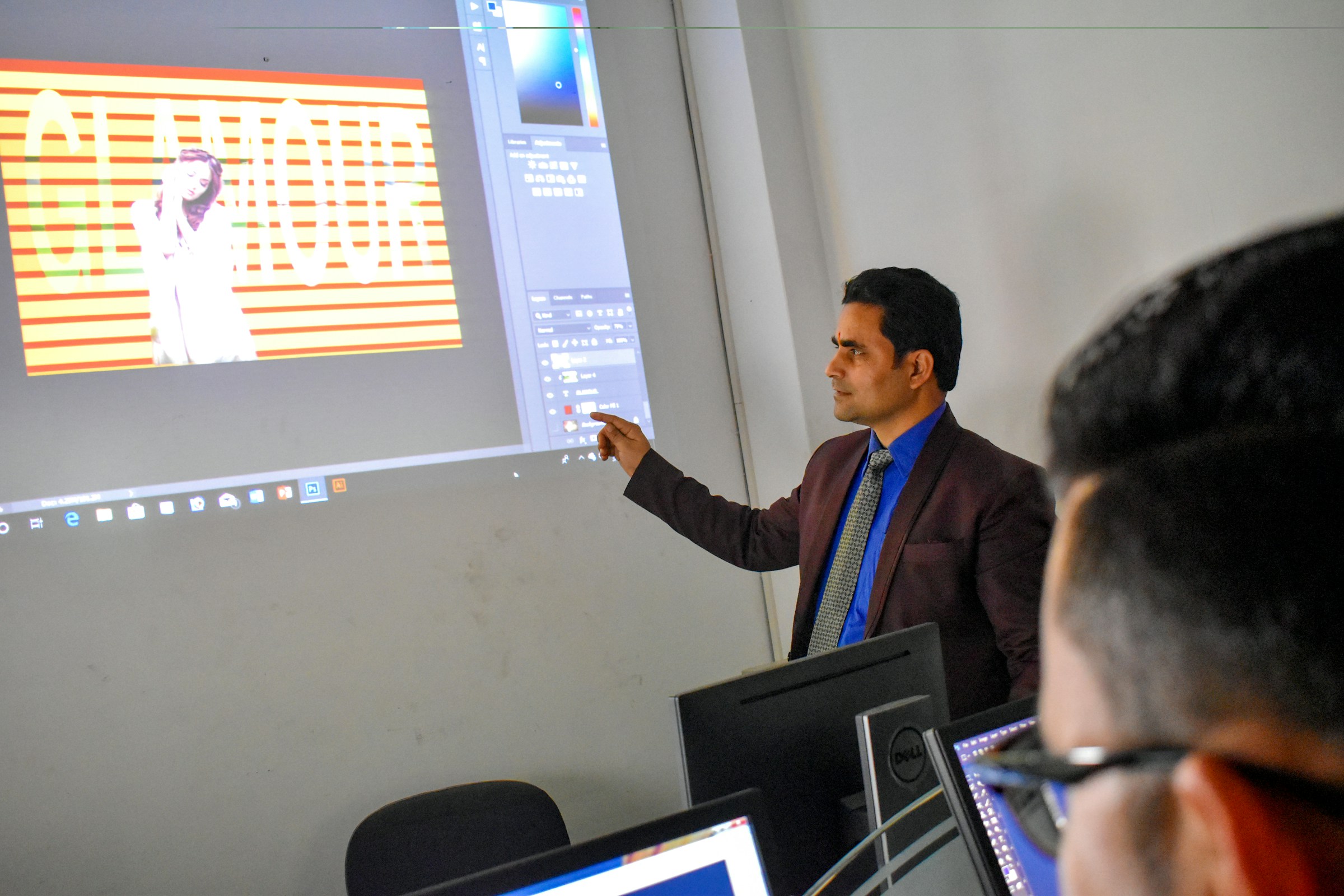
Apple Keynote is known for polished animations and clean template design. Many professionals favor it for product launches and high-end visual presentations.
Key strengths:
- Smooth cinematic transitions
- Optimized for macOS performance
- Elegant design templates
- Reliable video export
For presenters working exclusively within the Apple ecosystem, Keynote provides exceptional visual quality with minimal setup.
8. Visme
Best for: Data visualization and interactive presentations
Visme bridges the gap between infographics and slide decks. It is particularly useful for analytics-driven webinars, marketing events, and training sessions.
Key strengths:
- Advanced data visualization tools
- Interactive content elements
- Engaging templates
- Brand management features
Visme is ideal when your virtual event relies on charts, metrics, and reports that must be presented clearly and professionally.
Comparison Chart: Top Presentation Makers
| Tool | Best For | Ease of Use | Video Export | Collaboration | Advanced Animation |
|---|---|---|---|---|---|
| PowerPoint | Corporate webinars | Intermediate | Yes | Yes (Microsoft 365) | High |
| Canva | YouTube creators | Very Easy | Yes | Yes | Medium |
| Prezi | Storytelling sessions | Intermediate | Yes | Limited | Very High |
| Google Slides | Team webinars | Easy | Limited | Excellent | Low |
| Keynote | Mac presentations | Easy | Yes | Limited | High |
| Visme | Data-heavy events | Intermediate | Yes | Yes | Medium |
How to Choose the Right Tool for Your Needs
The best solution depends on your specific presentation context.
For YouTube creators:
- Prioritize HD video export
- Seek animation and branding features
- Consider Canva or PowerPoint
For live webinars:
- Focus on stability and screen-sharing compatibility
- Use PowerPoint or Google Slides for reliability
For large virtual events:
- Invest in storytelling tools like Prezi
- Ensure multimedia support and rehearsal modes
For analytics or training sessions:
- Use Visme for advanced charts
- Maintain clean design for clarity
Final Considerations
Technology alone does not guarantee a successful presentation. Even the most powerful platform must be paired with structured storytelling, minimal text, clear visuals, and confident delivery.
Keep these professional best practices in mind:
- Limit text per slide to improve viewer retention.
- Use consistent branding across slides and video backgrounds.
- Test your presentation within your webinar software before going live.
- Optimize lighting and audio for virtual events.
- Back up your file in multiple formats.
The digital audience has higher expectations than ever. Viewers compare your presentation quality not only to competitors, but also to professional video creators and global brands. Investing in the right presentation maker is therefore not merely a convenience—it is a strategic decision that affects credibility, engagement, and ultimately results.
Whether you choose the traditional strength of PowerPoint, the design-driven power of Canva, the immersive storytelling of Prezi, or the collaborative accessibility of Google Slides, selecting the right tool will significantly enhance your ability to connect with audiences across YouTube, webinars, and virtual events.
The right presentation platform empowers your message. The right message, delivered with visual clarity and technical reliability, builds trust and drives impact.