Restaurant mobile app development has moved from a “nice to have” investment to a practical growth strategy for restaurants of almost every size. Guests now expect to browse menus, reserve tables, order food, pay securely, track deliveries, and receive personalized offers from their phones. A well-built app can improve customer convenience, reduce staff workload, increase repeat orders, and give restaurant owners valuable data about buying behavior.
TLDR: A successful restaurant app should make ordering, booking, payments, loyalty rewards, and customer communication fast and simple. Development costs vary widely depending on features, design complexity, integrations, and whether you build native apps or a cross-platform solution. The best apps focus on smooth user experience, secure payments, reliable performance, and easy restaurant-side management. Start with essential features first, then expand based on customer feedback and business goals.
Why Restaurants Invest in Mobile Apps
Food delivery platforms are popular, but they often charge high commissions and control the customer relationship. A custom restaurant app gives businesses more ownership over their brand, pricing, promotions, and user data. Instead of competing inside a crowded marketplace, restaurants can communicate directly with loyal guests.
For quick-service restaurants, an app can speed up ordering and reduce lines. For fine dining restaurants, it can simplify reservations and enhance guest profiles. For delivery-focused brands, it can become the central sales channel. In short, a mobile app is not just a digital menu; it is a customer experience platform.

Essential Features of a Restaurant Mobile App
The right features depend on your restaurant model, but most successful apps include a core set of functions that serve both customers and administrators.
1. User Registration and Profiles
Customers should be able to sign up using email, phone number, or social login. A profile can store saved addresses, payment methods, favorite dishes, allergies, order history, and loyalty status. Keep the process simple: a long registration form can discourage first-time users.
2. Digital Menu with Smart Search
Your menu should be visually appealing, easy to update, and organized by categories such as appetizers, mains, desserts, drinks, and specials. Include high-quality photos, prices, descriptions, ingredients, calorie information, and allergen labels where relevant. Filters for vegetarian, gluten-free, spicy, or low-calorie items can make browsing easier.
3. Online Ordering
Online ordering is often the heart of a restaurant app. Users should be able to customize items, add notes, choose portion sizes, apply promo codes, and review their cart before checkout. For restaurants with multiple branches, the app should guide customers to the nearest location or allow them to select a preferred branch.
4. Table Reservations
A reservation feature lets guests choose the date, time, party size, seating preference, and special requests. Restaurants can reduce no-shows with automated confirmations and reminders. More advanced systems can connect with table management software to show real-time availability.
5. Delivery and Pickup Options
The app should support delivery, curbside pickup, and scheduled orders if those services are available. Real-time order tracking improves transparency and reduces “Where is my order?” calls. Estimated preparation and delivery times should be realistic and updated when delays occur.
6. Secure In-App Payments
Offer multiple payment options, including credit cards, debit cards, digital wallets, and possibly cash on delivery. Security is critical: use trusted payment gateways, encryption, and compliance standards such as PCI DSS. A smooth payment flow can significantly reduce cart abandonment.
7. Push Notifications
Push notifications can promote discounts, new dishes, reservation reminders, order updates, and loyalty rewards. However, they must be used carefully. Too many messages can lead users to disable notifications or uninstall the app. The best approach is personalized, timely, and useful communication.
8. Loyalty Program and Rewards
Loyalty features encourage repeat business. Restaurants can offer points per purchase, birthday rewards, referral bonuses, tiered memberships, or exclusive app-only deals. Make rewards easy to understand and redeem, otherwise customers may ignore them.
9. Reviews and Feedback
Built-in feedback tools help restaurants identify problems quickly. Customers can rate orders, leave comments, or report issues inside the app. This creates a private feedback channel before unhappy guests turn to public review sites.
10. Admin Panel
Behind every good customer app is a strong admin dashboard. Restaurant managers need tools to update menus, change prices, manage orders, assign delivery staff, monitor reservations, send promotions, view analytics, and handle customer support. Without a reliable admin panel, even a beautiful app becomes difficult to operate.
Advanced Features Worth Considering
Once the core version is stable, restaurants can add features that improve convenience and competitiveness. These may include:
- AI-based recommendations: Suggest dishes based on previous orders, time of day, or popular combinations.
- Voice ordering: Allow users to search or order hands-free.
- Chatbots: Answer common questions about opening hours, order status, allergens, or booking availability.
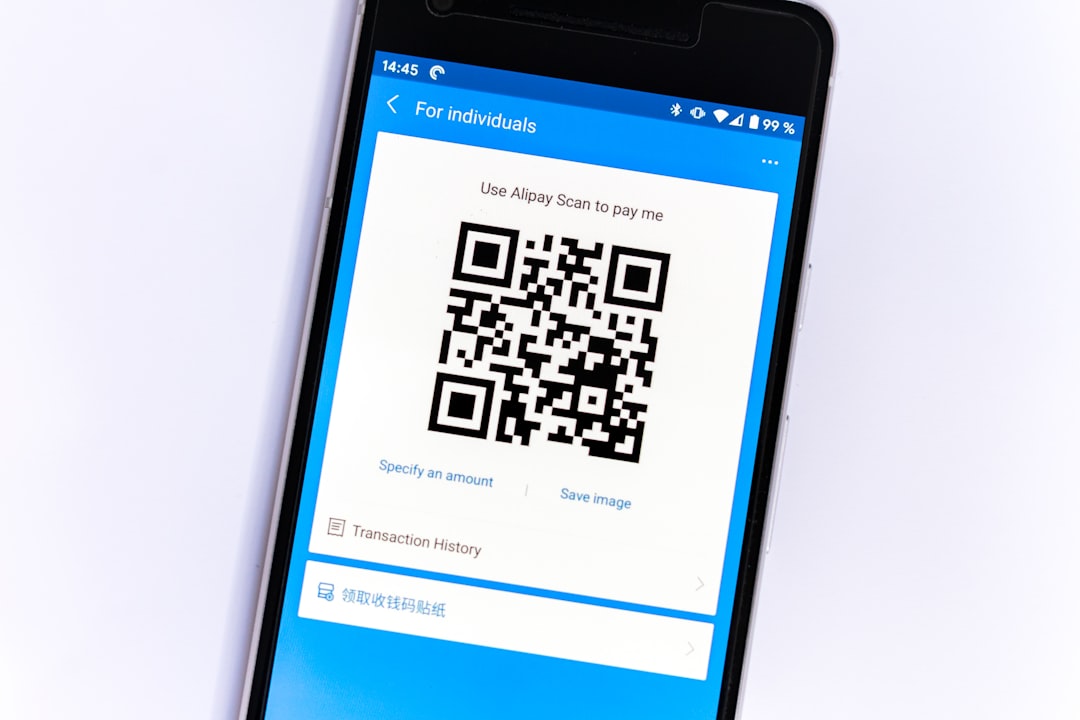
- QR code ordering: Let dine-in customers scan a code, order from the table, and pay without waiting for staff.
- Multi-language support: Useful for tourist-heavy areas or international restaurant chains.
- Marketing automation: Send targeted offers to customers who have not ordered recently.
How Much Does Restaurant App Development Cost?
The cost of restaurant mobile app development depends on app complexity, design quality, features, integrations, development region, and maintenance needs. A basic app with a digital menu, simple ordering, and basic admin tools may cost around $15,000 to $35,000. A mid-level app with payments, loyalty features, reservations, push notifications, and delivery tracking can range from $35,000 to $80,000.
A complex restaurant platform with multiple user roles, advanced analytics, real-time logistics, AI recommendations, POS integration, and custom infrastructure may cost $80,000 to $200,000 or more. If you need separate native apps for iOS and Android, the cost is usually higher than building with cross-platform frameworks such as Flutter or React Native.
Common cost factors include:
- UI and UX design: Custom design takes more time than template-based layouts.
- Backend development: Ordering, payments, inventory, and analytics require strong server-side architecture.
- Third-party integrations: Payment gateways, POS systems, maps, SMS, email, and delivery APIs add complexity.
- Testing: Restaurant apps must be tested across devices, payment flows, and peak traffic scenarios.
- Maintenance: Updates, bug fixes, hosting, security patches, and new OS compatibility are ongoing expenses.
Best Practices for Building a Restaurant App
Start with an MVP. Instead of launching with every possible feature, build a minimum viable product that includes the essentials: menu, ordering, payments, pickup or delivery, and admin management. This reduces risk and allows you to learn from real users.
Prioritize speed and simplicity. Customers often use restaurant apps when they are hungry, busy, or on the move. The app should load quickly, show clear prices, minimize taps, and make checkout effortless.
Use high-quality food visuals. Good photography can directly influence sales. App users cannot smell or taste the food, so images and descriptions must do the selling.
Integrate with existing operations. If your app does not sync with your POS, kitchen workflow, or delivery process, staff may need to duplicate work manually. Integration reduces errors and saves time.
Protect customer data. Restaurant apps collect names, addresses, order history, and payment information. Use secure authentication, encrypted connections, and responsible data storage policies.
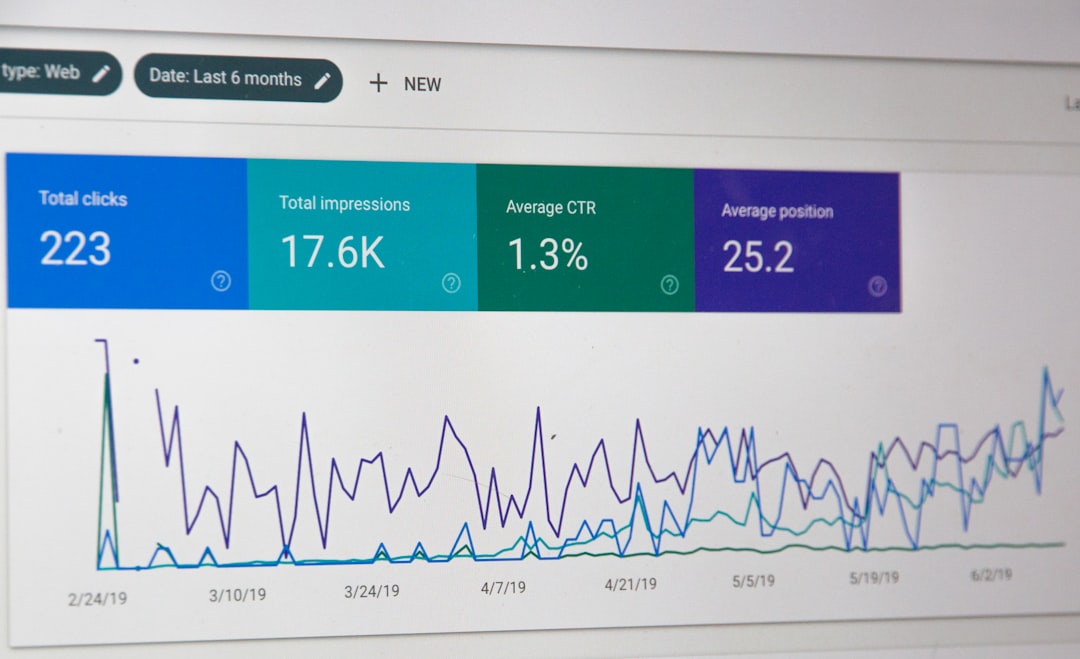
Measure performance. Track metrics such as order conversion rate, average order value, repeat purchase rate, abandoned carts, delivery times, and favorite menu items. Data can guide menu changes, promotions, and staffing decisions.
Common Mistakes to Avoid
Many restaurant apps fail because they are too complicated, poorly promoted, or disconnected from real restaurant operations. Avoid forcing users to create an account before viewing the menu. Do not hide delivery fees until the final step. Make sure menu items are always up to date, especially when dishes sell out. Most importantly, train staff to handle app orders smoothly; the customer experience does not end at the screen.
Final Thoughts
A restaurant mobile app can become a powerful tool for sales, loyalty, and operational efficiency when it is built around real customer needs. The best apps combine attractive design, reliable technology, simple ordering, secure payments, and practical management tools. Whether you run a small local café or a growing restaurant chain, the smartest approach is to begin with essential features, launch carefully, gather feedback, and improve continuously.