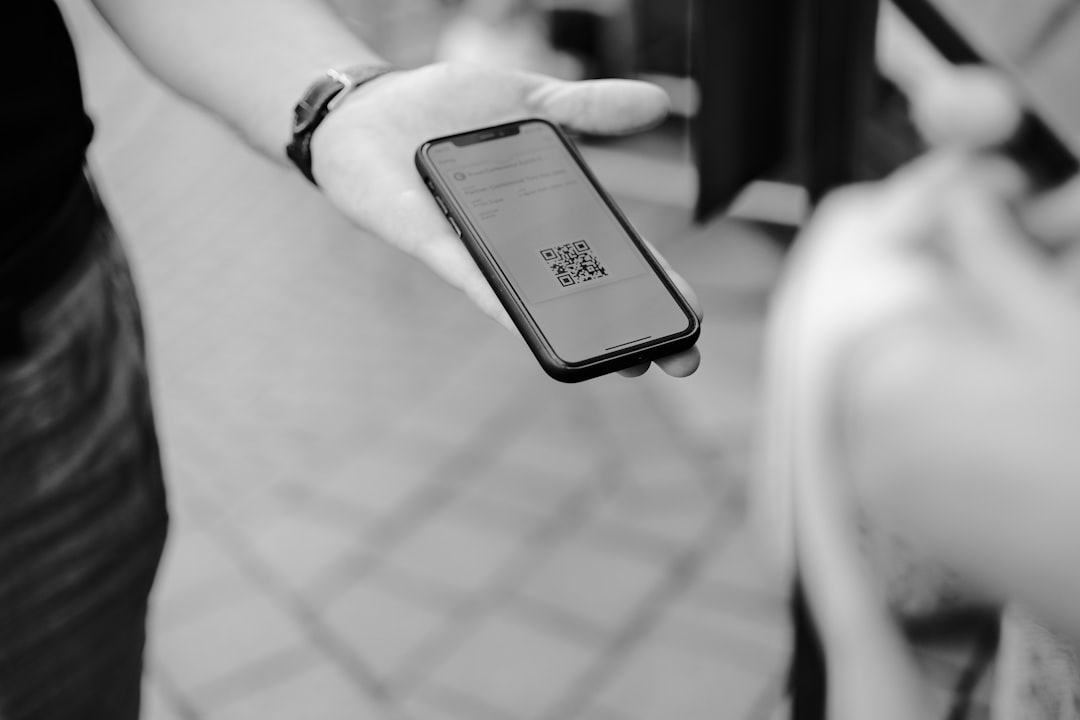
QR code ordering systems have become a practical way for restaurants, cafés, bars, hotels, food courts, and entertainment venues to modernize service without removing the human element. When implemented correctly, they help guests view menus, place orders, request service, and sometimes pay from their own phones, while staff focus on hospitality, food quality, and operational control.
TLDR: A QR code ordering system lets customers scan a code, browse a digital menu, and place orders directly from a mobile device. The best systems improve order accuracy, speed up service, reduce staff pressure, and provide useful sales data. To set one up successfully, choose reliable software, organize your menu carefully, test the guest experience, train staff, and keep a traditional ordering option available when needed.
What Is a QR Code Ordering System?
A QR code ordering system is a digital ordering solution that connects a printed or displayed QR code to an online menu or ordering page. Customers scan the code using a smartphone camera, open the menu, select items, customize orders, and submit them to the restaurant’s point of sale system, kitchen display system, or order management dashboard.
This is different from a simple PDF menu. A serious QR ordering platform is usually interactive. It can include categories, item descriptions, modifiers, allergen information, availability controls, order routing, payment processing, tipping, customer notifications, and reporting tools.
For businesses, the goal is not simply to replace printed menus. The real value is in creating a more efficient ordering flow, reducing manual errors, and giving managers better control over service during busy periods.
How QR Code Ordering Works
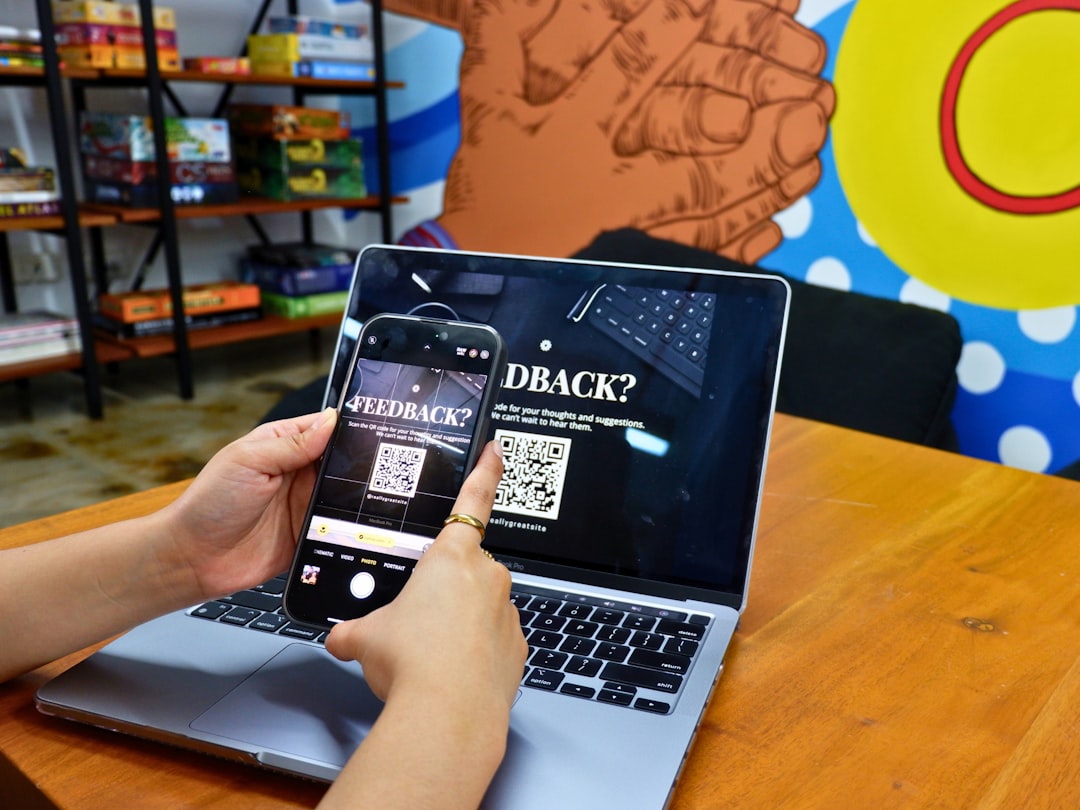
The process is straightforward from the customer’s point of view. A guest sits at a table, scans the QR code, opens the menu, chooses items, and sends the order. Behind the scenes, the system identifies where the order came from, such as a table number, room number, counter location, or delivery zone.
A typical workflow includes the following steps:
- QR code scan: The customer scans a code placed on a table, receipt, poster, tent card, or sign.
- Menu access: The scan opens a mobile-friendly digital menu or ordering page.
- Item selection: The customer adds items, modifiers, notes, and quantities.
- Order submission: The order is sent to the kitchen, bar, counter, or POS system.
- Payment: Depending on setup, payment may happen online, at the table, at the counter, or after service.
- Fulfillment: Staff prepare, deliver, or call out the order according to the venue’s workflow.
In a full-service restaurant, QR ordering may be used alongside servers. In a quick-service location, it may reduce lines and counter congestion. In hotels or stadiums, it can support room service, seat service, or pickup ordering.
Core Features to Look For
Not every QR ordering system offers the same level of reliability. Businesses should evaluate solutions carefully, especially if the system will handle payments, customer data, or high-volume transactions.
1. Mobile-Friendly Digital Menus
The menu should load quickly, display clearly on phones, and be easy to navigate. Customers should be able to find categories, prices, descriptions, images, and options without confusion. A poor mobile experience can lead to abandoned orders and frustrated guests.
2. Customization and Modifiers
Food and beverage orders often require details: cooking temperature, sauce choice, side selection, substitutions, allergy notes, or add-ons. A reliable system should support clear modifier groups and prevent incomplete or invalid selections.
3. Table, Room, or Location Identification
Each QR code should identify where the order originated. For example, Table 12 should automatically attach to any order scanned from that table. This reduces mistakes and helps staff deliver items correctly.
4. POS and Kitchen Integration
Integration is important for busy operations. If QR orders flow directly to the POS or kitchen display system, staff do not have to copy orders manually. This can improve speed and accuracy, although setup should be tested carefully before launch.
5. Secure Payment Processing
If the system accepts payment, it should use reputable payment processors and follow appropriate security standards. Customers need confidence that card details, digital wallet payments, and receipts are handled safely.
6. Real-Time Menu Management
Managers should be able to mark items as unavailable, adjust prices, create specials, and update descriptions without reprinting materials. This is one of the strongest operational advantages of digital menus.
7. Analytics and Reporting
Good systems provide data on best-selling items, order times, average ticket size, customer behavior, and revenue by location or service period. These insights help managers make better decisions about staffing, pricing, inventory, and promotions.
8. Multilingual and Accessibility Options
For venues serving diverse customers, multilingual menus can improve comfort and reduce ordering mistakes. Accessibility considerations, such as readable fonts, strong contrast, and logical navigation, should also be taken seriously.
Business Benefits of QR Code Ordering
A QR code ordering system is valuable when it improves both customer experience and operational performance. The benefits vary by business model, but several advantages are common.
- Faster service: Guests can browse and order without waiting for a server to take the first order.
- Improved order accuracy: Customers select their own items and modifiers, reducing miscommunication.
- Higher average order value: Digital menus can highlight add-ons, upgrades, pairings, and featured items.
- Reduced printing costs: Prices, photos, and availability can be updated online rather than through reprinted menus.
- Better staff efficiency: Staff can focus more on greeting guests, delivering food, checking satisfaction, and handling exceptions.
- Operational flexibility: Menus can change by time of day, day of week, location, or service type.
- Cleaner table management: Fewer shared physical menus may be useful in high-turnover environments.
These benefits are strongest when the system is introduced as part of a well-managed service strategy, not simply placed on tables without explanation.

Customer Benefits and Expectations
Customers increasingly understand QR codes, but their expectations are also higher than they were several years ago. They expect the menu to be fast, stable, easy to read, and transparent about prices and fees.
From the guest perspective, the main advantages include convenience, control, and speed. Customers can browse at their own pace, review ingredients, customize items accurately, and avoid waiting during busy moments. Digital ordering can also be helpful for guests who prefer less pressure when deciding, or who want to review menu details before speaking with staff.
However, businesses should avoid assuming that every guest wants a fully digital experience. Some customers may have low phone battery, limited mobile data, accessibility needs, privacy concerns, or a simple preference for human service. A trustworthy operation provides alternatives and treats QR ordering as an option, not a barrier.
Potential Challenges to Plan For
Like any operational system, QR ordering can create problems if poorly implemented. Common risks include confusing navigation, weak Wi-Fi, inaccurate item availability, staff resistance, payment failures, or unclear responsibility for order monitoring.
One serious mistake is failing to update the digital menu. If guests order items that are unavailable, trust is damaged quickly. Another issue is over-automation. Restaurants still need visible staff, service recovery, and hospitality. Technology should support the team, not create a cold or unattended environment.
Businesses should also consider customer data privacy. If the platform collects names, phone numbers, emails, order history, or payment details, the business must understand how that data is stored, protected, and used.
Setup Tips for a Successful Launch
Setting up a QR code ordering system requires more than generating codes. Careful planning will reduce errors and improve adoption.
1. Define Your Service Model
Decide exactly how QR ordering will fit your operation. Will guests order and pay at the table? Will they order at the table but pay later? Will orders go to the kitchen automatically, or will staff review them first? Will the system support dine-in, takeaway, delivery, hotel rooms, or events?
2. Choose the Right Platform
Select software based on reliability, support, integrations, payment security, ease of menu management, and reporting. Avoid choosing only by price. A low-cost system that fails during peak service can cost more in lost sales and customer dissatisfaction.
3. Build a Clear Digital Menu
Organize categories logically and keep descriptions concise. Use consistent item names, clear prices, and accurate modifier options. If you use photos, make sure they are professional and representative of the actual product.
4. Create Unique QR Codes for Each Location
For table service, each table should have its own code. For hotels, each room should have a room-specific code. For venues, codes may correspond to sections, seats, pickup points, or ordering zones. This ensures orders are routed correctly.
5. Test Before Going Live
Run test orders from different phones and browsers. Check menu speed, item customization, taxes, discounts, tips, payment flow, kitchen routing, receipts, and cancellation procedures. Testing should include both quiet and busy service scenarios.
6. Train Staff Thoroughly
Staff should know how the system works, how to help guests scan codes, how orders appear, how to handle mistakes, and how to override or refund payments when necessary. Training is essential because guests will still look to staff when something goes wrong.
7. Use Clear Table Signage
QR cards should be easy to see, clean, and professionally printed. Include a short instruction such as “Scan to view the menu and place your order”. If payment is required through the system, state that clearly before the customer begins.

Best Practices for Ongoing Management
After launch, monitor performance closely. Review order errors, customer comments, abandoned carts, slow-loading pages, and staff feedback. Small improvements can make a significant difference.
Important ongoing practices include:
- Update item availability immediately when products sell out.
- Review analytics weekly to identify top sellers and underperforming items.
- Keep QR codes clean and scannable by replacing damaged table cards or stickers.
- Audit pricing and taxes whenever menu changes are made.
- Maintain a backup process for internet outages, payment issues, or system downtime.
- Gather customer feedback to understand whether the system improves or complicates the experience.
It is also wise to review whether the system is affecting tipping, staff workload, service quality, and guest satisfaction. Digital ordering should support a balanced operation, not create hidden pressure elsewhere.
Security, Privacy, and Trust
Trust is critical when customers scan codes and enter information. Businesses should use secure, reputable ordering platforms and avoid suspicious third-party links. QR codes should direct to a recognizable domain or branded ordering page, and payment pages should show secure browser indicators.
Managers should periodically inspect printed QR codes to ensure they have not been replaced or tampered with. In public-facing locations, malicious QR code stickers can be placed over legitimate codes. Regular checks help protect both customers and the business.
If customer data is collected, the business should be transparent about how it is used. Avoid unnecessary data collection. For many dining situations, guests should be able to order without creating an account unless there is a clear benefit.
Is QR Code Ordering Right for Every Business?
QR code ordering is useful for many operations, but it is not automatically the best fit for every concept. Fine dining restaurants may prefer to use QR menus only for wine lists, allergen guides, or payment, while keeping ordering personal. High-volume casual restaurants may benefit from full table ordering. Cafés may use QR codes to speed up takeaway orders and reduce counter lines.
The right approach depends on brand positioning, customer demographics, staffing model, menu complexity, and service expectations. A serious implementation begins with the question: “What problem are we solving?” If the answer is faster ordering, better accuracy, reduced queues, or more flexible menu management, QR ordering may be a strong investment.
Final Thoughts
A QR code ordering system can be a reliable and efficient tool when it is implemented with care. The most successful businesses treat it as part of a complete service design that includes staff training, clear communication, accurate menus, secure payments, and customer choice.
For restaurants and hospitality venues, the purpose of QR ordering should not be to remove hospitality. It should be to remove friction. When customers can order easily and staff can serve more effectively, the result is a smoother operation, better data, and a more consistent guest experience.