Choose Webflow if the page must look polished fast and your team controls design in-house; choose WordPress if email growth depends on publishing, plugins, and lower long-term content costs. That is the practical split. WordPress also has the larger ecosystem, powering about 43% of all websites, which matters when you need integrations, themes, developers, and support options [source: W3Techs].
TLDR: Webflow is usually better for a standalone newsletter landing page with a refined visual layout, custom spacing, tight branding, and fewer moving parts. WordPress is stronger when the newsletter is tied to a blog, SEO content, lead magnets, membership tools, or several email forms across a site. For example, a small media team with 2,000 monthly landing page visits might see a move from 3.1% to 4.4% signup conversion after cleaning up the hero section, reducing form fields from four to one, and improving mobile load speed. If the same team publishes three articles per week, WordPress may still be the better base.
What a newsletter landing page really needs
A newsletter landing page is not just a pretty form. It has one job: turn a visitor into a subscriber. Good design helps, but clarity does most of the work.
A serious newsletter page should include:
- A clear promise: what the reader gets and how often.
- One primary call to action: usually an email field and a subscribe button.
- Trust signals: sample issues, reader count, logos, testimonials, or author credentials.
- Low friction: no long forms unless there is a strong reason.
- Privacy reassurance: a short line that says you will not spam subscribers.
- Analytics: form submissions, conversion rate, traffic source, and drop-off points.

Webflow for newsletter page design
Webflow is the stronger choice when visual control matters most. Designers can build a page that looks custom without waiting on a developer for every spacing change. The editor gives precise control over layout, breakpoints, animations, and responsive behavior.
This matters for newsletter pages because first impressions are brutal. A weak hero section can kill intent in seconds. Webflow makes it easy to test different hero layouts, move testimonials higher, hide sections on mobile, and tighten the page without touching a theme file.
Webflow works well when:
- You need a refined, brand-heavy design.
- The page is separate from a larger content site.
- Your team includes a designer, not only a marketer.
- You want fewer plugins and less maintenance.
- You care about spacing, motion, and responsive polish.
The catch is that Webflow can feel stiff when you need marketing features that are not built in. Email platform connections may require embeds, forms, automation tools, or third-party services. This is manageable, but it adds setup work.
It also gets annoying when a simple marketing request becomes a structure issue. For example, changing a repeated content block across several pages can take longer than expected if the project was not built with reusable components from the start. Expect to spend extra time planning classes, symbols, and form logic.
WordPress for newsletter landing pages
WordPress is the safer choice when the newsletter is part of a broader publishing plan. If your site has articles, guides, landing pages, podcast notes, gated files, and SEO content, WordPress gives you more room to grow.
You can build a newsletter page with the block editor, a page builder, or a theme template. You can connect tools such as Mailchimp, ConvertKit, Brevo, HubSpot, or custom CRM forms. You can also add popups, exit-intent forms, A/B testing plugins, custom fields, caching, schema tools, and analytics plugins.
WordPress works well when:
- You publish content often.
- You need SEO control across many pages.
- You want many plugin choices.
- You need lower switching risk.
- You may hire different developers over time.
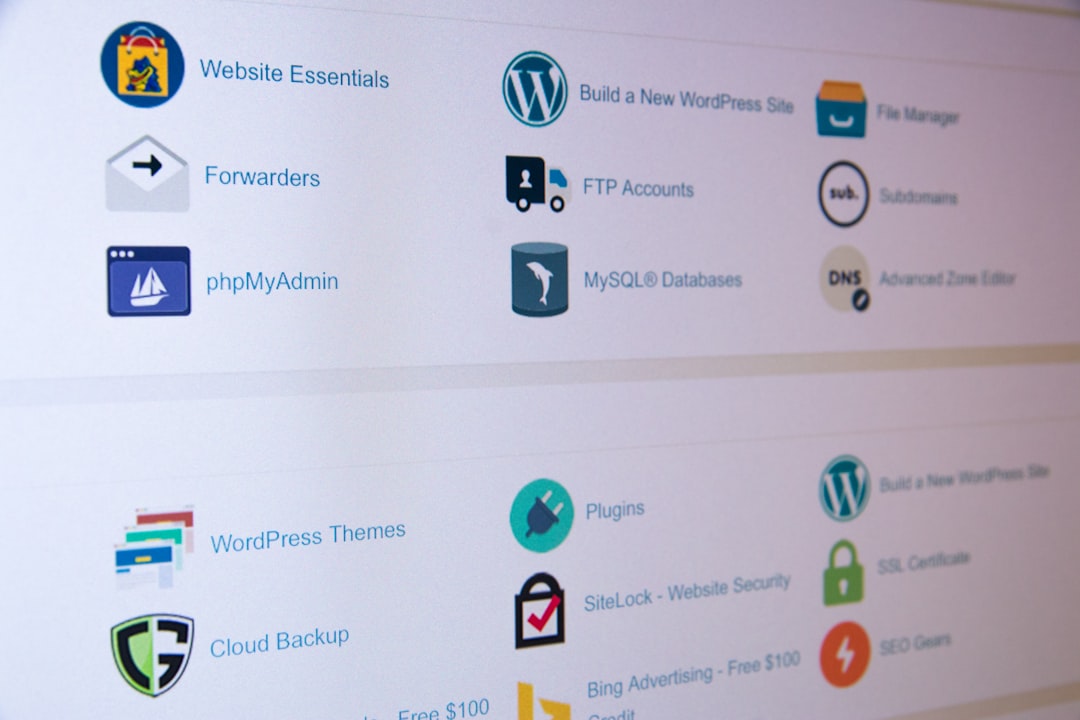
The downside is clutter. Honestly, it feels like every small feature wants its own plugin. One plugin handles forms. Another handles tracking. Another controls caching. Another affects images. If the stack is poorly managed, a newsletter page can become slow, fragile, and harder to edit than it should be.
Design control: Webflow is cleaner, WordPress is broader
For pure page design, Webflow has the edge. It gives designers a cleaner canvas and fewer theme restrictions. You can build an elegant hero, split-screen layout, sticky signup block, or magazine-style preview with strong control over every pixel.
WordPress can match that quality, but the path depends on the theme and builder. A strong designer using a solid builder can create excellent pages. A rushed team using a bloated theme may end up with uneven spacing, slow scripts, and a form that looks pasted in.
If brand perception is the main goal, Webflow often wins. If growth operations are the main goal, WordPress often wins.
Speed and performance
Both platforms can produce fast newsletter pages. Both can also produce slow ones.
Webflow tends to be easier to keep lean because hosting, image handling, and code output are more controlled. There are fewer random add-ons. That helps teams avoid performance mistakes.
WordPress can be very fast, but it needs care. Hosting quality, caching, image compression, theme weight, and plugin count all matter. A WordPress page with eight marketing scripts and heavy page builder assets can feel sluggish. That is a problem because every extra second can reduce signups.
Email integrations and tracking
WordPress usually wins on integrations. Most email tools support it well. Many offer official plugins or tested embed options. You can build segments, tag subscribers, serve lead magnets, and connect forms to automation workflows.
Webflow supports forms and embeds, but advanced email behavior often needs extra setup. It is fine for simple capture. It becomes less simple when you need conditional fields, hidden UTM capture, double opt-in rules, CRM routing, or several segmented forms.
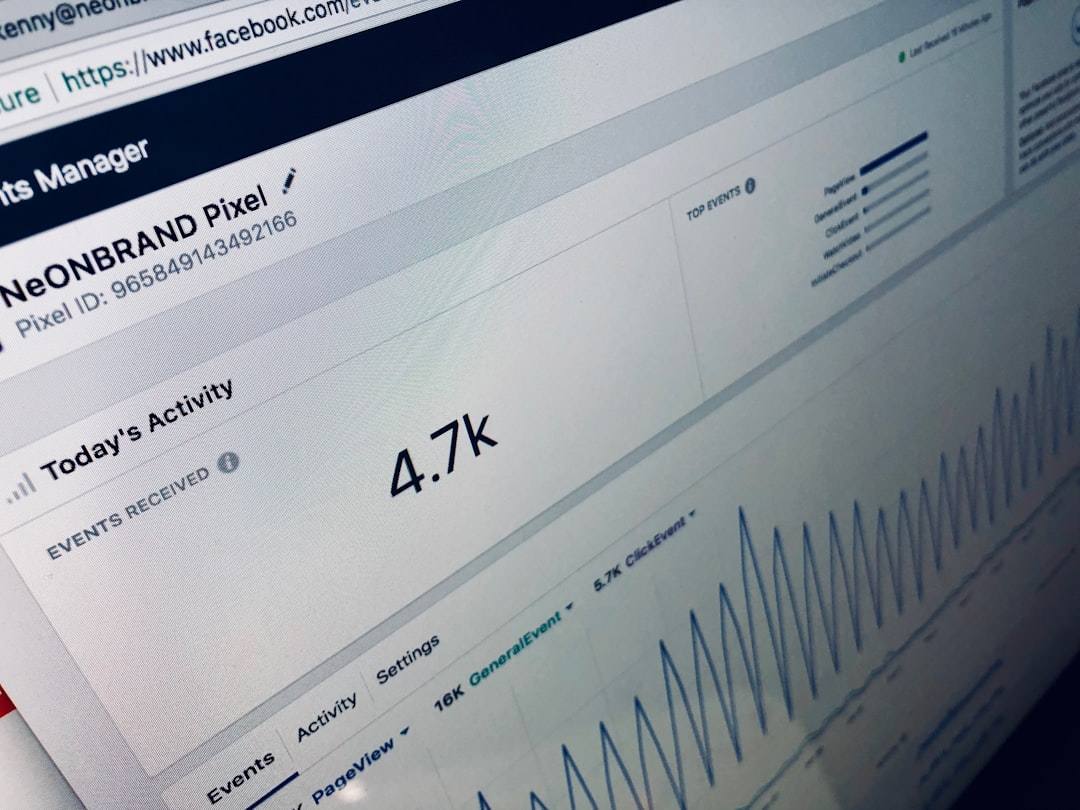
For serious measurement, track these numbers:
- Visitor-to-subscriber conversion rate
- Mobile conversion rate
- Traffic source conversion
- Form error rate
- Scroll depth before signup
- Percentage of subscribers who open the first email
Cost and maintenance
Webflow pricing is more predictable, but it can become costly across several sites or complex CMS needs. You also need people who understand the Webflow build structure. A messy Webflow project can be hard for a new person to clean up.
WordPress costs vary more. You pay for hosting, premium plugins, themes, security tools, and maintenance. Cheap WordPress can become expensive if poor setup causes speed, security, or compatibility issues. Still, ownership is flexible. You can move hosts, change developers, and replace tools.
Which platform should you choose?
Choose Webflow if the newsletter page is a focused campaign asset. It is ideal for startups, creators, design-led firms, and product teams that want a crisp page without managing a plugin stack.
Choose WordPress if the newsletter grows from content. It is the better fit for publishers, consultants, education sites, communities, and companies that rely on search traffic and regular articles.
The smartest choice depends on the job, not on platform loyalty. If you need one beautiful landing page, Webflow is hard to beat. If you need a newsletter engine tied to content, SEO, and marketing tools, WordPress is usually the stronger long-term choice.