Microsoft Defender is the best everyday replacement for Microsoft Security Essentials, while ClamWin is useful for basic manual scans, and Emsisoft Emergency Kit is the tool you keep on a USB drive for emergencies. Microsoft Security Essentials was made for older Windows versions, but Windows 10 and Windows 11 include Microsoft Defender Antivirus by default [source: Microsoft]. That changes the real question. You are not really replacing MSE anymore. You are choosing the right scanner for the job.
TLDR: Use Microsoft Defender as your main protection if you run Windows 10 or 11. Pick ClamWin only if you need a free, open source scanner and can live without real-time protection. Keep Emsisoft Emergency Kit for cleanup, such as scanning a family PC that suddenly opens fake browser warnings or runs 40% slower than usual. For example, Defender can watch files as they open, while ClamWin needs you to start the scan yourself.
Quick comparison
The short version is simple. Defender protects all the time. ClamWin checks when you ask it to. Emsisoft Emergency Kit hunts infections after something already feels wrong.
| Tool | Best for | Real-time protection | Main downside |
|---|---|---|---|
| Microsoft Defender | Daily protection on Windows | Yes | Can feel too quiet, so users forget it is working |
| ClamWin | Free manual scans | No | No automatic blocking before a file runs |
| Emsisoft Emergency Kit | Malware cleanup and second opinions | No | Not meant to be your main antivirus |
Microsoft Defender: the sensible default
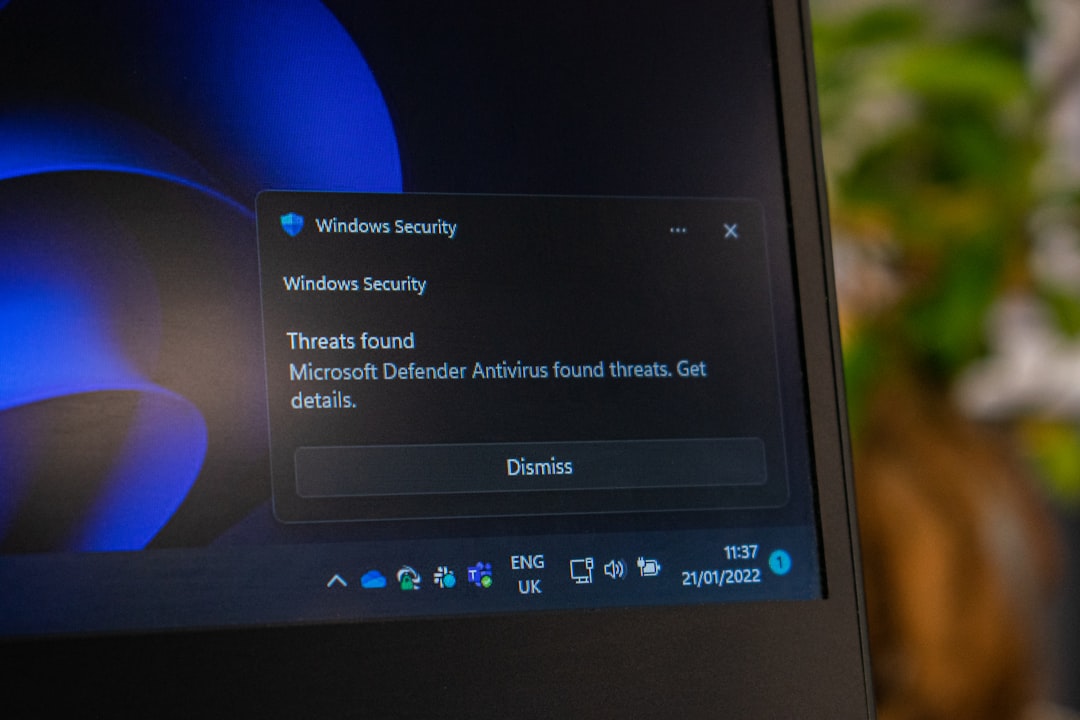
Microsoft Defender is the closest modern match to Microsoft Security Essentials. It is built into Windows, updates through Windows Update, and runs in the background. You do not need to install extra software. That alone saves time and avoids messy trialware popups.
It covers the basics well:
- Real-time scanning for files, downloads, and apps.
- Cloud-based checks for newer threats.
- Ransomware protection options through Controlled Folder Access.
- Firewall and reputation checks through Windows Security.
Honestly, it feels like the least annoying option for most people. It does not nag you every hour. It does not try to sell you a password manager at boot. It just works in the background.
The weak spot is visibility. Defender can be so quiet that people assume nothing is happening. Also, some settings are buried in Windows Security menus. Expect to waste time finding scan history the first time you need it.
ClamWin: free, open source, but limited
ClamWin has one big appeal: it is free and open source. It is based on the ClamAV engine and can scan files, folders, and drives. For people who like simple tools with no sales pitch, that sounds great.
The problem is serious, though. ClamWin does not include real-time scanning. That means it will not automatically stop a bad file the moment you open it. You must run scans manually or schedule them. That is fine for checking old backups. It is not fine as your only defense on a PC used every day.
ClamWin makes sense in these cases:
- You want to scan a folder of old downloads.
- You need a no-cost second scanner.
- You use an older machine for light tasks.
- You prefer open source software where possible.
It drives me crazy that someone can install ClamWin and think they are fully covered. They are not. If you download a shady attachment and open it before scanning, ClamWin may never get a chance to help.
Emsisoft Emergency Kit: the rescue tool
Emsisoft Emergency Kit is different from the other two. It is not trying to sit on your PC all day. It is a portable malware scanner built for cleanup. You can copy it to a USB stick, update it, and run it on a machine that may already be infected.
This is where it shines. Say a laptop suddenly redirects searches, shows fake antivirus alerts, and takes 90 seconds longer to reach the desktop. Defender may already be disabled or blocked. Emsisoft Emergency Kit gives you a clean second opinion without installing a full security suite.
Its strengths include:
- Portable use, which is handy for tech support visits.
- Malware and potentially unwanted app detection.
- Good second-opinion scanning when you do not trust the main antivirus.
The catch is obvious. It is not real-time protection. It helps after suspicion starts. Keep it updated before you need it, because downloading updates on a badly infected machine can be painful.
Which one should you choose?
For most home users, the best setup is boring but strong:
- Use Microsoft Defender as the main antivirus.
- Run Emsisoft Emergency Kit when something feels off.
- Use ClamWin only for manual scans or open source preference.
If you are helping a parent, student, or small office user, Defender is the easiest answer. It updates itself and needs little babysitting. Add safe browsing habits and regular Windows updates, and you cover the biggest risks.
ClamWin is best treated as a scanner, not a shield. Emsisoft Emergency Kit is best treated as a repair kit, not a seatbelt. Defender is the seatbelt.

Final recommendation
Choose Microsoft Defender if you want simple, steady protection. Choose ClamWin if you want a free manual scanner and understand its limits. Choose Emsisoft Emergency Kit if you need to clean or double-check a suspicious PC.
The best alternative to Microsoft Security Essentials is not one single tool for every moment. It is Defender for daily defense, plus Emsisoft Emergency Kit for emergencies. ClamWin can help, but only if you remember to use it before trouble starts.