Use TikTok Analytics to learn what gets views, and use Hootsuite to keep your posting plan sane. That is the simple answer. TikTok tells you what happened inside the app. Hootsuite helps you post, plan, and report across channels without losing your mind.
TLDR: If you want more TikTok views, start with TikTok Analytics because it shows watch time, retention, traffic source, follower activity, and video performance. Use Hootsuite when you need scheduling, team approval, and cleaner reports. For example, if a creator posts 20 videos and finds that 7-second clips get 42% more full watches, TikTok Analytics finds the pattern. Hootsuite then helps repeat that winning format every Monday, Wednesday, and Friday.
Why TikTok views feel so weird
TikTok is not like posting a flyer on a wall. It is more like feeding a very picky baby raccoon. Sometimes it loves your video. Sometimes it throws it away after two seconds.
More views usually come from three things:
- People watch past the first few seconds.
- People finish the video.
- People react, save, share, or comment.
So your job is not just to post more. Your job is to learn what keeps people watching. That is where analytics tools help.
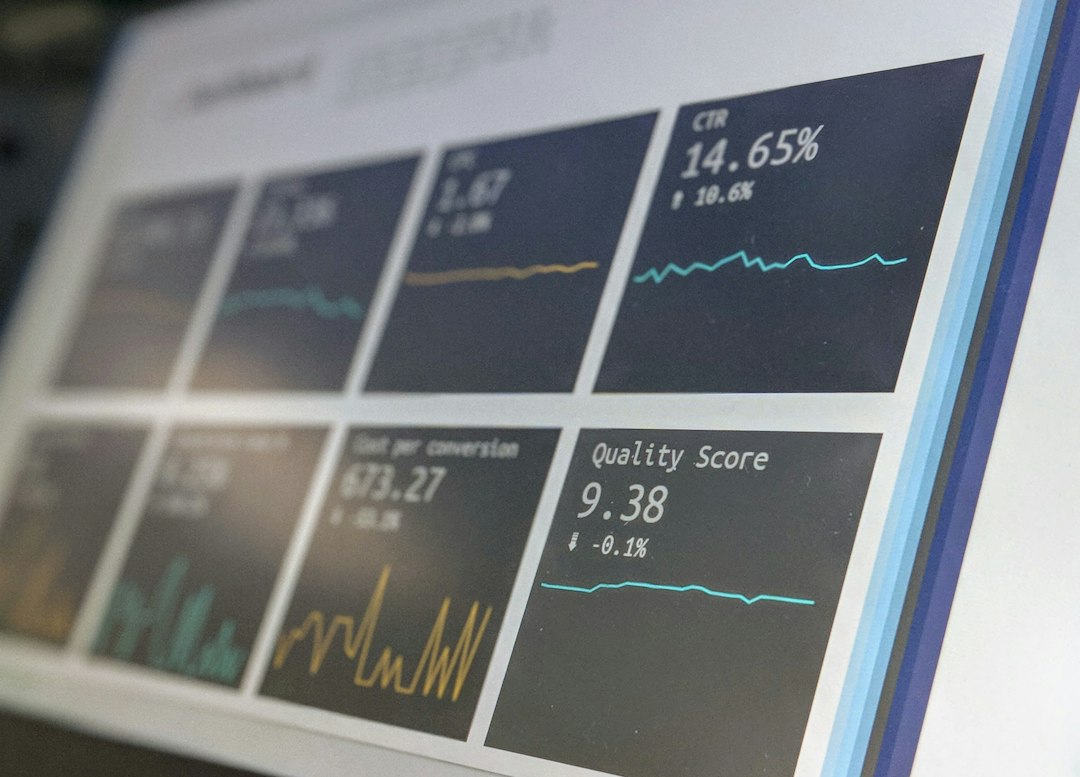
TikTok Analytics: best for understanding views
TikTok Analytics is the native tool inside TikTok. It is free. It is close to the source. That matters.
It shows you what TikTok itself sees. You can check:
- Video views
- Profile views
- Likes, comments, and shares
- Average watch time
- Watched full video rate
- Traffic sources
- Follower activity times
- Audience location and gender
The best part is the video-level data. That is where the good stuff lives.
Look at two videos. One got 800 views. One got 8,000 views. Do not just clap for the big number. Ask why it happened.
Was the hook stronger? Was the video shorter? Did people watch it twice? Did comments come in fast? Did the video get pushed from the For You feed?
That is how you stop guessing.
What TikTok Analytics is great at
TikTok Analytics is best when you want answers like these:
- Which hook kept people watching?
- Which video length works best?
- When are followers active?
- Which topics bring profile visits?
- Which clips get shared?
Here is a simple example.
You post three videos:
- Video A: 35 seconds, 1,200 views, 18% watched full video
- Video B: 12 seconds, 4,900 views, 51% watched full video
- Video C: 9 seconds, 6,300 views, 64% watched full video
The lesson is not “short videos always win.” The lesson is “your audience finished the short ones.” So test more short videos with strong first lines.
Try hooks like:
- “Stop doing this on TikTok.”
- “I tested this for 7 days.”
- “Here is why your views are stuck.”
- “This took me way too long to learn.”
Where TikTok Analytics gets annoying
TikTok Analytics can be messy. Honestly, it feels like TikTok hides the obvious stuff just to keep you humble.
You may need to tap around a lot. Exporting reports is limited. Comparing many posts can get clunky. If you manage several accounts, expect extra clicks. Too many extra clicks.
It is great for creators. It is less great for teams that need tidy charts every week.
Hootsuite: best for planning and reporting
Hootsuite is a social media management tool. It is not just for TikTok. It can help with TikTok, Instagram, Facebook, LinkedIn, X, Pinterest, and more.
For TikTok growth, Hootsuite is useful when you need structure.
You can use it to:
- Schedule TikTok posts
- Plan content on a calendar
- Manage team approvals
- Track performance in reports
- Compare TikTok with other channels
- Reply to comments from one inbox
This matters if you post a lot. It matters even more if three people approve every caption. Fun? No. Common? Very.

What Hootsuite is great at
Hootsuite is best for turning insights into a repeatable routine.
Say TikTok Analytics shows your best posts come out at 7 p.m. on weekdays. It also shows tutorials under 15 seconds do well. Great. Now what?
With Hootsuite, you can plan three weeks of short tutorials. You can add captions. You can set publish times. You can get approval from a manager. Then you can stop sending “Is this ready?” messages at 4:58 p.m.
That is the magic. Not flashy. Just useful.
Where Hootsuite can feel slow
Hootsuite adds a layer between you and TikTok. That layer is helpful, but it can also be a pain.
Some TikTok-specific metrics may not feel as deep as TikTok’s own data. Native tools often show richer video details. Also, switching between accounts and reports can feel slow if you are in a hurry. It drives me crazy when a simple report takes 20 seconds longer than opening the TikTok app and checking the video directly.
Also, Hootsuite costs money. TikTok Analytics is free. That alone matters for small creators.
TikTok Analytics vs Hootsuite: quick comparison
| Feature | TikTok Analytics | Hootsuite |
|---|---|---|
| Best use | Finding what grows views | Planning and reporting |
| Cost | Free | Paid plans |
| Video detail | Strong | Good, but less native |
| Scheduling | Basic or limited | Strong |
| Team workflow | Weak | Strong |
| Best for | Creators and growth testing | Brands and teams |
How to use both to get more TikTok views
Here is a simple weekly system.
- Post at least 3 to 5 TikToks per week. You need enough data to spot patterns.
- Check TikTok Analytics every Monday. Look at your top videos from the last 7 days.
- Write down three numbers. Average watch time, full video rate, and shares.
- Find one winner. Pick the video with the best viewing behavior, not just the most views.
- Make three new versions. Keep the same idea. Change the hook, length, or example.
- Use Hootsuite to schedule them. Space them out. Test good posting times.
- Repeat next week. Boring? Maybe. Effective? Yes.
This system keeps you from chasing random trends all day. Trends can help. But patterns grow accounts.
Metrics that matter most for TikTok views
Do not stare at likes all day. Likes are nice. Views care more about watch behavior.
Watch these first:
- Average watch time: Are people staying?
- Full video watch rate: Are they finishing?
- Rewatches: Are they watching again?
- Shares: Is the video useful or funny enough to send?
- Traffic source: Did views come from For You, search, or followers?
If your video gets most views from TikTok search, make more searchable content. Use clear phrases in the caption and on-screen text. Think “how to clean white sneakers” instead of “you need this.”
Which tool should you choose?
If you are a solo creator, start with TikTok Analytics. It gives you the key data for free. You can learn what works before paying for extra tools.
If you are a brand, agency, or busy team, add Hootsuite. It saves time. It keeps your posting schedule clean. It also makes reporting less painful.
If you want the strongest setup, use both.
TikTok Analytics tells you what to make next. Hootsuite helps you publish it on time. That combo can turn random posting into a real growth loop.
Final cheat sheet
- Want better videos? Use TikTok Analytics.
- Want better planning? Use Hootsuite.
- Want more views? Study watch time, then repeat your winners.
- Want less chaos? Schedule content before the day gets loud.
The main trick is simple. Do not post and pray. Post, check the numbers, tweak, and post again. TikTok rewards videos people watch. Your analytics show you which ones they actually care about.