Choosing an event management platform for a conference with 10,000+ attendees is a big deal. It is not like picking a playlist for a road trip. It is more like picking the traffic system for a small city. The right platform keeps people moving, informed, checked in, and happy. The wrong one creates long lines, grumpy sponsors, and a help desk that looks like a disaster movie.
TLDR: For a large conference, choose a platform that can handle scale, fast check in, mobile engagement, sponsor needs, data tracking, and strong support. For example, if 10,000 people arrive in a 90 minute window, even a 20 second delay per check in can create a huge crowd. Look for tools that prove they can process thousands of badge scans, app messages, and session bookings without slowing down. A good platform should make the event feel smooth, not “please refresh and try again.”
Start With the Big Question: Can It Handle the Crowd?
First, think about scale. A 500 person event can survive a few clunky tools. A 10,000 person conference cannot. Every small problem gets multiplied by 10,000. That is how a tiny bug becomes a giant mess with a name badge.
Ask vendors for real numbers. Not vague promises. You want proof.
- How many attendees has the platform supported at one event?
- How many users can be active in the app at the same time?
- How fast is check in during peak arrival?
- What happens if the Wi Fi gets weird?
- Does the system work offline for badge printing or scanning?
If the vendor says, “It should be fine,” run. Or at least power walk away with purpose.
Make Registration Fast and Friendly
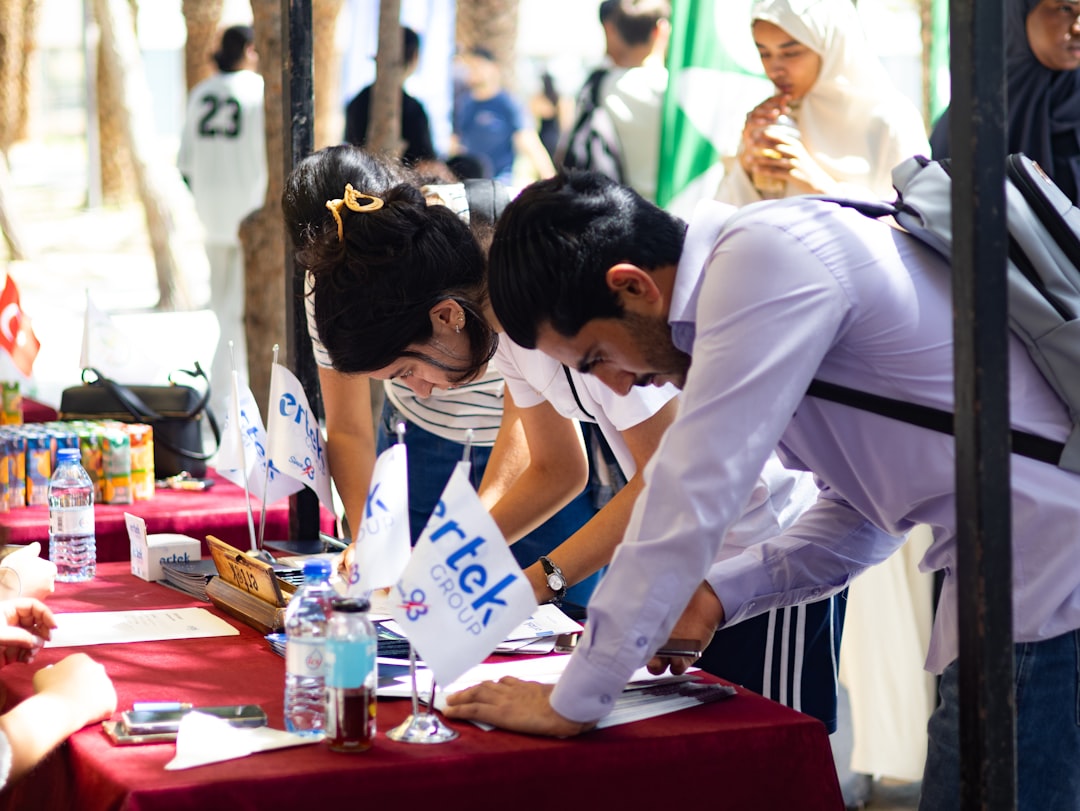
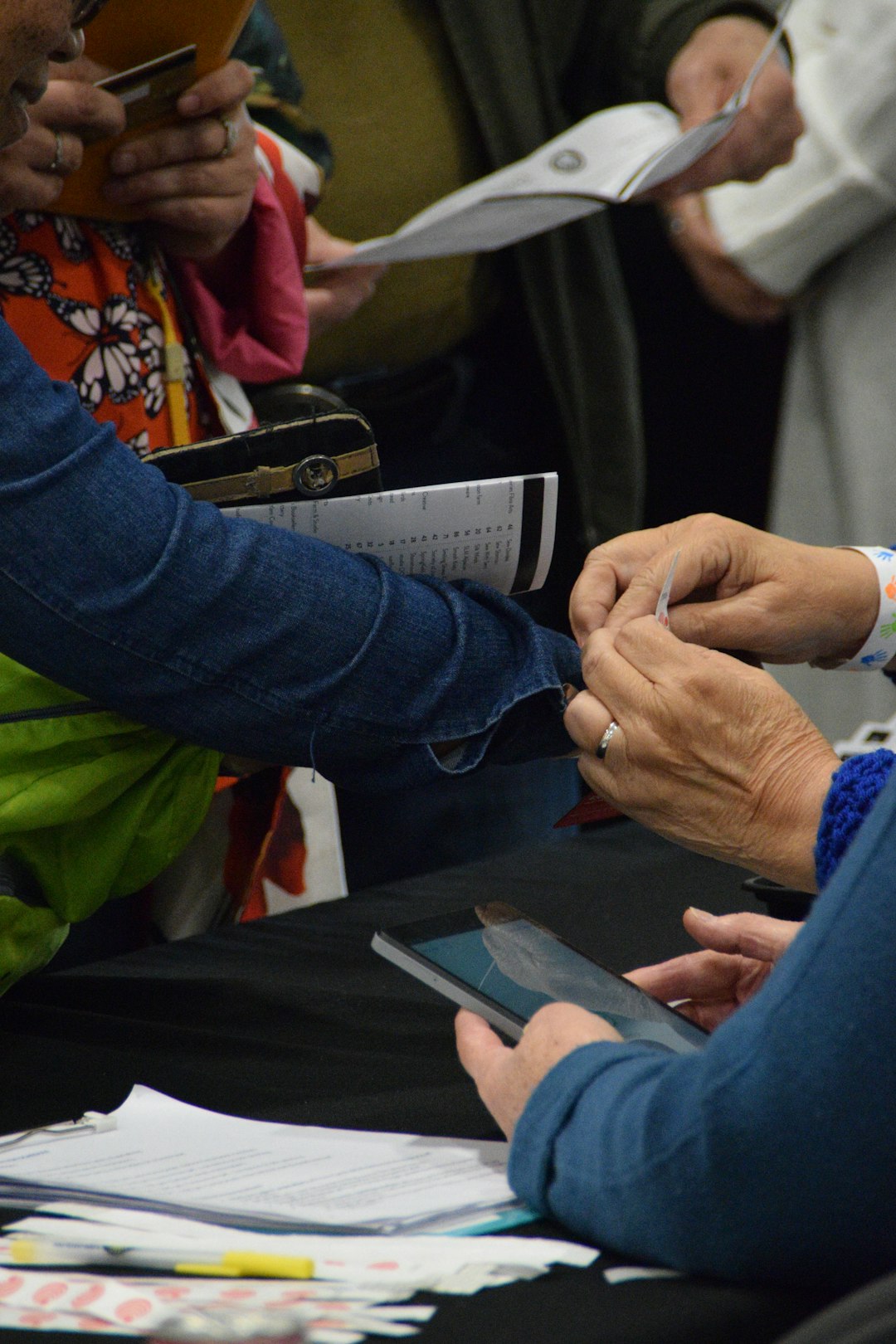
Registration is the first handshake. If it is slow, people start the event annoyed. Not ideal. At a large conference, check in must be quick, clear, and flexible.
Look for a platform with:
- Self check in kiosks for speed.
- QR code scanning for easy entry.
- On demand badge printing for changes and walk ins.
- Group registration for companies sending teams.
- Multiple badge types for speakers, VIPs, media, staff, and sponsors.
Also, test the flow yourself. Pretend to be an attendee. Register. Change your session. Cancel. Add a workshop. Download the app. If you feel confused, your guests will too.
The Mobile App Should Be More Than a Digital Brochure
For 10,000+ attendees, a mobile event app is not a “nice extra.” It is the control center. It tells people where to go, what to do, and when lunch appears. Very important.
A strong app should include:
- Personal agendas so people can build their day.
- Live updates for room changes and delays.
- Interactive maps for big venues.
- Session reminders so people do not miss key talks.
- Networking features for meetings and messages.
- Push notifications that are useful, not spammy.
Keep it simple. Nobody wants to tap through 12 screens to find Ballroom C. They want the answer now. Bonus points if the app has indoor wayfinding. At large venues, “near the blue carpet” is not a navigation plan.
Think About Sessions Like a Theme Park
Big conferences have popular sessions. Some rooms fill up fast. A good platform helps you manage demand before crowds become chaos.
Look for session tools that support:
- Capacity limits for each room.
- Waitlists for popular sessions.
- Session scanning at the door.
- Reserved seating for VIPs or paid tracks.
- Real time attendance data for staff.
This data is gold. If 1,200 people register for a room that holds 600, you can fix the problem early. Move the session. Add a repeat. Stream it. Do anything except hope for the best. Hope is not an event strategy.
Sponsors Need Love Too
Sponsors help pay for the fun. So your platform should help them see value. At a giant conference, sponsors want leads, visibility, and proof. They do not want a spreadsheet that arrives three weeks later and looks like it was built during a power outage.
Choose a platform that offers:
- Lead scanning for booth teams.
- Lead notes and tags for follow up.
- Sponsor profiles in the event app.
- Banner placements or featured listings.
- Analytics reports for views, scans, and meetings.
Here is a simple user case. A sponsor scans 850 badges over three days. The platform shows that 220 leads requested demos and 64 booked meetings. That is a clear story. It helps the sponsor say, “Yes, we should come back next year.” Music to your budget’s ears.

Data Should Be Easy to Read
Large events create a mountain of data. Registration data. Attendance data. App data. Session data. Sponsor data. Survey data. So much data it needs hiking boots.
The platform should turn that mountain into clear charts and reports. You should be able to answer simple questions fast:
- How many people checked in?
- Which sessions were most popular?
- Which speakers had the highest ratings?
- How many meetings were booked?
- Which sponsors got the most traffic?
- Where did attendees drop off?
Look for dashboards with real time reporting. Also check export options. Your team may need CSV files, CRM syncs, or custom reports. If the platform traps your data like a dragon guarding treasure, that is a problem.
Integrations Can Save Your Sanity
Your event platform should play nicely with your other tools. Think CRM, email marketing, payment systems, webinar tools, badge printers, hotel booking, and finance software.
Ask about integrations early. Do not wait until two weeks before launch. That is when “simple integration” becomes “surprise custom project.”
Good integrations reduce manual work. They also reduce mistakes. Nobody wants to copy and paste 10,000 attendee records. That is not noble. That is spreadsheet madness.
Security Is Not Boring
Okay, security sounds boring. But a data breach at a 10,000 person conference is not boring. It is terrifying.
Ask about:
- Data encryption
- Access controls
- Privacy compliance
- Payment security
- Single sign on
- Data backup
Also ask where data is stored and who can access it. Your attendees trust you. Protect that trust like the last slice of pizza at the staff table.
Support Must Be Real, Fast, and Human
For a huge conference, support matters as much as features. Maybe more. You need a vendor that answers quickly when things get spicy.
Ask if they provide:
- A dedicated account manager
- On site support
- 24 hour help during the event
- Training for staff
- Emergency response plans
Also ask for references from similar events. A vendor that supports 1,000 person meetings may be great. But 10,000+ attendees is a different beast. It has more doors, more devices, more questions, and more people asking where the coffee is.
Do a Stress Test Before You Sign
Never choose a platform based only on a polished demo. Demos are smooth because demos live in paradise. Real events live in reality.
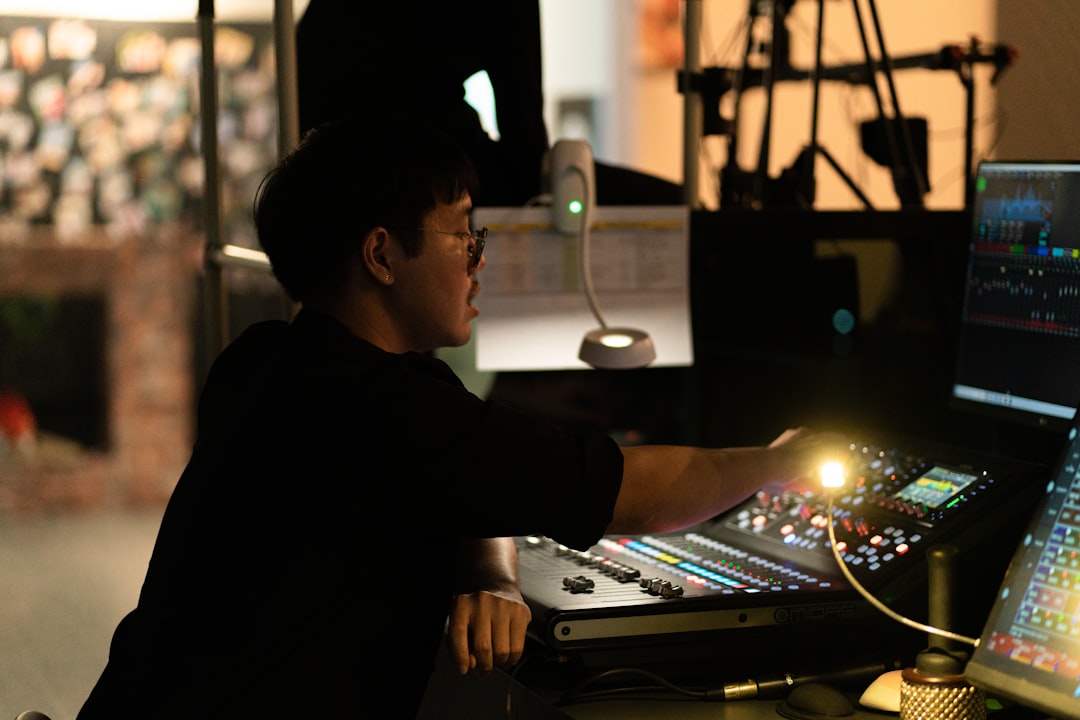
Run a test. Create fake attendees. Build sessions. Send emails. Scan badges. Open the app on different phones. Test slow internet. Test last minute changes. Try to break things.
If the platform survives, great. If it struggles, better to know now than when 10,000 people are staring at your registration desk.
Final Checklist
Before you pick your platform, make sure it checks these boxes:
- Proven scale for 10,000+ attendees.
- Fast registration and badge printing.
- A strong mobile app with live updates.
- Session capacity tools and attendance tracking.
- Sponsor lead tools and clear reports.
- Real time analytics that are easy to understand.
- Useful integrations with your current systems.
- Strong security and privacy controls.
- Reliable support before and during the event.
Choosing an event management platform for a massive conference does not have to feel scary. Focus on scale, speed, data, and support. Keep the attendee experience simple. Keep your team informed. Keep sponsors happy. Do that, and your event can feel less like crowd control and more like a well run festival of smart people with badges.