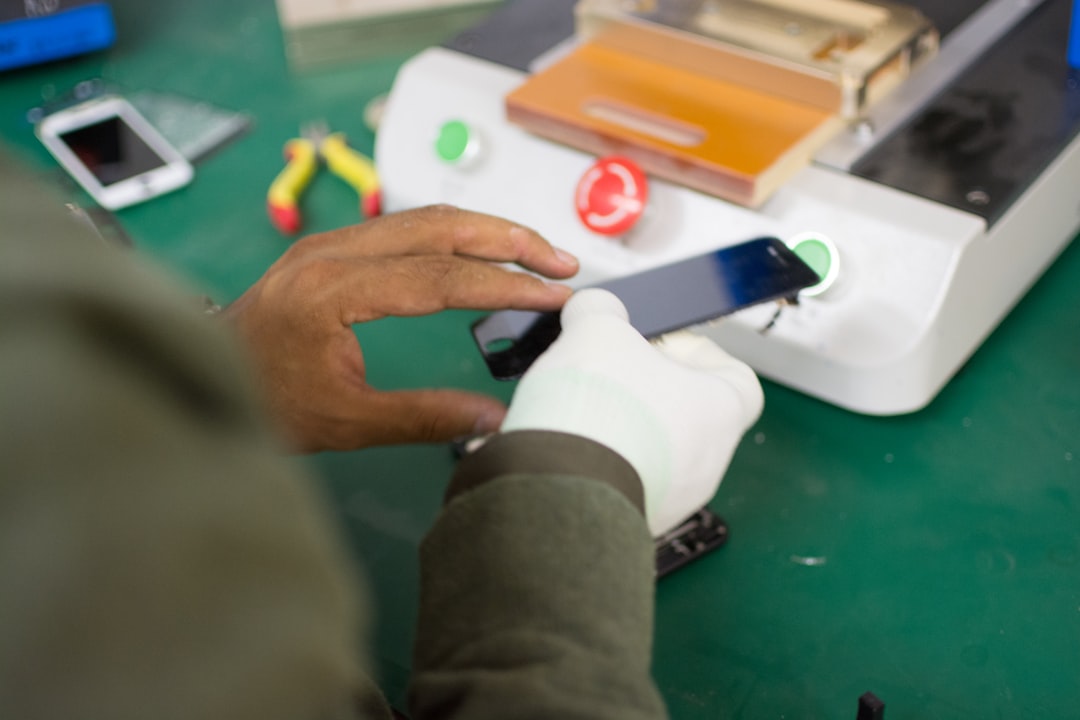
Buying a used cellphone can be a smart way to save money, but it also carries risks that do not exist with a new device. A phone may look clean on the outside while hiding battery problems, screen damage, network locks, water exposure, or stolen-device status. A careful inspection helps a buyer separate a good deal from an expensive mistake.
TLDR: A used cellphone should be checked for physical damage, battery health, screen quality, camera performance, charging reliability, network compatibility, and account locks before purchase. For example, a buyer comparing two used phones at the same price may find that one has 88% battery health while the other has 72%, making the first option much better for daily use. A 10-minute inspection can prevent repair costs that may exceed 30% to 50% of the phone’s purchase price. The safest choice is a phone that works normally, has no lock issues, and comes with proof of ownership.
Start with the Exterior Condition
The first step is a visual inspection. The buyer should look at the phone under good lighting and check the frame, back panel, screen edges, camera area, buttons, and charging port. Small scratches are common on used phones, but deep dents, cracked glass, bent corners, or loose parts may suggest drops or poor handling.
A slightly scratched back may not affect performance, but a bent frame can create pressure on the screen, battery, or internal board. The buyer should also check whether the screen sits evenly inside the frame. If one side is raised, the phone may have a swollen battery or may have been repaired poorly.
- Good signs: minor cosmetic wear, firm buttons, clean ports, no cracks.
- Warning signs: bent body, gap between screen and frame, missing screws, cracked camera glass.
- Serious risk: a swollen back panel or screen lifting from the frame.
Check the Screen Carefully
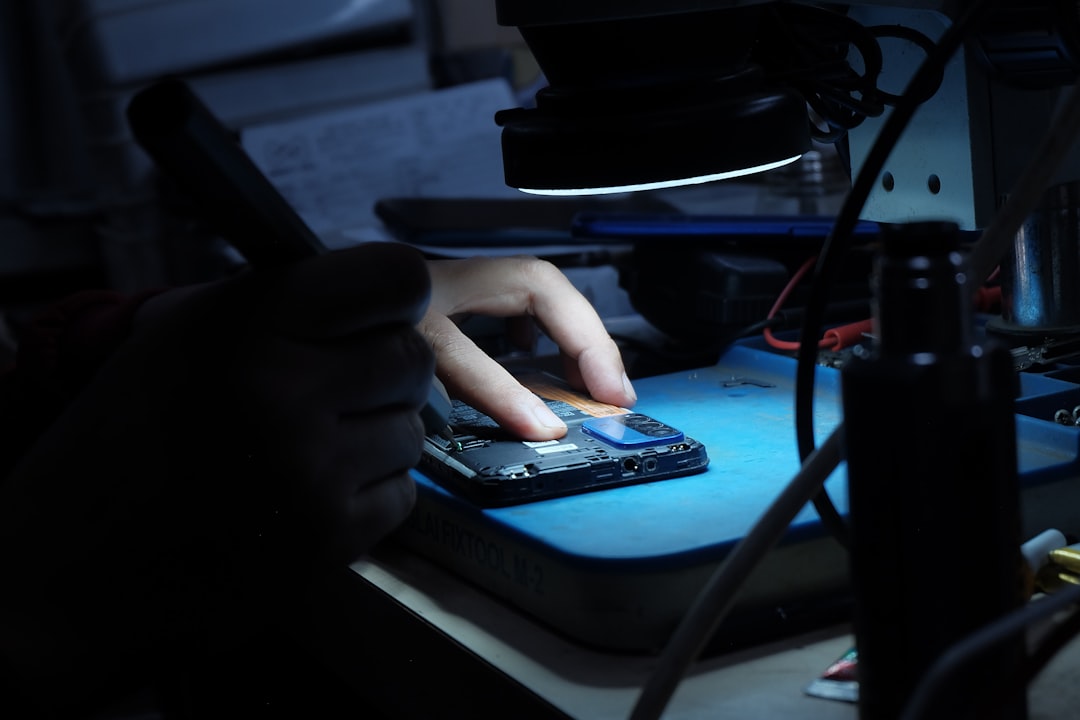
The screen is one of the most expensive parts to replace. The buyer should turn the brightness up and open a white image, a black image, and a colorful image. This helps reveal dead pixels, burn-in, discoloration, stains, and uneven brightness.
On OLED phones, screen burn-in may appear as faint keyboard marks, navigation icons, or ghost images. On LCD phones, bright spots or yellow patches may indicate pressure damage or aging. The buyer should also test touch response by typing a message, dragging icons across the display, and using the edges of the screen.
A screen protector can hide scratches, so it is reasonable for the buyer to ask whether it can be removed for inspection. If the seller refuses, the buyer should treat that as a possible warning sign.
Test Battery Health and Charging
Battery condition is one of the most important factors in a used cellphone. A phone with poor battery health may shut down early, drain quickly, or require charging several times a day. On iPhones, the buyer can check Settings > Battery > Battery Health & Charging. A battery health percentage above 85% is generally acceptable for many users, while anything below 80% may soon need replacement.
Android phones vary by brand, but battery information may be available in settings, diagnostic apps, or service menus. Even if exact battery health is not shown, the buyer can still observe how quickly the percentage drops during testing. A drop of several percent within a few minutes of light use may indicate wear.
The charging port should also be checked. The cable should fit securely without wiggling excessively. The buyer should test both normal charging and, if supported, fast charging or wireless charging. A phone that charges only at a certain angle may have a dirty, damaged, or worn port.
Verify IMEI, Network Lock, and Ownership
Before paying, the buyer should verify the phone’s IMEI number. This number can usually be found in settings or by dialing *#06#. The IMEI on the phone should match the number on the box or receipt if those are provided.
The buyer should use a reputable IMEI checker or carrier tool to confirm that the device is not reported lost, stolen, blacklisted, or still under financing. A blacklisted phone may not connect to mobile networks, even if it works on Wi-Fi.
It is also important to check whether the phone is locked to a specific carrier. A buyer should insert a SIM card from the intended carrier and make a test call, send a message, and use mobile data. If the phone is carrier-locked, it may not work with another network without official unlocking.
Make Sure There Is No Account Lock
Account locks are a major problem in used phones. On iPhones, the buyer should ensure that Find My iPhone is turned off and that the device is removed from the previous owner’s Apple ID. On Android phones, the buyer should confirm that all Google, Samsung, Xiaomi, or other manufacturer accounts are removed before factory reset.
A phone can appear normal before reset but become unusable after reset if activation lock or factory reset protection remains active. The safest process is for the seller to erase the phone in front of the buyer and allow setup to reach the home screen without asking for the previous owner’s credentials.
Test Cameras, Speakers, Microphones, and Sensors
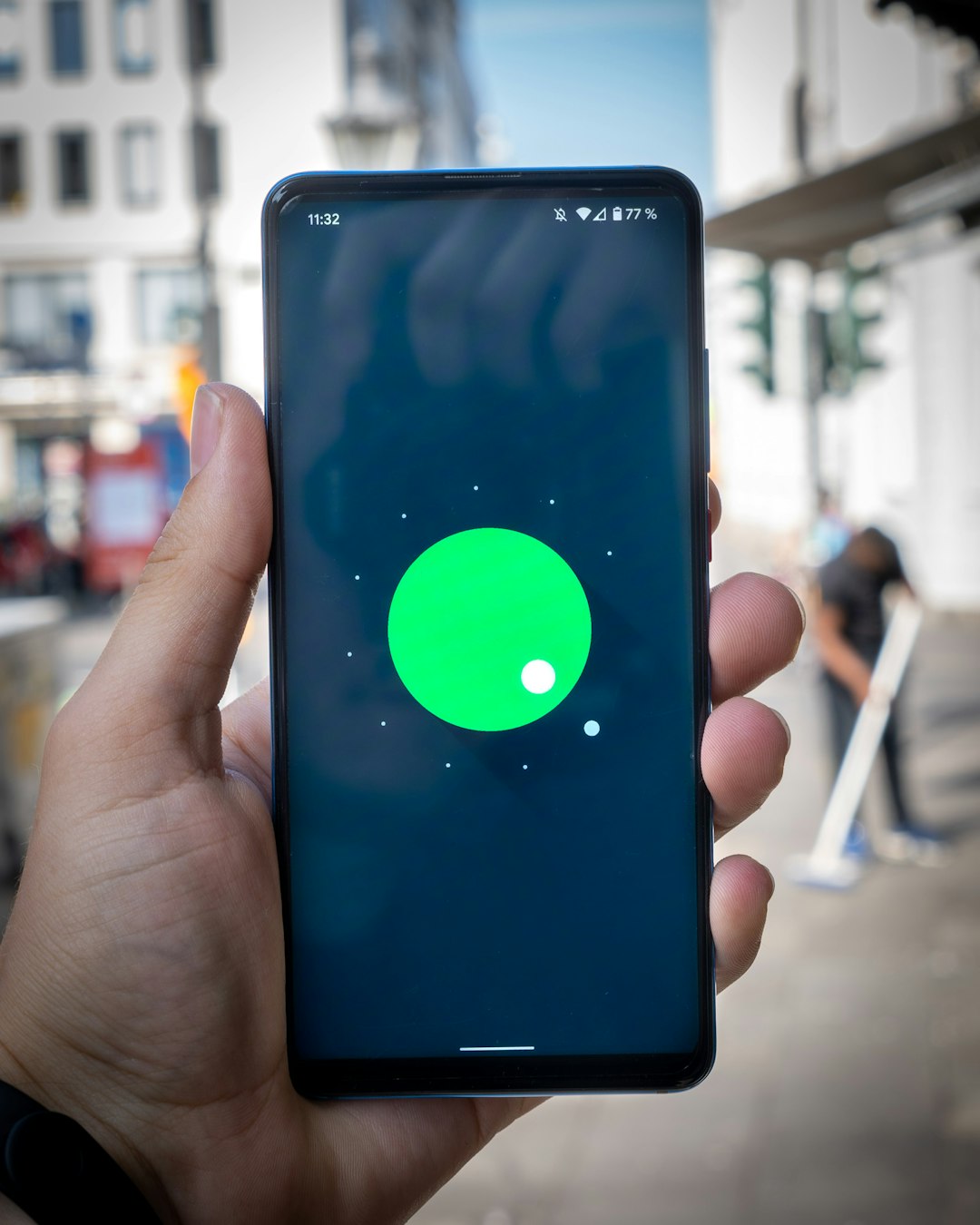
A full function test should include all everyday features. The buyer should take photos and videos using the front and rear cameras. It is useful to test normal mode, ultra-wide mode, portrait mode, zoom, flash, and autofocus if available.
Speakers should be tested at low and high volume. Distortion, buzzing, or low sound may indicate speaker damage or water exposure. The buyer should also record a short voice memo and play it back to test the microphone. A test call can confirm the earpiece, loudspeaker, microphone, and signal quality.
Several sensors should also be checked:
- Fingerprint or face unlock: registration and unlocking should work smoothly.
- Proximity sensor: the screen should turn off during a call when covered.
- GPS: maps should locate the phone accurately.
- Wi-Fi and Bluetooth: both should connect without dropping.
- Vibration motor: alerts should feel strong and consistent.
Look for Signs of Water Damage
Water damage is often difficult to detect, but there are clues. The buyer should inspect the charging port, SIM tray, speaker holes, and camera lens for corrosion, fogging, or discoloration. Many phones have liquid contact indicators inside the SIM tray area. If the indicator has turned red or pink, the phone may have been exposed to moisture.
Even if the phone works during inspection, water damage can cause delayed failure. Problems may appear days or weeks later. A phone with a history of water exposure should be avoided unless it is priced very low and the buyer accepts the risk.
Review Repair History and Replacement Parts
The buyer should ask whether the screen, battery, camera, or back glass has been replaced. Repairs are not always bad, but quality matters. Genuine parts usually perform better than cheap aftermarket parts. Poor repairs may affect water resistance, display quality, battery life, or safety.
Some phones show warnings when non-genuine parts are installed. The buyer should check settings for service messages, part history, or diagnostic warnings. If the seller claims the device has never been repaired but the phone shows repair notifications, that inconsistency should raise concern.
Compare Price with Condition
A used phone should be priced according to its model, storage size, age, battery condition, included accessories, warranty status, and cosmetic grade. A phone with a cracked screen or weak battery should be much cheaper than a clean unit. If the price is unusually low, the buyer should investigate why.
It is wise to compare at least three to five similar listings before meeting a seller. If most phones of the same model sell for $350 and one is offered for $220, there may be hidden issues such as blacklisting, unpaid financing, or severe wear.
Complete the Purchase Safely
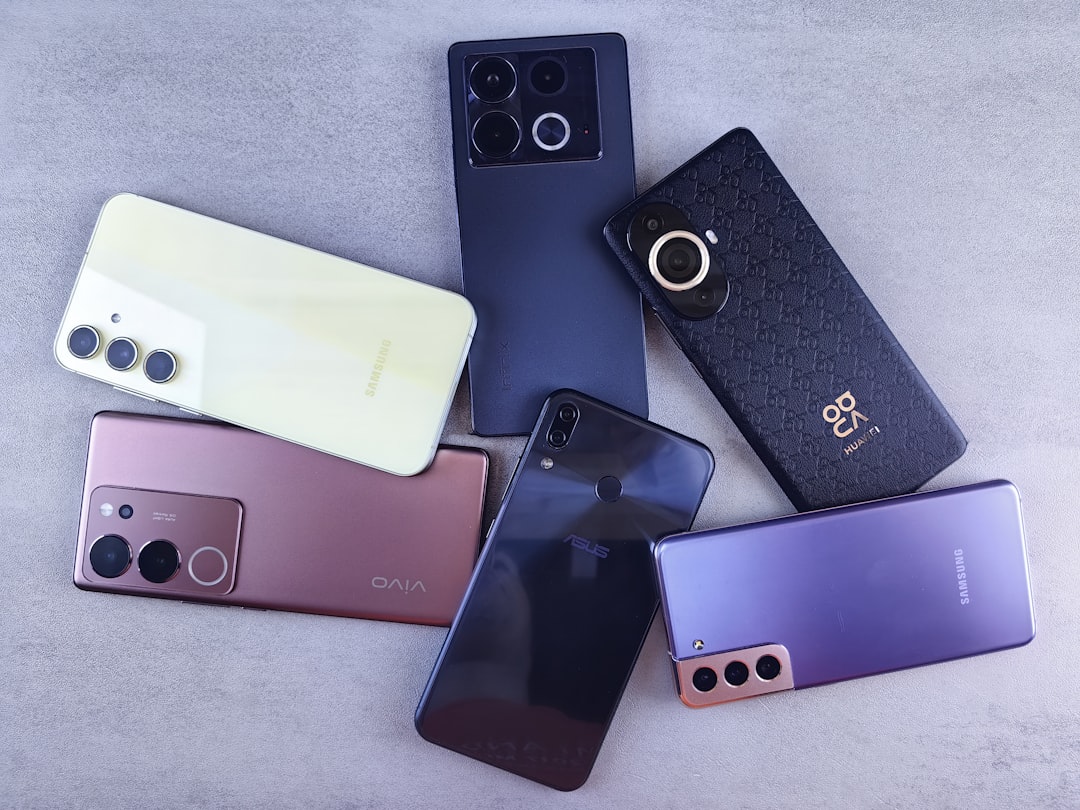
The buyer should meet in a safe public place, preferably where the phone can be tested with Wi-Fi and a SIM card. Payment should happen only after the inspection is complete. A receipt or written proof of sale is helpful, especially if the phone is expensive.
The best used cellphone is not always the cheapest one. It is the device that has a fair price, verified ownership, strong battery, clean screen, working features, and no hidden locks. A careful buyer who follows a checklist is far more likely to get a reliable phone that lasts.
FAQ
What is the most important thing to check on a used cellphone?
The most important checks are IMEI status, account lock, battery health, and screen condition. A phone with a bad IMEI or activation lock may be unusable, even if it looks perfect.
What battery health is acceptable for a used phone?
For many buyers, battery health above 85% is acceptable. Below 80%, the phone may need a battery replacement soon, so the price should reflect that cost.
Should a buyer reset the phone before buying it?
Yes. The seller should erase the phone and let it restart to the setup screen. The buyer should confirm that no previous Apple ID, Google account, or manufacturer account is required.
Is it safe to buy a phone without a box or receipt?
It can be safe, but it carries more risk. The buyer should be extra careful with IMEI checks, ownership questions, and proof of sale if no original receipt is available.
How long should testing take?
A basic inspection usually takes 10 to 20 minutes. Expensive phones should be tested more thoroughly, especially if the seller does not offer returns.