Standing in a CVS line with shampoo, cough drops, and a snack you did not plan to buy? We have all been there. The last thing you want is a slow payment moment. So, let’s answer the big register question in plain English.
TLDR: Yes, CVS does have tap to pay at most CVS Pharmacy stores. You can usually tap a contactless card, Apple Pay, Google Pay, or Samsung Pay at the card reader. For example, if your total is $12.49, you can hold your phone near the reader and be done in about 5 to 10 seconds. Still, it is smart to carry a backup card, because some locations or registers may have temporary issues.
So, Does CVS Have Tap to Pay?
Yes. CVS accepts tap to pay in most stores.
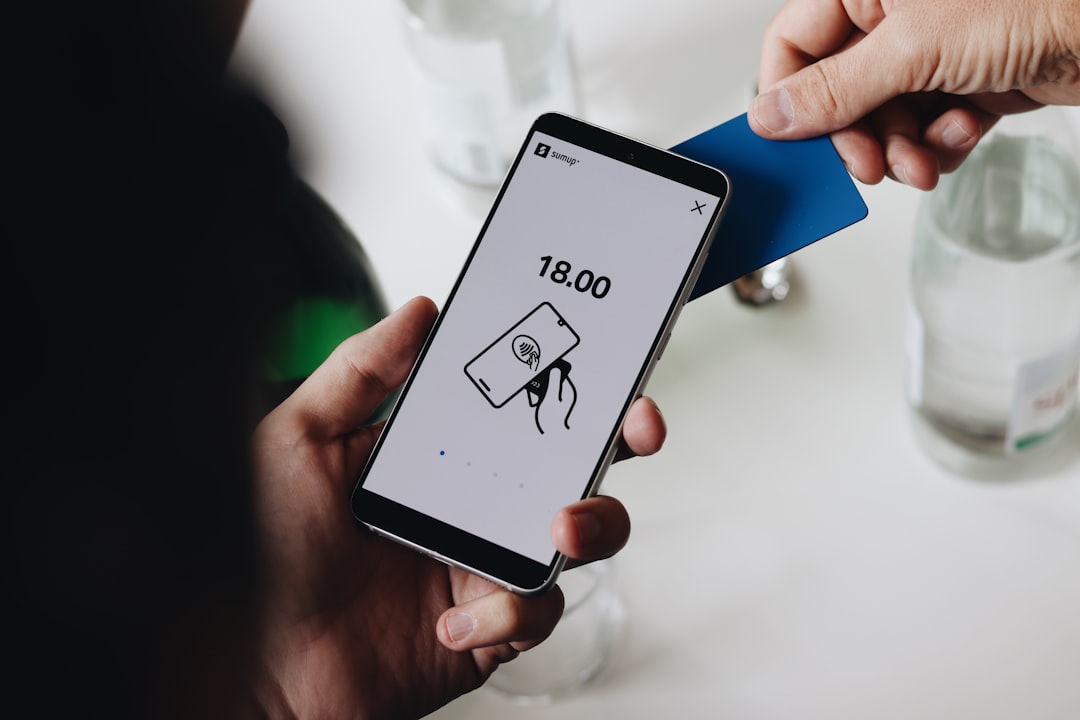
That means you can pay without swiping your card. You do not need to insert the chip either. You just tap your card or phone near the payment terminal.
Look for the little contactless symbol. It looks like sideways Wi Fi waves. If you see that symbol on the card reader, you are probably good to go.
CVS stores usually accept tap payments at the front registers. Many also accept them at pharmacy counters and self checkout machines. But, as with all tech, things can get weird. A terminal may be down. A store may have an older machine. Or the cashier may need to reset the payment.
Translation: Tap to pay works at CVS most of the time. But keep a Plan B in your wallet.
What Tap to Pay Methods Work at CVS?
CVS usually supports several contactless payment options. These include:
- Contactless credit cards
- Contactless debit cards
- Apple Pay
- Google Pay
- Samsung Pay
- Some tap enabled FSA and HSA cards
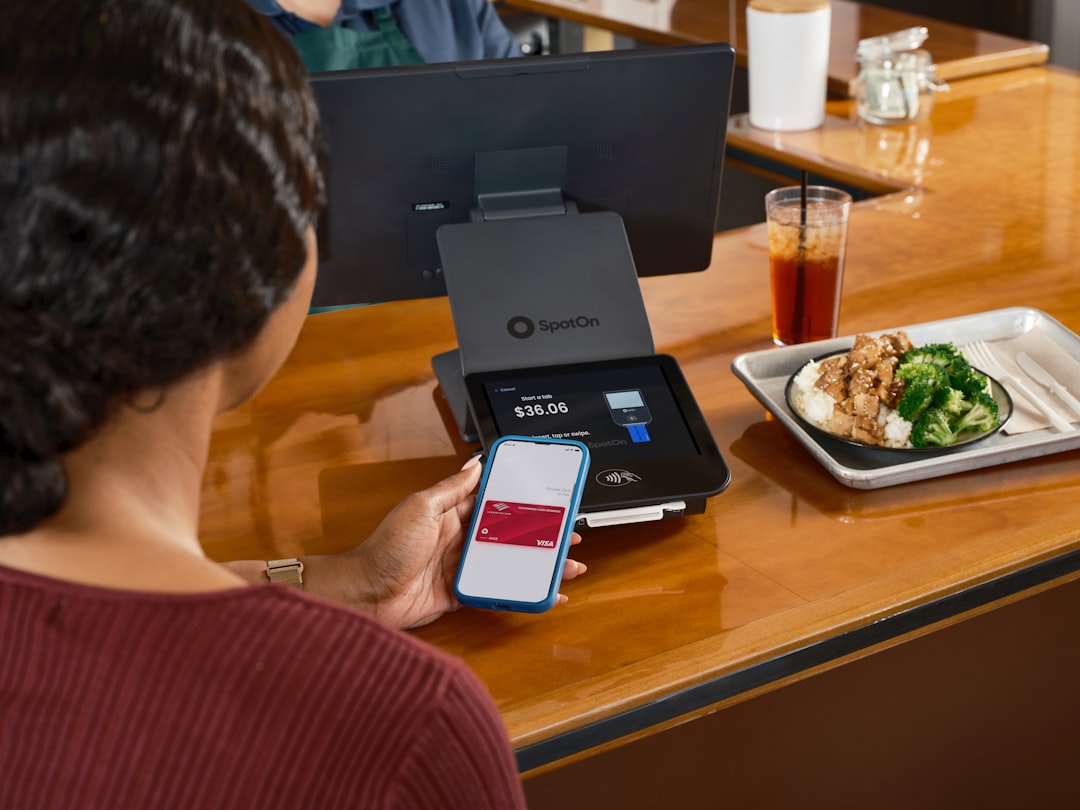
If your card has the contactless symbol, it should work like a mini magic wand. Tap it on the reader. Wait for the beep. Smile like you just won at life.
If you use a phone wallet, make sure your card is added before you get to the counter. No one wants to be the person fighting Face ID while six people wait behind them with toilet paper and allergy pills.
How to Use Tap to Pay at CVS
Using tap to pay at CVS is easy. Here is the simple version:
- Shop for your items.
- Go to the register or self checkout.
- Scan your ExtraCare card if you use one.
- Wait for the payment screen.
- Hold your card, phone, or watch near the reader.
- Wait for the check mark, beep, or approval message.
- Take your receipt or choose digital receipt.
That is it. No dramatic button pressing. No card gymnastics. Just tap and go.
Can You Use Apple Pay at CVS?
Yes. CVS accepts Apple Pay in many stores.
To use it, double click the side button on your iPhone. Use Face ID, Touch ID, or your passcode. Then hold the top of your phone near the card reader.
If you use an Apple Watch, double click the side button. Then place the watch near the reader. It feels a little futuristic. Like buying toothpaste in a spaceship.
Apple Pay should work for many regular CVS purchases. This can include snacks, medicine, beauty items, household goods, and more.
For pharmacy items, it often works too. But some insurance, prescription, FSA, or HSA situations can be more picky. If your payment is declined, try the physical card linked to your benefits.
Can You Use Google Pay at CVS?
Yes. Google Pay usually works at CVS too.
Unlock your Android phone. Hold it near the card reader. Follow the screen prompts. Done.
Just make sure NFC is turned on. NFC is the feature that lets your phone talk to the payment terminal. It is like a tiny invisible handshake.
If Google Pay does not work right away, do not panic. Try moving the phone slightly. The NFC chip may be near the top, middle, or back of your phone, depending on the model.
Can You Tap a Debit Card at CVS?
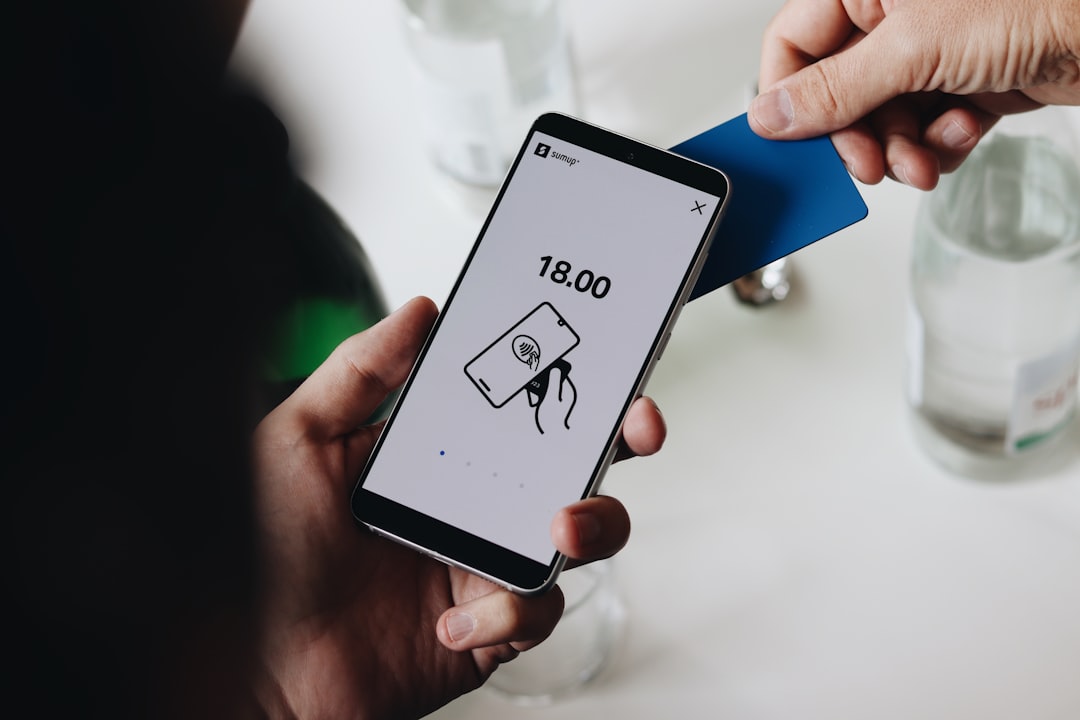
Yes, if your debit card is contactless.
Look for the contactless symbol on the card. If it is there, you can tap it at the CVS reader. You may still need to enter your PIN. Sometimes you can run it as credit. It depends on the card, bank, and terminal.
If you want cash back, tap to pay may not always be the best choice. Some stores require a debit card with PIN entry for cash back. If you need cash, ask the cashier before you pay.
Can You Use Tap to Pay at the CVS Pharmacy Counter?
Usually, yes. Most CVS pharmacy counters have modern payment terminals. These often support tap to pay.
You can often use tap to pay for prescription copays, over the counter medicine, and pharmacy related items. But pharmacy payments can have extra rules.
For example, your HSA or FSA card might work from your mobile wallet. Or it might ask for the physical card. Insurance can also change the final amount. So, if tap fails at the pharmacy, it may not be CVS being difficult. It may be the payment rules behind the scenes.
Does CVS Accept Tap to Pay Online?
This is where things get a bit different.
Tap to pay is mainly an in store feature. You tap at a physical card reader. Online shopping does not use the same process.
On the CVS website or app, you may see different payment options. These can include credit cards, debit cards, gift cards, or other digital payment methods. Apple Pay or Google Pay may not always appear online for every order type.
So, if you are shopping inside a CVS store, tap to pay is likely. If you are shopping online, check the checkout screen for available payment choices.
What If Tap to Pay Does Not Work?
Sometimes tap to pay acts like it had a long day. It happens.
Here are quick fixes:
- Try again. Hold the card or phone still for one full second.
- Move it around. The reader may need a better angle.
- Unlock your phone. Some wallets need the screen awake.
- Check NFC. On Android, NFC must be turned on.
- Use another card. The bank may block the first one.
- Insert the chip. Old school still saves the day.
- Ask the cashier. The terminal may need a reset.
A good rule is simple: carry one backup payment method. It can be a physical card or cash. Tiny backup. Big peace of mind.
Is Tap to Pay Safe at CVS?
Yes. Tap to pay is generally very safe.
Contactless payments use encrypted data. Your actual card number is usually not shared in the same way as a swipe. Mobile wallets can add even more protection with Face ID, fingerprint checks, or passcodes.
In many cases, tapping is safer than handing your card to someone. It also helps you touch fewer surfaces. That is nice when you are buying cold medicine and everyone around you is coughing like a cartoon villain.

Can You Still Use Coupons and ExtraCare?
Yes. Tap to pay does not stop you from using CVS deals.
You can still use:
- ExtraCare rewards
- Digital coupons
- Paper coupons
- CarePass or ExtraCare Plus benefits
- Manufacturer coupons
Just scan your CVS card or enter your phone number before payment. Then tap after the discounts apply. This part matters. If you pay too early, your coupon savings may not show up.
Final Answer
Yes, CVS has tap to pay at most store locations. You can usually tap a contactless card, iPhone, Android phone, or smartwatch. It is quick, clean, and very easy.
Still, not every register is perfect every minute of the day. Bring a backup card just in case. But for most CVS trips, you can walk in, grab your items, tap, and leave.
Fast checkout. Less fumbling. More time to enjoy the candy bar you absolutely did not need.