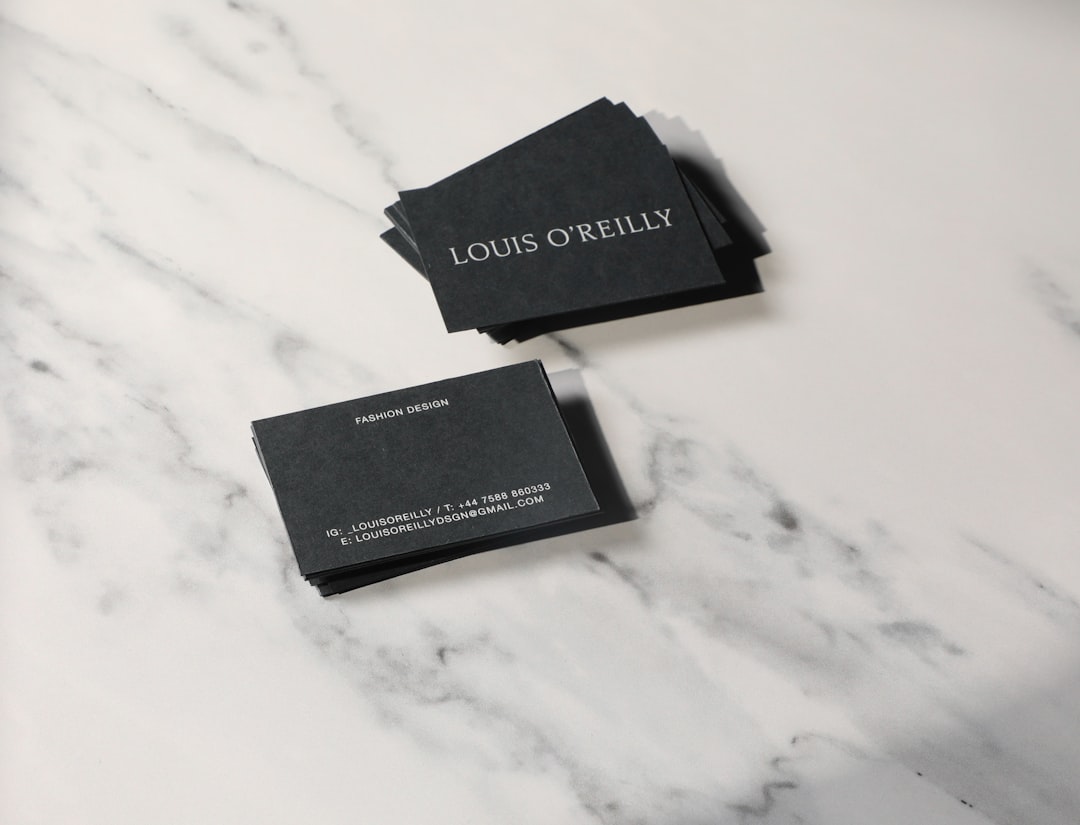
Business cards still matter. They may be small, but they carry big impact. A great card shows you are serious, professional, and ready to connect. The good news? You do not need to hire an expensive designer. Today, you can use trusted business card generators to create polished cards in minutes.
TLDR: Business card generators make it easy to design professional cards without special skills. The best tools offer customizable templates, high-quality downloads, and print-ready files. Look for platforms that are easy to use and offer clear pricing. Below, you will find top options and tips to choose the right one for your needs.
Why Use a Business Card Generator?
Not everyone is a designer. And that is okay.
Business card generators are built for everyday users. They offer:
- Ready-made templates
- Simple drag-and-drop tools
- Professional fonts and layouts
- Print-ready file formats
You choose a design. You tweak the text. You download the file. That is it.
Many platforms also offer brand kits. You can upload your logo. You can match your brand colors. This keeps everything consistent and sharp.
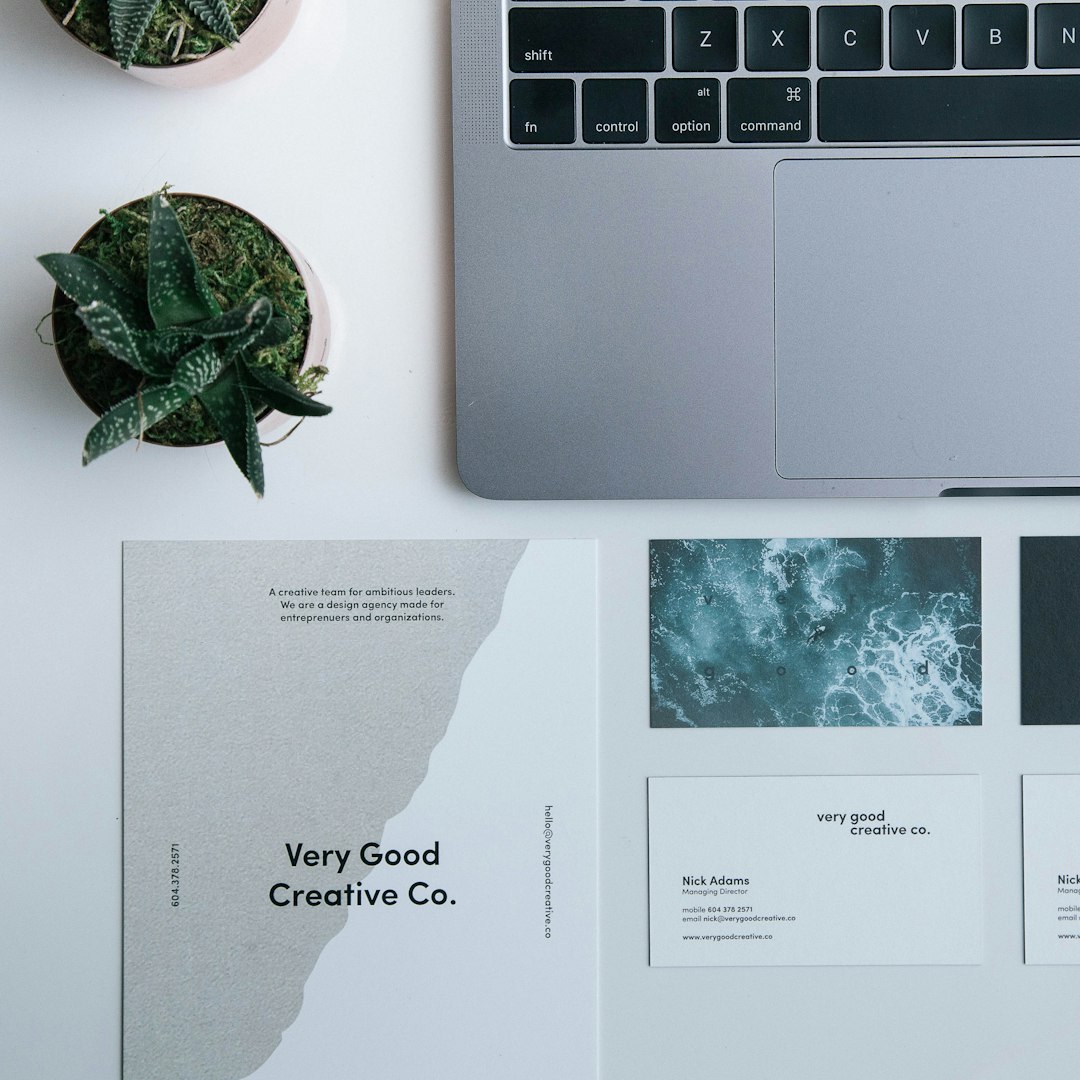
What Makes a Business Card Generator Trustworthy?
Not all tools are equal. Some look good but hide extra fees. Others offer poor print quality.
Here is what to look for:
- High-resolution downloads (300 DPI for print)
- Multiple file formats like PDF, PNG, or SVG
- Clear pricing with no surprise charges
- Commercial usage rights
- Positive user reviews
A trustworthy tool saves time. It also prevents printing disasters. Blurry logos are not a good look.
Top Business Card Generators You Can Trust
Let us explore some reliable platforms. These tools are popular for good reasons. They are easy to use. And they deliver professional results.
1. Canva
Canva is one of the most user-friendly design tools available.
Why people love it:
- Huge template library
- Drag-and-drop editor
- Brand kit options
- Free plan available
You can start with a template or build from scratch. The editor is smooth and simple. Even beginners feel confident within minutes.
Canva also provides print services in many countries. Or you can download a print-ready PDF and choose your own printer.
2. Adobe Express
Adobe Express combines power with simplicity.
If you want slightly more advanced design control, this is a strong choice.
- Clean and modern templates
- Access to Adobe Fonts
- High-quality export options
- Easy resizing tools
It feels professional but not overwhelming. Perfect for small business owners who want a polished, creative look.
3. VistaCreate
VistaCreate is another solid option. It is especially good for bold and colorful designs.
- Thousands of templates
- Easy customization
- Background remover tools
- Print-ready downloads
This platform works well for startups, freelancers, and creative industries.
4. Shopify’s Free Business Card Maker
If you want something extremely simple, Shopify offers a free basic generator.
- Very quick setup
- No design skills required
- Instant download
The designs are more minimal. But for many professionals, simple is perfect.
5. Jukebox Print Design Tool
This option is great if you plan to print right away.
- Unique shapes and finishes
- Foil and specialty options
- Online proofing tools
If you want rounded corners or premium paper, this platform is worth exploring.
Comparison Chart
| Tool | Ease of Use | Free Plan | Best For | Print Services |
|---|---|---|---|---|
| Canva | Very Easy | Yes | Beginners and small businesses | Yes |
| Adobe Express | Moderate | Limited | Polished professional designs | No direct printing |
| VistaCreate | Easy | Yes | Creative and bold styles | No direct printing |
| Shopify Maker | Very Easy | Yes | Quick simple cards | No |
| Jukebox | Moderate | No | Premium printing options | Yes |
How to Design a Card That Looks Truly Professional
A great tool helps. But design choices matter just as much.
Keep It Simple
Do not overload your card. Include:
- Your name
- Your title
- Company name
- Phone number
- Website
That is usually enough.
Use Clean Fonts
Fancy fonts can look fun. But they can hurt readability.
Stick with clean, modern typefaces. Make sure text is easy to read at small sizes.
Stick to Brand Colors
Use one or two main colors. Too many colors look messy.
Consistency builds trust.
Add White Space
White space is empty space. And it is powerful.
It makes your card feel premium and balanced.

Common Mistakes to Avoid
Even with the best generator, mistakes can happen.
- Low-resolution logos that print blurry
- Text too close to the edges
- Using too many fonts
- Tiny unreadable contact details
- Skipping print previews
Always download a proof. Zoom in. Double-check spelling. Typos live forever on printed cards.
Print vs. Digital Business Cards
Some generators now offer digital business cards. These are shareable via QR codes or links.
Printed cards are:
- Tangible
- Personal
- Great for events and meetings
Digital cards are:
- Eco-friendly
- Easy to update
- Simple to share online
Many professionals use both. You can add a QR code to your printed card. That adds a modern touch.
How Much Should You Spend?
Good news. You do not need a huge budget.
Many generators offer free designs. You may pay for:
- Premium templates
- High-resolution downloads
- Printing services
Expect to spend:
- $0 to $15 for the design file
- $20 to $100 for printed batches
The final cost depends on paper type, finish, and quantity.
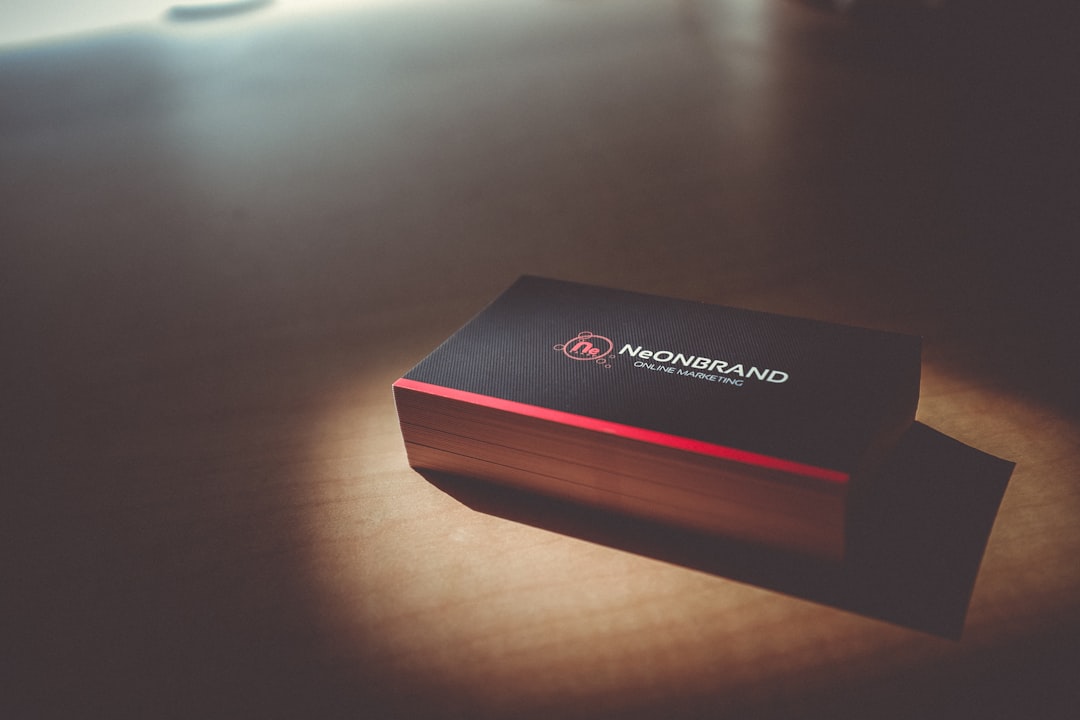
Premium Finishes That Elevate Your Card
If you want to stand out, consider upgrades:
- Matte finish for a soft feel
- Gloss coating for shine
- Embossing for texture
- Foil stamping for luxury
- Rounded corners for a modern look
Not every job needs these extras. But in competitive industries, they can leave a stronger impression.
Final Thoughts
A business card is small. But it represents you when you are not around.
The right business card generator makes the process easy and stress-free. You do not need design skills. You just need a clear message and a clean layout.
Choose a trusted platform. Keep your design simple. Focus on readability. Double-check your details.
When done right, your card becomes more than paper. It becomes a powerful networking tool.
And the best part? You can create one today. In less than an hour. With results that look like you hired a pro.