Pick the tool that matches your messiest problem first. If your pain is token spend, choose a usage gateway. If your pain is team chaos, choose a workflow tracker. For context, GitHub Copilot Business is listed at $19 per user per month [source: GitHub], so even small teams can rack up real monthly cost fast.
TLDR: CodexBar is useful, but it is not the only way to watch AI coding usage. A 15 person dev team using AI tools every day could burn through millions of tokens per month, so token logs matter. For example, if three devs use 40% of the AI budget, a manager should see that before finance starts making scary faces. The best alternatives are Giftwrapper, Langfuse, Helicone, Portkey, and OpenTelemetry with Grafana.

1. Giftwrapper
Giftwrapper is a smart pick for teams that want clean AI usage tracking without building a giant internal system. It helps teams see who is using AI coding tools, how often they use them, and where work is getting stuck.
The nice part is the workflow angle. It is not only about tokens. It is about what developers are doing with the AI. Are they shipping faster? Are they asking the same thing again and again? Are pull requests moving?
- Best for: product and engineering teams.
- Tracks: usage, team activity, coding workflow signals.
- Feels like: a manager friendly control panel.
Honestly, it feels like the right choice when you want answers without opening five tabs and yelling at a spreadsheet.
2. Langfuse
Langfuse is great if your AI coding setup uses custom agents, internal copilots, or LLM apps. It gives you traces, prompts, costs, latency, scores, and user sessions.
That sounds nerdy. It is. But in a good way.
If a coding agent suddenly starts spending 3 times more tokens on simple tasks, Langfuse can help you spot it. You can inspect the chain. You can see the prompt. You can find the expensive step.
- Best for: teams building AI dev tools in house.
- Tracks: prompts, responses, tokens, cost, latency.
- Good bit: strong tracing and debugging.
- Annoying bit: setup can take time if your stack is messy.
Use Langfuse when developers keep saying, “The agent did something weird,” and nobody can prove what happened.
3. Helicone
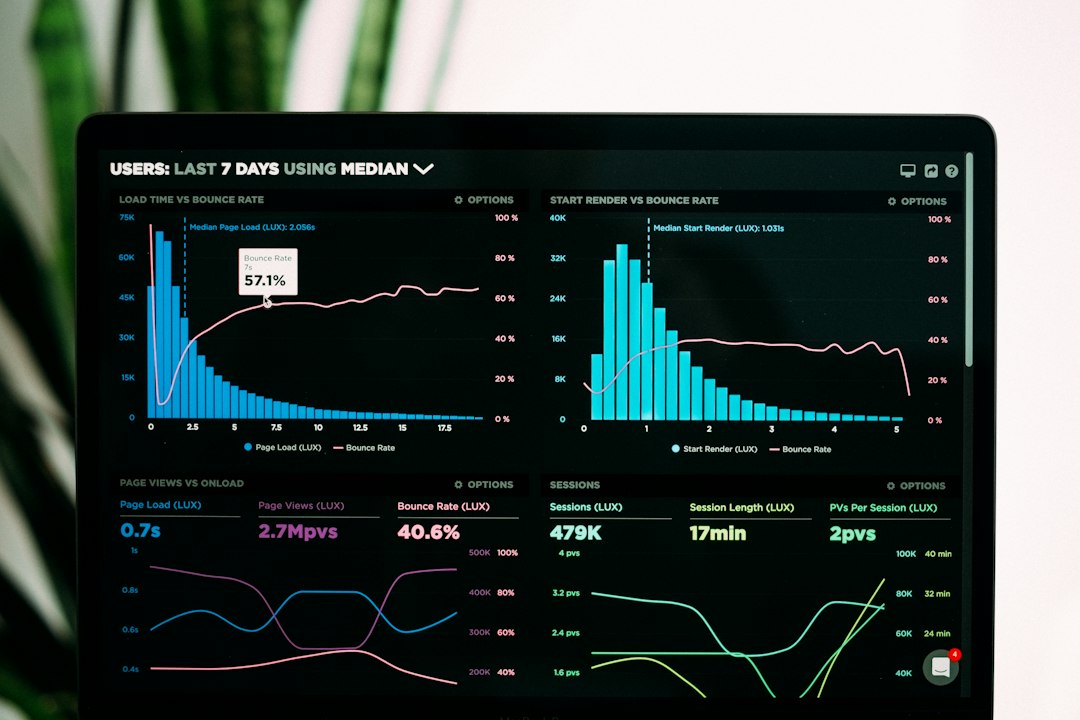
Helicone is a simple choice for tracking LLM API usage. It acts like a monitoring layer between your app and model providers. You send requests through it. It records what happened.
You get token counts. You get request logs. You get cost views. You also get latency charts, which are useful when your AI coding helper starts thinking like it is on a beach holiday.
- Best for: teams using OpenAI, Anthropic, or similar APIs.
- Tracks: requests, tokens, costs, errors, response time.
- Good bit: fast to understand.
- Annoying bit: it is more API focused than workflow focused.
Helicone is a good fit when finance asks, “Why did AI spend jump 28% this week?” You can answer before lunch.
4. Portkey
Portkey is more like an AI gateway. It helps teams route requests, set budgets, monitor usage, and control access across model providers.
This is handy if your dev tools use more than one model. Maybe one agent uses GPT. Another uses Claude. A third uses a local model because someone on the team really likes experiments. Fun. Also chaos.
Portkey helps bring order to that pile.
- Best for: teams with several AI tools and model providers.
- Tracks: tokens, cost, logs, latency, provider use.
- Good bit: strong controls and routing.
- Annoying bit: may feel like too much for tiny teams.
Use Portkey if you need guardrails. Set limits. Cap spend. Route cheaper tasks to cheaper models. Save the fancy model for work that needs it.
5. OpenTelemetry plus Grafana
OpenTelemetry with Grafana is the do it yourself option. It is not as cute. It is not plug and play. But it is powerful.
You can collect events from coding agents, API calls, CI jobs, editors, and internal tools. Then you can show them in Grafana dashboards. Tokens per repo. AI requests per developer. Cost per feature branch. Weird spikes at 2 a.m.
The catch is that you need engineering time. Expect to waste time on naming fields. Someone will create token_count. Someone else will create tokensTotal. Now you have pain.
- Best for: platform teams and larger engineering orgs.
- Tracks: almost anything, if you instrument it.
- Good bit: full control.
- Annoying bit: you own the setup and cleanup.
How to choose without overthinking it
Start with one question:
What are you trying to fix first?
- Need workflow clarity? Try Giftwrapper.
- Need deep prompt tracing? Try Langfuse.
- Need quick token and cost logs? Try Helicone.
- Need AI gateway controls? Try Portkey.
- Need custom dashboards? Try OpenTelemetry plus Grafana.
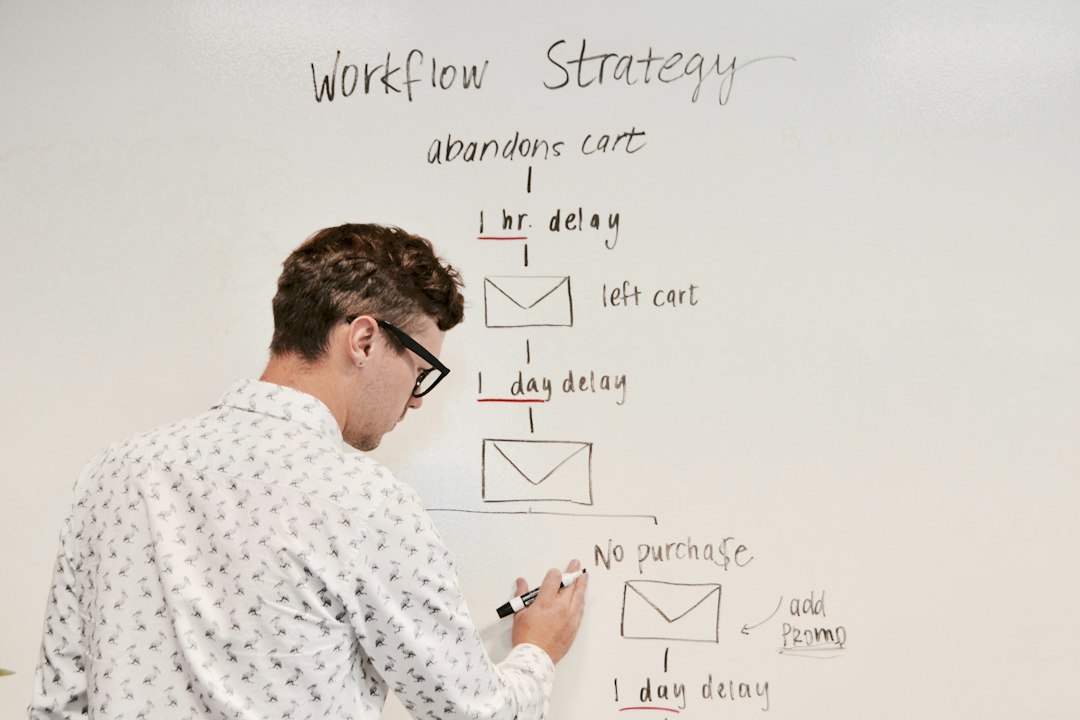
Do not track every tiny thing on day one. That gets noisy fast. Start with three numbers: total token use, cost per team, and requests per developer. Then add workflow data, like pull request time or review delays.
The best CodexBar alternative is the one your team will actually use. A perfect dashboard that nobody opens is just expensive wall art. Pick the tool that answers your biggest question today. Then improve it next week.