
Starting a business or personal brand is exciting. Designing a logo? Not always. The good news is you no longer need to hire an expensive designer or wrestle with complex software. Today’s logo generators are smart, fast, and surprisingly creative. Whether you’re launching a startup, YouTube channel, podcast, Etsy shop, or side hustle, there’s a tool that fits your style and budget.
TLDR: There are amazing logo makers online that are fast, affordable, and beginner-friendly. Many use AI to create custom designs in minutes. Some are free. Others cost less than dinner. Below are 10 of the best logo generators for entrepreneurs and creators, plus a handy comparison chart.
Let’s dive in.
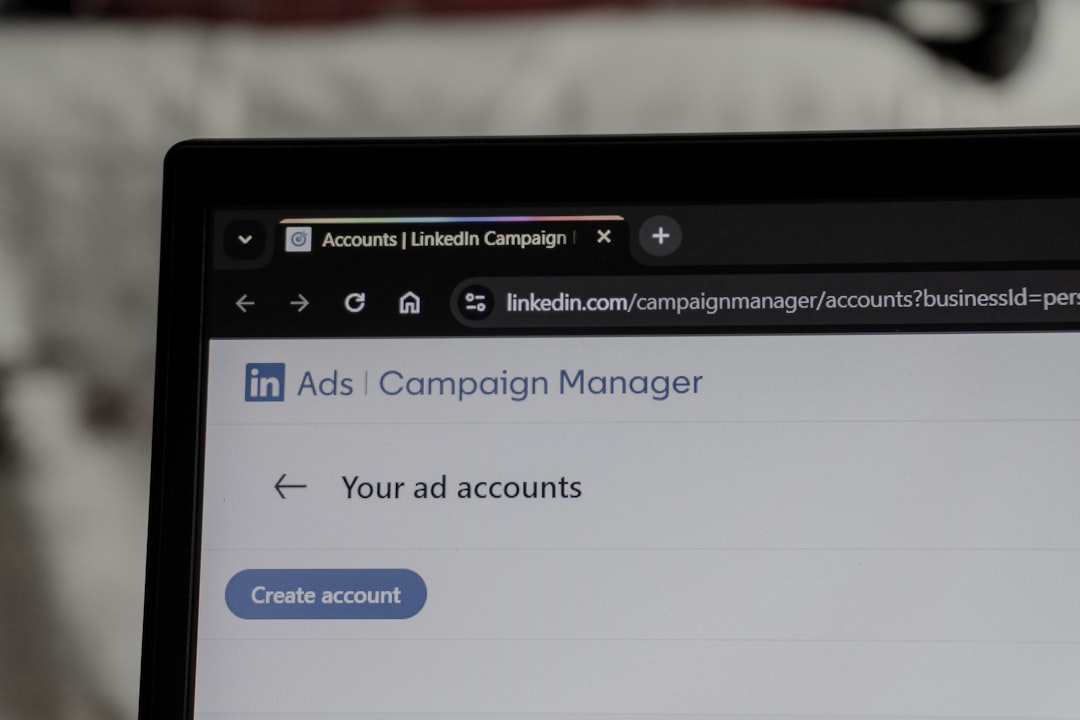
1. Canva Logo Maker
Canva is loved by beginners and pros alike. It’s simple. It’s flexible. And it’s packed with templates.
You start with a template. Then customize.
- Change fonts
- Swap colors
- Add icons
- Upload your own graphics
It’s not fully AI-driven like others on this list. But the massive design library makes up for it.
Best for: Beginners who want control without complexity.
Bonus: You can instantly create social media graphics to match your logo.
2. Looka
Looka uses AI to generate logo ideas based on your preferences.
You answer simple questions:
- Business name
- Industry
- Favorite styles
- Color choices
Within seconds, you get polished logo concepts.
Looka also offers full brand kits. That includes business cards and social media templates.
Best for: Entrepreneurs who want a professional brand identity fast.
3. Tailor Brands
Tailor Brands focuses on automation. It feels smooth and guided.
It asks what vibe you want. Minimal? Trendy? Classic?
Then it creates logo styles to match.
What makes it stand out? Ongoing branding tools. You can manage your brand assets, website, and even social posts.
Best for: Small businesses that want more than just a logo.
4. Wix Logo Maker
Wix is known for website building. But its logo maker is powerful too.
It combines AI suggestions with manual editing tools.
That means you can:
- Fine-tune layouts
- Select custom fonts
- Adjust spacing
It integrates perfectly with Wix websites.
Best for: Entrepreneurs building a Wix site.
5. Hatchful by Shopify
Hatchful is free. Yes, free.
It’s designed for ecommerce creators. The tool focuses on modern, online-friendly styles.
You choose your industry. Then a visual theme.
It generates quick logo packs ready for:
- Social media
- Online stores
- Profile pictures
Best for: Dropshippers and ecommerce sellers on a budget.
6. Fiverr Logo Maker
This one combines AI with real designer input.
It starts with automated logo suggestions.
But if you want changes, you can hire a Fiverr designer to polish it.
This gives you flexibility. Low cost at first. Pro upgrade later.
Best for: Creators who may want designer help down the line.
7. LogoMakr
LogoMakr keeps things simple.
No complicated onboarding.
Just type your brand name and start editing.
You drag and drop shapes and icons onto a blank canvas.
It feels a bit like classic design software. But stripped down.
Best for: DIY creators who want full manual control.
8. Namelix
Namelix is unique.
It first helps you generate a business name. Then a logo.
This is perfect if you’re still brainstorming.
It uses AI to match short, catchy names with simple logo ideas.
Best for: Early-stage startups and new creators.
9. DesignEvo
DesignEvo offers thousands of templates.
Seriously. Thousands.
You can filter by industry. Style. Or keyword.
It includes:
- Icons
- Shapes
- Font customization
A free version is available. But high-resolution files require payment.
Best for: Users who love lots of template options.
10. Logomaster
Logomaster focuses on simplicity and speed.
You enter your company name. Choose reference designs. Pick colors.
It quickly generates clean, modern logos.
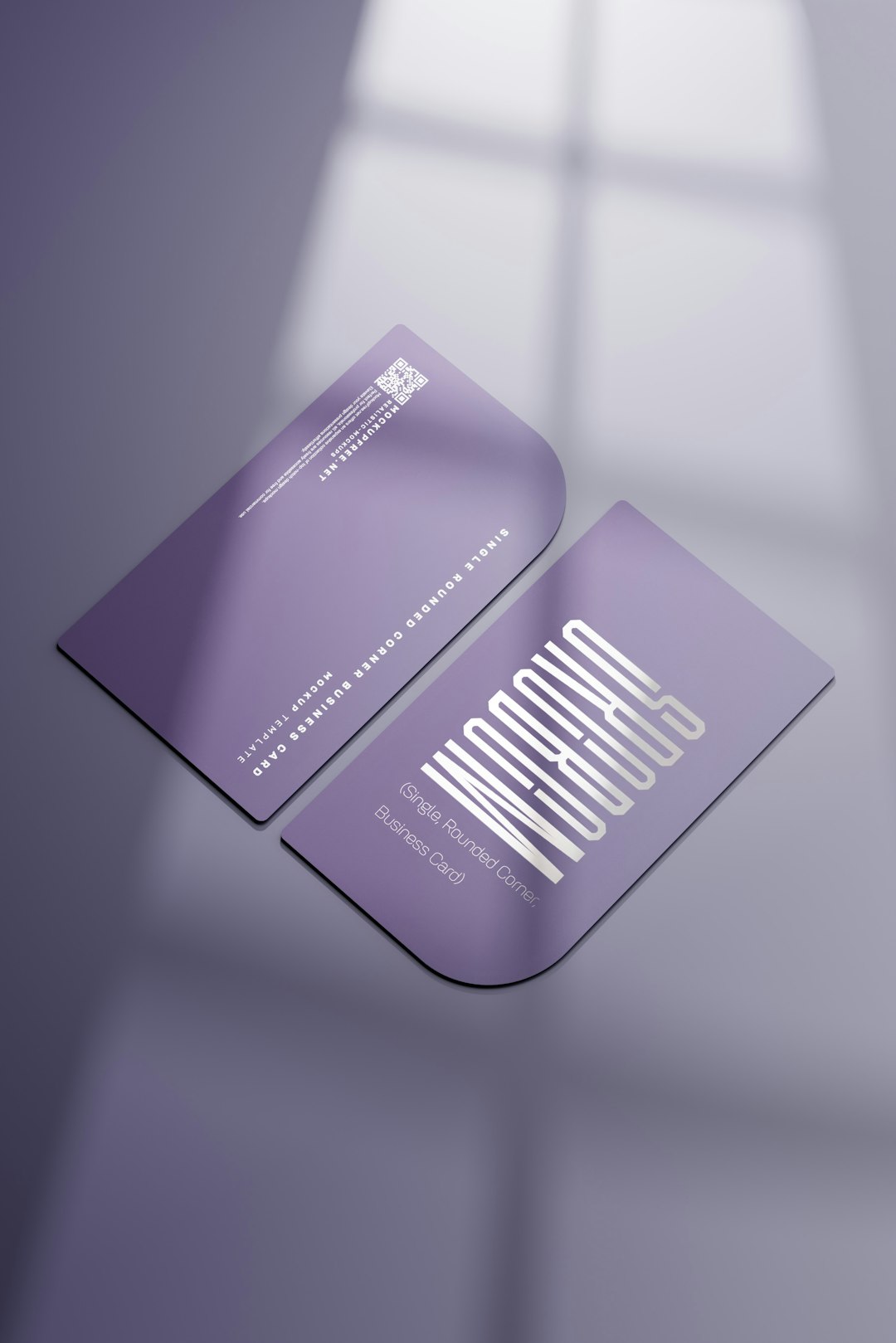
It also shows how your logo looks on real items like:
- Business cards
- Websites
- T-shirts
Best for: Visual thinkers who want mockups.
Quick Comparison Chart
| Tool | Free Option | AI Powered | Best For | Brand Kit Available |
|---|---|---|---|---|
| Canva | Yes | Partial | Beginners | Yes |
| Looka | No | Yes | Full branding | Yes |
| Tailor Brands | No | Yes | Small businesses | Yes |
| Wix Logo Maker | No | Yes | Website owners | Yes |
| Hatchful | Yes | Limited | Ecommerce | No |
| Fiverr Logo Maker | No | Yes | Hybrid AI + designer | Optional |
| LogoMakr | Yes | No | DIY users | No |
| Namelix | Yes | Yes | Naming + branding | Limited |
| DesignEvo | Yes | No | Template lovers | No |
| Logomaster | No | Yes | Visual previews | No |
How to Choose the Right Logo Generator
Not sure which one to pick? Ask yourself a few quick questions.
1. Do I want AI to do most of the work?
Choose Looka, Tailor Brands, Wix, or Logomaster.
2. Do I want something free?
Try Canva, Hatchful, LogoMakr, or DesignEvo.
3. Am I still choosing a business name?
Go with Namelix.
4. Do I want matching brand materials?
Looka or Tailor Brands are strong options.
Keep it simple. Start small. You can always evolve your logo later.
Tips for a Great Logo
Even with powerful tools, a few basic principles matter.
- Keep it simple. Busy logos are hard to recognize.
- Use 1–3 colors. Too many colors look chaotic.
- Choose readable fonts. Fancy is not always better.
- Make it scalable. It should look good small and large.
- Think long-term. Trendy can become outdated fast.
Your logo doesn’t need to be perfect.
It needs to be clear. Memorable. And aligned with your brand vibe.
Final Thoughts
We live in an amazing time for creators. You no longer need a big budget to look professional.
In under 30 minutes, you can go from idea to finished logo.
That means more time building your product. Growing your channel. Launching your dream.
Test a few tools. Experiment. Have fun with it.
Your brand deserves a strong start. And one of these logo generators can help you create it today.