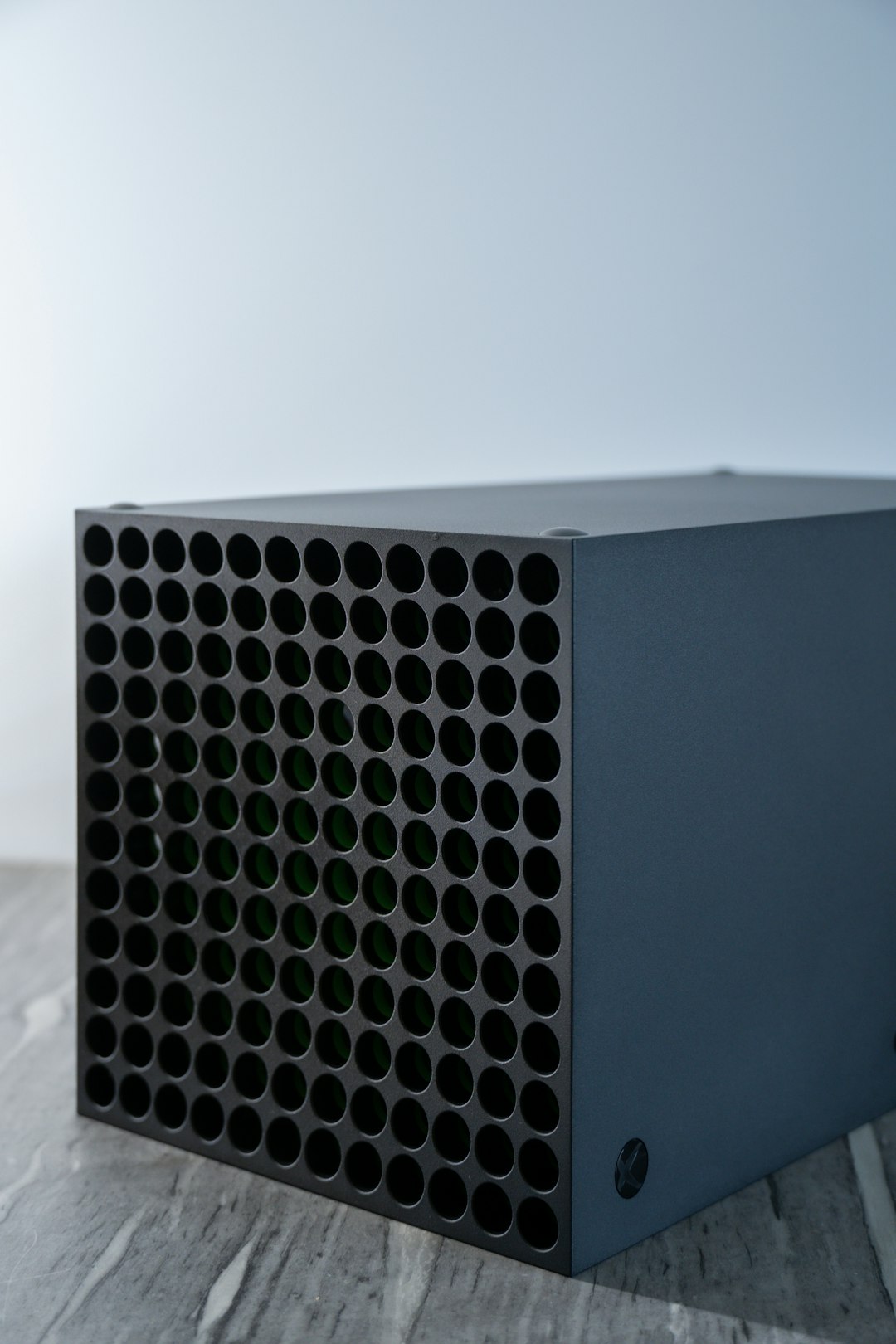
When an Xbox Series X fan stops working properly, it can quickly turn a smooth gaming session into a stressful experience. The console relies on a powerful cooling system to prevent overheating, maintain performance, and protect internal components. If the fan becomes loud, inconsistent, or stops spinning altogether, immediate action is essential to avoid long-term damage.
TLDR: If an Xbox Series X fan is not working, the issue may be caused by dust buildup, overheating, firmware glitches, or hardware failure. Start with basic troubleshooting like restarting the console, checking ventilation, and cleaning dust from the vents. If the problem persists, deeper cleaning or professional repair may be necessary. Acting quickly can prevent permanent damage to the console.
Why the Xbox Series X Fan Is So Important
The Xbox Series X features a single large fan at the top of the console designed to pull hot air upward and out of the system. This vertical airflow design keeps internal components like the CPU and GPU at safe operating temperatures.
If the fan is not working properly, users may notice:
- Overheating warnings
- Unexpected shutdowns
- Performance drops or lag
- Unusual loud noises
- No airflow from the top vent
Ignoring these symptoms can lead to severe hardware damage, including motherboard failure.
Common Reasons the Fan Stops Working
1. Dust Buildup
Dust accumulation is one of the most common causes of fan issues. Over time, particles clog vents and collect on fan blades, restricting airflow.
Dust can:
- Slow the fan’s rotation
- Cause unusual grinding sounds
- Trigger overheating protection shutdowns
2. Software Glitches
Sometimes the fan issue is not mechanical but software-related. A firmware glitch can prevent the cooling system from responding correctly to temperature changes.
3. Obstructed Ventilation
If the console is placed in a tight cabinet or against a wall, airflow may be restricted. The Xbox Series X requires at least 4–6 inches of clearance on all vented sides.
4. Internal Hardware Failure
In more serious cases, the fan motor or internal power connection may fail. This typically requires professional repair or replacement.
How to Fix an Xbox Series X Fan That Is Not Working
Step 1: Perform a Full Power Cycle
Before opening the console, start with a simple reset:
- Turn off the Xbox completely.
- Unplug it from the power outlet.
- Wait at least 5 minutes.
- Plug it back in and power it on.
This can clear temporary firmware issues and restore normal fan function.
Step 2: Check Ventilation
Ensure the console:
- Is standing vertically or horizontally on a flat surface
- Is not enclosed in a cabinet
- Has clear airflow around all vents
A simple adjustment of its position may restore proper cooling.
Step 3: Clean the Exterior Vents
Cleaning should always begin externally before considering internal disassembly.
Recommended tools:
- Compressed air can
- Soft brush
- Microfiber cloth
- Low power vacuum (optional)
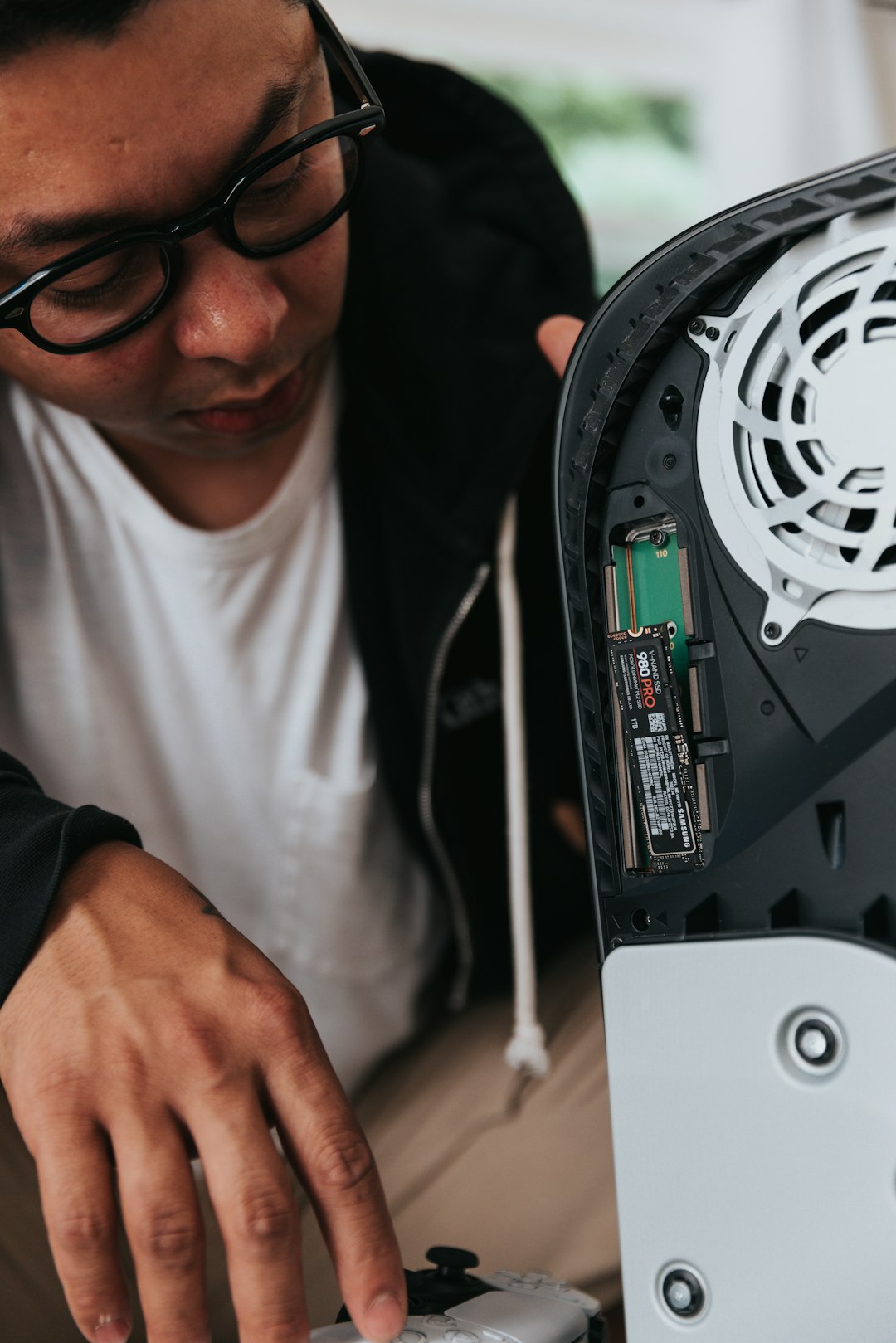
Important: Never insert sharp objects into the vents. Short bursts of compressed air are the safest method.
Tool Comparison for Cleaning Xbox Series X Fan
| Tool | Effectiveness | Risk Level | Best For |
|---|---|---|---|
| Compressed Air | High | Low | Blowing out internal dust without opening console |
| Soft Brush | Moderate | Low | Exterior dust and vent cleaning |
| Vacuum Cleaner | Moderate | Medium | Loose dust removal (low suction only) |
| Full Disassembly Kit | Very High | High | Deep internal cleaning by experienced users |
Step 4: Test for Fan Movement
After cleaning, power on the console and carefully place a hand above the top vent. The user should feel steady airflow within moments of startup.
If:
- No air is moving
- The fan produces grinding sounds
- The console shuts down quickly
The issue may be internal.
Step 5: Update the Console
Outdated system software can contribute to thermal mismanagement.
- Open Settings
- Go to System
- Select Updates
- Install any available system updates
After updating, restart and monitor performance.
When to Open the Console (Advanced Users Only)
Opening the Xbox Series X may void the warranty. This step is recommended only if:
- The warranty has expired
- The user has technical experience
- Professional repair is not available
Internal cleaning may involve:
- Removing the back panel
- Disconnecting the fan cable
- Cleaning fan blades directly
- Replacing the fan if defective
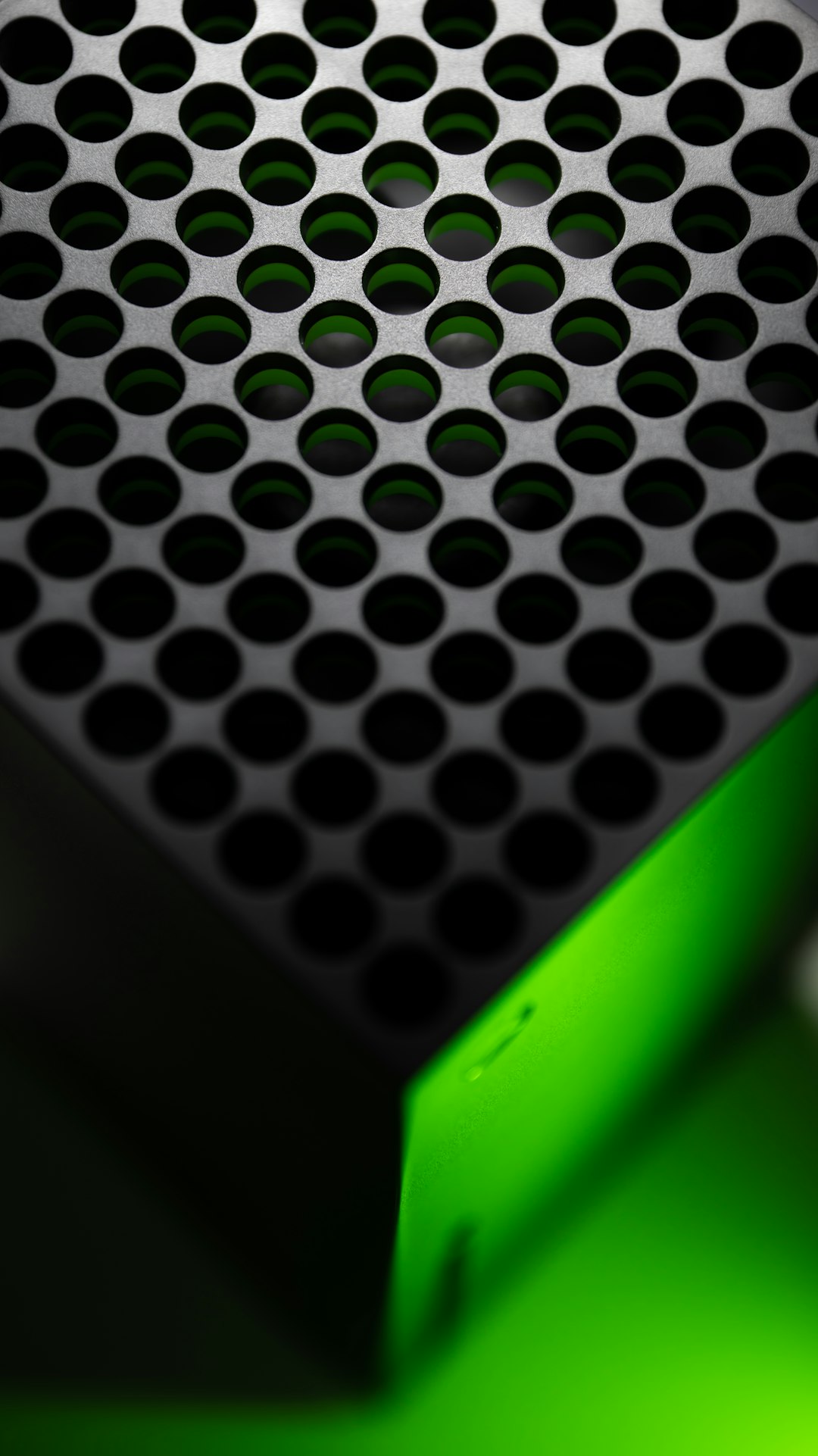
If the fan does not spin even when directly powered, replacement is often the only viable solution.
Signs the Fan Needs Replacement
A replacement may be necessary if the console shows:
- Persistent loud rattling or grinding noise
- Burning smell from vents
- Complete lack of airflow
- Frequent overheating shutdowns despite cleaning
Fan replacements are generally affordable compared to replacing the entire console. However, installation requires careful handling of sensitive components.
Preventing Future Fan Problems
Prevention is significantly easier than repair. Regular maintenance can extend the life of the Xbox Series X.
Best Practices:
- Clean vents every 2–3 months
- Keep the console elevated off carpets
- Avoid smoking near the console
- Keep pets away from ventilation areas
- Maintain room temperature below 80°F (27°C)
Proper care ensures optimal airflow and prevents dust accumulation from becoming severe.
When to Contact Professional Repair
Professional repair may be the safest option if:
- The console is still under warranty
- There is visible internal damage
- The fan cable appears disconnected internally
- The console overheats immediately after startup
Authorized repair services can diagnose motherboard issues that may mimic fan failure.
Final Thoughts
An Xbox Series X fan not working is a problem that demands immediate attention. While dust buildup and ventilation issues can often be resolved at home, persistent failures may indicate deeper hardware problems. By starting with simple troubleshooting steps and escalating only when necessary, users can often restore proper cooling without expensive repairs.
Consistent maintenance, proper airflow placement, and regular cleaning provide the best defense against cooling system failure. Acting quickly not only protects the console but also ensures uninterrupted gaming performance.
Frequently Asked Questions (FAQ)
1. Why is the Xbox Series X fan not spinning at all?
This may be caused by dust blockage, a firmware glitch, or a failed fan motor. Start with a power cycle and vent cleaning before considering hardware repair.
2. Is it normal for the fan to be quiet?
Yes. The Xbox Series X is designed to operate quietly. As long as there is airflow and no overheating warnings, quiet operation is normal.
3. Can a software update fix fan issues?
In some cases, yes. Firmware updates can improve thermal management and fix glitches affecting the cooling system.
4. How often should the console be cleaned?
It is recommended to clean exterior vents every 2–3 months and more frequently in dusty environments.
5. Will opening the console void the warranty?
In many regions, tampering with internal components may void the manufacturer warranty. Always check warranty terms before disassembly.
6. Can overheating permanently damage the Xbox Series X?
Yes. Prolonged overheating can damage internal components such as the CPU, GPU, or motherboard. Immediate action is essential.
7. Should the fan be replaced or the entire console?
If only the fan is defective, replacement is typically sufficient and far more affordable than replacing the full console.