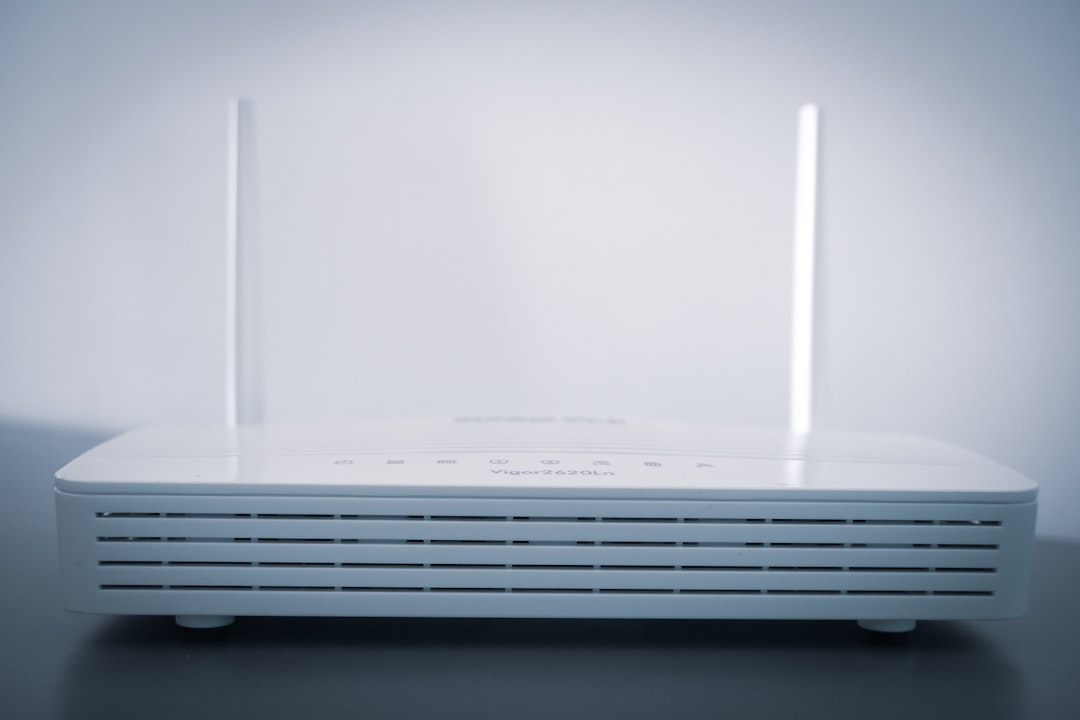
A NAS router is a network router that includes, or can support, Network Attached Storage functionality. In practical terms, it is a device that not only connects your computers, phones, smart TVs, and other devices to a local network or the internet, but also allows users on that network to store, access, and share files from a central location.
TLDR: A NAS router combines standard routing features with basic file storage and sharing capabilities. It usually works by connecting a USB hard drive or SSD to the router, although some advanced models may include built-in storage bays. NAS routers are useful for simple home or small-office file sharing, backups, and media streaming, but they are generally less powerful than dedicated NAS systems.
What Does a NAS Router Do?
A standard router manages network traffic. It assigns local IP addresses, connects devices to Wi-Fi or Ethernet, and provides access to the internet through a modem or internet service provider. A NAS router adds a storage-sharing layer to this function.
Most commonly, a NAS router has one or more USB ports where you can plug in an external hard drive, portable SSD, or flash drive. Once connected and configured, that storage becomes available to approved users on the network. Depending on the router’s firmware and features, users may be able to access files through Windows File Explorer, macOS Finder, a web interface, FTP, or a mobile app.
This makes the router act as a basic file server. Instead of storing documents, photos, videos, or backups on one computer, you can keep them on shared storage connected to the router. Other devices on the same network can then access those files without needing the original computer to be turned on.
How a NAS Router Works
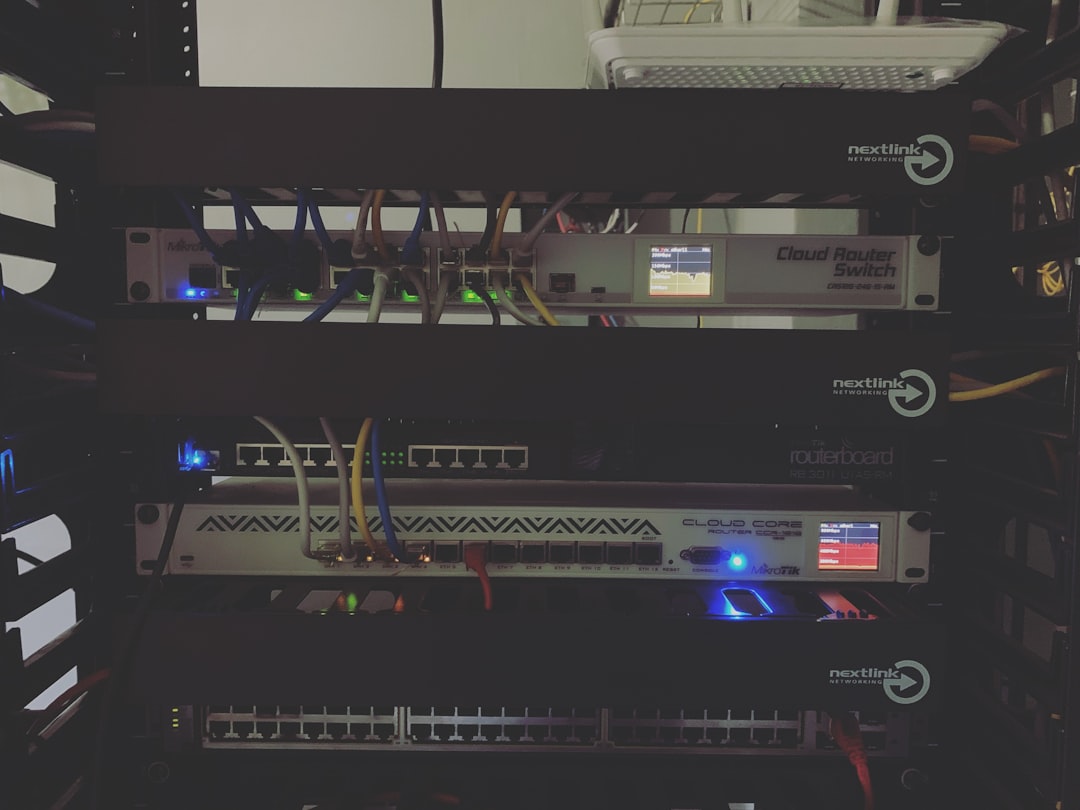
At its core, a NAS router uses its built-in processor, memory, operating firmware, and network interfaces to manage both routing and storage access. When a storage device is connected, the router mounts the drive and exposes it over the network using supported file-sharing protocols.
Common protocols and access methods may include:
- SMB/CIFS: Often used for file sharing with Windows computers and many modern operating systems.
- FTP or SFTP: Used for file transfers, sometimes including remote access outside the local network.
- DLNA or media server support: Allows compatible TVs, consoles, and media players to stream music, photos, or video.
- Web-based access: Some routers provide browser-based file management.
- Router vendor apps: Certain brands offer mobile or desktop apps for easier configuration and access.
The performance of this setup depends heavily on the router’s hardware. A router with a weak CPU, limited memory, or older USB 2.0 ports will usually deliver modest transfer speeds. A more capable router with USB 3.0, gigabit Ethernet, and better firmware can provide much faster and more reliable file access.
NAS Router vs Dedicated NAS
It is important to understand that a NAS router is not the same as a dedicated NAS device. A dedicated NAS, such as a multi-bay storage appliance, is built specifically for data storage, backups, redundancy, and advanced file services. A NAS router is primarily a router with added storage-sharing features.
A dedicated NAS usually offers stronger capabilities, such as:
- Multiple drive bays for large storage capacity
- RAID support for redundancy and drive failure protection
- More powerful processors and memory
- User permissions and access control at a deeper level
- Business backup tools and snapshot features
- Virtualization, surveillance, and application hosting in advanced models
By contrast, a NAS router is usually better suited for simpler needs. It can share files, stream media, and handle light backup tasks, but it may not be appropriate for critical business data or heavy multi-user workloads.
Common Uses for a NAS Router
A NAS router can be useful in many home and small-office situations. For example, a household may use it to store family photos, school documents, downloaded media, or shared files that multiple people need to access. A small office might use it for simple document sharing among a few employees.
Popular use cases include:
- Central file storage: Keep commonly used files in one place instead of spreading them across several computers.
- Basic backups: Some routers can work with backup software or allow manual copying of important files.
- Media streaming: Store videos, music, and photos on a connected drive and stream them to supported devices.
- Printer or file sharing: Some routers support sharing USB devices across the network.
- Remote file access: Certain models allow access to files from outside the home or office network.

Advantages of a NAS Router
The main advantage is convenience. If you already need a router and only require light file-sharing features, a NAS router can reduce the need for separate hardware. It can be a cost-effective option for users who do not want to buy and maintain a dedicated NAS system.
Another benefit is lower energy consumption. A router is usually powered on all the time, so adding a USB storage drive may consume less electricity than running an additional desktop computer as a file server. Setup can also be relatively straightforward, especially on consumer routers with guided interfaces.
For casual users, a NAS router can provide enough functionality to make everyday file access easier. It gives laptops, phones, and smart TVs a shared storage point without requiring advanced server knowledge.
Limitations and Risks
Despite its usefulness, a NAS router has clear limitations. Performance is often the biggest concern. Routers are designed primarily to move network traffic, not to handle intensive file-serving tasks. Large file transfers, multiple simultaneous users, or high-bitrate media streaming can expose the limits of the router’s processor and USB implementation.
Security is another major consideration. If remote access is enabled carelessly, files could be exposed to the internet. Weak passwords, outdated firmware, and insecure protocols can increase risk. For sensitive data, users should be cautious and should regularly update router firmware, disable unnecessary services, and use strong authentication.
There is also the issue of data protection. Many NAS router setups use a single external drive. If that drive fails, the data may be lost unless backups exist elsewhere. A NAS router should not be mistaken for a complete backup strategy. Important files should be copied to at least one additional location, such as another drive, a dedicated NAS, or a reputable cloud backup service.
What to Look for in a NAS Router
If you are considering a router with NAS capabilities, evaluate both its networking and storage features. A strong Wi-Fi specification is useful, but storage performance depends on more than wireless speed.
Key features to consider include:
- USB 3.0 or faster: USB 2.0 can seriously limit transfer speeds.
- Gigabit Ethernet or faster: Wired connections usually offer better reliability for file transfers.
- File system support: Check whether the router supports NTFS, exFAT, HFS+, or ext formats.
- User permissions: Look for controls that allow separate accounts and access restrictions.
- Media server support: Useful if you want to stream to TVs or media players.
- Firmware quality: Regular updates and a clear management interface are important.
- Remote access controls: Secure configuration options are essential if accessing files outside the network.
Is a NAS Router Right for You?
A NAS router is a sensible choice if your needs are modest. It is suitable for sharing household files, streaming media locally, or keeping a convenient storage location available to several devices. It can also be valuable in a very small office where users need basic shared document access without investing in a full server or dedicated NAS appliance.
However, if you need high performance, strong redundancy, advanced permissions, business-grade backups, or reliable access for many users, a dedicated NAS is usually the better option. The router-based approach is best viewed as an entry-level or convenience solution, not as a replacement for professional storage infrastructure.
Final Thoughts
A NAS router bridges the gap between ordinary home networking and centralized storage. It can make file sharing easier, reduce dependence on individual computers, and provide a practical way to access media and documents across a local network. Used carefully, it is a helpful tool for homes and small offices.
Still, it should be chosen with realistic expectations. Its storage features are usually limited compared with dedicated NAS systems, and users must pay attention to security, backup practices, and hardware performance. For simple shared storage, a NAS router can be an efficient and affordable solution; for critical data, it should be part of a broader and more robust storage plan.