Video has become the backbone of modern digital marketing. From short-form vertical clips on TikTok to long-form educational content on YouTube, social media marketers rely on video to capture attention, build trust, and drive conversions. However, creating scroll-stopping content consistently requires the right tools. With dozens of platforms available, knowing which video makers are worth the investment can significantly streamline workflow and improve results.
TLDR: Social media marketers need fast, flexible, and platform-optimized video creation tools. The best video makers combine ease of use, strong editing capabilities, templates, and AI-powered features. This guide highlights 11 essential video makers that help marketers create professional content efficiently. A comparison chart and FAQ section at the end make it easy to choose the right tool.
Why Video Makers Matter for Social Media Marketing
Algorithms prioritize video because it drives higher engagement, longer watch times, and better storytelling. But constant content demands can overwhelm marketing teams. That is where video makers come in. The right tool helps marketers:
- Create platform-specific formats (Reels, Shorts, Stories, Ads)
- Add captions automatically for accessibility
- Repurpose long-form content into short clips
- Collaborate with teams efficiently
- Maintain brand consistency
Below are eleven powerful video makers every social media marketer should know.
1. Canva
Best for beginners and quick branded content.
Canva has evolved far beyond static graphics. Its video editor allows marketers to use drag-and-drop editing, animated text, transitions, and brand kits. With thousands of templates optimized for TikTok, Instagram, Facebook, and LinkedIn, it is especially useful for teams producing high volumes of short-form content.
Standout feature: Seamless brand kit integration.
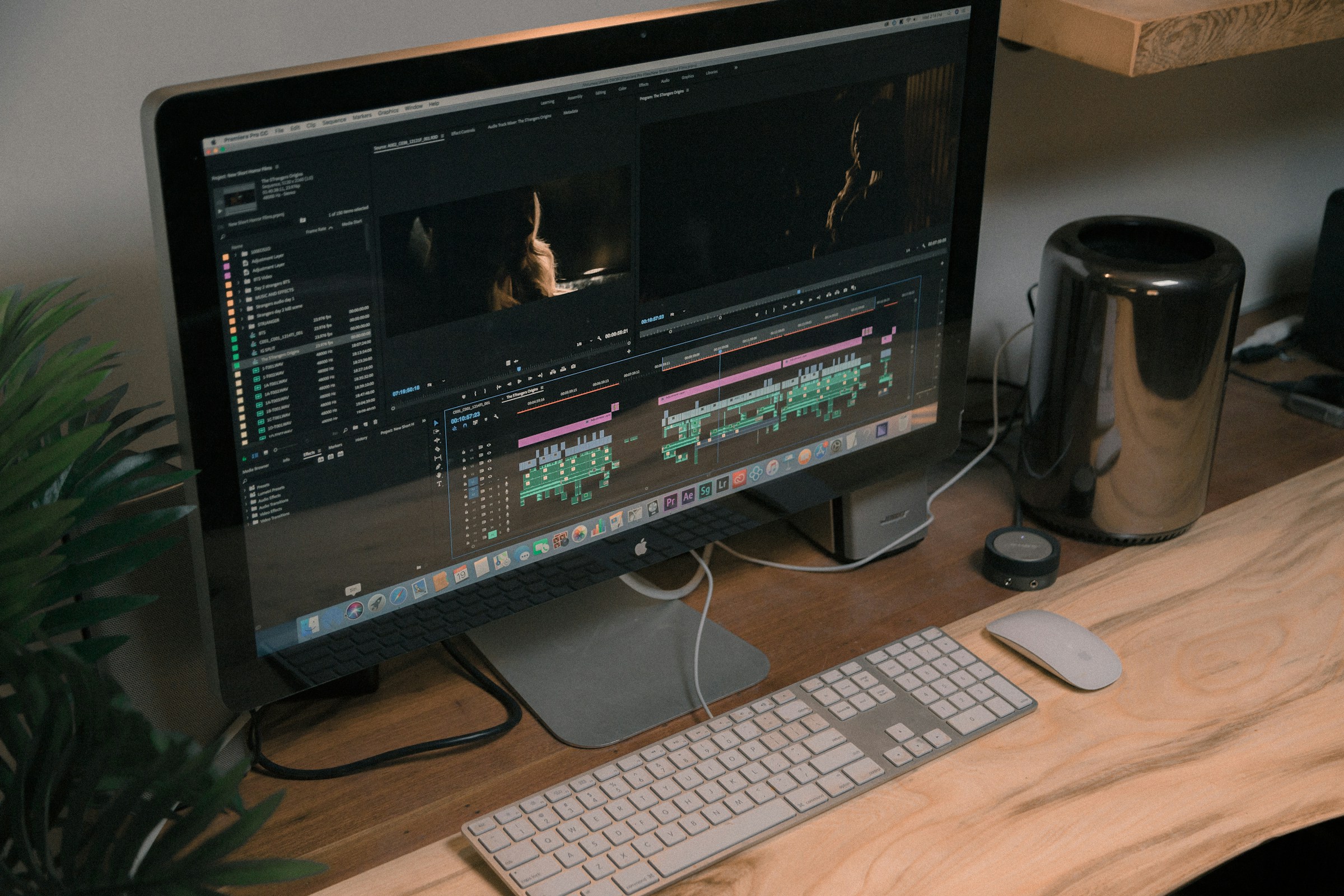
2. Adobe Premiere Pro
Best for professional-grade editing.
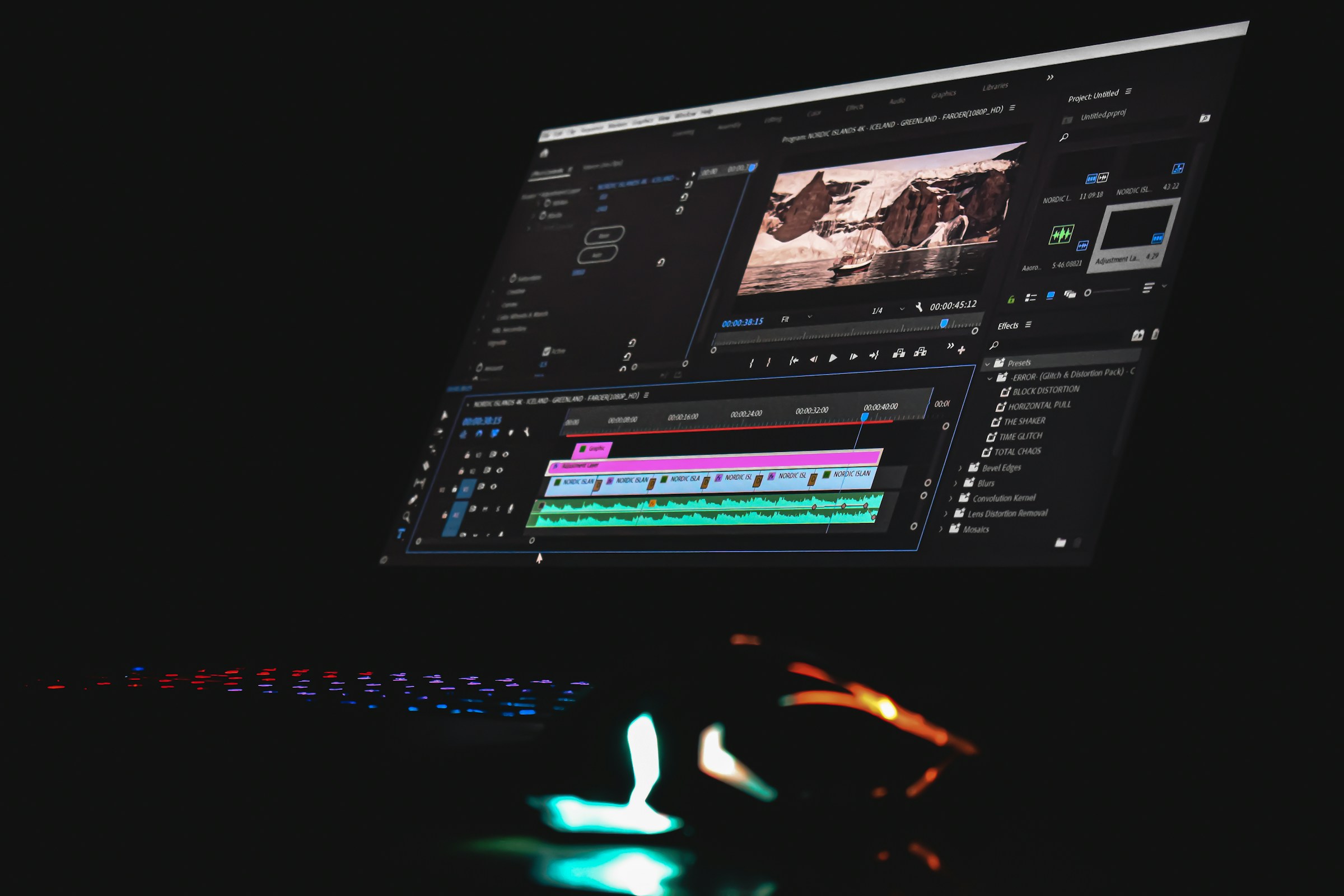
Adobe Premiere Pro remains the industry standard for high-end video editing. While it has a steeper learning curve, it offers unparalleled control over audio, color grading, transitions, and effects.
Standout feature: Advanced timeline editing and integration with Adobe Creative Cloud.
3. CapCut
Best for TikTok-focused creators.
CapCut is widely used for creating viral short-form content. It offers intuitive mobile editing, trending effects, auto-captions, and sound integrations.
Standout feature: Built-in trending templates and effects for short-form platforms.
4. InVideo
Best for AI-powered marketing videos.
InVideo simplifies video creation with pre-made templates for ads, product showcases, and social posts. Its AI text-to-video tools allow marketers to transform blog posts into engaging videos in minutes.
Standout feature: AI script-to-video automation.
5. Final Cut Pro
Best for Mac-based professional editors.
Final Cut Pro delivers high-speed performance and advanced editing tools. Many professional marketers and video agencies rely on it for polished campaigns and branded storytelling.
Standout feature: Optimized performance for Apple hardware.
6. Animoto
Best for quick promo videos.
Animoto allows marketers to turn photos and video clips into marketing-ready slideshows and promos using drag-and-drop templates.
Standout feature: Fast production for ad creatives.
7. Descript
Best for podcast repurposing and captioning.
Descript allows users to edit videos by editing text transcripts. This makes it extremely efficient for turning webinars, podcasts, and interviews into social snippets.
Standout feature: Text-based video editing and AI voice tools.
8. Lumen5
Best for blog-to-video conversion.
Lumen5 uses AI to convert written content into animated videos. Marketers can repurpose blog articles into shareable social clips without filming anything new.
Standout feature: Automatic scene generation from text.
9. Filmora
Best balance between ease of use and advanced features.
Filmora offers advanced editing tools without overwhelming beginners. It includes motion tracking, screen recording, and a large effects library.
Standout feature: User-friendly interface with professional effects.

10. VEED.io
Best for browser-based editing.
VEED.io is a powerful online editor that allows automatic subtitles, branded overlays, and quick exports. Its collaboration tools make it ideal for remote marketing teams.
Standout feature: Automatic caption generation.
11. Biteable
Best for animated explainer videos.
Biteable focuses on creating simple animated marketing videos. Social media marketers can produce explainers, product features, and social ads without prior animation skills.
Standout feature: Extensive animated template library.
Comparison Chart
| Tool | Best For | Skill Level | AI Features | Platform |
|---|---|---|---|---|
| Canva | Quick branded videos | Beginner | Basic AI tools | Web, Mobile |
| Adobe Premiere Pro | Professional production | Advanced | Limited AI | Desktop |
| CapCut | Short-form content | Beginner | Auto captions, effects | Mobile, Desktop |
| InVideo | Script-to-video | Beginner | Strong AI | Web |
| Final Cut Pro | Mac editing | Advanced | Limited AI | Mac |
| Animoto | Promo ads | Beginner | Minimal AI | Web |
| Descript | Podcast repurposing | Intermediate | Strong AI | Desktop |
| Lumen5 | Blog to video | Beginner | Strong AI | Web |
| Filmora | All-around editing | Intermediate | Some AI | Desktop |
| VEED.io | Browser editing | Beginner | Auto captions | Web |
| Biteable | Animated explainers | Beginner | Template based | Web |
How Marketers Should Choose the Right Video Maker
Not every marketer needs enterprise-level editing software. The ideal tool depends on several factors:
- Content volume: High-volume creators benefit from templates and automation.
- Platform focus: TikTok-heavy strategies favor tools like CapCut.
- Budget: Some premium tools require monthly subscriptions.
- Team size: Collaboration features matter for agencies.
- Skill level: Complex tools can slow down beginners.
Many marketers combine multiple tools, using one for quick social content and another for large campaigns.
The Role of AI in Video Creation
AI has changed video marketing significantly. Automated captions increase accessibility and engagement. Script-to-video technology reduces production time. Smart resizing tools automatically optimize videos for different platforms.
Marketers who leverage AI tools can publish faster, test more variations, and improve return on investment. However, creative storytelling and strategy remain human-driven elements that no software can fully replace.
FAQ
1. Which video maker is best for beginners?
Canva, Animoto, and CapCut are excellent for beginners. They offer intuitive interfaces and ready-made templates.
2. What is the best tool for short-form videos?
CapCut is especially strong for TikTok and Instagram Reels. VEED.io and Canva also support vertical formats effectively.
3. Which video maker offers the best AI features?
Descript, Lumen5, and InVideo lead in AI-powered tools such as automatic transcription, script-to-video conversion, and scene generation.
4. Do social media marketers need professional software like Premiere Pro?
Not necessarily. Professional software is ideal for high-end campaigns and agencies, but many marketers achieve excellent results using web-based tools.
5. How important are captions in social media videos?
Very important. Many users watch videos without sound. Auto-caption tools like those in VEED.io, CapCut, and Descript help increase engagement.
6. Can one tool handle all video marketing needs?
While some platforms are versatile, most marketers benefit from using two or more tools depending on the content type and distribution channel.
In the fast-moving world of social media marketing, video remains the most powerful communication format. Choosing the right video makers allows marketers to produce engaging, platform-optimized content efficiently. By understanding the strengths of each tool, teams can maximize creativity while maintaining speed and consistency.