Design used to be hard. You needed expensive software. You needed training. And you needed a powerful computer. Then Canva showed up and changed the game. Suddenly, anyone could design social posts, flyers, resumes, and presentations in minutes.
But Canva is not the only option anymore. In fact, many great tools now compete with it. Some are better for teams. Some are better for branding. Some are better for advanced design. And some are just more fun.
TLDR: Canva is great, but it is not your only choice. Tools like Adobe Express, VistaCreate, Snappa, Figma, and Piktochart offer powerful features with different strengths. Some focus on branding. Others shine in collaboration or data visuals. The best tool depends on what you design most and how you like to work.
Why Look for a Canva Alternative?
Canva is simple. That is its superpower. But it also has limits.
- Some templates feel overused.
- Advanced features are locked behind paid plans.
- Brand customization can feel basic.
- Team collaboration is sometimes clunky.
If you design often, you may want more control. Or more flexibility. Or better pricing.
Let’s explore the best Canva alternatives you can try today.
1. Adobe Express
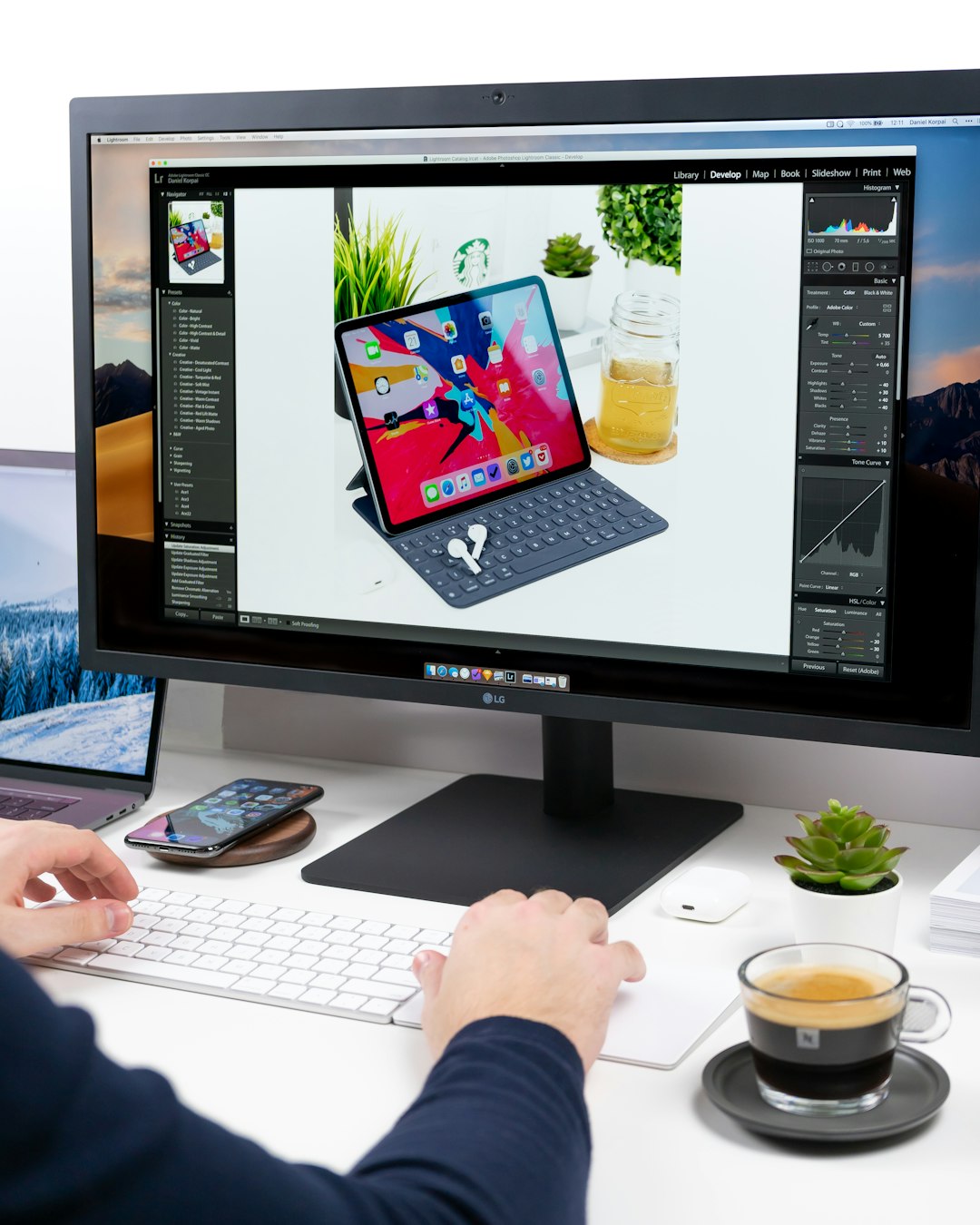
Adobe Express is Canva’s biggest rival. It comes from the creators of Photoshop and Illustrator. But do not worry. It is beginner-friendly.
Why people love it:
- Clean and modern templates
- Strong branding tools
- Seamless integration with Adobe products
- High-quality fonts and stock images
It also includes quick actions. You can remove backgrounds. Resize content. Convert file types. All in seconds.
If you already use Adobe software, this tool makes even more sense. It connects smoothly with Creative Cloud.
Best for: Small businesses and creators who want polished, professional graphics.
2. VistaCreate
VistaCreate feels very similar to Canva. That is not a bad thing. The interface is friendly. The templates are bold.
But it adds something extra. More animated content.
Key benefits:
- Huge animation library
- 30,000+ templates
- Free background remover (on paid plan)
- Easy brand kit setup
If you create social media videos or animated posts, VistaCreate shines. It feels playful. Fast. Visual.
Best for: Social media marketers who want eye-catching movement.
3. Snappa
Snappa keeps things simple. Very simple.
It is not overloaded with features. That is actually the point. You log in. You pick a template. You publish.
Highlights:
- Beginner-friendly dashboard
- Royalty-free stock photos included
- Quick social media sizing
- No steep learning curve
This tool is perfect for bloggers. Or entrepreneurs who want graphics without distractions.
Best for: Quick social posts and blog graphics.
4. Figma
Now we step into more advanced territory.
Figma is powerful. It was built for interface design and teamwork. But many people now use it for social graphics and marketing visuals too.
Why Figma stands out:
- Real-time collaboration
- Deep customization
- Vector editing tools
- Plugins for almost anything
Figma feels less like a template tool. And more like a full workshop.
If you want ultimate control over spacing, layouts, typography, and components, Figma gives you that freedom.
Best for: Design teams and advanced users.
5. Piktochart
Piktochart has a special strength. Data visualization.
If you create reports, infographics, or presentations, this tool is a winner.
Main advantages:
- Easy chart and graph builder
- Professional infographic templates
- Strong presentation tools
- Simple drag-and-drop editor
Numbers can be boring. Piktochart helps make them beautiful.
Best for: Educators, marketers, and business professionals.
6. Visme
Visme sits between Canva and Piktochart.
It blends graphic design with presentation power. It is interactive. Dynamic. Engaging.
Top features:
- Interactive charts
- Animated elements
- Brand control tools
- Team collaboration options
You can create infographics, pitch decks, social posts, and even small web-style presentations.
Best for: Businesses that present data often.
Quick Comparison Chart
| Tool | Best For | Ease of Use | Collaboration | Animation | Free Plan |
|---|---|---|---|---|---|
| Adobe Express | Professional branding | Easy | Good | Moderate | Yes |
| VistaCreate | Social media animation | Very Easy | Good | Strong | Yes |
| Snappa | Quick graphics | Very Easy | Limited | Basic | Yes |
| Figma | Advanced design teams | Moderate | Excellent | Plugin Based | Yes |
| Piktochart | Infographics | Easy | Good | Moderate | Yes |
| Visme | Data presentations | Moderate | Strong | Strong | Yes |
How to Choose the Right One
Start with one question. What do you design most?
- If it is social media posts → Try VistaCreate or Snappa.
- If it is brand-heavy content → Go with Adobe Express.
- If it is team-based product design → Pick Figma.
- If it is reports and charts → Use Piktochart or Visme.
Next, think about budget.
Most of these tools offer free plans. But advanced features often require payment. Compare pricing carefully.
Also think about learning curve. Some tools feel natural instantly. Others require tutorials.
Free vs Paid Plans
Free plans are generous today. But they come with limits:
- Watermarks
- Limited downloads
- Restricted brand kits
- Smaller stock libraries
If you design regularly, paid plans often save time. And time is money.
What About AI Features?
Many Canva alternatives now use AI.
Here is what you can expect:
- Automatic background removal
- Text-to-image generation
- Magic resizing
- Smart design suggestions
Adobe Express and Visme are investing heavily in AI. Figma plugins also bring AI power.
This means design keeps getting faster. And easier.
Final Thoughts
Canva opened the door to easy design. But you do not have to stay there.
The best tool depends on your goals. Your workflow. Your team. And your creativity.
If you love simplicity, choose a lightweight tool. If you love control, choose something deeper. If you love animation, pick a platform built for motion.
The good news? You can test almost all of them for free.
Experiment. Play. Create.
Design should feel fun. Not frustrating.
And now, you have options.