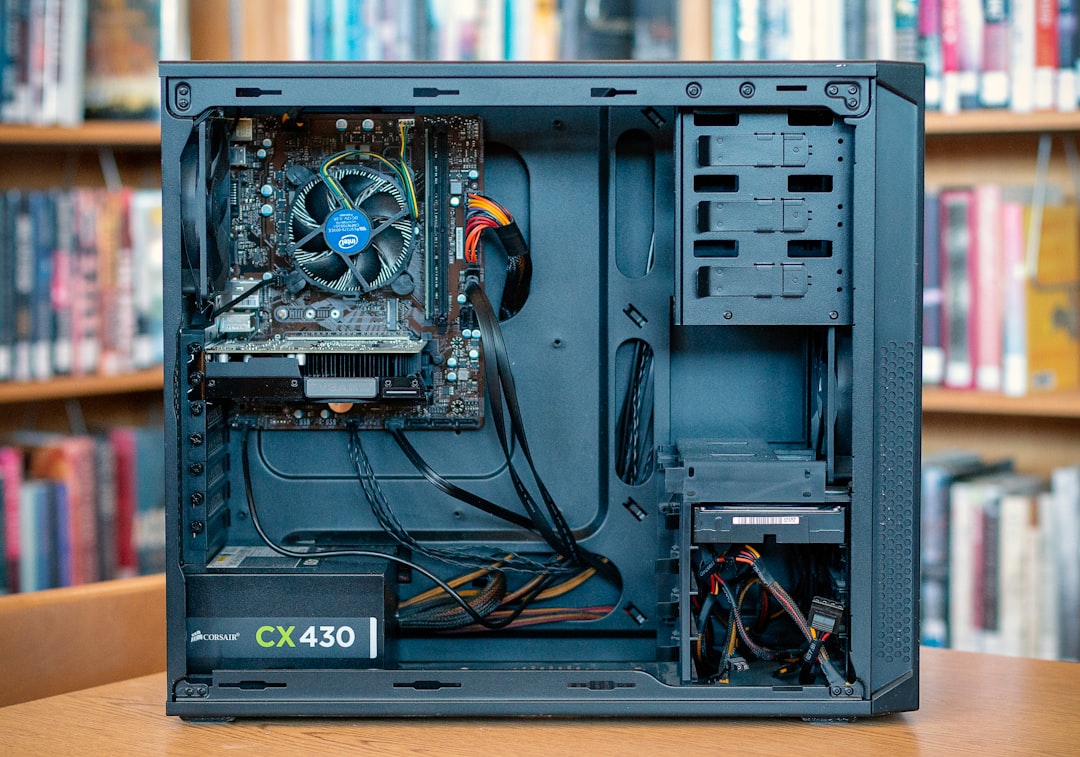
Managing power effectively in a computer system is vital to ensure optimal performance, longevity, and efficiency. With the ever-increasing demands of modern hardware, choosing the correct power supply unit (PSU) and configuration plays a crucial role. One of the growing trends in power management is the adoption of modular power supplies, offering flexibility and better cable management for users looking to build or upgrade PCs.
TL;DR
Modular power supplies offer a cleaner, more customizable approach to managing power cables in your PC. They help reduce clutter, improve airflow, and make system assembly or maintenance more straightforward. With their growing availability, they are a preferred choice over traditional non-modular PSUs for both novice and expert builders. Choosing the right modular PSU can enhance both system aesthetics and performance.
What Is a Modular Power Supply?
A modular power supply is a type of PSU that allows users to detach and plug in only the cables they need. This is in contrast to traditional non-modular PSUs, which come with a fixed set of cables that must all be managed regardless of their necessity.
Modular PSUs come in three main configurations:
- Non-Modular: All cables are permanently attached to the PSU.
- Semi-Modular: Core cables (like the 24-pin motherboard cable and 8-pin CPU cable) are fixed, while others are detachable.
- Fully Modular: All cables can be removed and swapped according to need.
This flexibility makes modular power supplies ideal for custom PC builds, improved cable management, and efficient airflow.
Benefits of Using a Modular Power Supply
1. Improved Cable Management
One of the most significant advantages of a modular PSU is reduced cable clutter. PC builders can install only the cables they need, eliminating unnecessary bulk behind the motherboard tray and around fan areas. This creates a cleaner interior and promotes better air circulation.
2. Enhanced Airflow and Cooling
With fewer cables obstructing airflow inside the computer case, cooling components such as CPU fans and GPUs can operate more efficiently. This can lead to reduced thermal load, which positively affects the performance and lifespan of parts.
3. Easier Maintenance and Upgrades
Modular PSUs simplify the process of upgrading or replacing components. Cables can be individually disconnected or swapped without disassembling the entire PSU cable web.
4. Future-Proofing the Build
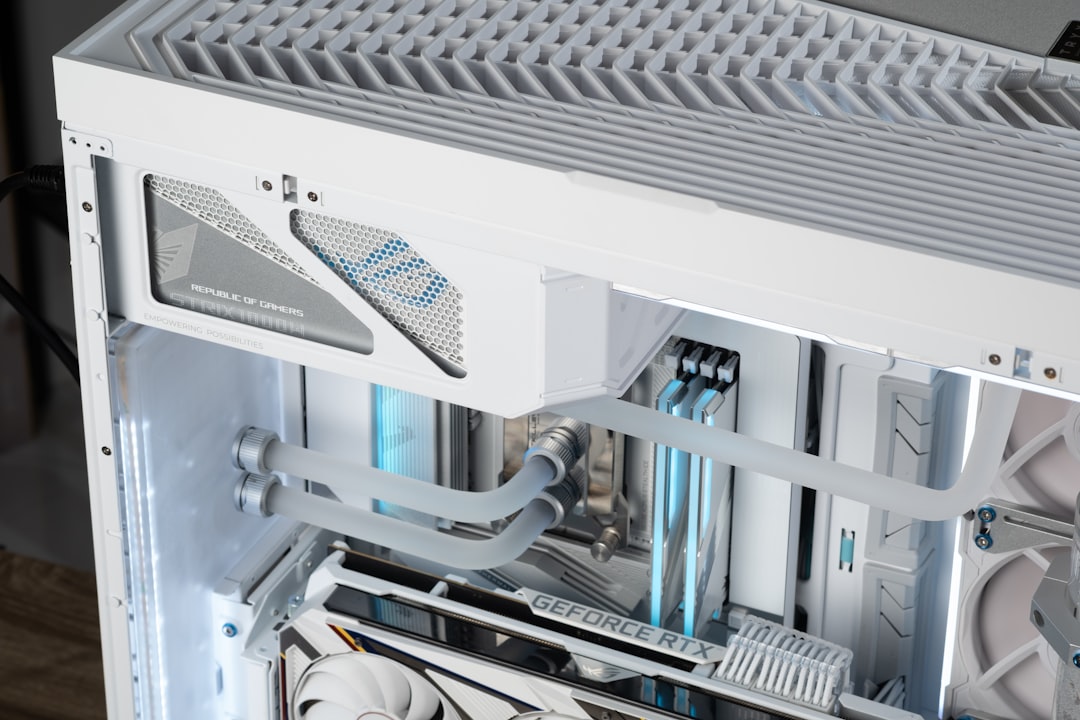
Many modular power supplies support updated cables and connectors, making them suitable for future components with varying power requirements. Custom sleeved cables also offer aesthetic customization options for builders who want a visually appealing setup.
Key Specifications to Consider
When selecting a modular PSU, it’s essential to focus on a set of features to ensure it matches your system’s power needs and build quality requirements.
- Wattage Rating: Choose a PSU with enough wattage headroom, typically 20-30% above your system’s estimated usage.
- Efficiency Certification: Look for units with 80 PLUS ratings like Bronze, Gold, or Platinum for higher energy efficiency and lower heat output.
- Rail Design: Single vs multi-rail designs offer different advantages in power distribution and protection.
- Compatibility with Components: Ensure it has enough PCIe connectors for GPUs, SATA/IDE for drives, and appropriate CPU/motherboard support.
Modular vs. Non-Modular: Which One to Choose?
The choice between modular, semi-modular, and non-modular supplies largely depends on the user’s specific needs, the size of their case, and their experience building PCs.
| Type | Pros | Cons |
|---|---|---|
| Non-Modular | Lower cost, easy plug-and-play | Messy cable management, reduced airflow |
| Semi-Modular | Good balance of cost and flexibility | Some cable clutter may still persist |
| Fully Modular | Best for aesthetics and airflow; easy upgrades | Higher cost, may be excessive for simpler builds |
Ideal Scenarios for Modular PSUs
Modular PSUs shine in specific use cases that benefit from tailored cable layouts and neat organization:
- Custom gaming rigs with large GPUs and multiple components needing power routing
- Small form factor (SFF) cases where space is limited and optimal airflow is critical
- Professional workstations requiring easy maintenance and clean internal setups
Installation Tips
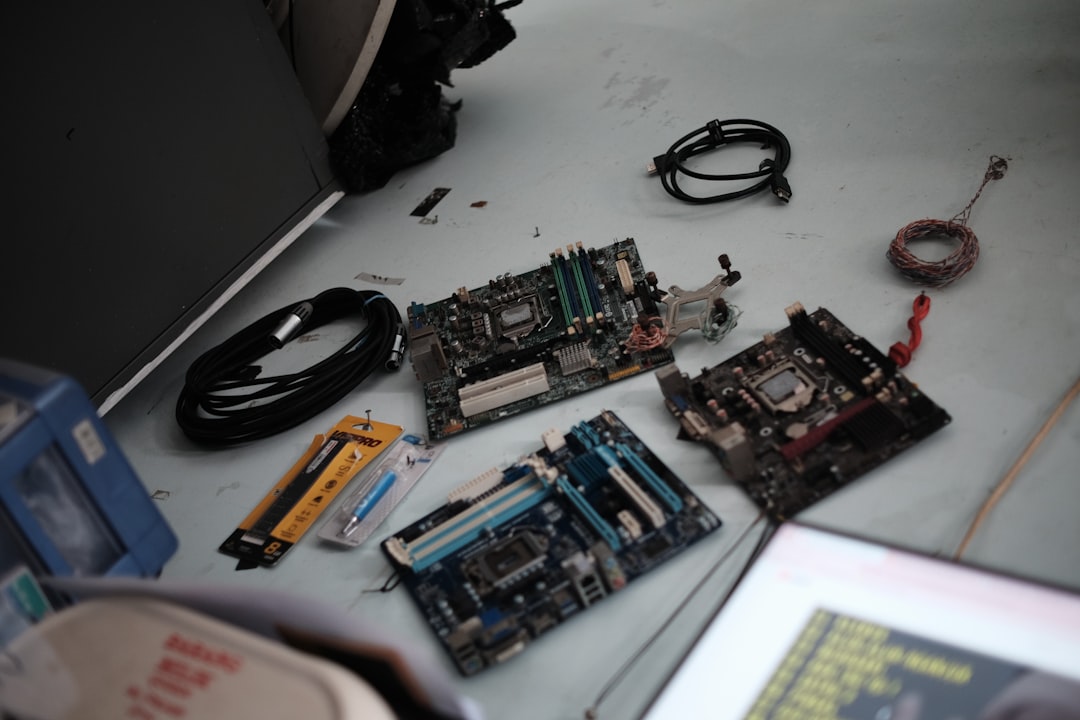
When installing a modular PSU, it’s important to follow a few essential tips:
- Lay out only the cables you need before plugging them into the PSU or components.
- Route cables strategically through cutouts and behind the motherboard tray for a tidy appearance.
- Secure cables with zip ties or velcro straps to prevent obstruction of fans and airflow.
- Double-check connections for firm fits to avoid power issues during boot.
Popular Modular PSU Brands in the Market
Several reputable brands dominate the modular PSU market, offering reliable, efficient, and durable models. Some of the top choices include:
- Corsair: Known for their RMx, HX, and AXi series with high-quality capacitors and quiet operation.
- Seasonic: Offers exceptional efficiency and stability, with their PRIME and FOCUS lines being well-reviewed.
- EVGA: Offers competitive pricing and solid build quality in their SuperNOVA line.
- be quiet!: Prioritizes silent operation and sleek aesthetics in models like the Dark Power series.
Each of these companies provides options spanning different wattage ranges and efficiency ratings to meet a wide variety of user needs.
Conclusion
In today’s landscape of PC building and maintenance, a modular power supply offers tangible benefits that go beyond aesthetics. With superior cable management, better thermal performance, and easier customization, modular PSUs have become an essential component in premium computing setups.
While they may cost more upfront, the long-term advantages in cleanliness, airflow, and ease of use make them a worthy investment—especially for enthusiasts or users looking to future-proof their builds. By choosing the appropriate PSU and using it effectively, users can ensure stable and efficient power delivery that keeps their systems running at peak performance.
FAQ
- Q: Is a modular PSU worth it for beginners?
- A: Yes, especially if you value clean cable management and easier assembly. Modular PSUs simplify both the building and upgrading process.
- Q: Can I buy extra cables for modular power supplies?
- A: Yes, most brands offer replacement or custom sleeved cable kits compatible with their modular PSUs.
- Q: Do modular PSUs affect power efficiency?
- A: No, modularity doesn’t impact electrical efficiency. That is determined by internal components and the PSU’s 80 PLUS rating.
- Q: Are fully modular PSUs more expensive?
- A: Generally, yes. But the price difference is often justified by added convenience and improved airflow management.
- Q: Will a modular PSU fit in any PC case?
- A: Most ATX modular PSUs fit standard mid-tower and full-tower cases. It’s important to check case compatibility for length and cable routing space.