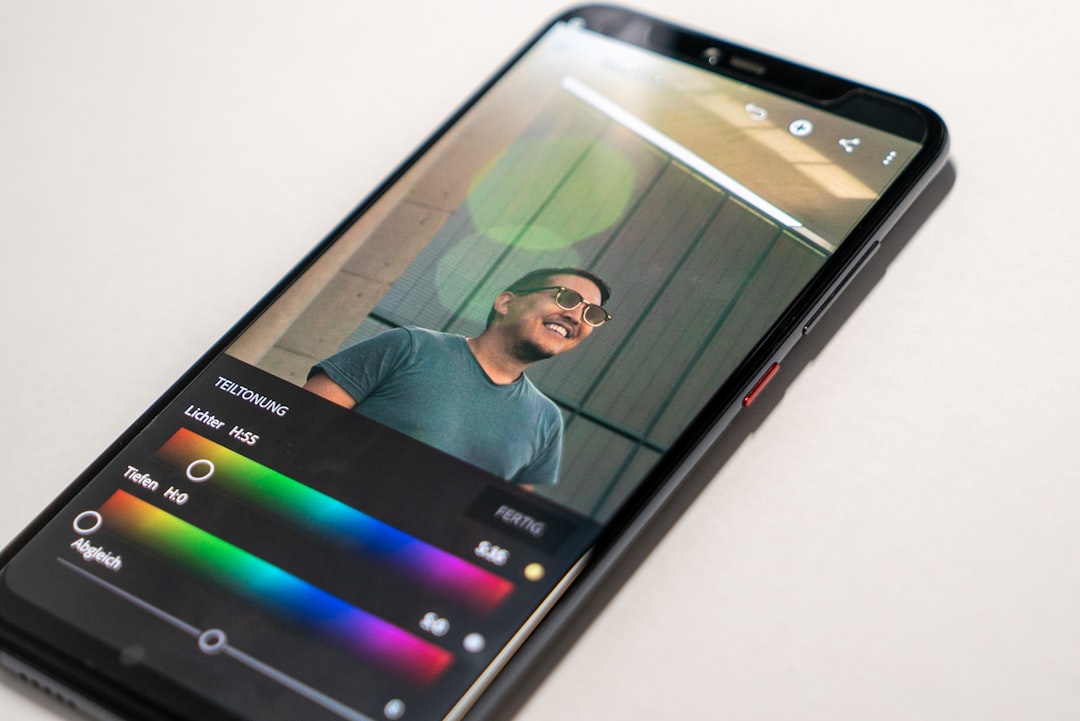
Instagram is a visual platform, but strong design is not only about making something look attractive. For creators, good post design supports clarity, consistency, recognition, and action. The right tools can help you build a professional visual identity, create faster, and avoid the common problem of publishing posts that feel disconnected from one another.
TLDR: The best Instagram post design tools help creators produce consistent, readable, and brand-aligned content without wasting time. Canva, Adobe Express, Figma, Lightroom, Photoshop, and scheduling tools such as Later or Planoly are among the most useful options depending on your workflow. Choose tools based on templates, brand control, collaboration, export quality, and ease of use. A serious creator should also pay attention to accessibility, mobile readability, and long-term visual consistency.
Why Instagram Design Tools Matter
Instagram posts compete in a fast-moving feed, where users often decide within seconds whether to stop scrolling. A well-designed post can communicate value immediately, while a cluttered or inconsistent design can weaken even a strong message. This is especially important for creators who publish educational content, product promotions, personal branding posts, carousels, or community updates.
Reliable design tools help you create a repeatable system. Instead of starting from scratch every time, you can use templates, saved colors, font pairings, grids, and reusable layouts. This allows you to focus more on the message and less on technical formatting.
1. Canva: Best for Fast, Template Based Design
Canva is one of the most widely used design tools for Instagram because it is simple, fast, and accessible to non-designers. It offers thousands of templates for square posts, portrait posts, Stories, Reels covers, and carousel slides. For creators without formal design training, Canva provides a structured way to produce polished work.
Its strongest features include:
- Brand kits for saving colors, fonts, logos, and visual styles.
- Drag and drop editing for quick layout changes.
- Instagram sized templates that reduce formatting mistakes.
- Team collaboration for creators working with assistants or designers.
Canva is particularly useful for educational carousels, quote posts, announcements, and simple promotional graphics. However, creators should avoid overusing generic templates without customization. A template should be a starting point, not a finished identity.
2. Adobe Express: Best for Branded Social Graphics
Adobe Express is another strong option for creators who want professional-looking Instagram content without the complexity of full Adobe software. It offers templates, background removal, quick resizing, typography controls, and access to Adobe’s creative ecosystem.
Adobe Express is especially valuable for creators who already use Adobe tools or need a slightly more polished design environment than basic template editors. It works well for social announcements, product graphics, event promotions, and branded content. Its resizing features are useful when adapting the same creative idea for Instagram posts, Stories, Pinterest, or other platforms.
Best use case: creators who want a balance between speed and professional control.
3. Figma: Best for Systems, Carousels, and Collaboration
Figma is not traditionally seen as an Instagram design tool, but it is excellent for creators who treat content as a system. It allows you to create reusable components, grids, typography rules, and structured carousel layouts. This is helpful for creators producing educational posts, swipeable guides, infographics, or recurring content series.
Unlike simpler tools, Figma gives you precise control over spacing and alignment. It is also highly collaborative, making it suitable for teams where a strategist, copywriter, and designer may all work on the same post.
Figma is more technical than Canva, but that is also its strength. If you want your Instagram content to feel consistent across months of posting, Figma can help you build a proper content design system.
4. Adobe Photoshop: Best for Advanced Image Editing
Photoshop remains one of the most powerful tools for creators who rely heavily on photography, composites, detailed retouching, or high-end visual edits. It is not always necessary for simple Instagram graphics, but it is valuable when quality and control matter.
Photoshop is ideal for:
- Professional photo retouching.
- Complex object removal or background editing.
- Layer based visual compositions.
- High quality product or personal brand imagery.
The learning curve is higher than with template-based tools, but creators in fashion, beauty, fitness, art, food, and ecommerce can benefit from its precision. When used responsibly, Photoshop can elevate visual quality without making images look artificial.
5. Lightroom: Best for Photo Consistency
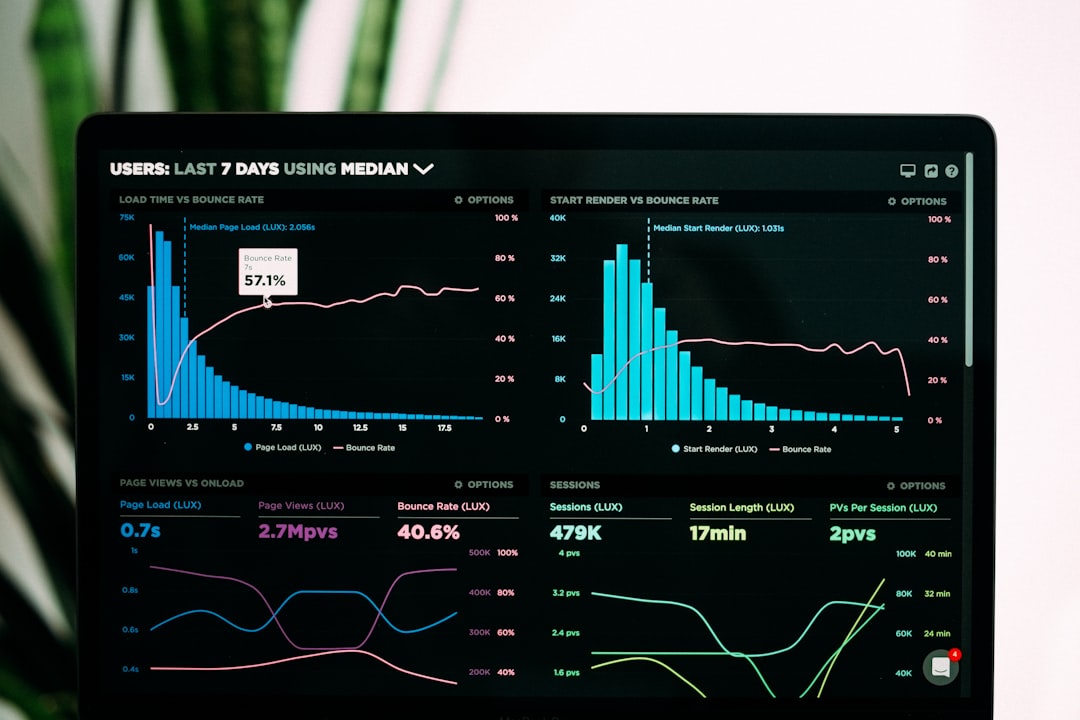
Adobe Lightroom is essential for creators whose Instagram presence depends on photography. While Photoshop focuses on detailed edits, Lightroom is better for color correction, exposure control, and maintaining a consistent visual mood across many images.
Creators often use Lightroom presets to create a recognizable style. For example, a travel creator might use warm tones and soft contrast, while a wellness creator might prefer clean whites and calm neutrals. The key is consistency, not excessive filtering.
Lightroom is particularly useful for photographers, lifestyle creators, food bloggers, travel accounts, and personal brands that use original images. A consistent editing style can make your profile look more intentional and professional.
6. VistaCreate: Best for Quick Social Media Variations
VistaCreate is a practical option for creators who need quick post designs, animated graphics, and social media templates. It is similar in purpose to Canva and Adobe Express, but some creators prefer its template library and animation options.
It works well for creators who publish frequently and need variety while staying within a recognizable style. The platform includes templates for feed posts, Stories, ads, and short motion graphics. For creators managing multiple content categories, this can save a significant amount of time.
7. Mojo and Unfold: Best for Story Style Visuals
Although Instagram feed posts are important, many creators build trust through Stories. Mojo and Unfold are useful for creating polished Story layouts, animated text, clean frames, and lifestyle-oriented designs. They are often used by personal brands, coaches, influencers, and creators who want a more editorial feel.
These tools are not always necessary for static feed posts, but they support a broader Instagram design workflow. If your Stories look as considered as your feed, your overall brand experience becomes stronger.
8. Later, Planoly, and Preview: Best for Feed Planning
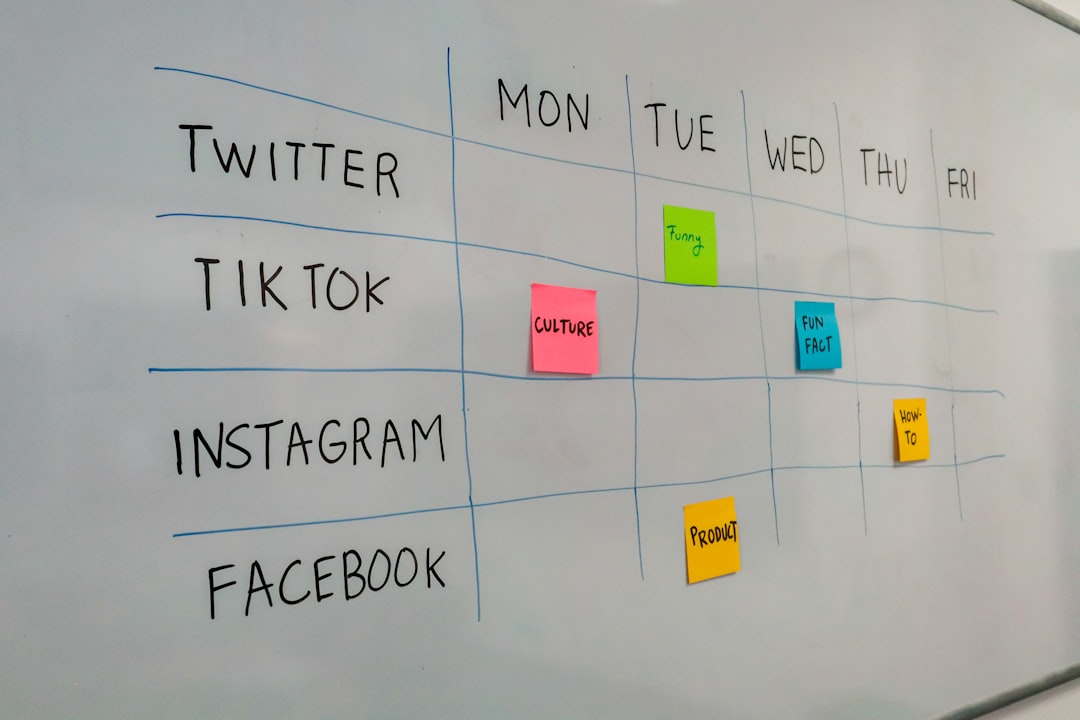
Design does not end when the post is exported. How posts appear together on your profile also matters. Later, Planoly, and Preview help creators plan their Instagram grid, schedule posts, and review how new visuals will fit with existing content.
These tools are useful for identifying visual repetition, color imbalance, or inconsistent formats before content goes live. They also help creators maintain publishing discipline, which is important for growth and audience trust.
How to Choose the Right Tool
There is no single best tool for every creator. The right choice depends on your content style, skill level, budget, and publishing schedule. Before committing to a platform, consider these factors:
- Ease of use: Can you create efficiently without constant frustration?
- Brand consistency: Can you save colors, fonts, templates, and layouts?
- Export quality: Do your posts remain sharp and properly sized?
- Collaboration: Can others review, edit, or approve content easily?
- Scalability: Will the tool still work as your content volume grows?
For many creators, the best approach is a combination. For example, you might use Lightroom for photo editing, Canva for carousels, and Later for scheduling. A more advanced creator might use Figma for templates, Photoshop for image work, and Planoly for feed planning.
Design Principles Matter More Than Tools
Even the best software cannot fix weak design decisions. Creators should pay attention to fundamentals such as contrast, hierarchy, spacing, font readability, and message clarity. Instagram posts are often viewed on small screens, so text should be large enough to read without zooming.
Use no more than two or three fonts across your brand. Keep color palettes controlled. Avoid overcrowding slides with too much text. Make sure every post has a clear purpose, whether it is to educate, inspire, sell, or start a conversation.
Accessibility should also be part of serious design. Use strong contrast between text and background, avoid relying only on color to communicate meaning, and keep captions clear. Good design should be attractive, but it should also be usable.
Final Thoughts
Instagram post design tools can make a creator’s workflow faster, more consistent, and more professional. Canva and Adobe Express are excellent for speed, Figma is strong for systems and collaboration, Photoshop and Lightroom support higher-end image quality, and planning tools such as Later, Planoly, and Preview help maintain a coherent feed.
The most successful creators do not rely on tools alone. They use them within a clear visual strategy, supported by consistent branding, thoughtful messaging, and disciplined publishing. Choose tools that help you communicate more clearly, not just decorate your posts. That is what turns Instagram design from simple content production into a serious part of your creator brand.