A new app idea should start with the fastest path to proof, not the prettiest screen. For most founders, product managers, and small teams, that means writing the core problem, sketching the main user flow, and choosing the right tool for the next step. Figma is best when the team needs design clarity, polished screens, and click-through prototypes. Lovable is better when the team wants a working app draft, connected pages, and usable code much earlier.
TLDR: If the goal is to test how an app should look and feel, Figma is usually the first stop. If the goal is to see whether the app can function, Lovable can get a simple product running faster. For example, a solo founder with a booking app idea might spend 8 hours in Figma creating a clickable mockup, while Lovable could produce a rough login flow, dashboard, and booking form in under 2 hours. The smartest path is often Figma for design thinking and Lovable for early build testing.
Start With the Problem, Not the Tool
An app idea usually sounds clear in someone’s head. Then the first blank screen arrives. That is where many projects stall.
Before choosing Figma or Lovable, the team should answer four basic questions:
- Who is the app for? Be specific. “Busy parents” beats “everyone.”
- What painful task does it solve? The pain should be real, frequent, and annoying.
- What is the smallest useful version? This is the first version worth testing.
- What action should users take first? Sign up, search, book, upload, buy, or message.
Honestly, it feels like many teams waste days picking fonts before they know if anyone wants the product. A simple one-page brief is often more useful than ten polished screens.
What Figma Is Best For
Figma is a design tool for creating interfaces, wireframes, design systems, and clickable prototypes. It helps a team see the product before developers build it. That makes it useful when visual structure matters.
Figma works especially well for:
- Wireframes: Simple layouts that show screen structure.
- User flows: Paths from one screen to another.
- UI design: Buttons, forms, cards, menus, and visual style.
- Stakeholder feedback: Comments can sit directly on the screen.
- Developer handoff: Developers can inspect spacing, colors, and assets.
The main benefit is control. A designer can tune every pixel. A founder can present a clean prototype to investors or early users. A product manager can compare several versions of the same feature.
The downside is that Figma prototypes are not real apps. A button can appear to submit a form, but it does not save data. A dashboard can show charts, but those numbers are fake unless connected through other tools. That gap can fool teams into thinking the product is closer than it is.
Figma also has a learning curve. Creating a clean layout is quick. Creating a neat component system takes skill. It drives some teams crazy that a small spacing issue can take 20 minutes to fix across several screens if the file was not organized well from the start.
What Lovable Is Best For
Lovable is an AI app builder that turns prompts into working web app prototypes. Instead of drawing every screen manually, the team describes the product. Lovable can generate pages, layouts, authentication flows, forms, database structures, and basic app logic.
Lovable works especially well for:
- Early MVPs: A simple working version of the app.
- Internal tools: Dashboards, admin panels, trackers, and portals.
- Form-heavy products: Intake forms, booking tools, CRM-style features.
- Founder prototypes: Something clickable, editable, and closer to real software.
- Speed tests: Checking whether an idea can be built without a full team yet.
The biggest benefit is momentum. A founder can type, “Create a meal planning app with user accounts, recipe cards, a grocery list, and weekly plans,” and receive a usable first draft. It will not be perfect. It may have odd layout choices. Some generated code may need cleanup. Still, the app can exist in a way a static mockup cannot.
The downside is control. Lovable may produce a layout that is close, but not quite right. Editing through prompts can feel awkward when the requested change is tiny, such as moving one label or adjusting one button state. Expect to waste time on vague prompts if the product idea is not clearly written.
Figma vs Lovable: The Practical Difference
The choice is not really “design tool vs app tool.” It is more about the question the team is trying to answer.
| Question | Better Tool | Reason |
|---|---|---|
| What should the app look like? | Figma | It gives precise visual control. |
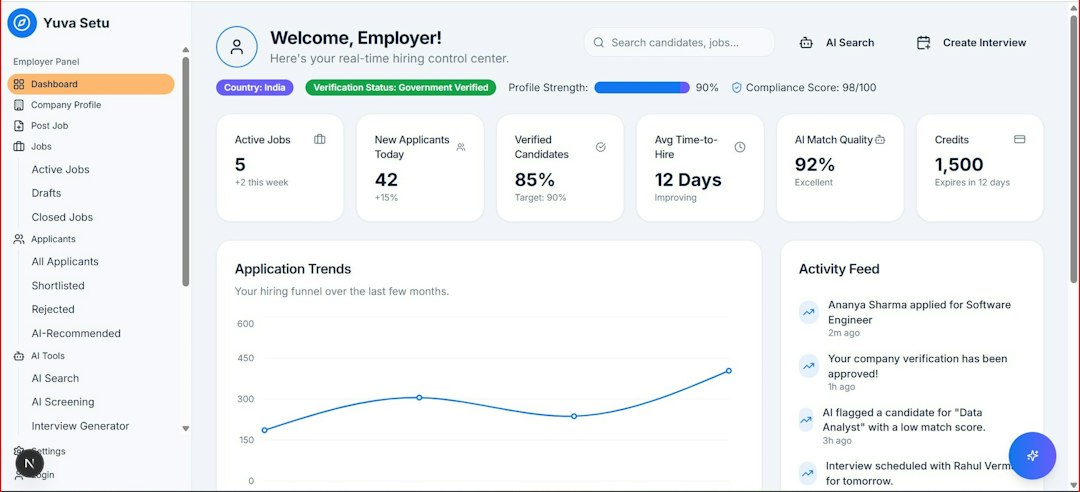
| Can this app work as a real product? | Lovable | It can generate functional screens and logic. |
| Does the user flow make sense? | Figma | It is strong for mapping screens and actions. |
| Can a founder demo the MVP soon? | Lovable | It can create a live, testable version faster. |
| Does the app need a polished brand experience? | Figma | It is better for visual polish and consistency. |
A Simple Starting Plan
A team with only an idea should not start by building every feature. A tighter plan works better.
- Write a one-sentence promise. Example: “This app helps freelance designers send proposals in under 10 minutes.”
- List the top three user actions. For that proposal app, they might be create client, build proposal, send link.
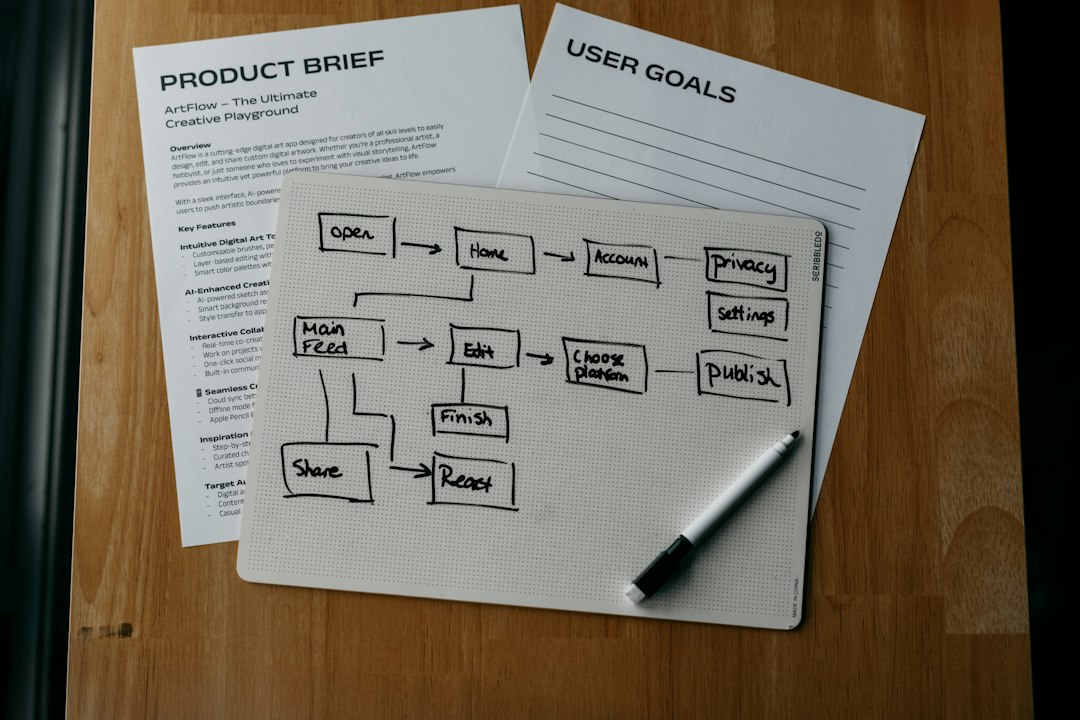
- Sketch five screens. Home, signup, dashboard, main action, success state.
- Use Figma if the flow feels unclear. Map the journey before building.
- Use Lovable if the flow is clear enough. Generate a rough MVP and test it.
- Show it to five real users. Watch where they hesitate, misread, or give up.
Five users will not prove everything, but they can expose painful mistakes fast. If three out of five users cannot find the main action, the product needs fixing before more features are added.
When to Use Both
The strongest workflow often uses both tools. Figma can define the product shape. Lovable can turn that shape into a working draft.
A small team might create rough wireframes in Figma on Monday, test the flow with two users on Tuesday, then build a Lovable prototype on Wednesday. By Friday, the team could have a working demo with signup, sample data, and a basic dashboard. That pace used to require more people and more budget.

This does not remove the need for developers or designers. It changes when they enter the process. Designers can focus on clarity and quality. Developers can review structure, security, performance, and long-term code health. The early idea stage becomes less guessy.
Common Mistakes to Avoid
- Building too many features: A first version should prove one main use case.
- Skipping user testing: Internal opinions are not enough.
- Chasing perfect visuals too early: Pretty screens do not fix a weak product.
- Trusting AI output blindly: Generated apps need review and testing.
- Ignoring data structure: Even a simple app needs clean user, content, and permission rules.
Final Recommendation
If the idea is still fuzzy, start with Figma. It helps the team think through screens, flow, and user intent without getting buried in app logic. If the idea is clear and needs proof, start with Lovable. It can create a working prototype that feels closer to the real product.
For many app ideas, the right answer is not either-or. The team should use Figma to shape the experience, then use Lovable to test whether that experience can become a useful app. The faster the team reaches real user feedback, the better the odds of building something people actually want.
FAQ
Is Figma enough to build an app?
No. Figma can create designs and clickable prototypes, but it does not build a fully working app by itself. It is best for planning and presenting the user experience.
Can Lovable replace a developer?
Lovable can help create an early version, but complex products still need technical review. Security, scale, custom logic, and code quality often require experienced developers.
Which tool should a non-technical founder use first?
If the founder has a rough idea only, Figma or even paper sketches can help. If the founder already knows the main screens and features, Lovable may produce a useful MVP faster.
Should a startup use Figma before Lovable?
Often, yes. A quick Figma flow can prevent messy prompts and confused app structure. The Figma file does not need to be perfect. It only needs to clarify the core journey.
What is the best first step after getting an app idea?
The best first step is to define the user, the problem, and the smallest useful version. After that, the team can choose Figma for design clarity or Lovable for a working prototype.