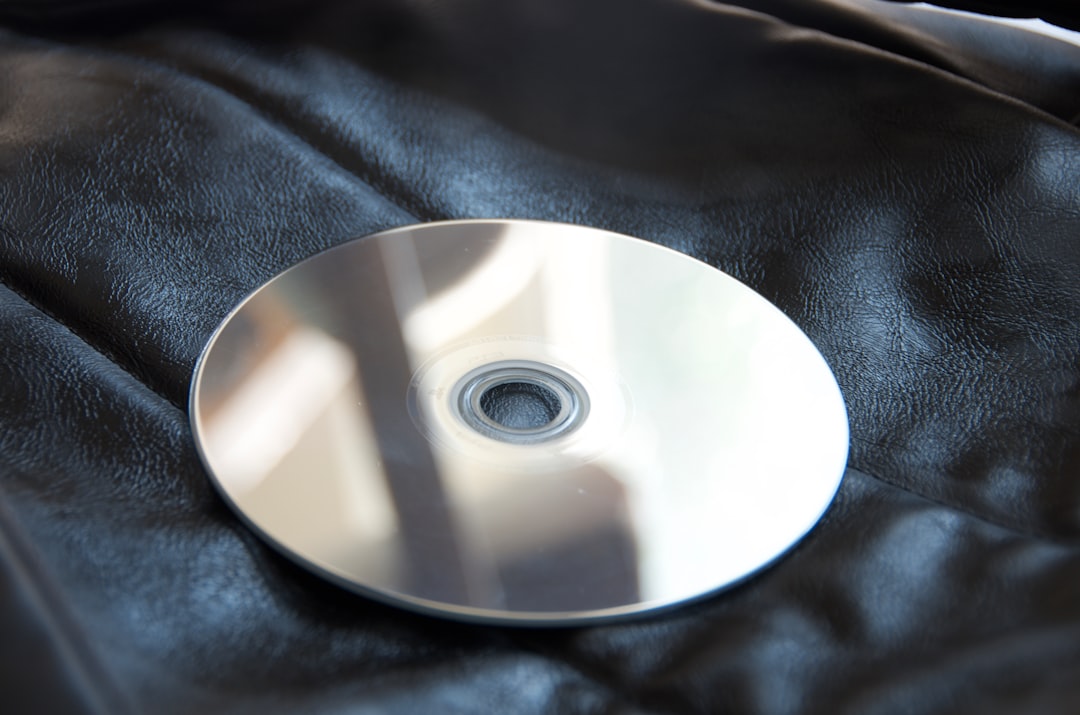
Clean a DVD by wiping from the center hole straight out to the edge with a soft microfiber cloth, using only a little distilled water or mild soapy water when needed.
TLDR: Dust first, wipe straight out, and let the disc dry fully before playing it. Use a microfiber cloth, distilled water, and maybe one tiny drop of dish soap for greasy fingerprints. For example, if a movie freezes at the 38-minute mark, one careful clean often fixes the smudge causing the skip. In many home cases, 8 out of 10 playback issues come from fingerprints, dust, or light grime, not a “dead” disc.
Why DVDs Get Grumpy
DVDs are tougher than they look. They are also drama queens.
A fingerprint can make a movie skip. A bit of dust can make the player whirr like it is solving a crime. Honestly, it feels like some DVD players spend 10 extra seconds judging your life choices before finally loading the menu.
The good news is simple. Most dirty DVDs can be cleaned at home. You do not need fancy gear. You do need a gentle hand.
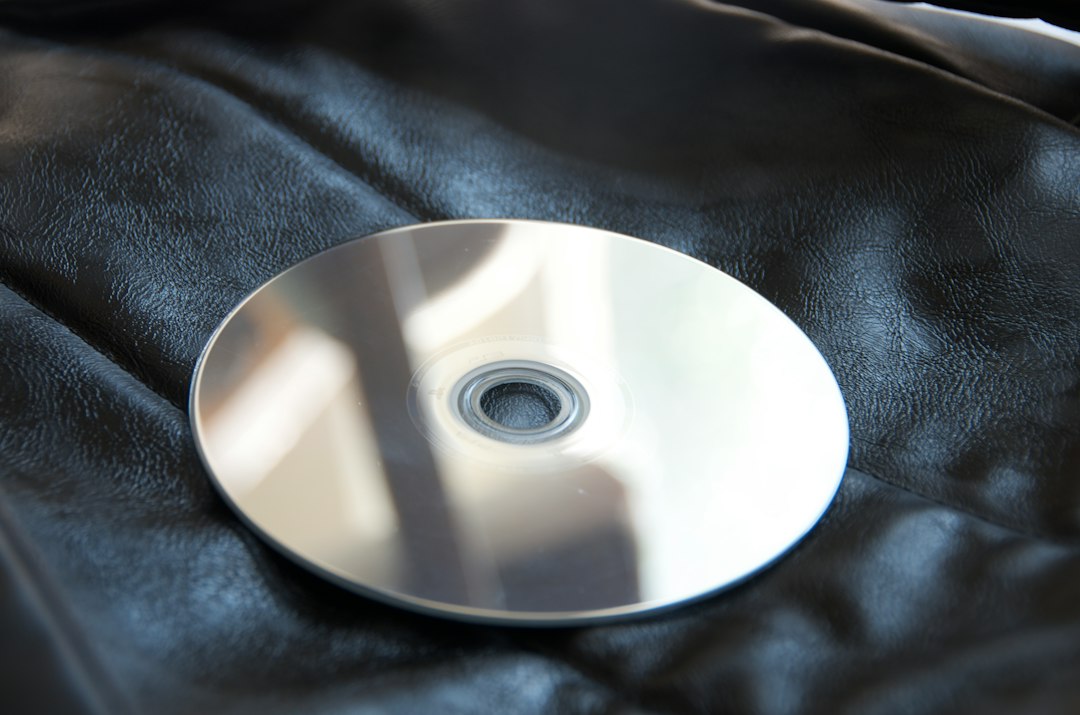
What You Need
Start with safe materials. The wrong cloth or cleaner can turn one smudge into twenty tiny scratches. Nobody wants that.
- Microfiber cloth: Soft, clean, and lint-free.
- Distilled water: Better than tap water because it leaves fewer spots.
- Mild dish soap: Use only a tiny amount for grease.
- Air blower: Great for loose dust. A camera lens blower works well.
- Cotton swabs: Useful near the center hole, but use light pressure.
- Clean table: Put down a soft towel first.
You do not need a big cleaning kit. You do not need a miracle spray. You really do not need your shirt sleeve. Please do not use your shirt sleeve.
The Safe DVD Cleaning Method
This is the main method. It is safe, simple, and boring in the best way.
- Hold the DVD by the edges. Put one finger in the center hole if needed. Avoid touching the shiny side.
- Blow off loose dust. Use a hand air blower. Do not spit-blow like a cartoon character.
- Dampen a microfiber cloth. Use distilled water. The cloth should be damp, not dripping.
- Wipe from the center to the outer edge. Use straight lines. Do not wipe in circles.
- Use a dry part of the cloth. Wipe again the same way.
- Let it air dry. Give it 2 to 5 minutes before putting it in the player.
That is it. No magic. No scrubbing. No angry polishing like you are cleaning a frying pan.
Why Straight Lines Matter
DVD players read discs in a spiral track. Circular scratches can follow that track and cause bigger read errors. Straight scratches are usually less harmful because the player can often skip past them.
So wipe from the middle outward. Think of sun rays. Start at the hole. Move to the edge. Repeat around the disc.
Do not make circles. Circles are for pizza. Not DVD cleaning.
How to Clean Fingerprints
Fingerprints are oily. Water alone may not lift them. This is where mild soap helps.
- Mix a cup of distilled water with one small drop of dish soap.
- Dampen the microfiber cloth with the mix.
- Wipe from center to edge.
- Use another cloth dampened with plain distilled water to remove soap.
- Dry with a clean microfiber cloth.
Do not leave soap behind. Soap residue can cause streaks. Then the DVD player gets confused again. Great. Now the disc is clean but slippery with sadness.
Can You Use Alcohol?
Sometimes, yes. But use care.
A small amount of 70% isopropyl alcohol can help with sticky grime. Put it on the cloth, not directly on the disc. Wipe straight outward. Then wipe again with distilled water. Dry right away.
Do not soak the disc. Do not use alcohol often. If water and mild soap work, stop there. The gentlest fix is the best fix.
What About Scratches?
Dirt sits on the surface. Scratches damage the surface. Cleaning can fix dirt. It cannot erase deep scratches.
Light scratches may still play fine after cleaning. Deep scratches may cause freezing, skipping, or complete failure. If you can feel a scratch with your fingernail, it may be serious.
You can try a disc repair machine. Many libraries and game shops have one. Some home repair kits also work. Still, be cautious. Bad repair tools can make the disc worse.
Big Mistakes to Avoid
Some cleaning ideas sound useful. They are not. They are tiny disasters wearing fake mustaches.
- Do not use paper towels. They can scratch the disc.
- Do not use tissues. They leave lint and may scratch.
- Do not use window cleaner. It may contain harsh chemicals.
- Do not use acetone. It can damage plastic fast.
- Do not use bleach. That is not cleaning. That is disc punishment.
- Do not scrub in circles. Straight lines only.
- Do not use hot water. Warm is okay. Hot is risky.
- Do not play a cracked disc. It can break inside the drive.
Also skip toothpaste unless you are out of all better options and the disc is already nearly useless. Toothpaste is abrasive. It may reduce a scratch, or it may add cloudy marks. That trade is not fun.
How to Dry a DVD
Drying matters. Wet streaks can cause playback trouble.
Use a dry microfiber cloth. Wipe from center to edge. Then let the disc sit shiny side up on a soft towel for a few minutes.
Do not use a hair dryer. Heat can warp the disc. Do not place it in sunlight. Sunlight can heat it unevenly. A DVD is not laundry.
How to Store DVDs So They Stay Clean
Cleaning is nice. Not needing to clean is nicer.
- Keep DVDs in their cases.
- Store them upright like books.
- Keep them away from heat.
- Keep them away from sticky kid fingers.
- Hold them by the edges every time.
- Do not stack loose discs.
If you use sleeves, choose soft ones made for discs. Cheap rough sleeves can scratch the surface each time you slide the disc in and out. That gets old fast.
When Cleaning Will Not Help
Some discs are past a simple wipe. A DVD may fail if it has cracks, peeling layers, cloudy patches inside the plastic, or severe scratches.
If the disc contains rare videos, family memories, or old work files, stop using it after one failed clean. Try to copy the data on a computer. If it barely reads, repeated playback may waste time and stress the disc.
For valuable discs, ask a professional media recovery service. It may cost money. But it beats losing a wedding video, a school concert, or that one weird homemade movie your uncle insists is “cinema.”
Quick Cheat Sheet
- Best cloth: Microfiber.
- Best liquid: Distilled water.
- Best motion: Center to edge.
- Best soap: One tiny drop of mild dish soap.
- Worst motion: Circles.
- Worst cleaners: Acetone, bleach, harsh sprays.
- Big safety rule: Never play a cracked disc.
A DVD does not need a spa day. It needs gentle care and a clean cloth. Treat it like a tiny shiny pancake that stores your movie. Be kind to it, wipe straight, and your player may stop making that awful grinding noise of doom.