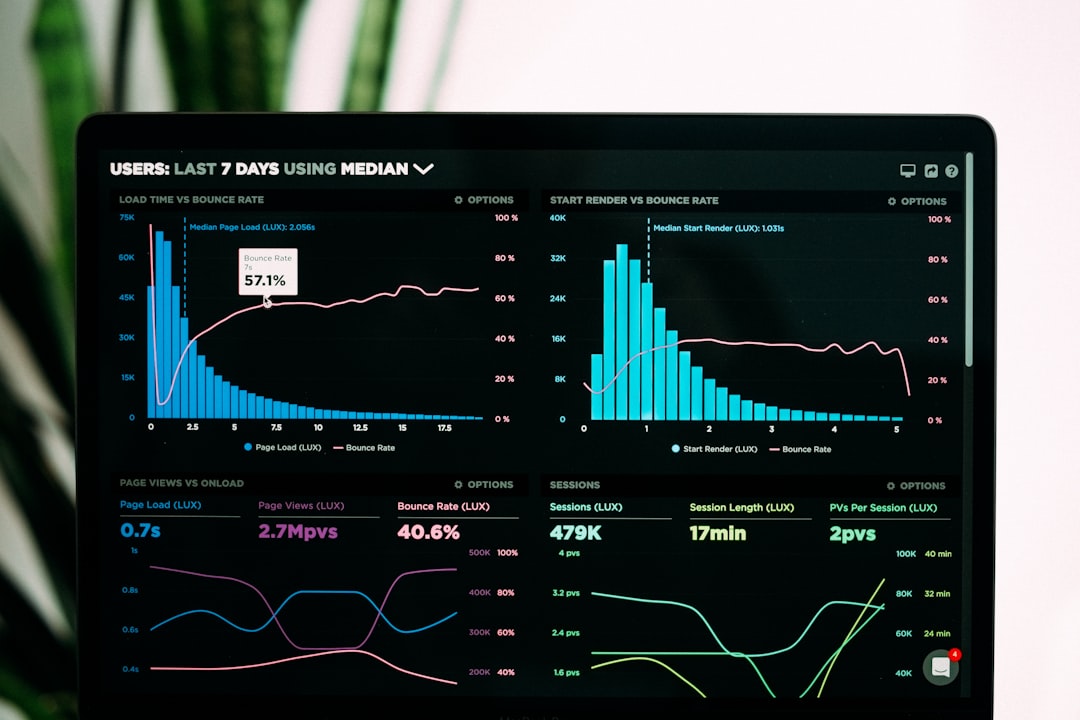
Check your Google Business Profile every week, and track search visibility every month. Google can change how your business appears in Search and Maps without asking you first. That means your hours, services, photos, links, and rankings can shift while you are busy making coffee, fixing sinks, cutting hair, or running payroll.
TLDR: Treat your Google Business Profile like a front door. Make sure it is clean, correct, and easy to find. For example, a local bakery that checks its profile weekly may catch a wrong holiday hour before 80 people see it. If calls drop by 25% in one month, compare profile changes, reviews, rankings, and competitor activity before blaming the economy.
Image not found in postmetaWhy Google Business Profile changes matter
Your Google Business Profile is often the first thing people see. Not your website. Not your logo. Not your clever slogan.
They see your star rating. Your hours. Your address. Your photos. Your “Call” button. Maybe your latest review. Then they decide if you are worth a tap.
That is a lot of pressure for one little box.
The annoying part? Your profile is not frozen in place. Google may add new features. Customers may suggest edits. Competitors may improve their listings. Your rankings may move. Sometimes the interface changes too. Honestly, it feels like the buttons move just when you learned where they were.
So yes, monitoring your profile is not “extra marketing.” It is basic local business hygiene.
What can change on your profile?
More than you think.
- Business hours: Regular hours, holiday hours, and special closures.
- Business name: Even small edits can confuse customers.
- Categories: Your main category can affect where you show up.
- Services and products: These help people see what you offer.
- Photos: New photos can help. Bad photos can hurt trust.
- Reviews: New reviews affect clicks, calls, and confidence.
- Q&A: Customers can ask questions. Anyone may answer.
- Website link: A broken link is a tiny disaster.
- Phone number: One wrong digit can send leads into the void.
- Map pin: If it is off, drivers may end up yelling in a parking lot.
These details may look small. They are not. A wrong closing time can cause a bad review. A missing service can cost a lead. A weak photo can make your shop look closed, old, or just plain weird.
Set a simple weekly profile check
Do not make this complicated. You do not need a giant dashboard to start.
Set a 15-minute calendar reminder every Monday. Call it GBP check. Keep it boring. Boring systems work.
- Search your business name on Google.
- Open your profile in Search or Maps.
- Check hours, phone, website, address, and categories.
- Look at new photos.
- Read new reviews.
- Check customer questions.
- Confirm your main call to action still works.
Expect to waste 30 seconds hunting for a setting now and then. Google loves changing menus. Still, the weekly check is worth it.
If you manage more than one location, use a spreadsheet. Keep it simple. Add columns for location, date checked, issue found, fix made, and owner.
Track changes you make
This is the part most businesses skip. Then they regret it.
When you change something, write it down. Add the date. Add the reason. Add what you expect to happen.
For example:
- March 4: Added “emergency plumbing” as a service.
- March 8: Uploaded 12 new staff photos.
- March 12: Changed primary category from “Cafe” to “Coffee shop.”
- March 20: Added UTM tags to website link.
This helps when numbers move. If calls rise, you can see what may have helped. If rankings drop, you can spot risky edits.
Watch search visibility, not just profile details
A perfect profile is nice. A visible profile is better.
Search visibility means how often your business appears when people search for things like “pizza near me,” “dentist open Saturday,” or “best dog groomer in Austin.”
Track these signals:
- Views: How many people saw your profile.
- Search terms: What people typed before finding you.
- Calls: How many tapped the call button.
- Direction requests: A strong local buying signal.
- Website clicks: Useful if your site converts well.
- Messages and bookings: Great for service businesses.
- Map rankings: Where you appear in local map results.
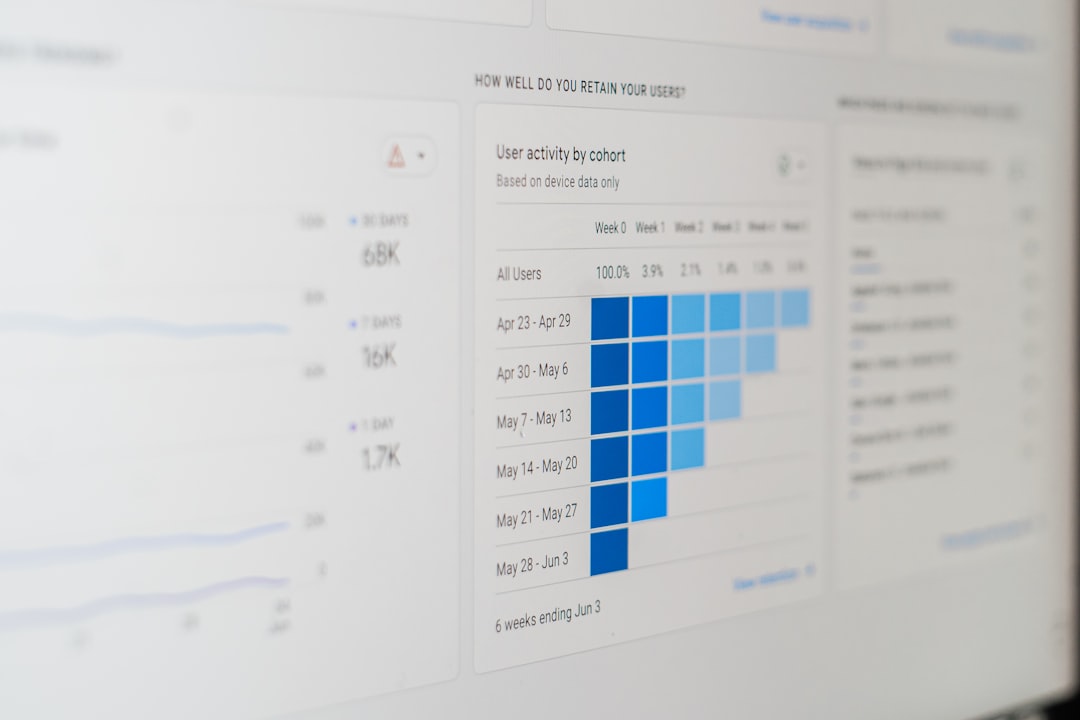
Use the Performance section in your Google Business Profile. Also use Google Search Console for website search data. If you want deeper tracking, use a local rank tracker that shows map positions by ZIP code or grid point.
Do not panic over one bad day. Local results bounce around. Look at weekly and monthly trends.
Use UTM links for cleaner data
Here is a simple trick. Add UTM tracking to your website link in Google Business Profile.
This lets you see GBP visits inside Google Analytics. You can track users, leads, calls, forms, and sales from your profile traffic.
A simple UTM link may include:
- Source: google
- Medium: organic
- Campaign: gbp
Now you can answer real questions. Did profile visitors book appointments? Did they bounce? Did they call after viewing your contact page?
Without tracking, you are guessing. Guessing is fun for game night. Not for marketing.
Pay close attention after Google updates
Google often tests new layouts and local features. You may see new buttons, AI-style summaries, service labels, booking options, menu features, or review highlights.
When this happens, check your profile from a customer’s view. Use your phone. Use Maps. Use Search. Ask a friend across town to search too.
Look for these issues:
- Did your call button become harder to see?
- Are old photos showing first?
- Is Google picking the wrong service?
- Are reviews being summarized in a strange way?
- Did competitors gain more screen space?
If something looks wrong, fix what you can. Add better photos. Update services. Reply to reviews. Improve your website pages. Make the profile easier for Google and customers to understand.
Do a small competitor check
You do not need to obsess over competitors. That gets exhausting fast.
Once a month, search your top keywords. Look at the top three local results. Compare their profiles with yours.
Check:
- Review count and rating.
- Photo quality and freshness.
- Primary category.
- Services listed.
- Business description.
- Posting activity.
- Website quality.
If a competitor has 480 reviews and you have 37, that is useful to know. Do not sulk. Build a review request habit. Ask happy customers right after the job, meal, visit, or pickup.

Make reviews part of your monitoring plan
Reviews are not just stars. They are fresh content. They contain keywords. They show trust.
Reply to every review if you can. Keep it human. No copy-and-paste robot talk.
For a good review, say thanks and mention the service. For a bad review, stay calm. Apologize if needed. Offer to fix the issue offline.
A simple reply can help future customers feel safe. They want to see that a real person is paying attention.
Your simple monthly visibility report
Make a one-page report each month. Keep it so simple your tired Friday brain can read it.
- Total profile views
- Calls from profile
- Website clicks
- Direction requests
- Top search terms
- New reviews
- Average rating
- Main profile changes made
- Top local ranking wins or drops
Add a short note at the bottom. Something like, “Calls dropped 18%, but direction requests rose 12%. We changed hours and added new photos. Watch next month.”
That is enough. You are not writing a novel. You are spotting patterns.
What to do when visibility drops
First, breathe. Then check the basics.
- Did your hours, category, phone, or address change?
- Did your website go down?
- Did you get new bad reviews?
- Did a competitor gain reviews or add stronger content?
- Did Google change how results appear?
- Did seasonal demand drop?
Fix obvious errors first. Then improve the weak spots. Add current photos. Request reviews. Update services. Create useful website pages for your main services and locations.
Small steady work wins here. Not wild guessing.
Keep it simple and consistent
Your Google Business Profile is a living listing. It needs light care often. Not panic once a year.
Check it weekly. Track changes. Review monthly performance. Watch calls, clicks, directions, and rankings. Compare competitors without losing your mind.
Local search can feel messy. But your plan does not need to be. Keep your profile accurate, active, and easy to trust. That gives customers fewer reasons to hesitate and more reasons to choose you.