When deciding how to set up an efficient workstation, choosing between a laptop and a desktop computer is one of the most important decisions a professional can make. Both options come with their advantages and drawbacks, and what suits one person’s workflow may hinder another’s productivity. Evaluating your needs in terms of performance, mobility, budget, and ergonomics can help steer this decision. This comprehensive guide breaks down key considerations to help professionals make the right choice for their work environment.
TLDR
Choosing between a laptop and a desktop depends on your work style and priorities. Laptops offer portability and flexibility, making them ideal for professionals on the go, while desktops deliver power, customization, and ergonomic comfort for static workspaces. If high performance and upgradability are critical, consider a desktop. If mobility and space-saving matter most, a laptop may be the better fit.
Main Considerations
1. Portability
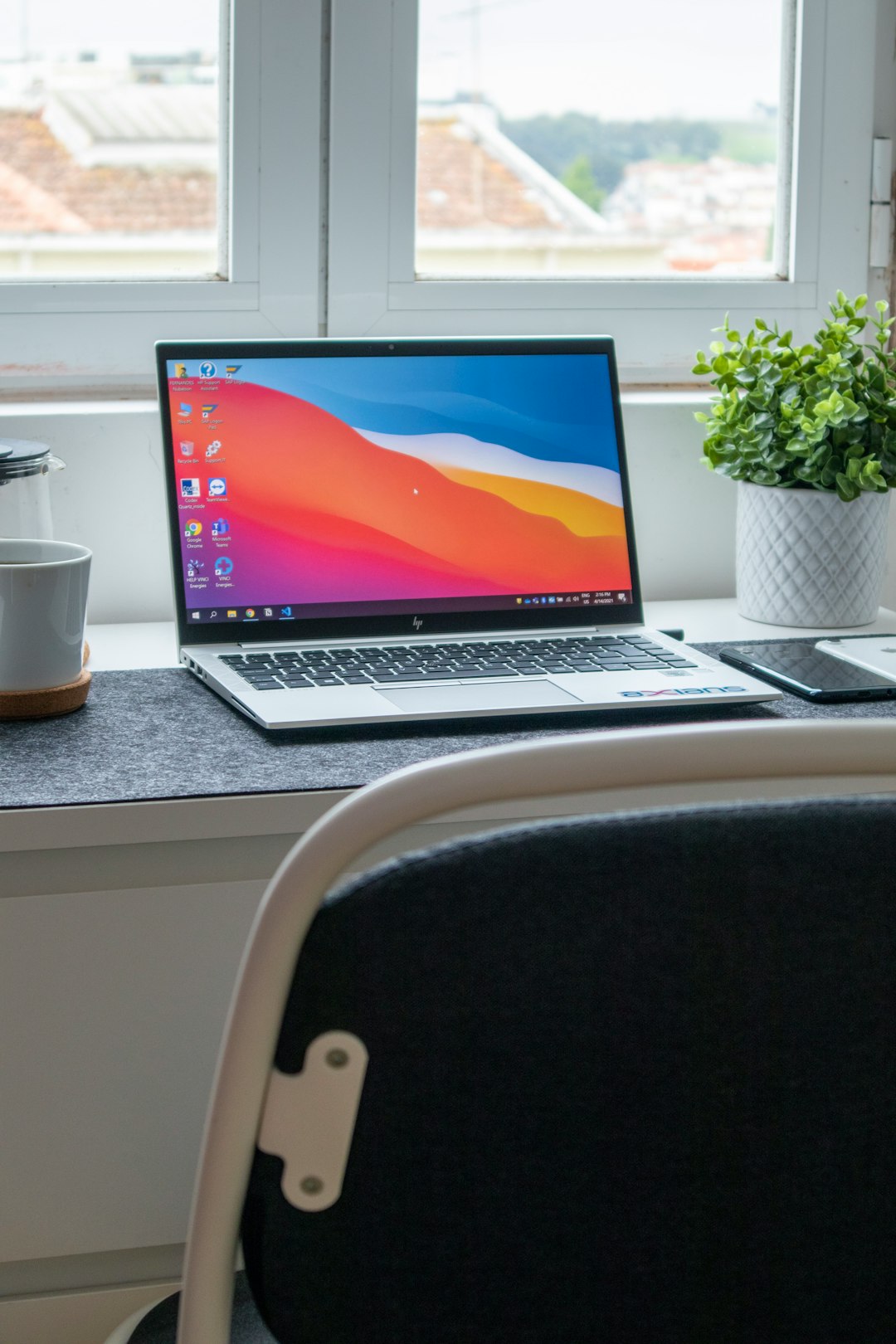
The most obvious difference between laptops and desktops is portability. A laptop’s built-in screen, keyboard, and battery allow users to carry it anywhere, making it ideal for remote workers, digital nomads, or employees transitioning between workspaces.
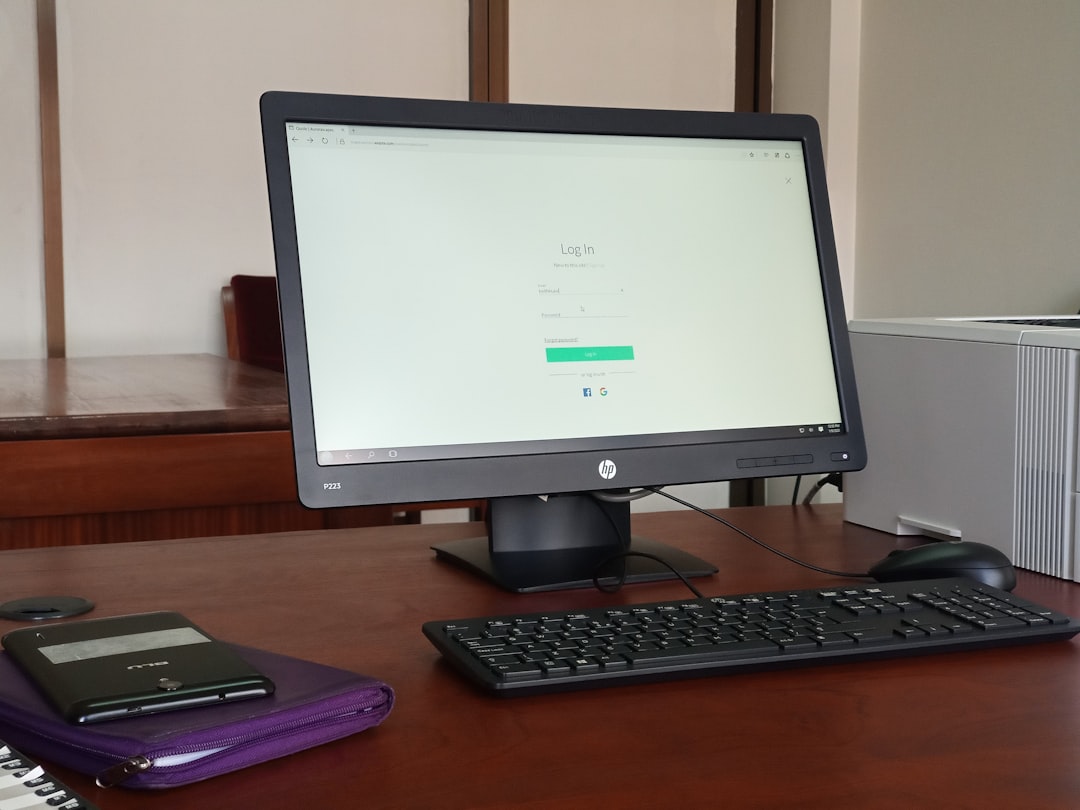
Desktops, by design, are stationary. While all-in-one models try to minimize clutter, the traditional setup with a monitor, CPU tower, keyboard, and mouse is not built for mobility. If work often requires meetings outside the office or collaboration in different locations, a laptop clearly earns the portability point.
2. Performance
In terms of raw power, desktops generally outperform laptops at similar price points. Due to fewer space constraints, desktops can house faster processors, better cooling systems, and more powerful graphics cards. This makes them the top choice for tasks such as:
- Video editing
- 3D modeling
- Data analysis and heavy computation
- Gaming and simulations
On the other hand, modern laptops are narrowing the performance gap with their increasingly efficient chipsets and dedicated GPUs. High-performance laptops are capable of handling demanding software, but keep in mind they generate more heat and tend to be louder and more expensive than desktops with similar specs.
3. Ergonomics & Comfort
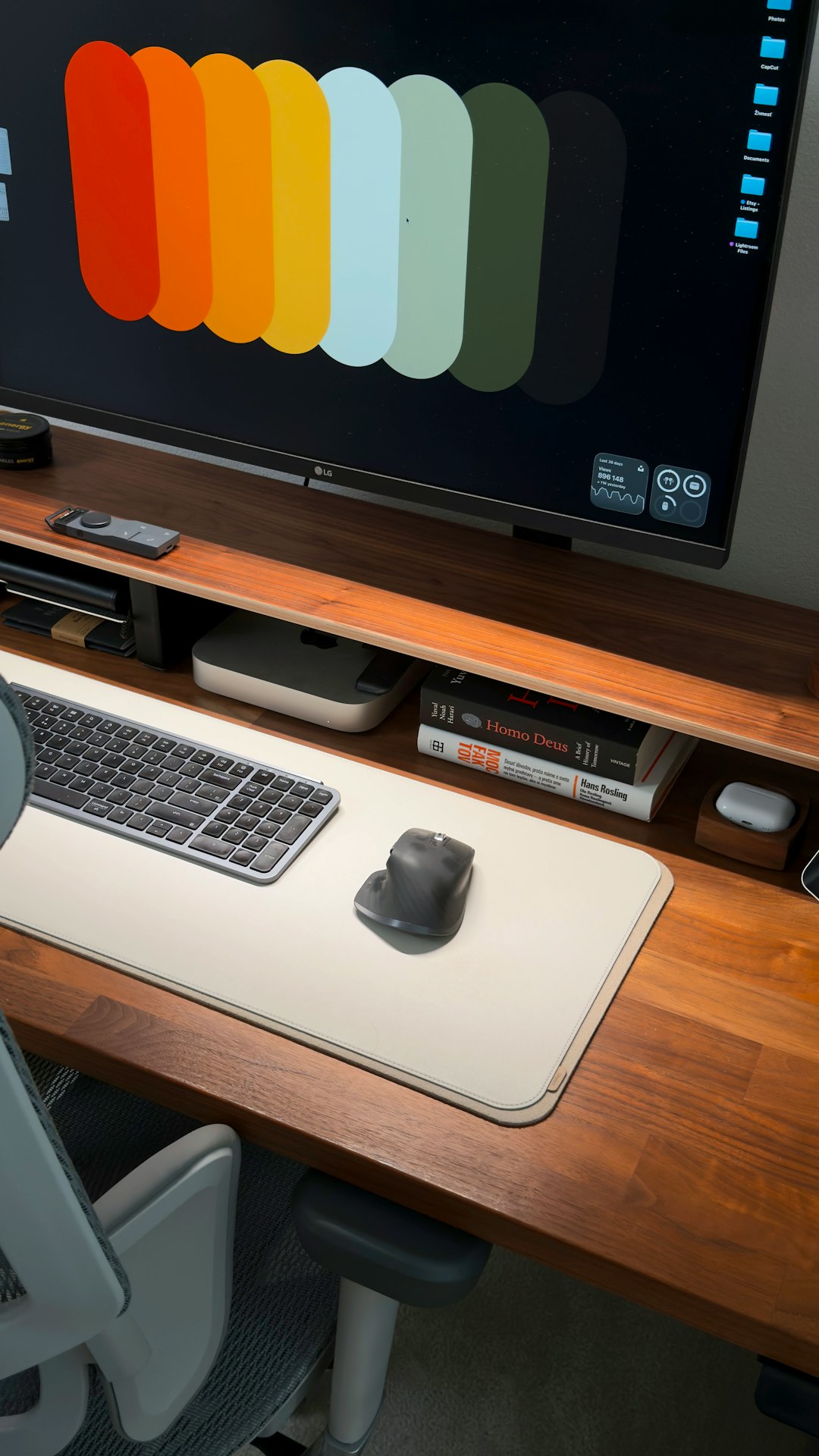
If you work long hours, ergonomics becomes essential. Desktops typically offer better ergonomics, since monitors, keyboards, and mice are all external components that can be adjusted for posture and comfort. An ergonomic setup can prevent long-term issues like back pain or carpal tunnel syndrome.
Laptops are compact but less ergonomic. The screen and keyboard are permanently connected, forcing a trade-off between screen height and arm position. However, docking stations, external monitors, and keyboards can be used to improve laptop ergonomics when at a fixed workstation.
4. Upgrade & Customization
One area where desktops shine is upgradability. It’s relatively easy to replace or upgrade components such as:
- RAM
- Hard drives or SSDs
- Graphics cards
- Cooling systems
Laptops, especially ultrabooks and thin models, are usually less modular. Some high-end laptops do allow limited upgrades, but these are rare and typically more complex or costly to perform. For professionals who like to keep their hardware future-proof, desktops are the better choice.
5. Space & Setup
Desktops need a dedicated workspace that accommodates the monitor, CPU, and peripherals. This can be a challenge in smaller homes or shared office spaces.
Laptops require significantly less space and can be easily packed away when not in use. For those with limited room or who need a minimalist setup, the convenience of a laptop is unmatched. Additionally, docking stations make it easy to switch between a mobile laptop and a full desktop experience.
6. Battery Life vs Power Supply
Laptops are designed to operate on batteries, giving users a few hours of uninterrupted work when away from an outlet. However, intensive programs will drain the battery quickly.
Desktops stay plugged in constantly, which means consistent power but also more reliance on a stable electrical setup. For users in areas with frequent power outages, a UPS (Uninterruptible Power Supply) might be necessary.
7. Cost Considerations
When comparing price and performance, desktops often provide more value. Because laptop components must be compact and energy-efficient, they generally cost more for equivalent power.
However, the situation is different when considering additional needs. Laptops include a keyboard, monitor, and webcam, whereas desktops require these to be purchased separately (unless buying an all-in-one).
When to Choose a Laptop
Opt for a laptop when:
- You frequently work in different locations or travel.
- Your job requires meetings, site visits, or client interactions out of the office.
- Space is limited and you need a compact setup.
- You value flexibility over customization.
When to Choose a Desktop
Choose a desktop when:
- You need maximum processing power and performance.
- Upgradability and modularity are important to extend hardware lifespan.
- You work full-time from a home or office stationary desk.
- You require large screen real estate and better ergonomics.
Hybrid Solutions
Some professionals use a combination of both—leveraging the power of a desktop for stationary work and the flexibility of a laptop for meetings and travel. Using cloud services, remote access apps, or shared storage solutions makes it easy to switch between devices without losing productivity.
Conclusion
Both laptops and desktops have their place in modern work environments. The right choice depends on individual job needs, location flexibility, and future expectations. There’s no one-size-fits-all answer, but by evaluating what matters most—whether that’s performance, portability, or comfort—each professional can arrive at the best setup to boost productivity and support long-term goals.
FAQ
- Q: Are desktops more powerful than laptops?
A: Generally, yes. Desktops offer more processing power, better cooling, and easier upgradability compared to laptops at the same price range. - Q: Can laptops be used ergonomically like desktops?
A: Yes, with accessories like external monitors, keyboards, and laptop stands, laptops can be made more ergonomic. - Q: Which lasts longer—a laptop or a desktop?
A: Desktops tend to have a longer lifespan due to less thermal stress and easier maintenance, while laptops are more prone to wear and tear from mobility. - Q: What should I choose for working from home?
A: If you have a dedicated workspace and don’t need mobility, a desktop offers better performance and ergonomics. If flexibility or shared spaces are a concern, a laptop might be more suitable. - Q: Can I upgrade my laptop like a desktop?
A: Most laptops have limited upgradability—typically RAM and storage—while desktops offer much wider options for future upgrades.