
Gaming on Linux is no longer a weird experiment. It is real. It is fun. And it is growing fast. One name you may have heard lately is Bazzite. It sounds cool. But can it actually handle your favorite games? Let’s break it down in simple terms.
TLDR: Yes, Bazzite can absolutely be used for gaming. It is built with gaming in mind and works especially well with Steam and Proton. Performance is close to Windows in many cases, and sometimes even better on certain hardware. If you want a console-like Linux gaming setup, Bazzite is a strong choice.
What Is Bazzite?
Bazzite is a Linux distribution. But not just any Linux distribution. It is based on Fedora and inspired by SteamOS. That is the same kind of system used on the Steam Deck.
In simple words, Bazzite is Linux tuned for gaming.
It comes with:
- Steam pre-installed
- Proton support ready to go
- Game mode optimizations
- Controller-friendly interface options
You do not need to wrestle with drivers for hours. Many things just work.
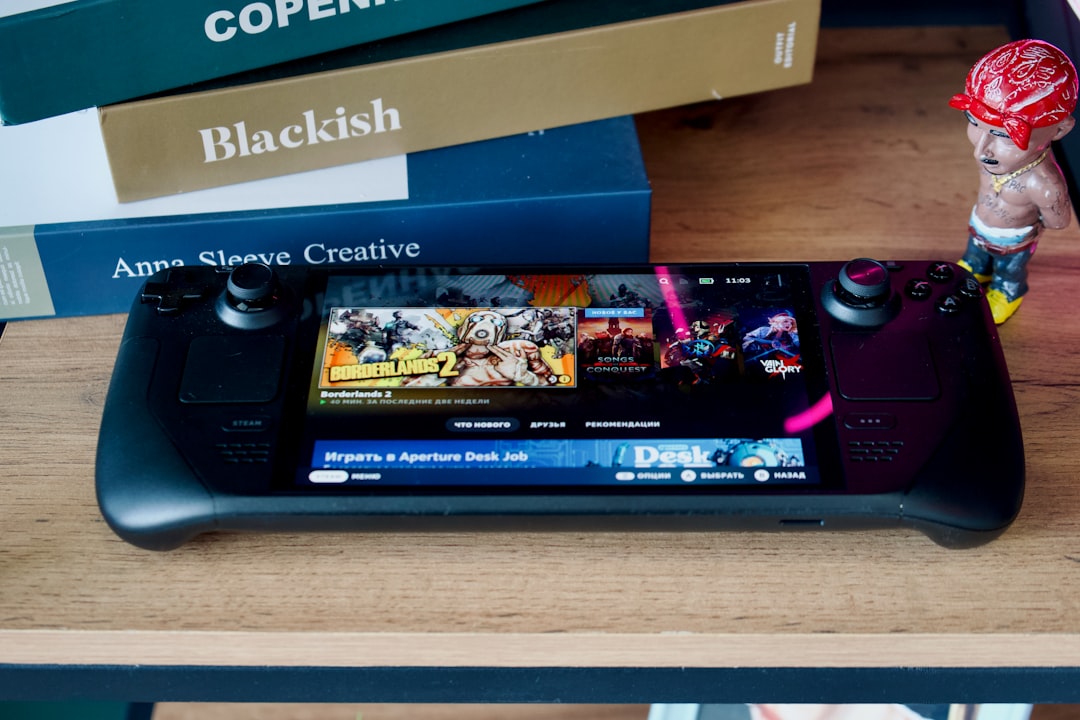
Is Bazzite Good for Gaming?
Short answer? Yes.
Long answer? It depends on what you want to play.
Most modern games run through Proton. Proton is a tool that allows Windows games to run on Linux. It is built by Valve. And it is very good now.
Thousands of games work perfectly. Many more are playable with minor tweaks.
But some games still struggle. Especially games with strict anti-cheat systems.
Performance Breakdown
Let’s talk about the thing that matters most. Frames per second.
Performance on Bazzite depends on three main things:
- Your hardware
- The game
- Driver support
1. GPU Performance
If you have an AMD graphics card, you are in luck. AMD works extremely well with Linux. Drivers are open-source. They are built directly into the kernel. That means smooth performance.
NVIDIA also works. But it can require a bit more setup. Bazzite helps by including NVIDIA driver support in its images. That makes life easier.
In many benchmarks, gaming on Bazzite performs within 5–10% of Windows. Sometimes it matches Windows. Sometimes it is slightly behind.
Older DirectX 11 games often run beautifully. Some DirectX 12 games may lose a few frames. But the difference is often small.
2. CPU Performance
CPU performance is usually excellent.
Linux is lightweight. It does not run as many background services as Windows. That can free up system resources.
In CPU-heavy games like strategy titles or simulation games, performance can be very competitive.
3. Storage and Load Times
If you use an SSD, load times are very fast. NVMe drives perform great.
Linux file systems are efficient. In some cases, load times are slightly faster than Windows.
Not magic-level faster. But still impressive.
Steam on Bazzite
Steam is the heart of PC gaming. And Bazzite treats Steam like royalty.
It supports:
- Steam Big Picture Mode
- Steam Deck-like interface
- Proton Experimental
- Community compatibility ratings
You can even make your PC feel like a console. Turn it on. Grab a controller. Launch directly into Steam’s gaming interface.

This makes Bazzite great for:
- Living room PCs
- Mini gaming systems
- Handheld PC setups
- Console-style builds
What About Non-Steam Games?
Good question.
You are not locked into Steam.
You can use:
- Lutris
- Heroic Games Launcher (for Epic Games and GOG)
- Bottles
These tools help run games from other platforms. Many Epic and GOG games work well. Some need tweaks. But the tools are improving fast.
Game Pass is trickier. Native installation is not supported. Cloud streaming works fine, though.
Anti-Cheat: The Tricky Part
This is the biggest warning area.
Some multiplayer games use strict anti-cheat systems. Examples include certain versions of:
- Call of Duty
- Fortnite
- Destiny 2
If the developer does not enable Linux support for anti-cheat, the game will not run.
However, many big titles now support it. Games like Apex Legends and Elden Ring work great.
The trend is improving every year.
Stability and Updates
Bazzite uses an immutable system design. That sounds complicated. It is not.
It means the core system files are locked. You do not accidentally break them.
Updates are atomic. You either update fully. Or not at all. If something fails, you can roll back.
This makes it very stable.
For gamers, this is awesome. You want to play. Not fix your system.
Controller Support
Controllers work very well on Bazzite.
Support includes:
- Xbox controllers
- PlayStation controllers
- Generic USB controllers
- Bluetooth controllers
Steam handles most mapping automatically.
You plug it in. It works.

Is It Beginner Friendly?
Yes. And no.
If you install the gaming-focused version and stick mostly to Steam, it feels very easy.
If you like tweaking settings and experimenting, you will enjoy it even more.
But if you expect every Windows game to work perfectly without checking compatibility, you may get frustrated.
Linux gaming is mature. But it is not magic.
How Does It Compare to Windows?
Let’s keep it simple.
Windows advantages:
- Universal compatibility
- Better anti-cheat coverage
- No need for Proton layers
Bazzite advantages:
- Lower background resource usage
- No forced updates during gaming
- No ads in the start menu
- More control and privacy
- Console-like experience options
The performance gap today is much smaller than it was five years ago.
For many players, it is tiny.
Best Use Cases for Bazzite
Bazzite shines in certain scenarios.
It is perfect if:
- You mainly use Steam
- You like AMD GPUs
- You want a Steam Deck-like setup on desktop
- You enjoy Linux customization
- You want a stable gaming OS
It may not be perfect if:
- You play competitive anti-cheat heavy games daily
- You rely on specific Windows-only launchers
- You need certain mod managers that break under Proton
Real-World Expectations
Let’s be realistic.
On modern hardware like:
- Ryzen 5 or better
- 16GB RAM
- RX 6600 or RTX 3060 or above
You can expect:
- Smooth 1080p gaming at high settings
- Solid 60+ FPS in most titles
- Very playable 1440p depending on the game
Esports titles like CS2, Dota 2, and Rocket League run very well.
AAA titles like Cyberpunk 2077 and Baldur’s Gate 3 are highly playable with proper settings.
You may lose a handful of frames compared to Windows. But you may not even notice.
So, Can Bazzite Be Used for Gaming?
Yes. Absolutely.
Not as a science experiment. Not as a backup system.
But as your main gaming OS.
It delivers strong performance. It feels clean. It avoids Windows clutter. And it keeps getting better.
For casual gamers, it is more than enough.
For enthusiasts who love tweaking, it is exciting.
For hardcore competitive players tied to specific anti-cheat titles, Windows might still be safer.
But the gap is shrinking every year.
Final Thoughts
Bazzite proves something important.
Linux gaming is no longer “almost ready.”
It is here.
It is playable. It is stable. And it is fun.
If you are curious, try it. Install it on a spare drive. Test your favorite games. See how it feels.
You might be surprised.
Because yes. Bazzite can be used for gaming.
And for many people, it works beautifully.