As artificial intelligence continues to redefine digital creativity, designers are no longer limited to traditional software tools. While Adobe Firefly has emerged as a strong contender in AI-assisted graphic design, it is far from the only option available. A growing number of platforms now offer intelligent image generation, smart editing tools, layout assistance, and branding capabilities that rival or even surpass Firefly in certain areas. Exploring these alternatives allows designers, marketers, and businesses to find the right balance between automation and creative control.
TLDR: Adobe Firefly is powerful, but several AI-driven graphic design platforms provide compelling alternatives. Tools like Canva Magic Studio, Midjourney, DALL·E, Designs.ai, VistaCreate, and Fotor offer unique strengths in image generation, branding, and workflow automation. The best option depends on whether users prioritize advanced art creation, marketing templates, team collaboration, or ease of use. Comparing features side by side helps determine the ideal fit for specific creative needs.
Below are six Adobe Firefly graphic design alternatives with robust AI features, each offering distinctive capabilities for modern design workflows.
1. Canva Magic Studio
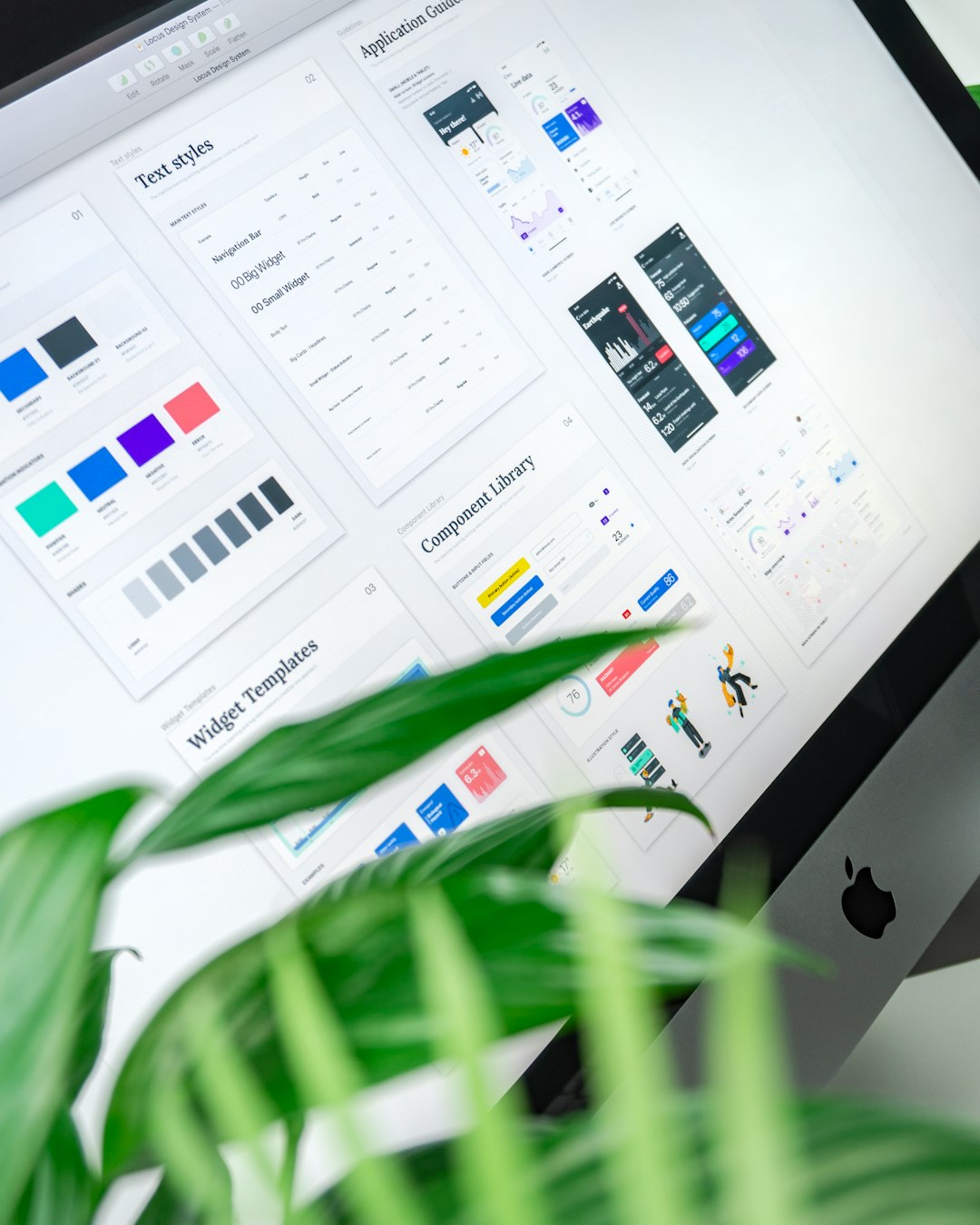
Canva Magic Studio has transformed Canva from a simple drag-and-drop editor into a comprehensive AI-powered design ecosystem. It combines user-friendly templates with intelligent design suggestions, automatic resizing, and AI-generated images and text.
Notable AI Features:
- Text-to-Image Generator for custom visuals
- Magic Design for instant layout suggestions
- Background Remover with one-click precision
- Magic Eraser for object removal
- Brand Kit Automation for consistent branding
Unlike Firefly, which integrates heavily within Adobe’s ecosystem, Canva focuses on accessibility and speed. It is particularly valuable for marketers, small businesses, and social media managers who need quick, professional outputs without advanced technical knowledge.
Best for: Social media graphics, marketing materials, presentations, and teams seeking collaboration features.
2. Midjourney
Midjourney stands out as one of the most powerful AI image generation platforms available. Operating primarily through Discord, it is known for creating highly artistic, visually detailed, and stylized imagery.
Notable AI Features:
- Highly detailed AI art generation
- Advanced prompt interpretation
- Stylized artistic rendering
- Upscaling and variation controls
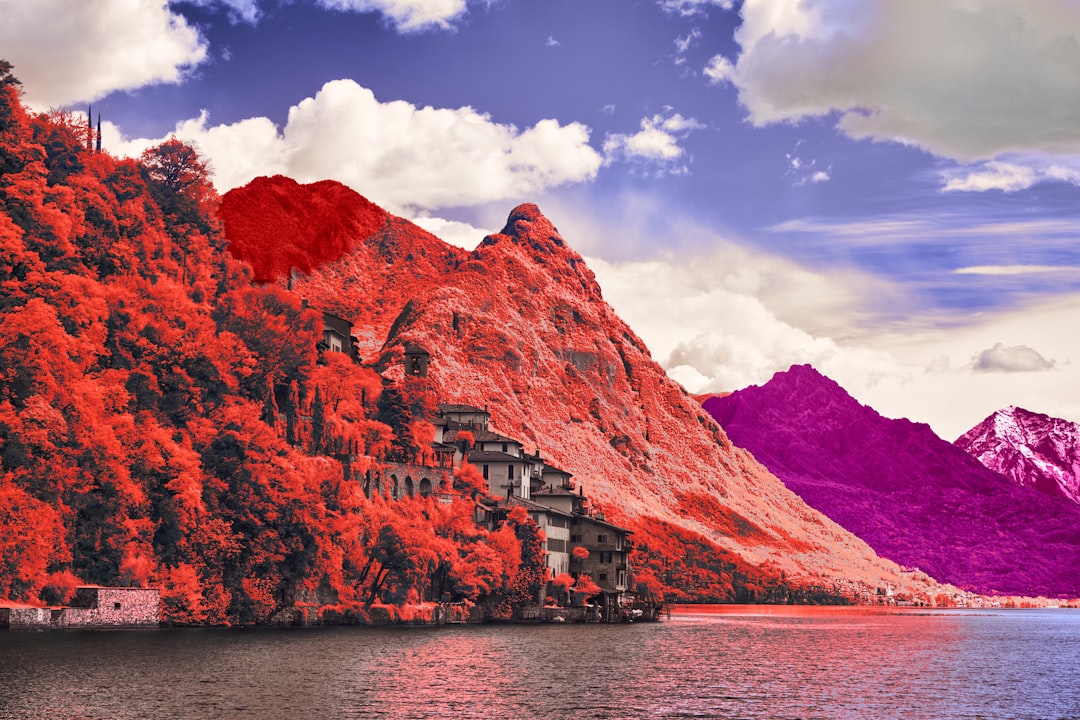
While Firefly emphasizes commercially safe and brand-friendly assets, Midjourney excels in artistic depth. Designers looking to create illustrations, concept art, or experimental visuals may find Midjourney more creatively flexible.
Best for: Concept artists, illustrators, and designers who prioritize artistic expression over template-based design.
3. DALL·E
Developed by OpenAI, DALL·E offers powerful text-to-image generation paired with editing capabilities such as inpainting and outpainting. Its strength lies in realistic image generation and contextual understanding.
Notable AI Features:
- Text-to-image generation
- Image editing with inpainting
- Style adaptation
- Context-aware object integration
DALL·E competes directly with Firefly’s generative features. However, it offers broader integration across platforms and apps via API access. Designers who need custom solutions or software integrations may find DALL·E more adaptable.
Best for: Creative professionals seeking flexible API integration and realistic AI visuals.
4. Designs.ai
Designs.ai is a comprehensive AI-powered creative suite focused on branding and marketing automation. It allows users to generate logos, videos, voiceovers, and graphic content within a single dashboard.
Notable AI Features:
- AI logo creator
- Automated brand kit generation
- Video maker tool
- AI copywriting assistant
Unlike Firefly, which primarily enhances design workflows inside Adobe tools, Designs.ai aims to automate the entire branding process. It is well-suited for startups needing rapid brand identity development without hiring a large creative team.
Best for: Entrepreneurs, startups, and rapid brand development projects.
5. VistaCreate
VistaCreate (formerly Crello) combines easy-to-use templates with AI-powered background removal and animation features. It emphasizes ready-made assets for marketing and digital campaigns.
Notable AI Features:
- One-click background remover
- Template-based automation
- Animated design creation
- Social media-ready formats
Although not as advanced in pure AI art generation as Firefly, VistaCreate excels in speed and accessibility. Users can produce polished campaign materials with minimal editing time.
Best for: Small businesses and digital marketers managing frequent promotional campaigns.
6. Fotor AI
Fotor AI blends photo editing tools with generative AI capabilities. It includes portrait enhancement, background replacement, and AI art transformations.
Notable AI Features:
- AI photo enhancement
- Portrait retouching
- AI art filters
- Background replacement tools
Compared to Firefly, Fotor places stronger emphasis on photo editing and enhancement rather than full-scale design composition. It is ideal for photographers and e-commerce businesses needing quick visual improvements.
Best for: Photographers, online sellers, and content creators focused on image retouching.
Comparison Chart: Adobe Firefly Alternatives
| Tool | Primary Strength | AI Image Generation | Branding Tools | Best For |
|---|---|---|---|---|
| Canva Magic Studio | Ease of use & templates | Yes | Yes | Marketing teams |
| Midjourney | Artistic detail | Advanced | No | Illustrators |
| DALL·E | Realistic visuals & API | Advanced | Limited | Developers & designers |
| Designs.ai | Brand automation | Moderate | Strong | Startups |
| VistaCreate | Quick marketing assets | Basic | Moderate | Small businesses |
| Fotor AI | Photo enhancement | Moderate | Limited | Photographers |
How to Choose the Right Alternative
Selecting the right Adobe Firefly alternative depends largely on creative goals and workflow needs. Users should consider:
- Creative Depth: Is high-level artistic rendering required?
- Automation Level: Should AI automate branding and layout tasks?
- Collaboration Needs: Are team workflows important?
- Ease of Use: Is beginner-friendliness a priority?
- Integration: Does the tool need to connect with other platforms?
For instance, artists experimenting with imaginative concepts may gravitate toward Midjourney, while marketing teams might find Canva or VistaCreate more efficient. Developers building AI-powered design applications may prefer DALL·E for its API flexibility.
Ultimately, the expanding AI landscape means designers are no longer tied to a single ecosystem. Flexibility, cost considerations, and specific creative objectives all play a defining role in choosing the ideal solution.
Frequently Asked Questions (FAQ)
1. Are these tools better than Adobe Firefly?
Not necessarily better, but different. Each platform has strengths that may outperform Firefly in specific use cases, such as artistic rendering, marketing automation, or branding workflows.
2. Which alternative is best for beginners?
Canva Magic Studio and VistaCreate are typically the most beginner-friendly options due to intuitive interfaces and ready-made templates.
3. Which tool creates the most realistic AI images?
DALL·E and Midjourney are known for producing highly detailed and realistic or stylized images, depending on user prompts.
4. Are these AI design tools safe for commercial use?
Many tools offer commercial licenses, but terms vary by platform. Users should always review specific licensing agreements to ensure compliance.
5. Do these alternatives replace professional designers?
No. While AI tools significantly speed up workflows and automate repetitive tasks, human creativity, strategic thinking, and brand storytelling remain irreplaceable.
6. Can these tools be used together?
Yes. Many designers combine multiple AI platforms—for example, generating artwork in Midjourney and refining layouts in Canva—to maximize creative potential.
As AI continues evolving, the graphic design landscape will only become more dynamic. By understanding the capabilities of these six Adobe Firefly alternatives, creative professionals can select tools that align with their workflow, enhance productivity, and unlock new levels of innovation.