
Video splitting sounds simple. You cut one clip into smaller clips. Done, right? Not quite. Good video splitter software also helps you trim, rearrange, color, fix audio, add titles, and export without making your laptop sound like a jet engine.
TLDR: If you want the most feature packed option like DaVinci Resolve, Adobe Premiere Pro wins. If you use a Mac, Final Cut Pro is fast, smooth, and very friendly. If you want free tools, Shotcut and HitFilm are great picks. If you need quick social clips, Clipchamp is the easiest of the bunch.
How This Ranking Works
DaVinci Resolve is a beast. A friendly beast, but still a beast. It can split clips, edit timelines, color grade, mix audio, add effects, and export professional videos.
So, for this list, each tool is ranked by its features. Not just how well it cuts a clip. That would be too easy. A toaster can almost do that now.
Here is what matters most:
- Splitting and trimming: Can it cut fast and clean?
- Timeline control: Can you move clips around with ease?
- Effects: Does it offer transitions, filters, and motion tools?
- Audio tools: Can you clean, mix, and adjust sound?
- Color tools: Can you make dull footage look tasty?
- Export options: Can you save videos in the formats you need?
- Ease of use: Will beginners survive the first hour?
Quick Feature Ranking
| Rank | Software | Best For | Feature Level |
|---|---|---|---|
| 1 | Adobe Premiere Pro | Pro editing and deep control | Very high |
| 2 | Final Cut Pro | Mac users and fast editing | Very high |
| 3 | HitFilm | Effects and YouTube videos | High |
| 4 | Shotcut | Free editing and simple splitting | Medium high |
| 5 | Clipchamp | Quick web based video cuts | Medium |
1. Adobe Premiere Pro
Adobe Premiere Pro is the fancy toolbox in the video world. It has almost everything. If DaVinci Resolve is a movie studio, Premiere Pro is the studio next door with lots of coffee and plug ins.
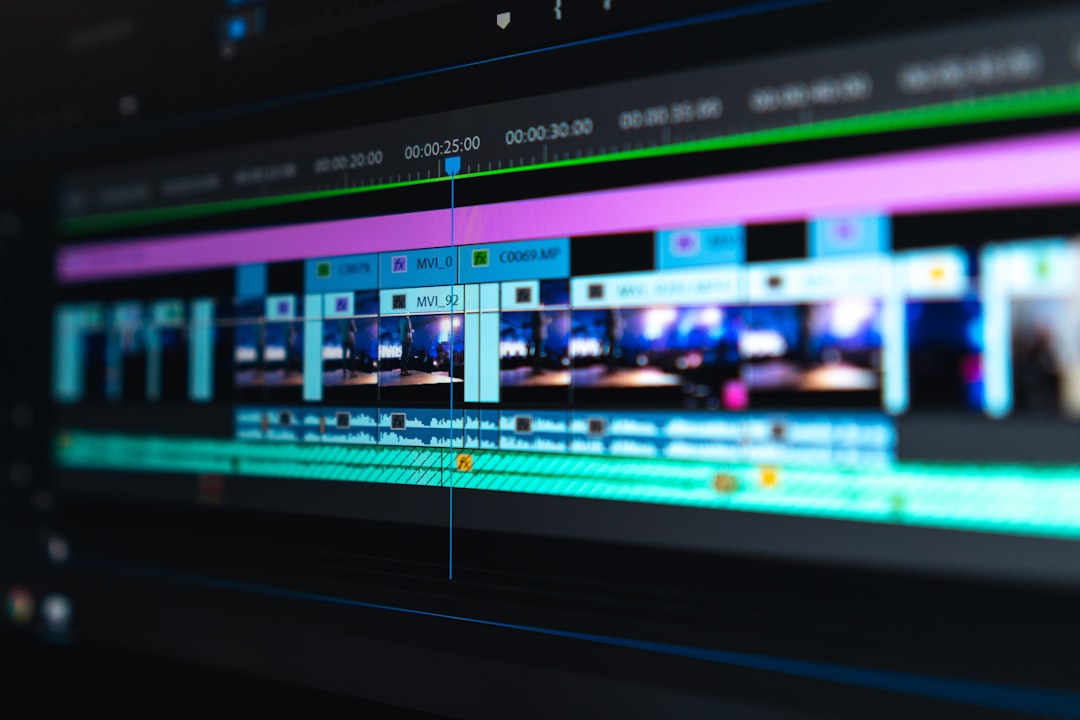
Splitting clips is easy. You can use the razor tool. You can also use keyboard shortcuts. That means you can slice a long video into tiny pieces very fast. Great for interviews. Great for podcasts. Great for removing that one awkward cough from your vlog.
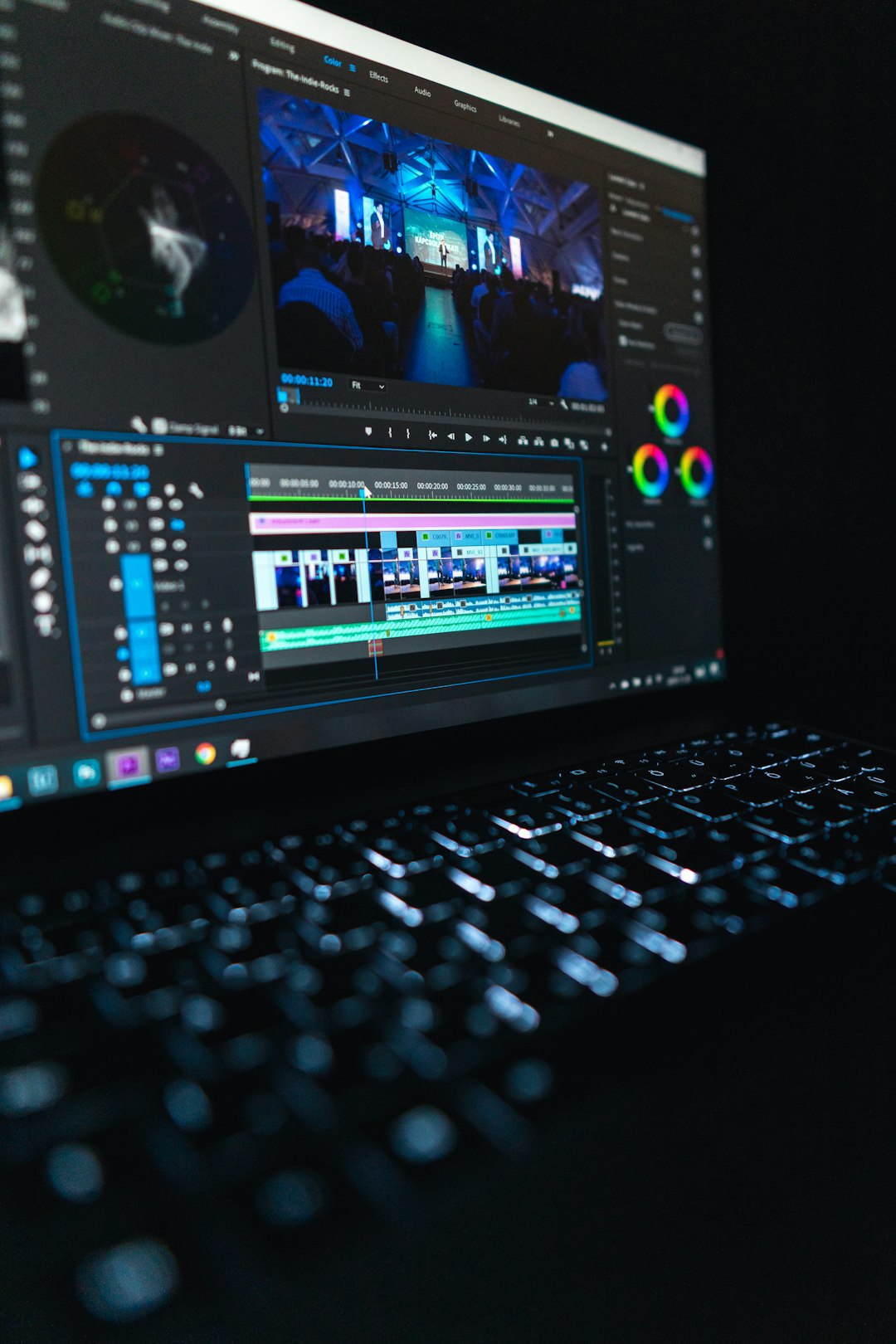
Premiere Pro has a strong timeline. You can stack video tracks. You can layer audio. You can add captions. You can move, trim, ripple delete, and sync clips without much drama.
Top features:
- Fast clip splitting with razor and shortcuts.
- Multi track editing for large projects.
- Great color tools through Lumetri Color.
- Strong audio tools and noise reduction.
- Excellent caption and subtitle features.
- Works well with After Effects, Photoshop, and Audition.
The downside? It can feel big. Very big. Like opening a spaceship dashboard when you only wanted to cut a birthday video. It is also subscription based. That may not be fun if you only edit twice a month.
Best for: creators, editors, agencies, YouTubers, and anyone who wants maximum control.
Feature score: 9.5 out of 10.
2. Final Cut Pro
Final Cut Pro is fast. Very fast. If you use a Mac, it feels like it was built by people who hate waiting. Because it was. The software is smooth, clean, and powerful.
Like DaVinci Resolve, Final Cut Pro can handle serious projects. It can split videos, trim clips, add effects, fix color, and manage audio. But it does things in its own way. Its magnetic timeline is the star of the show.
This timeline snaps clips together. It helps avoid empty gaps. It keeps your edit tidy. Some editors love it. Some editors yell at it for three days, then love it later.
Splitting clips is simple. You can use the blade tool. You can also use quick commands. It feels smooth. It is great for cutting long footage into sharp, clean clips.
Top features:
- Very fast performance on Mac computers.
- Easy clip splitting with the blade tool.
- Magnetic timeline for clean edits.
- Good color correction tools.
- Strong motion graphics support.
- Great export options for Apple devices and online platforms.
Final Cut Pro is not available for Windows. That is the big catch. If you are on a PC, sorry. This party is Mac only.
Best for: Mac users, content creators, wedding editors, and anyone who wants speed.
Feature score: 9 out of 10.
3. HitFilm
HitFilm is a fun pick. It is a video editor with a love for effects. If you want to split clips and then add explosions, lightning, glowing titles, or dramatic whoosh sounds, HitFilm is waving at you.
It is not as deep as DaVinci Resolve in color grading. It is also not as standard in pro studios as Premiere Pro. But it gives creators a lot to play with. It is especially good for YouTube style videos, gaming edits, short films, and social content.
Splitting clips is simple. You place the playhead. You slice the clip. You move on with your life. The timeline is clear enough for beginners. It also has enough features for people who want to grow.
Top features:
- Easy clip cutting and trimming.
- Good visual effects tools.
- Nice text and title options.
- Useful transitions and presets.
- Compositing tools for layered effects.
- Good choice for action, gaming, and creator videos.
HitFilm is best when you want editing plus effects. It is like getting scissors and a magic wand in one box. That said, some advanced tools may require paid plans or add ons, depending on the version.
The interface can feel busy at first. But it is not scary. It is more like a messy desk with cool gadgets on it.
Best for: YouTubers, gamers, short film makers, and effects fans.
Feature score: 8 out of 10.
4. Shotcut
Shotcut is free. It is open source. It works on Windows, Mac, and Linux. That already makes it a hero for many people.
Shotcut is not as shiny as DaVinci Resolve. It does not walk into the room wearing sunglasses. But it gets the job done. It splits videos. It trims clips. It supports many formats. It has filters. It has transitions. It has export settings that are surprisingly flexible.
For basic video splitting, Shotcut is very good. You can cut a long video into smaller parts. You can remove bad sections. You can add clips to the timeline. You can export the final result without paying a cent.
Top features:
- Free and open source.
- Works on Windows, Mac, and Linux.
- Supports many video and audio formats.
- Simple splitting and trimming tools.
- Useful filters for video and audio.
- No watermark on exports.
Shotcut has a learning curve. Not a mountain. More like a hill with a few rocks on it. Some menus are not as polished as paid tools. But once you learn the basics, it feels dependable.
It is a smart choice if you want a free video splitter with real editing power. It is also great if your budget is currently “please do not charge me.”
Best for: beginners on a budget, students, Linux users, and simple editing jobs.
Feature score: 7.5 out of 10.
5. Clipchamp
Clipchamp is the easiest option on this list. It runs in a browser and also works well with Windows. It is made for quick edits, fast social videos, and people who do not want to download a giant editing program.
Is it as powerful as DaVinci Resolve? No. Not even close. But that is the point. Sometimes you do not need a dragon. Sometimes you need a friendly pony that can trim a TikTok.
Clipchamp lets you split clips with a simple button. You drag your video to the timeline. You move the playhead. You click split. Boom. Tiny clip. You can delete parts, add music, insert text, and export.
Top features:
- Very easy clip splitting.
- Browser based editing.
- Templates for social media videos.
- Text, music, stock assets, and transitions.
- Good for quick projects.
- Simple export options.
Clipchamp is not ideal for huge projects. It is also not the best for advanced color work, complex sound mixing, or heavy effects. But for simple cutting, it is lovely. It keeps things light and friendly.
If Premiere Pro is a full kitchen, Clipchamp is a sandwich maker. And sometimes, a sandwich is exactly what you need.
Best for: beginners, small business videos, school projects, and fast social clips.
Feature score: 6.5 out of 10.
Which One Should You Choose?
Pick based on your goal. Not based on what sounds the most impressive. A huge editing program is not always better. If you only need to split a 10 minute video into three clips, you do not need the software version of a rocket launch.
Here is the simple guide:
- Choose Adobe Premiere Pro if you want pro level tools and deep control.
- Choose Final Cut Pro if you use a Mac and want speed.
- Choose HitFilm if you like effects, action, and YouTube style edits.
- Choose Shotcut if you want free software with solid features.
- Choose Clipchamp if you want fast, simple, browser based editing.
Best Overall Feature Winner
Adobe Premiere Pro takes the top spot for features. It can split video very well, but it also does much more. It handles complex timelines, color, audio, captions, effects, and professional exports.
Still, Final Cut Pro is close behind. For Mac users, it may even feel better. It is quick, stable, and clean. It makes editing feel less like work and more like snapping building blocks together.
For free users, Shotcut is the best value. It may not be glamorous, but it is strong. It is the quiet friend who always brings snacks and never asks for money.
Final Thoughts
Video splitting is the first step in many edits. You cut away the boring parts. You keep the good parts. You shape the story. That tiny split tool has a lot of power.
If you want something like DaVinci Resolve, think about how much power you really need. Some people need a full studio. Some people need a quick cutter. Both are fine.
The best software is the one you will actually use. So try one. Split a clip. Move things around. Add a title. Make something fun. Then export it and show the world your masterpiece, even if it is just your cat falling off a chair in slow motion.