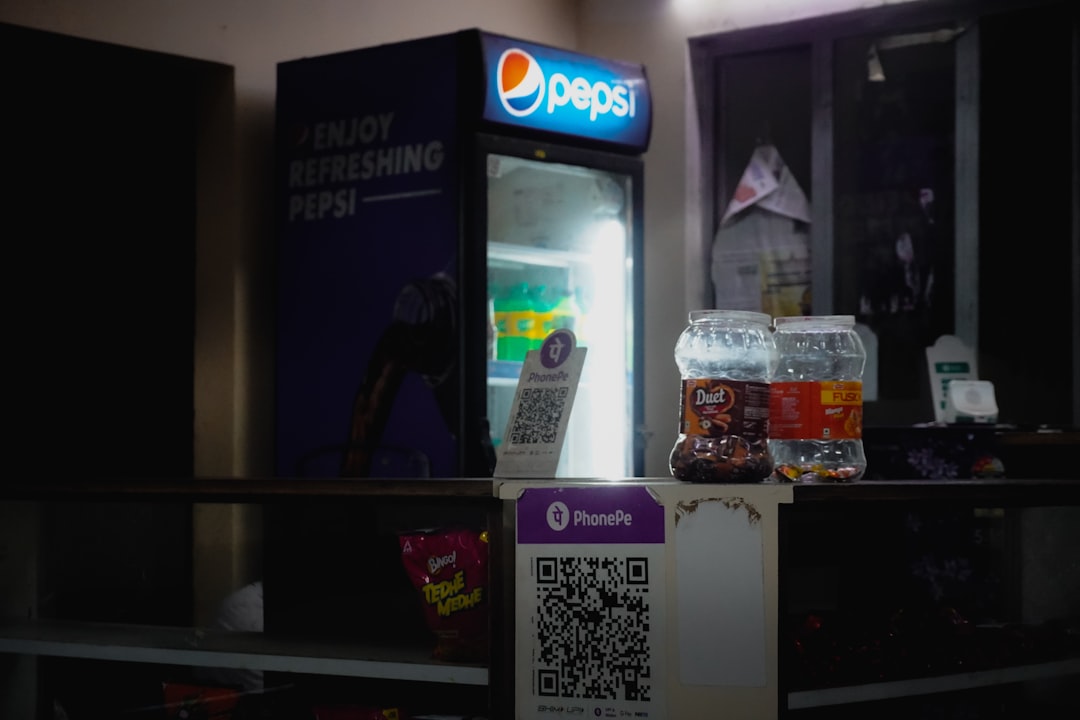
QR codes are everywhere. On menus. On posters. On product boxes. Even on business cards. They are small squares that open big doors. With one quick scan, customers can visit your website, download an app, pay a bill, or follow you on social media. Simple. Fast. Effective.
TLDR: QR codes are powerful tools for modern businesses. The right QR code generator helps you create branded, trackable, and editable codes in minutes. In this guide, we explore the 10 best QR code creation tools available today. You’ll also find a handy comparison chart to help you choose the perfect fit.
But not all QR code tools are equal. Some are basic. Others are packed with smart features like analytics, branding, and dynamic links. So let’s explore the best options for modern businesses.
What Makes a Great QR Code Tool?
Before we jump into the list, let’s look at what matters most.
- Dynamic QR codes – You can edit the link even after printing.
- Analytics – Track scans, locations, and devices.
- Customization – Add colors, logos, and brand style.
- Ease of use – No tech skills required.
- Download options – High-quality formats for print and digital use.
Now let’s dive in.
1. QR Code Generator (by Bitly)
This tool is powerful and professional. It’s built by Bitly, a trusted name in link management.
Why businesses love it:
- Dynamic QR codes
- Advanced analytics
- Brand customization
- Secure cloud platform
You can track performance in real time. You can also manage all your links in one dashboard. It’s perfect for marketing teams.
Best for: Medium to large businesses.
2. The QR Code Generator (by QR Code Studio)
This one is beginner-friendly. The platform is clean and easy to use.
- Create codes in seconds
- Add logos and frames
- Download in high resolution
It offers both static and dynamic codes. Great for small businesses starting out.
Best for: Startups and small businesses.
3. Beaconstac
Beaconstac is built for growth. It focuses on marketing and customer engagement.
- Custom landing pages
- Retargeting tools
- Deep analytics
- API integrations
You can even run A/B tests. That’s a big plus for marketers.
Best for: Marketing teams and agencies.
4. QR Tiger
QR Tiger is flexible and affordable. It offers many QR code types.
- URL, vCard, file, and WiFi codes
- Editable dynamic codes
- Scan tracking
- Password protection
The platform also supports bulk generation. That saves time.
Best for: Businesses running large campaigns.
5. Flowcode
Flowcode focuses on design. The codes look modern and clean.
- Beautiful customization
- Strong analytics
- Social media integrations
It’s popular with creators and lifestyle brands.
Best for: Personal brands and creative businesses.
6. Scanova
Scanova is highly professional. It’s designed for serious campaigns.
- Dynamic QR codes
- Detailed analytics
- Lead generation forms
- High security
You can also create event-specific QR codes. Very useful for conferences.
Best for: Enterprises and event organizers.
7. Visualead
Visualead does something different. It blends QR codes into images.
This makes the codes look artistic. They stand out.
- Image-based QR codes
- Strong branding options
- Good scanning reliability
It’s ideal if design is your priority.
Best for: Brands that want eye-catching visuals.
8. Shopify QR Code Generator
If you run an online store, this one is simple and free.
- Quick product links
- No extra software needed
- Direct integration with Shopify
It may lack advanced features. But it’s perfect for quick campaigns.
Best for: Ecommerce store owners.
9. GoQR.me
GoQR.me is basic but effective.
- Free static QR codes
- Instant creation
- No account required
It’s not packed with features. But it gets the job done.
Best for: Simple one-time use.
10. QR Stuff
QR Stuff has been around for years. It’s reliable.
- Wide range of data types
- Color customization
- Bulk download options
It supports everything from PayPal links to Google Maps locations.
Best for: Businesses needing variety.

Comparison Chart
| Tool | Dynamic Codes | Analytics | Customization | Best For |
|---|---|---|---|---|
| QR Code Generator (Bitly) | Yes | Advanced | Strong | Medium to large businesses |
| QR Code Generator (Studio) | Yes | Basic | Good | Small businesses |
| Beaconstac | Yes | Advanced | Strong | Marketing teams |
| QR Tiger | Yes | Good | Strong | Large campaigns |
| Flowcode | Yes | Good | Modern designs | Creative brands |
| Scanova | Yes | Advanced | Strong | Enterprises |
| Visualead | Yes | Moderate | Very high | Design-focused brands |
| Shopify QR | No | Limited | Basic | Ecommerce stores |
| GoQR.me | No | No | Basic | One-time use |
| QR Stuff | Yes | Good | Good | Variety needs |
How to Choose the Right Tool
Start with your goal.
Do you want to track marketing campaigns? Choose a tool with advanced analytics.
Printing thousands of flyers? Make sure you use dynamic QR codes.
Care about brand style? Pick a tool with strong design options.
Also think about budget. Many tools offer free plans. Paid plans unlock more power.
Tips for Using QR Codes Successfully
- Add a call to action. Tell users what they get.
- Test before printing. Always scan it yourself.
- Make it visible. Don’t hide it in a corner.
- Track results. Learn what works.
- Keep the landing page mobile friendly. Most scans happen on phones.
Small changes can boost scans dramatically.
Final Thoughts
QR codes are not just trendy. They are practical. They connect offline and online worlds in seconds.
The right tool makes everything easier. You can create. Customize. Track. Improve.
For simple needs, a free tool may be enough. For serious marketing, choose a platform with analytics and dynamic features.
In today’s fast-moving world, convenience wins. QR codes deliver that convenience. And with the tools above, your business can stay modern, smart, and connected.
Now the only question is: Which one will you try first?